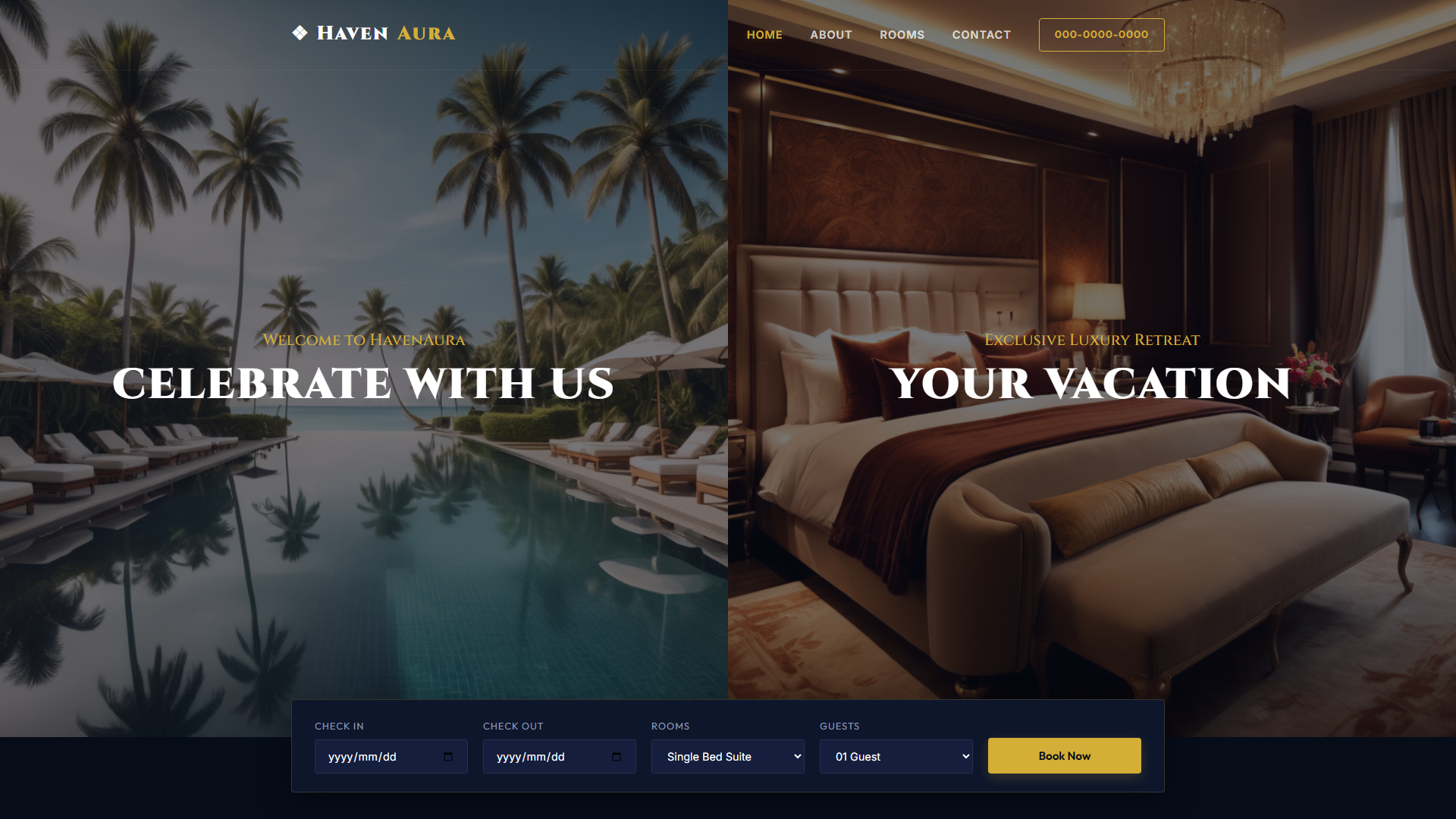
StayBari — Free Hotel & Hospitality Website Template
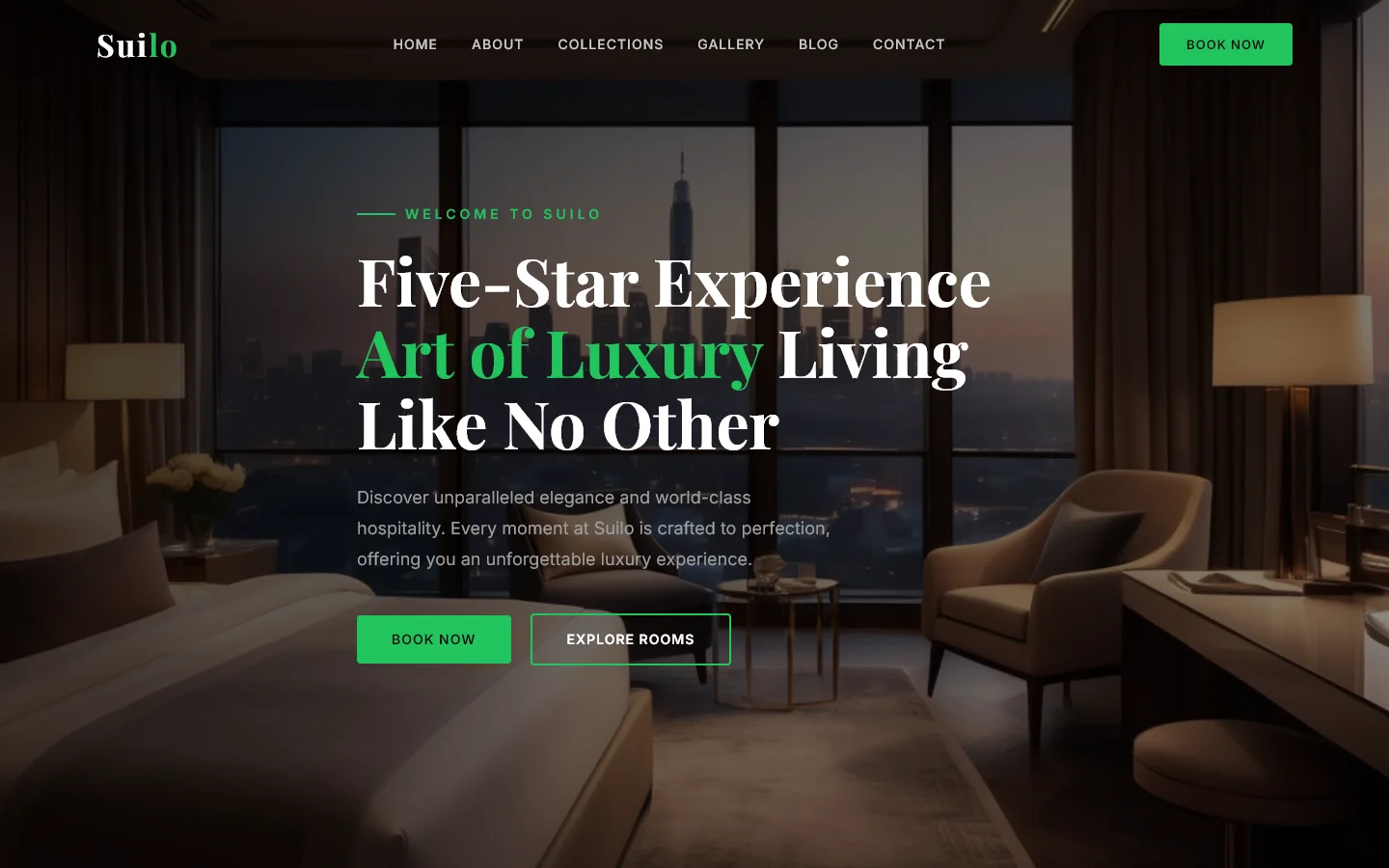
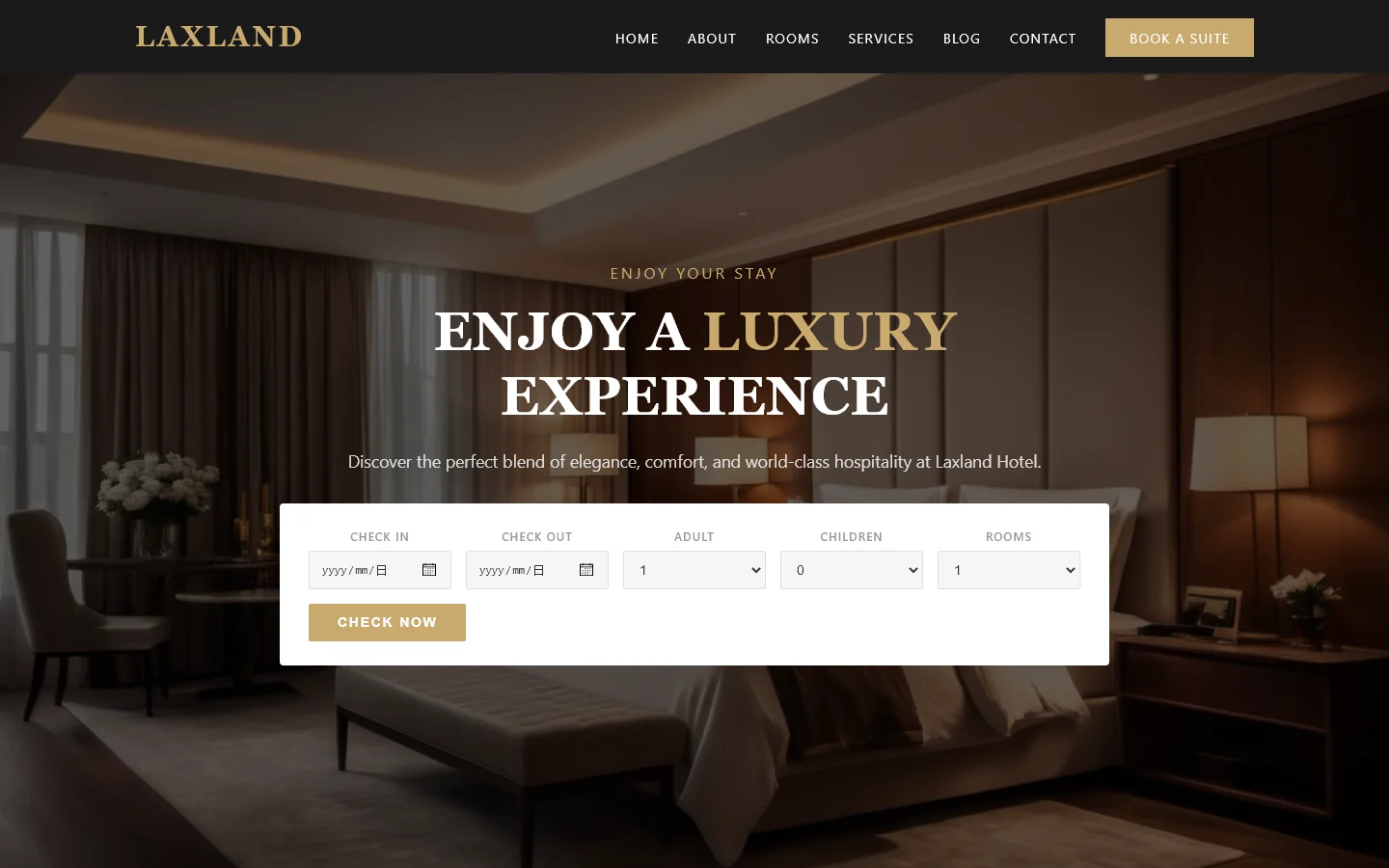
StayBari is a free HTML hotel template built with HTML5, Tailwind CSS, and JavaScript. It includes seven pages—index, rooms, dining, gallery, about, contact, and a branded stay page—plus eighteen local images and Google Fonts integration. The layout uses hand-written CSS alongside Tailwind utilities, with section headings that guide visitors through property highlights, accommodation options, dining, and guest insights. There are no form elements included, so the template focuses on presentation rather than booking capture. This structure makes it easy to adapt for small hotels, boutique stays, or resort websites that need a clean, fast foundation without heavy dependencies.
Key Features
- Luxury Accommodation Showcase
- Premium Amenities Grid
- Resort Experience Visuals
- Travel Booking Engine
| Tech Stack | HTML5, Tailwind CSS, JavaScript |
| Release Date | 2026-07-05 |
| License | Free (Must keep footer backlink) |
Suitable For & Use Cases
Freelance web designers building portfolios for boutique hotels, travel agencies, or resort owners; also ideal for digital marketers launching landing campaigns. Not suited for large-scale e-commerce hotels needing inventory management or complex user accounts.
Page Sections Included
StayBari covers index page with hero, about section, rooms and suites display, dining information, gallery with lightbox-ready markup, testimonials carousel, contact details, and a dedicated staybari landing page. Each page maintains consistent navigation and footer structure with Google Fonts integration for typography.
Why We Recommend
The template provides a lightweight, modular starting point for hospitality sites. With only hand-written CSS and minimal JavaScript, it avoids bloat while maintaining a clear visual hierarchy across rooms, dining, and gallery sections. Developers can quickly customize colors, images, and page content without managing complex build steps, making it practical for straightforward property showcases.
Technical Specifications
Built with HTML5, Tailwind CSS, and JavaScript. Requires Node.js and npm to install Tailwind v3.4 and configure PostCSS. Customize colors via tailwind.config.js and replace the eighteen local images in /assets/img/. No build step is needed for basic edits, and deployment can be handled through static hosting platforms like Vercel or Netlify.
Ideal Use Case
Ideal for small hotels, bed-and-breakfasts, or resort projects that require a static showcase site without online booking functionality. The preset pages for rooms, dining, and gallery let operators publish property details quickly, while the clean markup supports easy integration with third-party reservation systems or external contact forms.