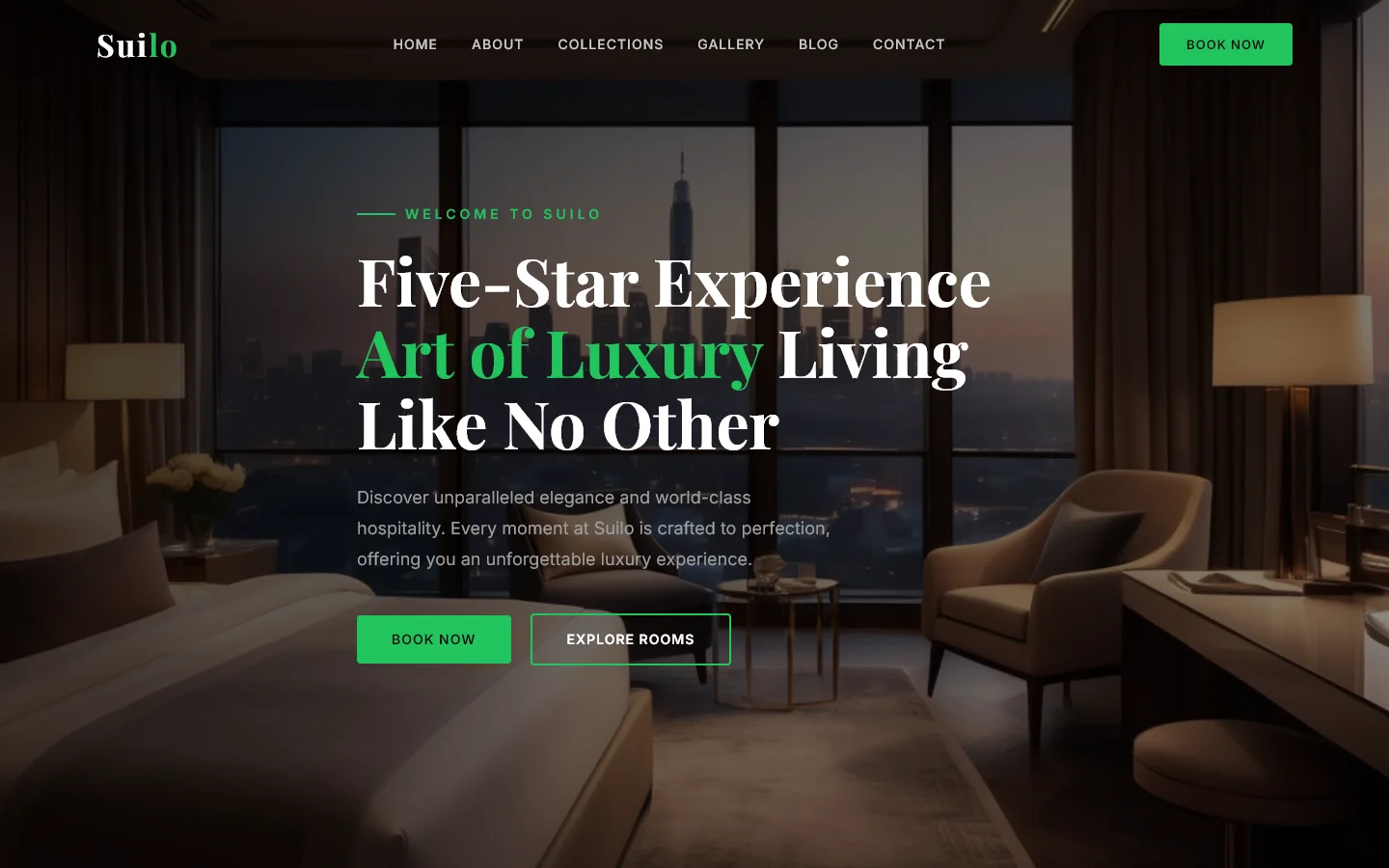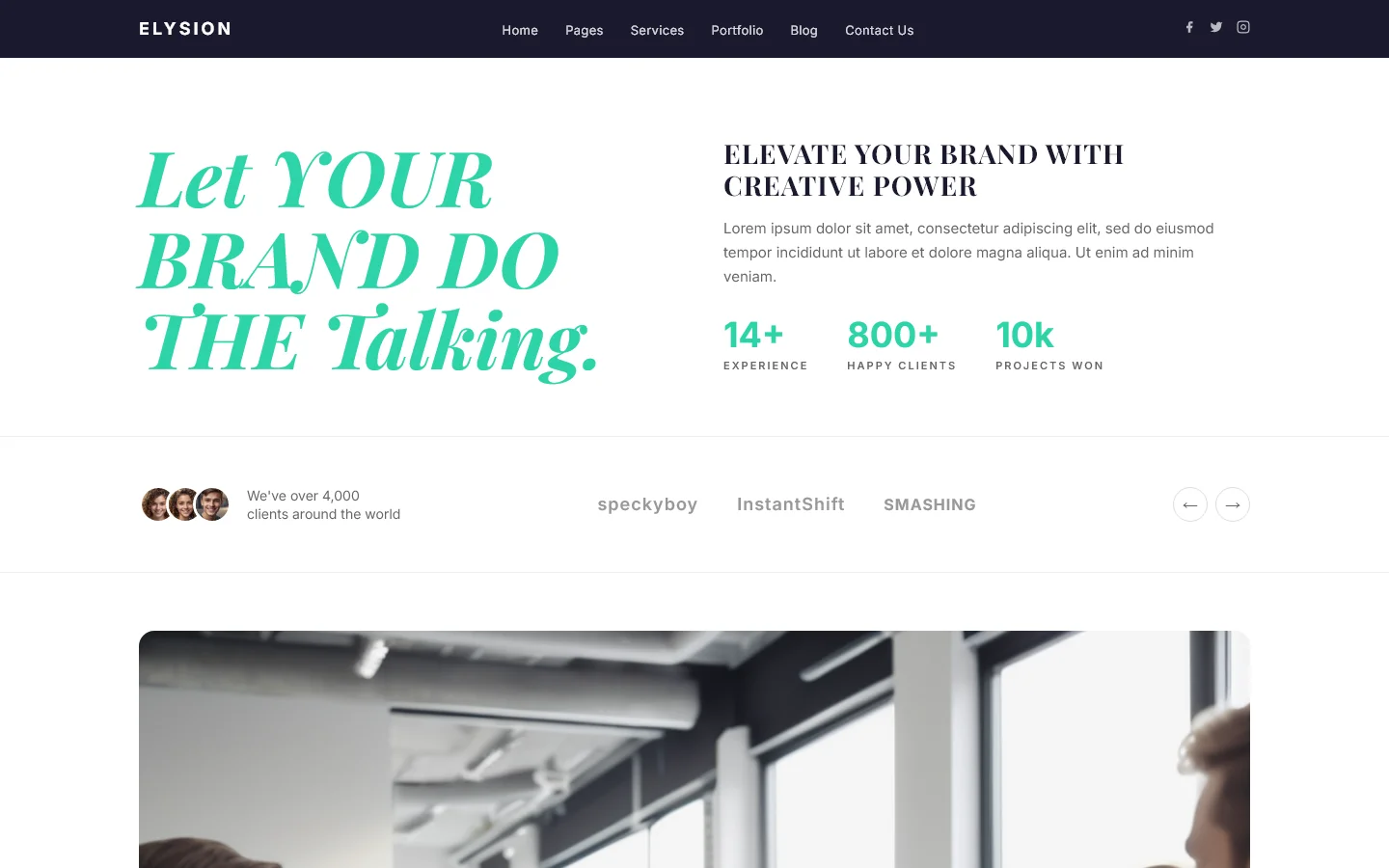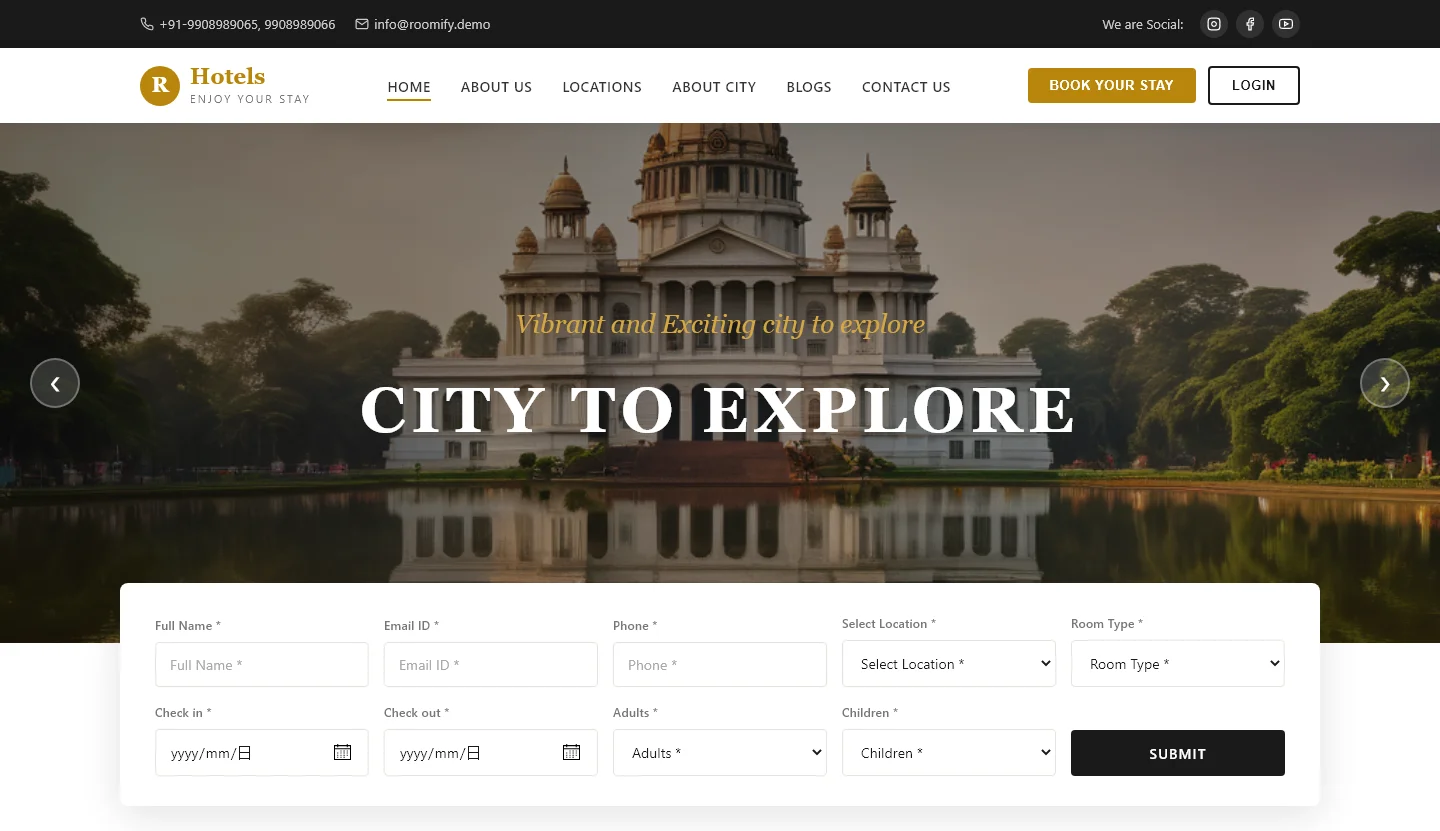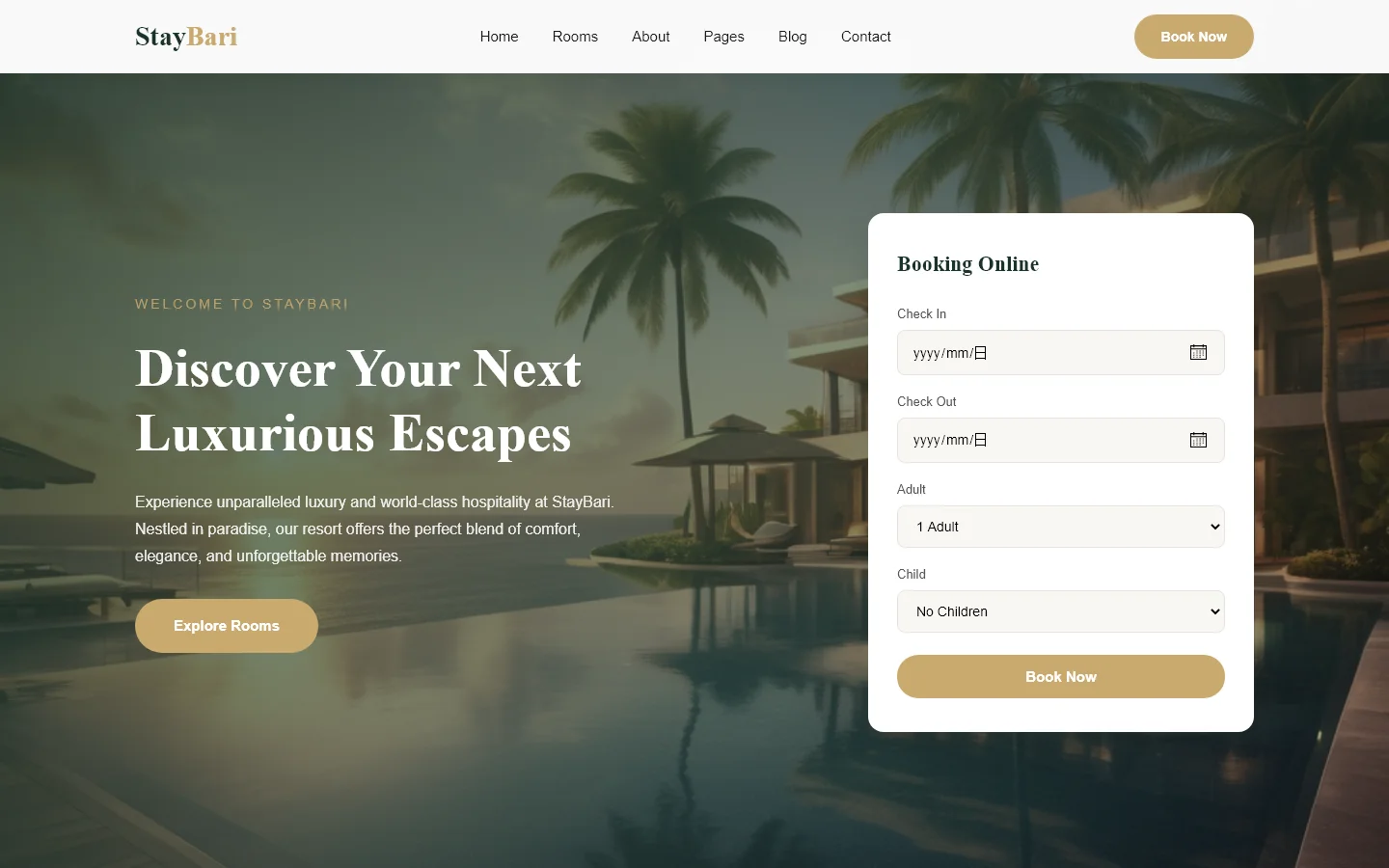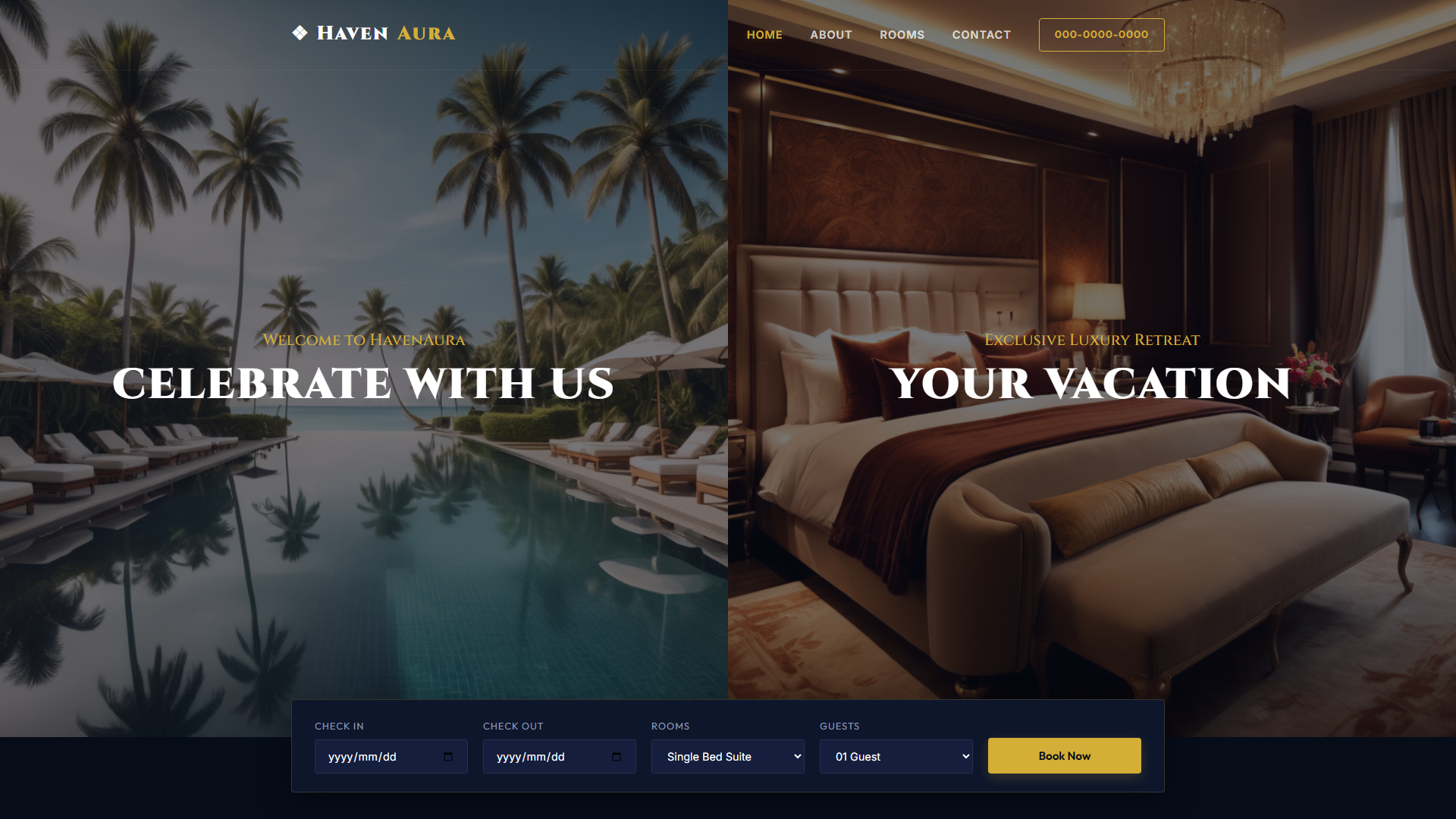
Elizium - Hotel & Luxury — Free Hotel & Hospitality Website Template
Elizium is a free HTML5 template designed for hotel and luxury hospitality websites. It includes seven core pages covering home, about, services, portfolio, blog, and contact sections. The build relies on Tailwind CSS with hand-written styles and lightweight JavaScript, keeping the package at 5.1 MB. The template structures key hospitality content from hero introductions through team presentations to recent work showcases. A built-in contact or newsletter form supports direct user inquiries. With 19 local images and a breakpoint-focused responsive layout, it offers a practical foundation for property sites. The codebase avoids heavy animation libraries, favoring straightforward markup and utility-first styling. It is suitable for developers seeking a clear, structured starting point for booking-focused web properties.
Key Features
- Mobile-First Booking Engine
- Parallax Image Scrolling
- Dark Mode Compatibility
- Schema Markup for Local SEO
| Tech Stack | HTML5, Tailwind CSS, JavaScript |
| Release Date | 2026-07-05 |
| License | Free (Must keep footer backlink) |
Suitable For & Use Cases
Small boutique hotel owners, independent resort managers, and luxury bed-and-breakfast operators targeting direct bookings. Ideal for businesses relying on mobile users during peak travel seasons or those with limited IT support. Not suited for large chain hotels requiring multi-language CMS integrations or complex inventory systems beyond basic reservation tracking.
Page Sections Included
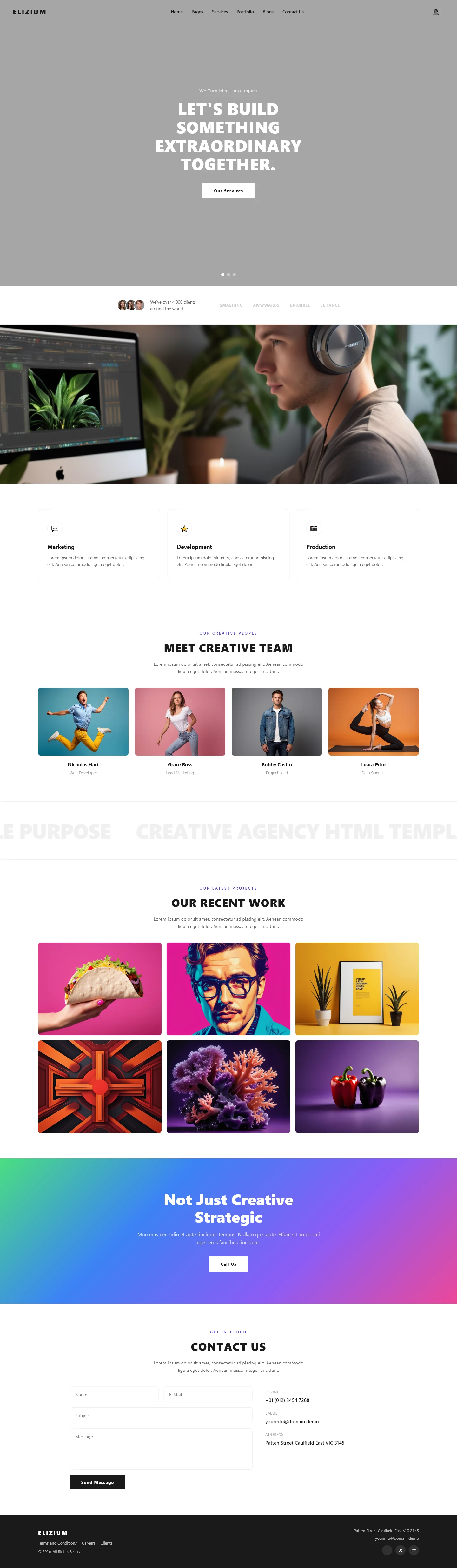
The homepage features a hero section titled Let's Build Something Extraordinary Together, a team introduction labeled Meet Creative Team, a project showcase under Our Recent Work, a strategic positioning section called Not Just Creative Strategic, and a Contact Us area. Additional template pages include about, services, portfolio, blog, and contact layouts, all built with hand-written CSS and modular component structure for easy customization.
Why We Recommend
I recommend Elizium because it delivers a clean, utility-driven foundation without forcing complex dependencies. The explicit HTML5 and Tailwind CSS stack makes customization predictable, and the included contact form covers essential guest inquiry flows. Its seven-page structure covers standard hospitality needs while remaining simple enough to adapt quickly. Developers appreciate the absence of heavy JS animation libraries, which reduces maintenance overhead and keeps the bundle size manageable for production deployments.
Technical Specifications
Built with HTML5, Tailwind CSS, and vanilla JavaScript. The 5.1 MB package includes seven HTML pages and 19 local images. No external animation libraries are required. Developers should customize Tailwind configuration for branding and adapt the included form for their backend. Responsive breakpoints handle mobile to desktop layouts.
Ideal Use Case
Boutique hotels and luxury guesthouses can deploy this template to present room showcases, amenity lists, and contact forms without custom development. Regional resorts may use the blog and portfolio pages to highlight local experiences and property galleries. Small hospitality teams can replace generic builders with a static, version-controlled codebase that integrates easily into existing deployment pipelines while maintaining a professional, responsive interface.