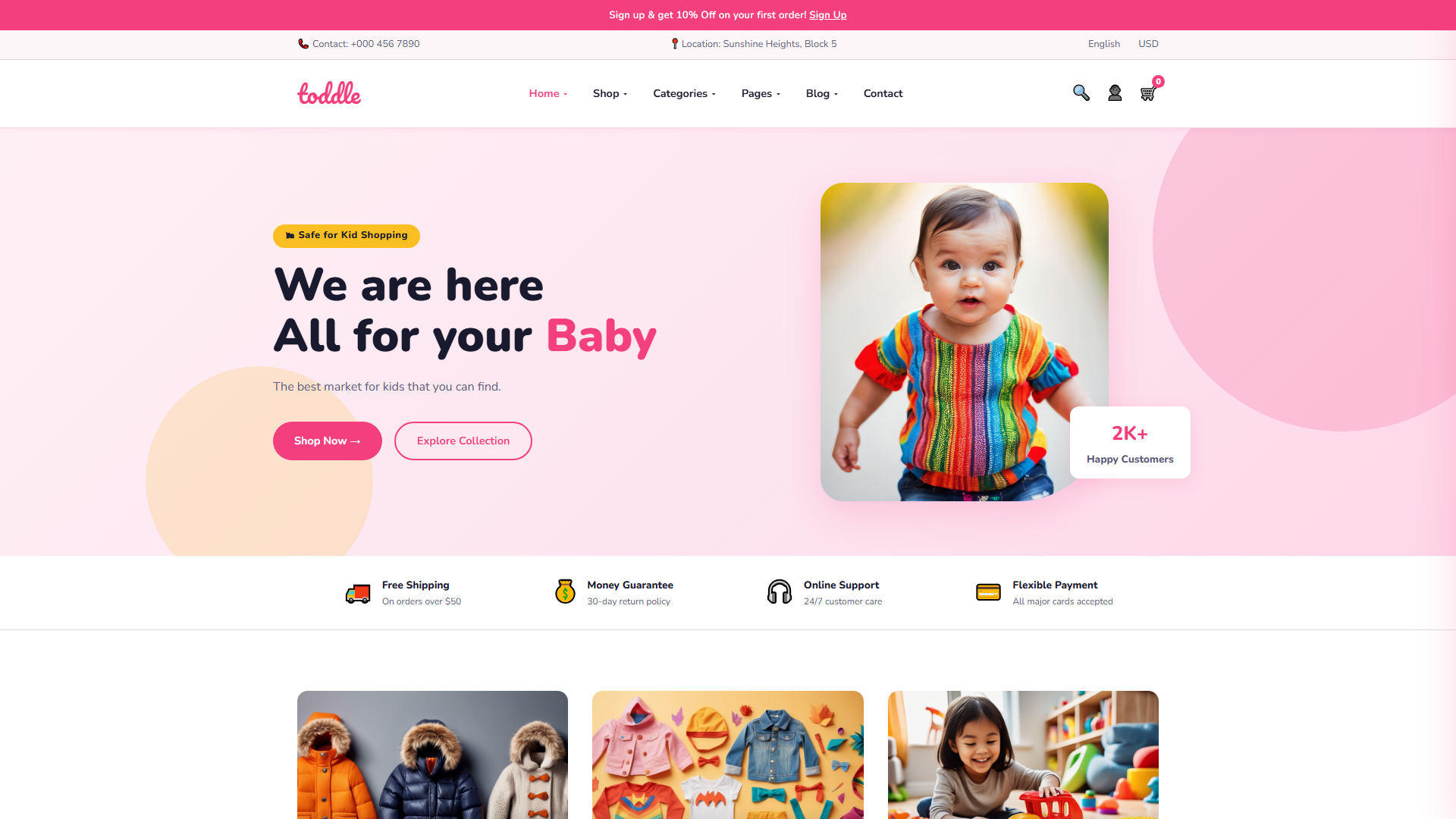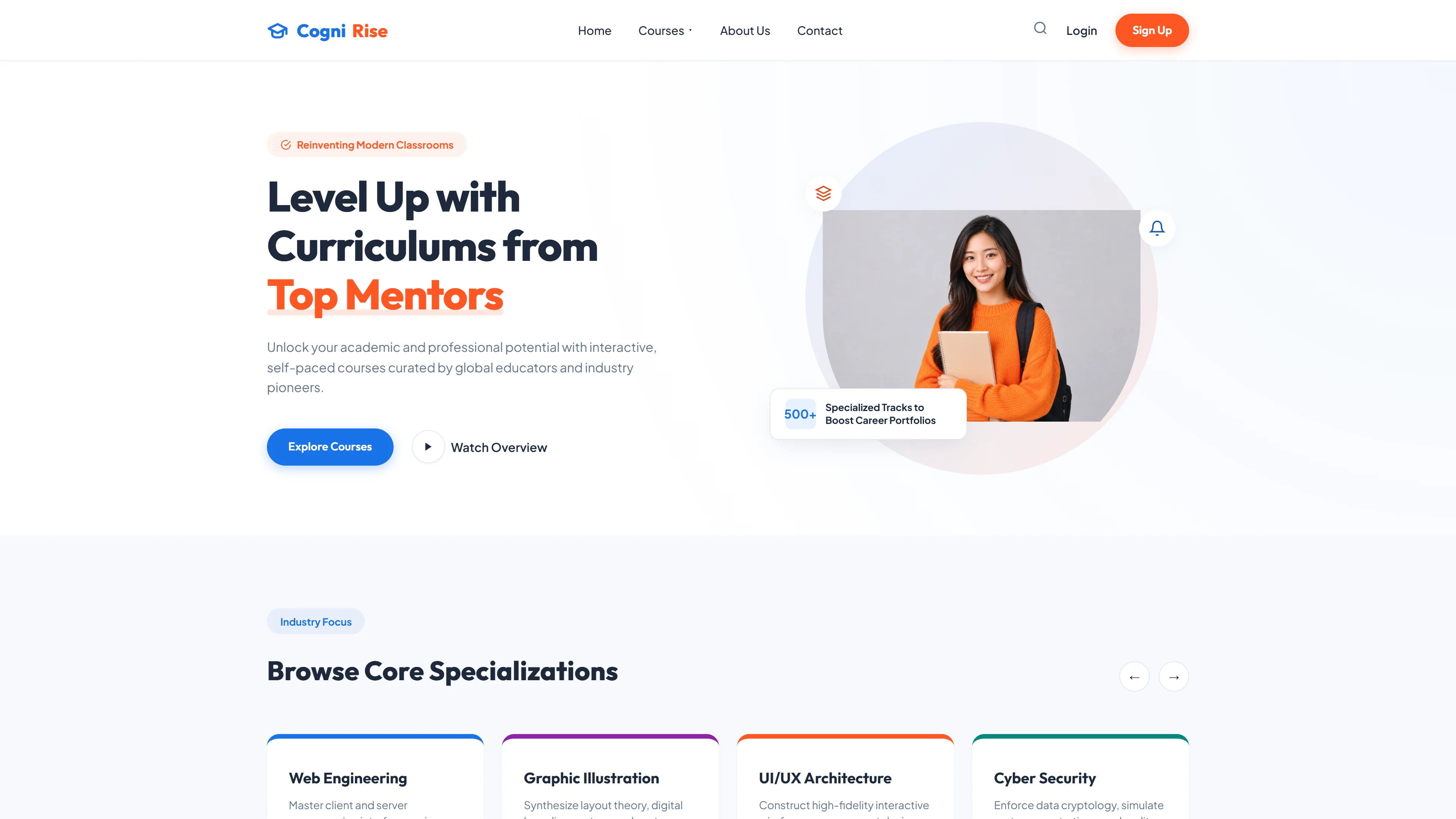
EduCenter — Free Education & Kids Website Template
EduCenter is a free education and kids template built with HTML5 and Tailwind CSS, featuring hand-written CSS for lightweight, clean markup. The package includes 7 HTML pages—index, about, blog, contact, courses, instructors, and a landing page—all structured around core education site sections: hero banner, course listings, instructor profiles, and call-to-action areas.
With only 9 local image assets and no heavy JS animation libraries, the template stays lean and fast. Section headings on the index page guide visitors through value proposition, course highlights, and enrollment prompts. It's designed for educational providers who want a simple, modifiable foundation without bloat.
Key Features
- Interactive Course Modules
- Expert Instructor Profiles
- Skill Development Trackers
- Mobile-First Booking System
| Tech Stack | HTML5, Tailwind CSS, JavaScript |
| Release Date | 2026-07-05 |
| License | Free (Must keep footer backlink) |
Suitable For & Use Cases
Private school owners, tutoring center directors, after-program coordinators, and local education startups who want to book more classes without hiring developers. Not suited for large university systems needing LMS integration or multilingual support out of the box. Knowledge-payment creators and online course operators.
Page Sections Included
The EduCenter template includes a hero section with a call-to-action, an About Us area titled Unlock Your Potential with Modern Education, a Why Choose EduCenter? features section, a Popular Courses grid, an instructors page with faculty profiles, a blog layout, a dedicated contact page, and a full index page tying everything together. All seven pages are responsive and styled with hand-written CSS over Tailwind utilities. Nine local images are included for placeholder content.
Why We Recommend
EduCenter delivers a clean, modular structure with no unnecessary dependencies. The hand-written CSS and absence of animation libraries keep performance high, while the 7-page layout covers every essential section an education site needs. Easily customizable via Tailwind config for branding adjustments.
Technical Specifications
Requires Node.js v16+, npm, and Tailwind CLI. Customize colors and fonts through tailwind.config. Run npm run build to purge unused CSS for production. Deploy to Vercel or Netlify for zero-config HTTPS and CDN caching.
Ideal Use Case
Ideal for after-school programs, tutoring centers, kids' activity workshops, and local education providers launching their first website. The prebuilt instructor and course pages give immediate structure, while the lightweight asset setup suits shared or low-bandwidth hosting environments.