CogniRise Academy — Free Education & Kids Website Template
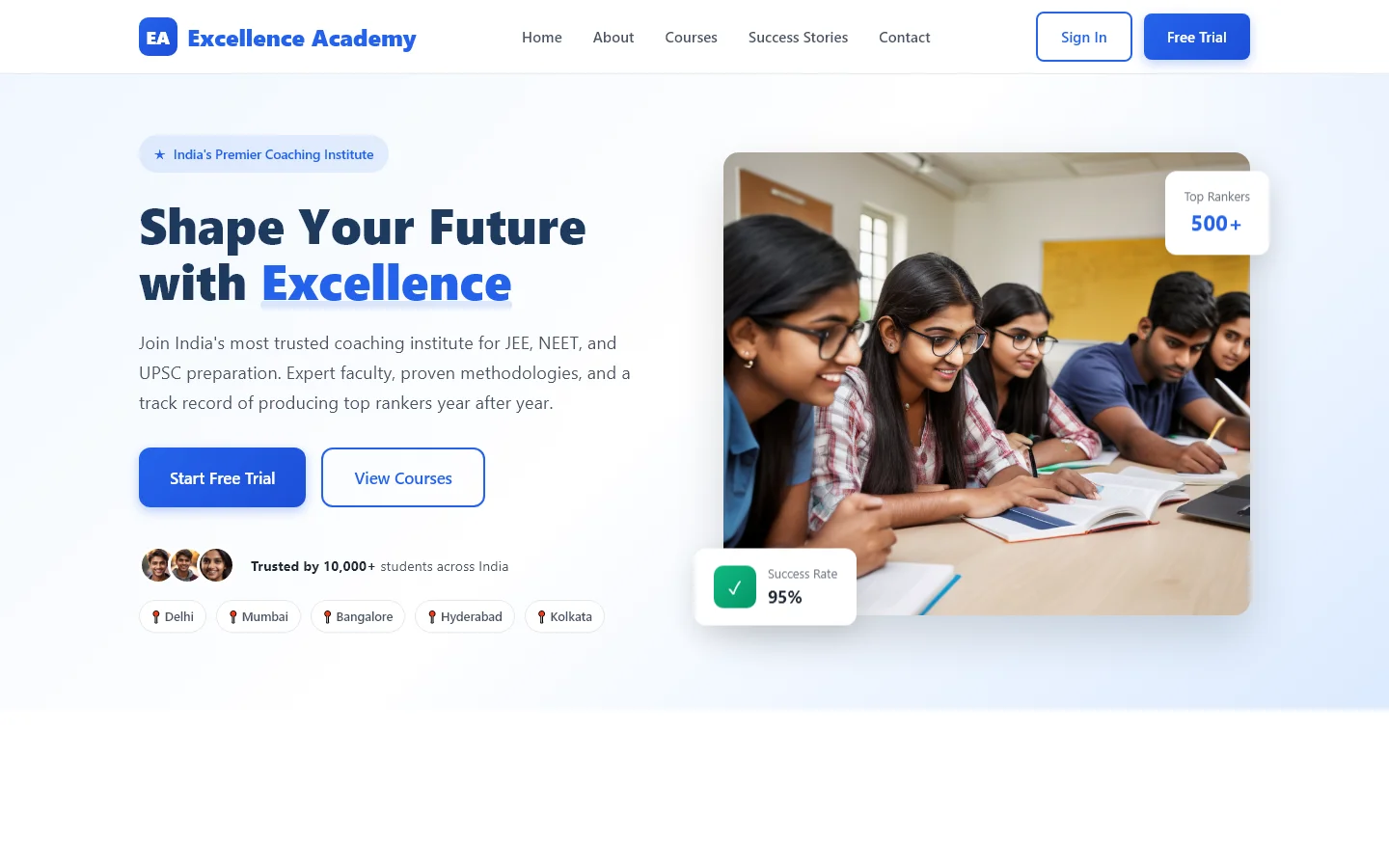
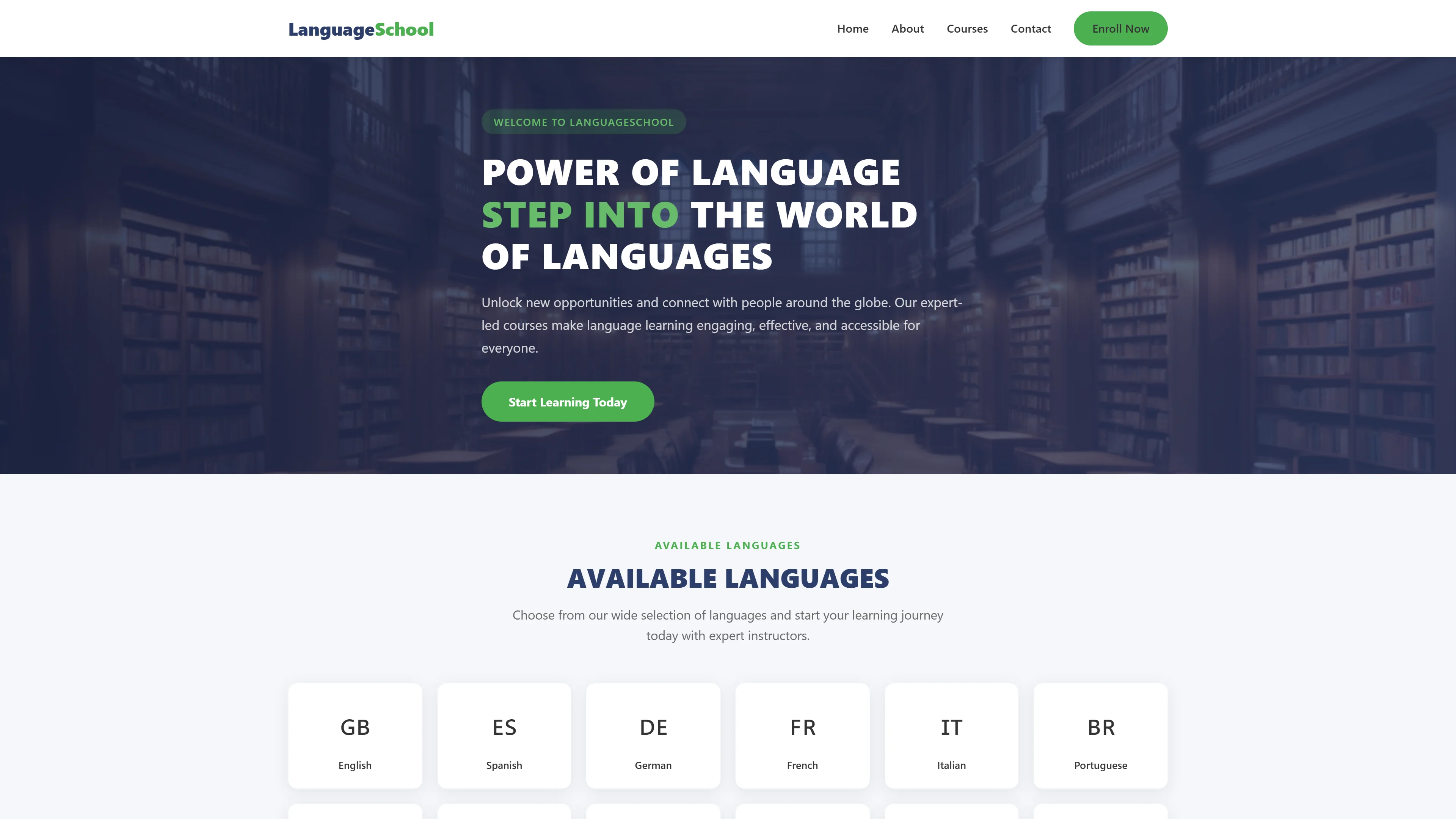
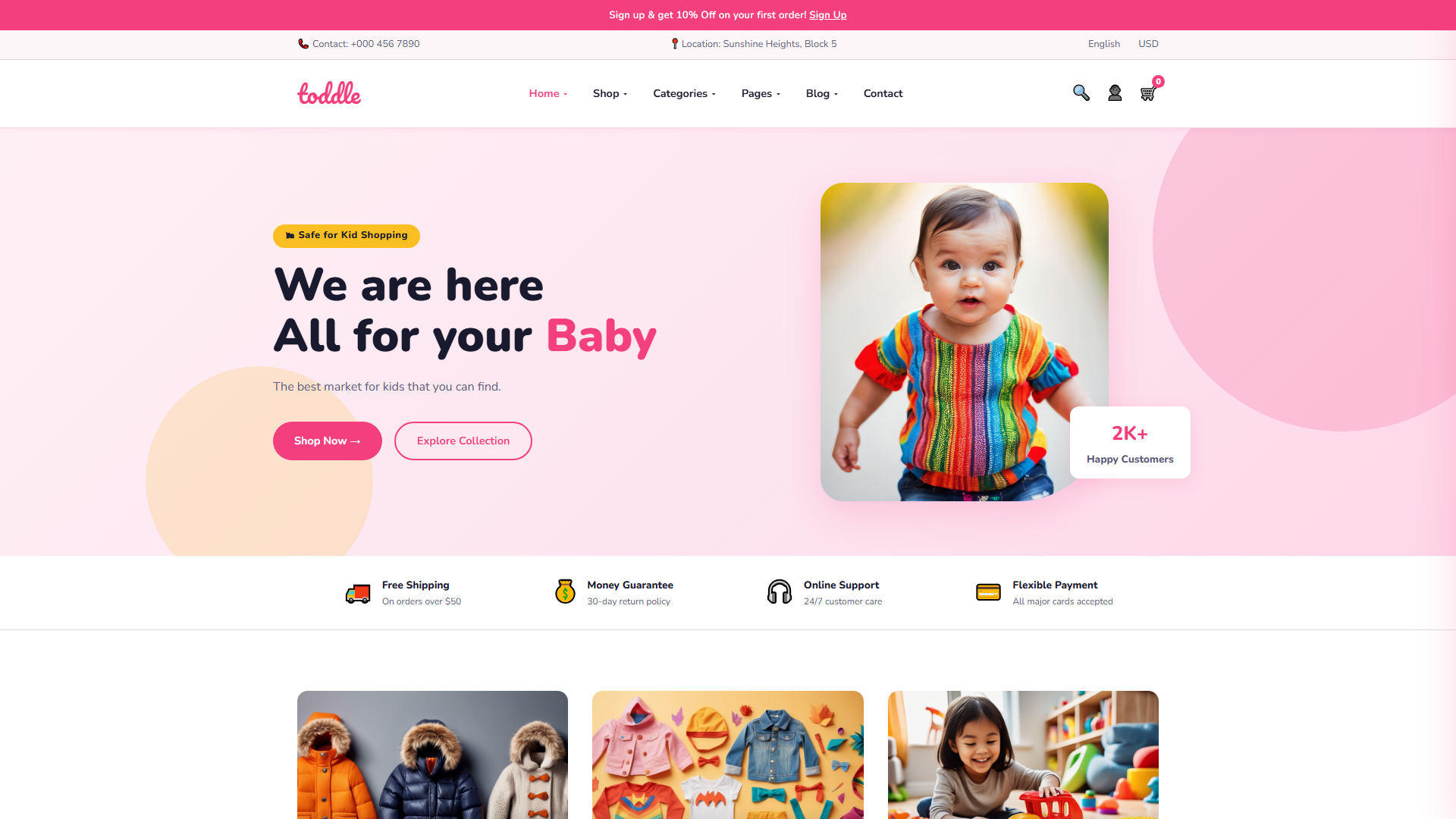
CogniRise Academy is a free HTML5 website template built with Tailwind CSS and vanilla JavaScript, designed for education platforms and kids' learning sites. The package includes five HTML pages—index.html, about.html, contact.html, courses.html, and course-detail.html—organized around a clean structure that supports course listings, instructor profiles, and contact forms.
The template features hand-written CSS, eight local images, and section headings covering curriculum highlights, specializations, featured courses, instructors, and student stories. A built-in HTML contact/newsletter form allows direct user interaction without external dependencies. The layout is mobile-responsive, making it practical for schools, tutoring centers, and online course creators looking to publish quickly.
Key Features
- Interactive Online Courses with embedded video players
- Expert Instructor Profiles with availability calendar
- Globally Recognized Certificate Download Generator
- Self-Paced Learning Dashboard with progress tracking
| Tech Stack | HTML5, Tailwind CSS, JavaScript |
| Release Date | 2026-07-05 |
| License | Free (Must keep footer backlink) |
Suitable For & Use Cases
Online course creators, tutoring agencies, skill-based workshops, and educational consultants building client-facing portfolios. Great for solo entrepreneurs launching paid webinar series or local after-school programs needing instant credibility. Not suited for enterprise LMS platforms requiring complex user authentication systems or membership tier gating beyond basic access control. Training institutions, tutoring centers and online education platforms.
Page Sections Included
The template features a responsive layout across five HTML pages. The index page includes sections: hero with call-to-action, featured courses grid, instructor profiles, student testimonials, and newsletter signup form. Courses page lists specializations with filtering. Course detail page displays curriculum and enrollment options. About page presents mission and team. Contact page integrates a validation-enabled form. Navigation collapses into a mobile menu. All styles are hand-written CSS with Tailwind utilities.
Why We Recommend
This template offers a straightforward, dependency-light stack—plain HTML5, Tailwind CSS, and no heavy animation libraries—ideal for educators and developers who want fast deployment without managing complex build tooling. The five-page structure covers the essentials: courses, about, contact, and a course detail view. The inclusion of a contact form out of the box further reduces setup time for new projects.
Technical Specifications
Requires a static hosting environment such as Netlify or Vercel. Tailwind CSS must be compiled or used via CDN. Images should be optimized before placing them in the assets folder. A text editor like VS Code with Tailwind support improves the editing experience. Familiarity with HTML and basic CSS customization is recommended.
Ideal Use Case
Independent tutors building a course catalog site, community education nonprofits launching a program landing page, coding bootcamps showcasing their curriculum with instructor bios, and after-school programs needing a professional yet simple web presence without backend infrastructure.