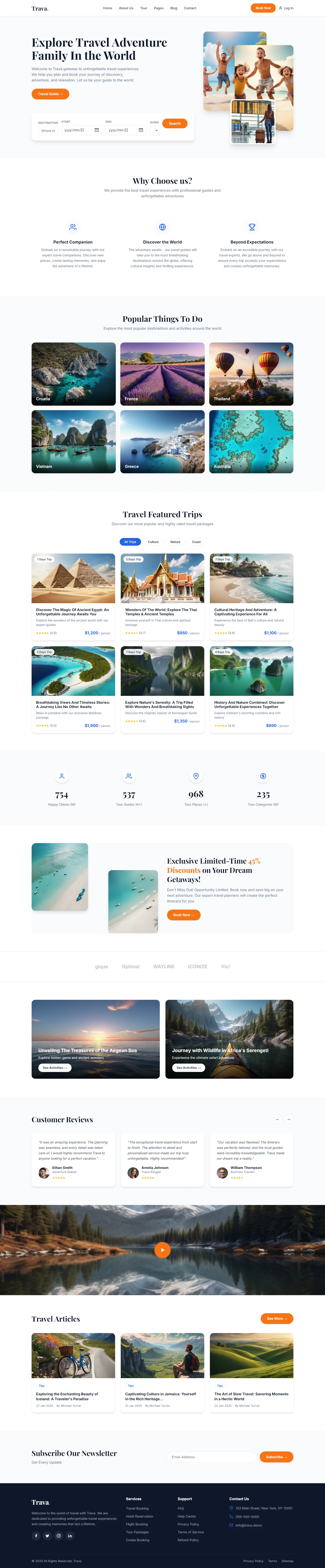
Trava — Free Travel & Tourism Website Template
Trava is a free HTML5 travel and tourism template built with Tailwind CSS and JavaScript. It includes 7 ready-to-use pages covering index, about, destinations, tours, blog, contact, and a dedicated landing page — giving you a complete structure for a travel studio, tour operator, or adventure brand.
The template uses hand-written CSS alongside Tailwind v3 utilities, keeping the package at a lean 3.1 MB. It ships with 31 local images and integrates Google Fonts for typographic flexibility. Contact and newsletter HTML forms are included out of the box, ready for backend integration.
Key Features
- Dynamic Itinerary Builder with Drag-and-Drop Timeline
- Integrated Booking Conversion Engine with Lead Capture Forms
- Worldwide Destination Grid with Lazy-Loaded Imagery
- Multi-Language Support with RTL Layout Fallback
| Tech Stack | HTML5, Tailwind CSS, JavaScript |
| Release Date | 2026-07-05 |
| License | Free (Must keep footer backlink) |
Suitable For & Use Cases
UI/UX designers building travel agencies, boutique tour operators, or adventure booking platforms specifically targeting Gen Z and millennial demographics needing high-conversion landing pages. Also ideal for SaaS tools offering travel API integrations. Not suited for large-scale OTAs requiring real-time inventory or complex user authentication flows.
Page Sections Included
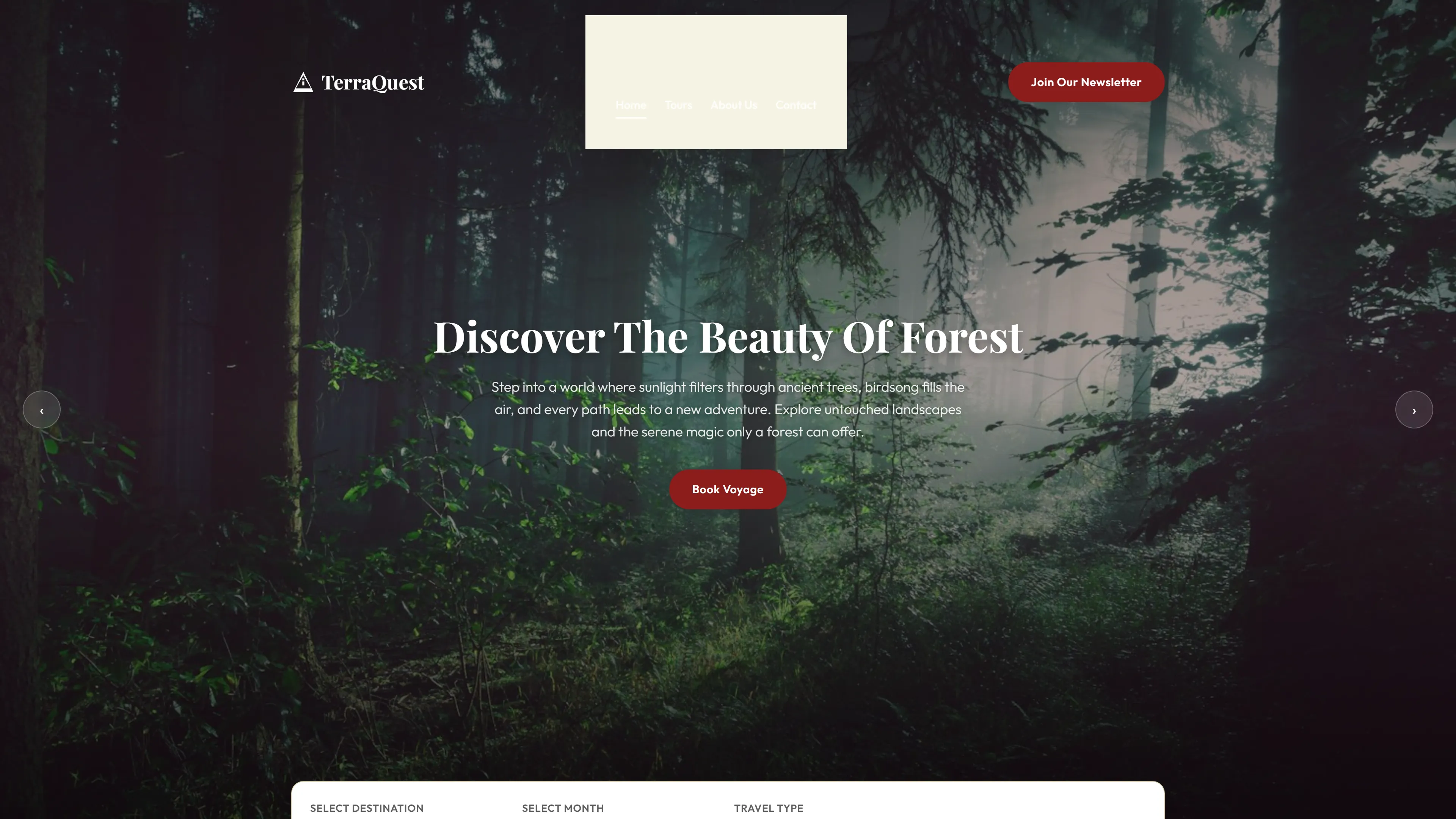
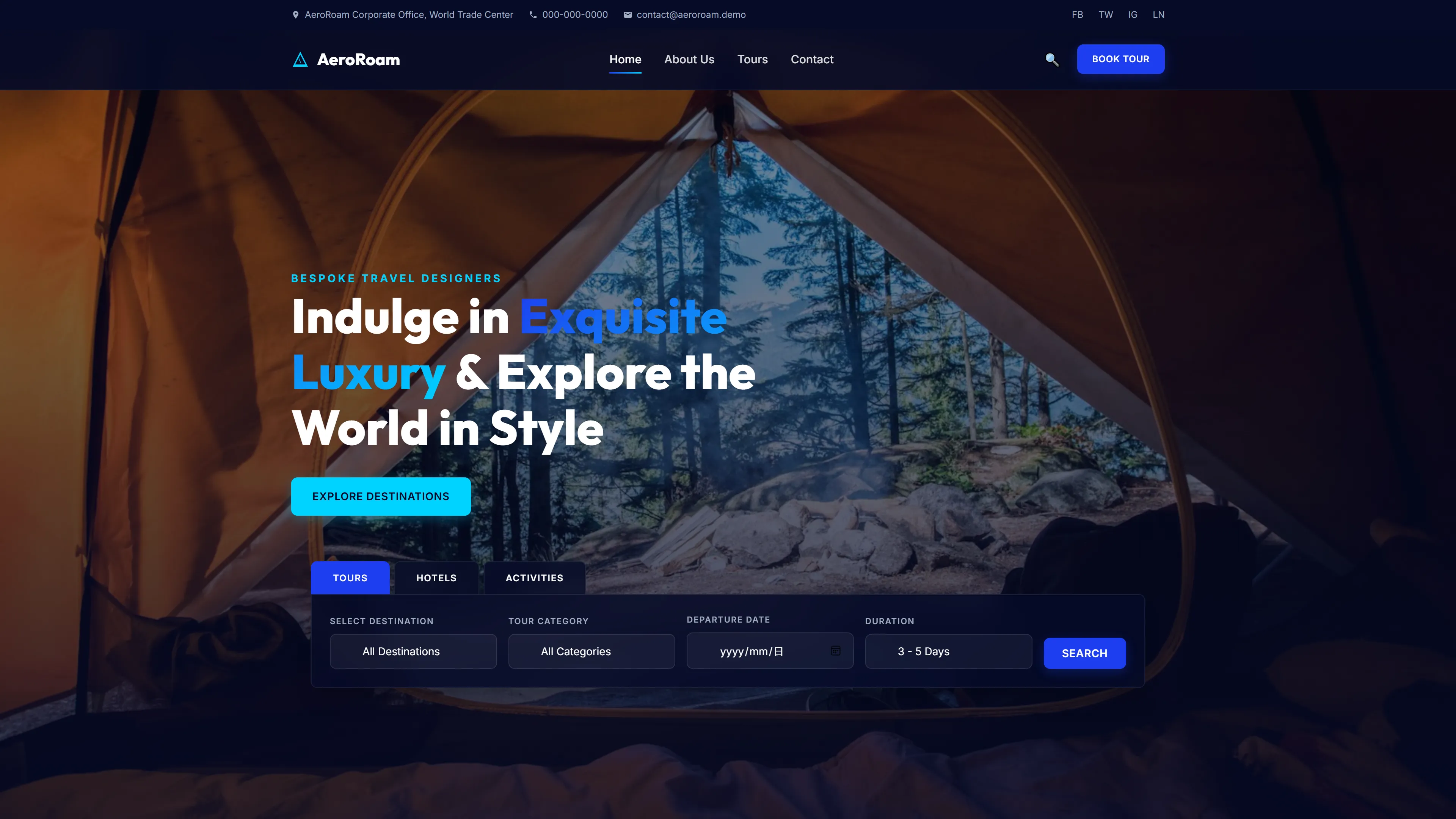
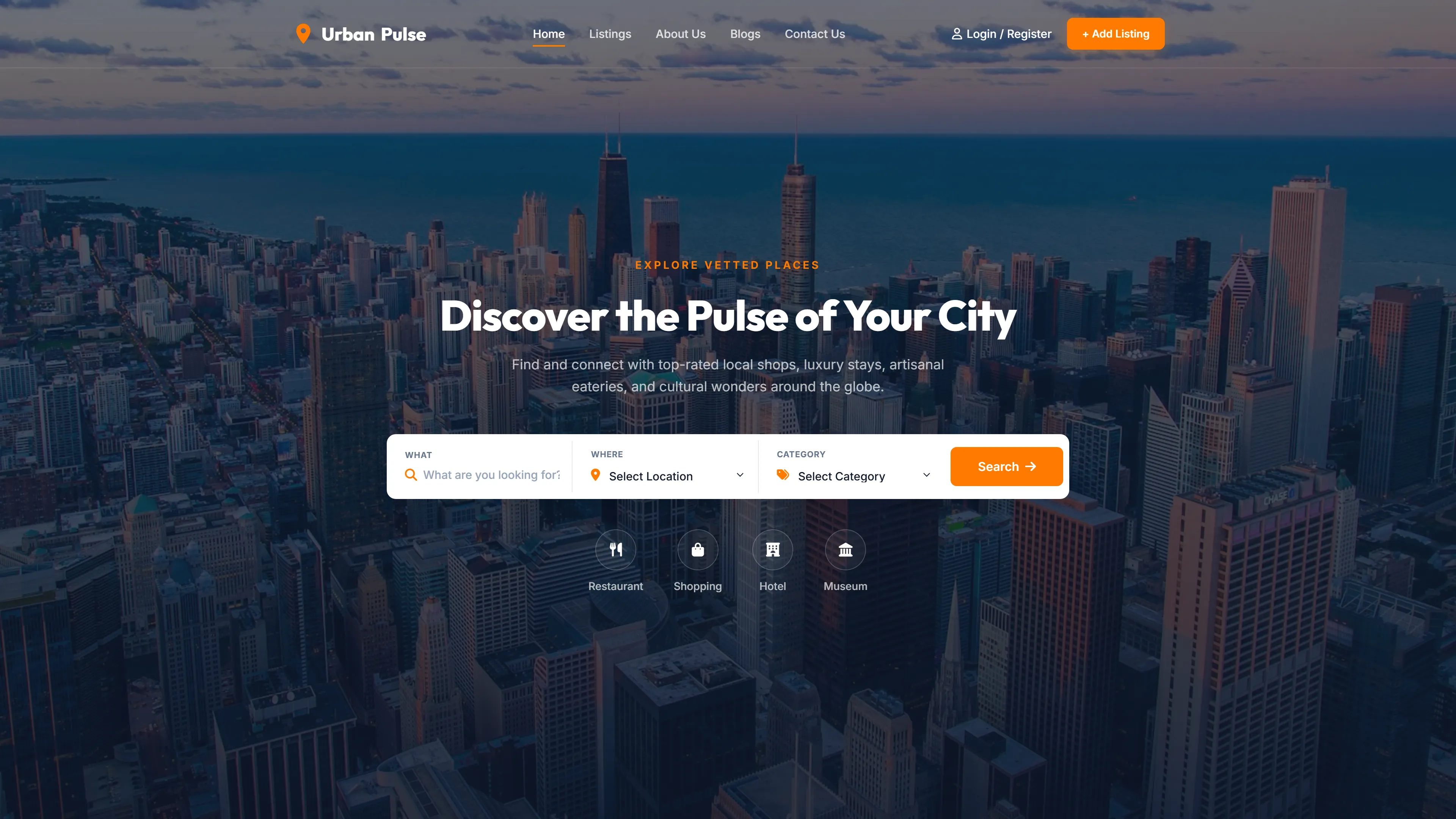
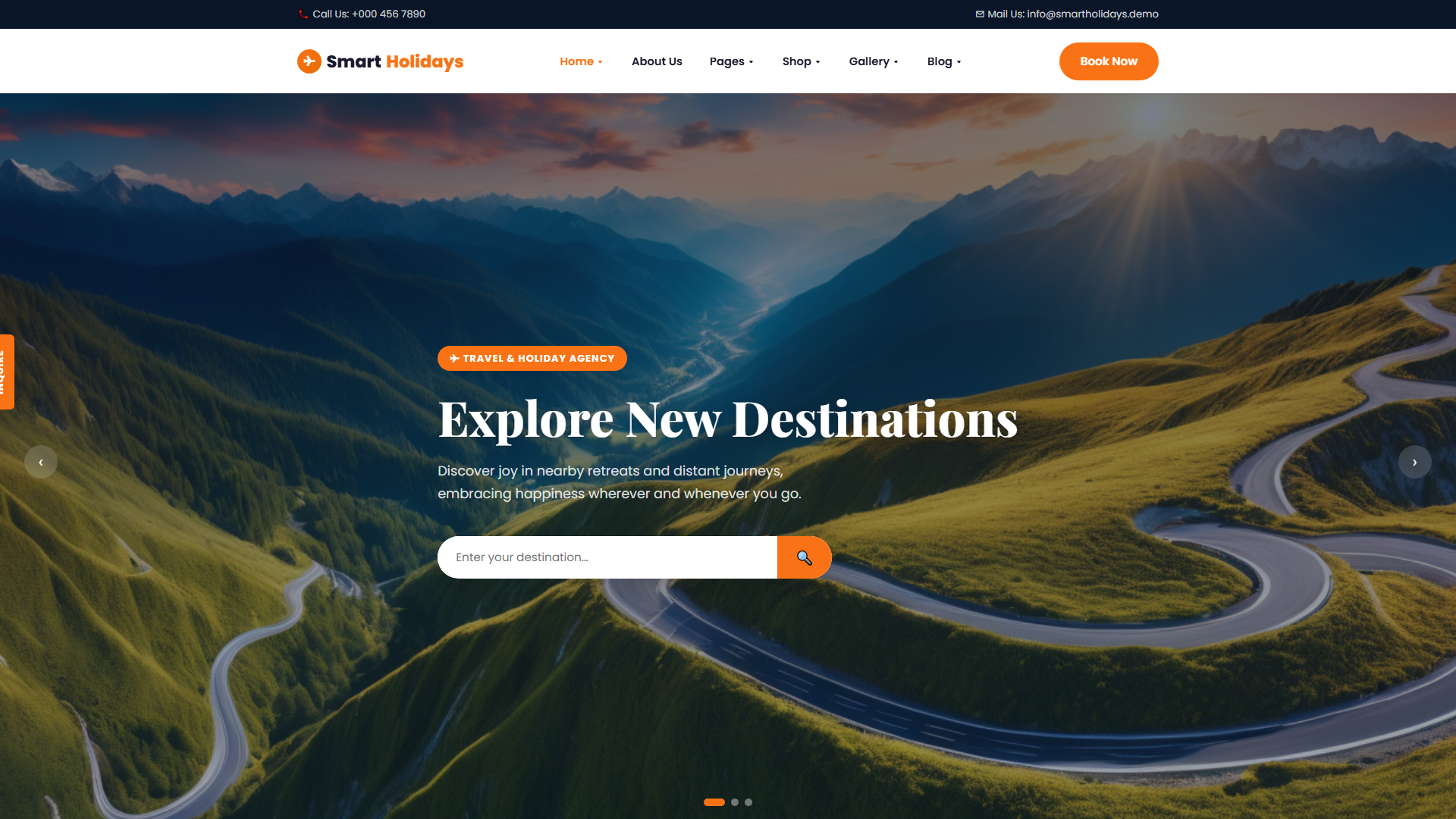
Hero navigation bar with Explore Travel Adventure Family links, a Why Choose Us section highlighting key differentiators, a Popular Things To Do grid for showcasing activities, a Featured Trips section for tour listings, a customer reviews area for social proof, a blog/articles section for content marketing, a newsletter subscription form, and a dedicated contact page with an HTML form for inquiries.
Why We Recommend
Trava delivers a complete seven-page structure without bloat. The hand-written CSS layer gives developers full control over overrides, while the Tailwind base ensures rapid prototyping. The pre-built forms and image set make it easy to go from download to deployment with minimal configuration.
Technical Specifications
Requires a modern browser and a local server or static hosting. Configure Tailwind CSS via its CLI or build tool to generate utility classes from your HTML. Extend theme settings in tailwind.config.js for brand colors and fonts. Replace placeholder images with your own assets.
Ideal Use Case
Tour operators and adventure travel studios can use Trava to launch destination showcase pages, publish blog content for SEO, and collect leads through integrated contact and newsletter forms — all before connecting a payment or booking backend.