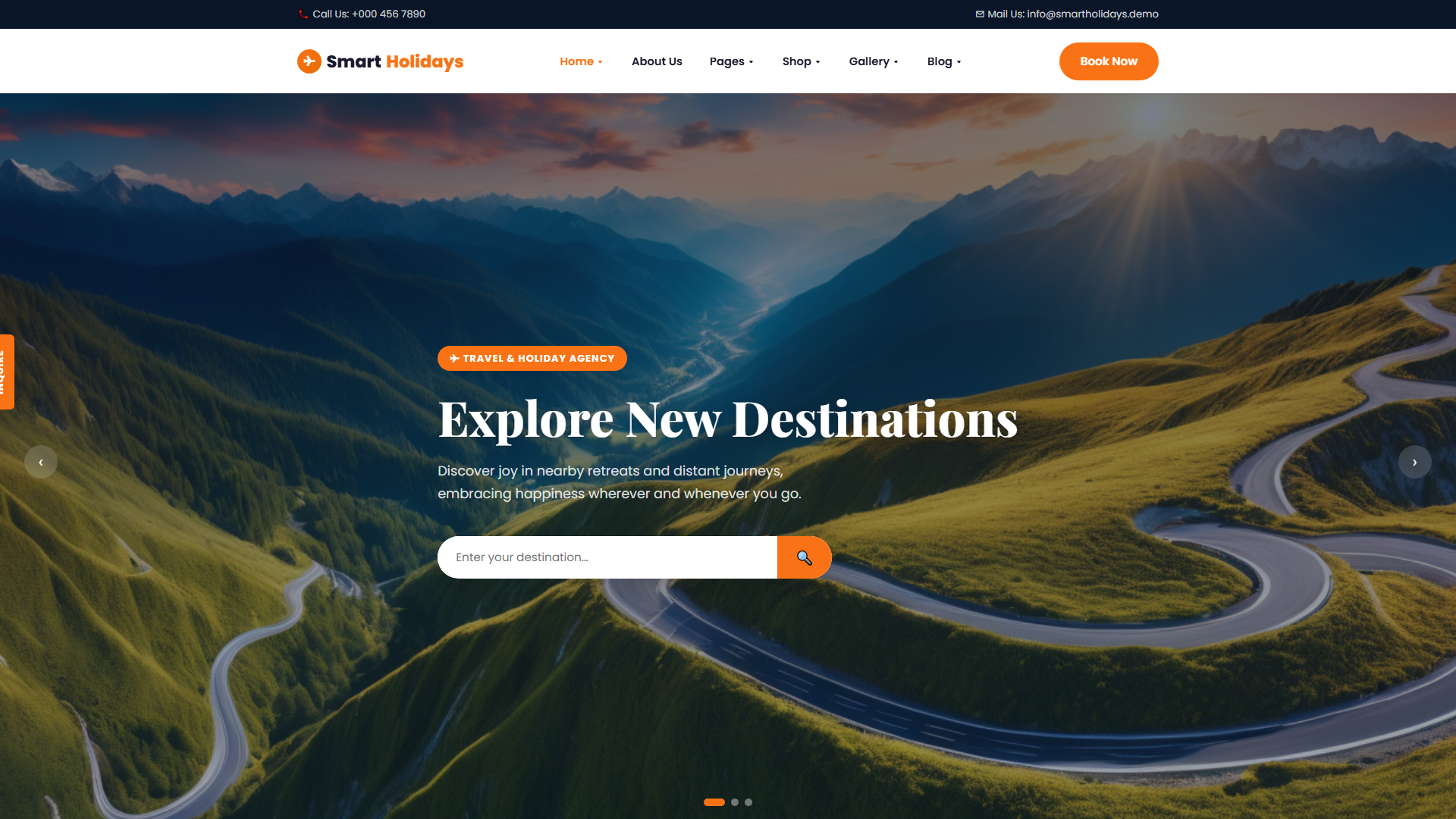
WanderGo — Free Travel & Tourism Website Template
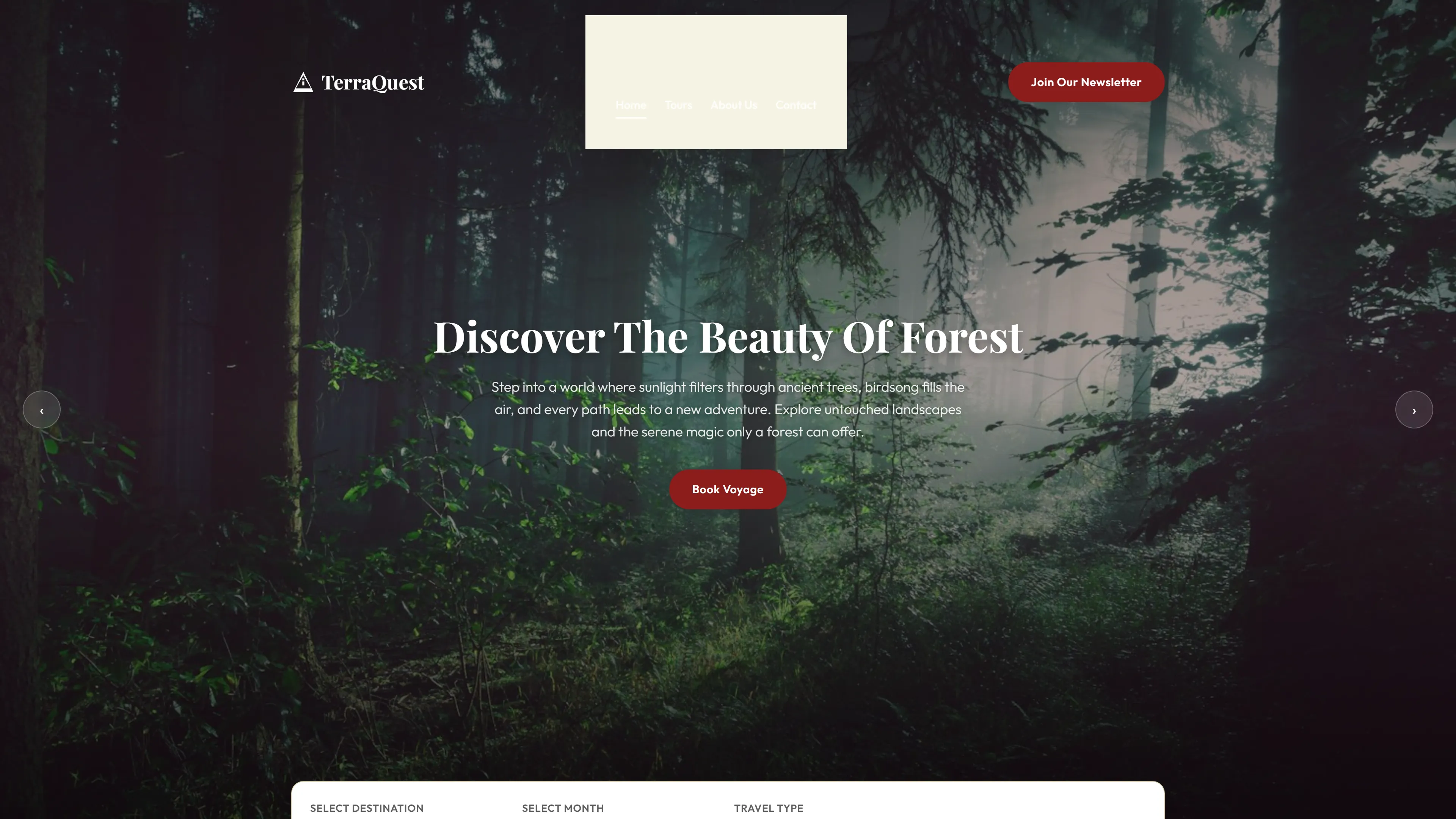
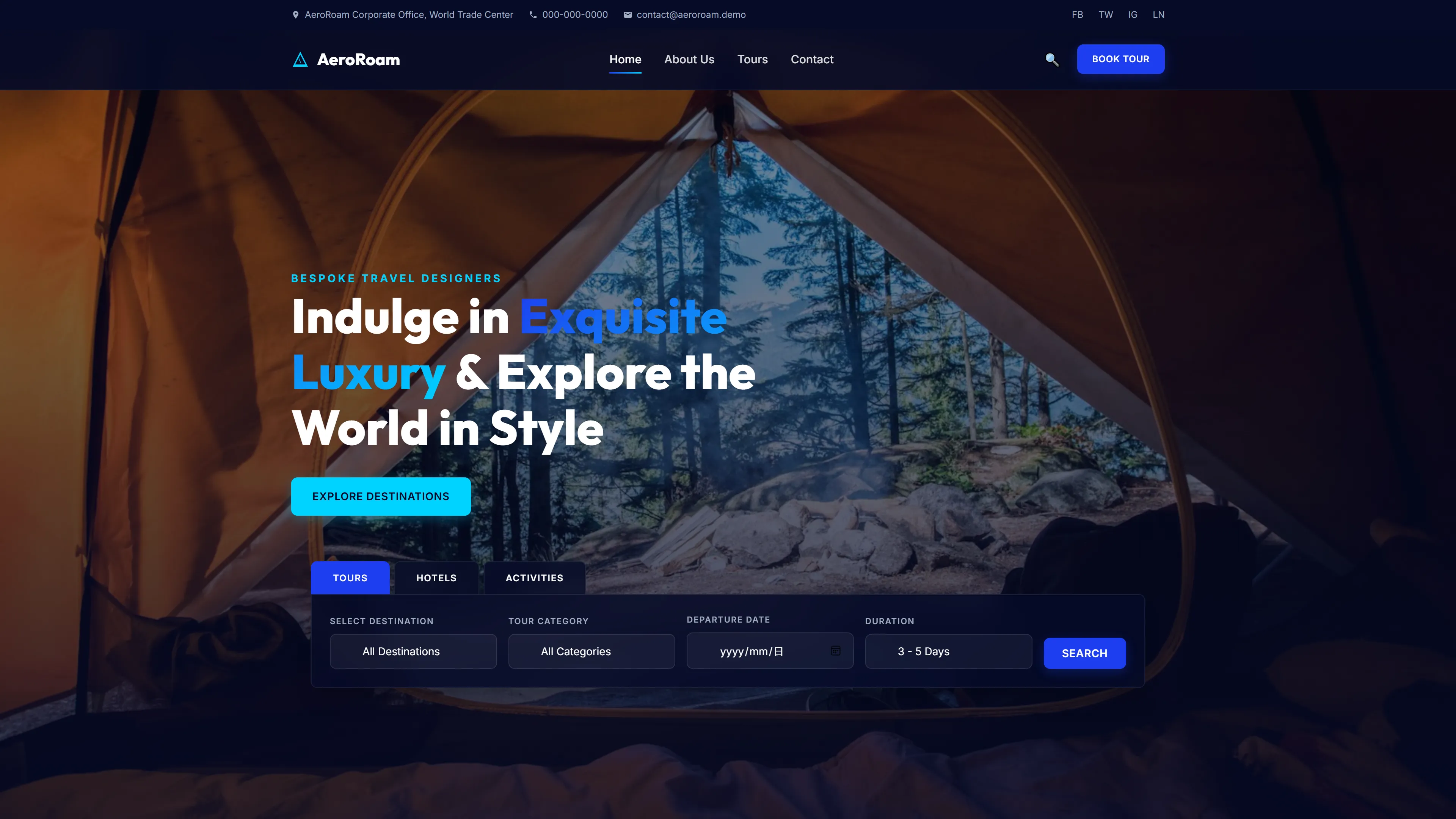
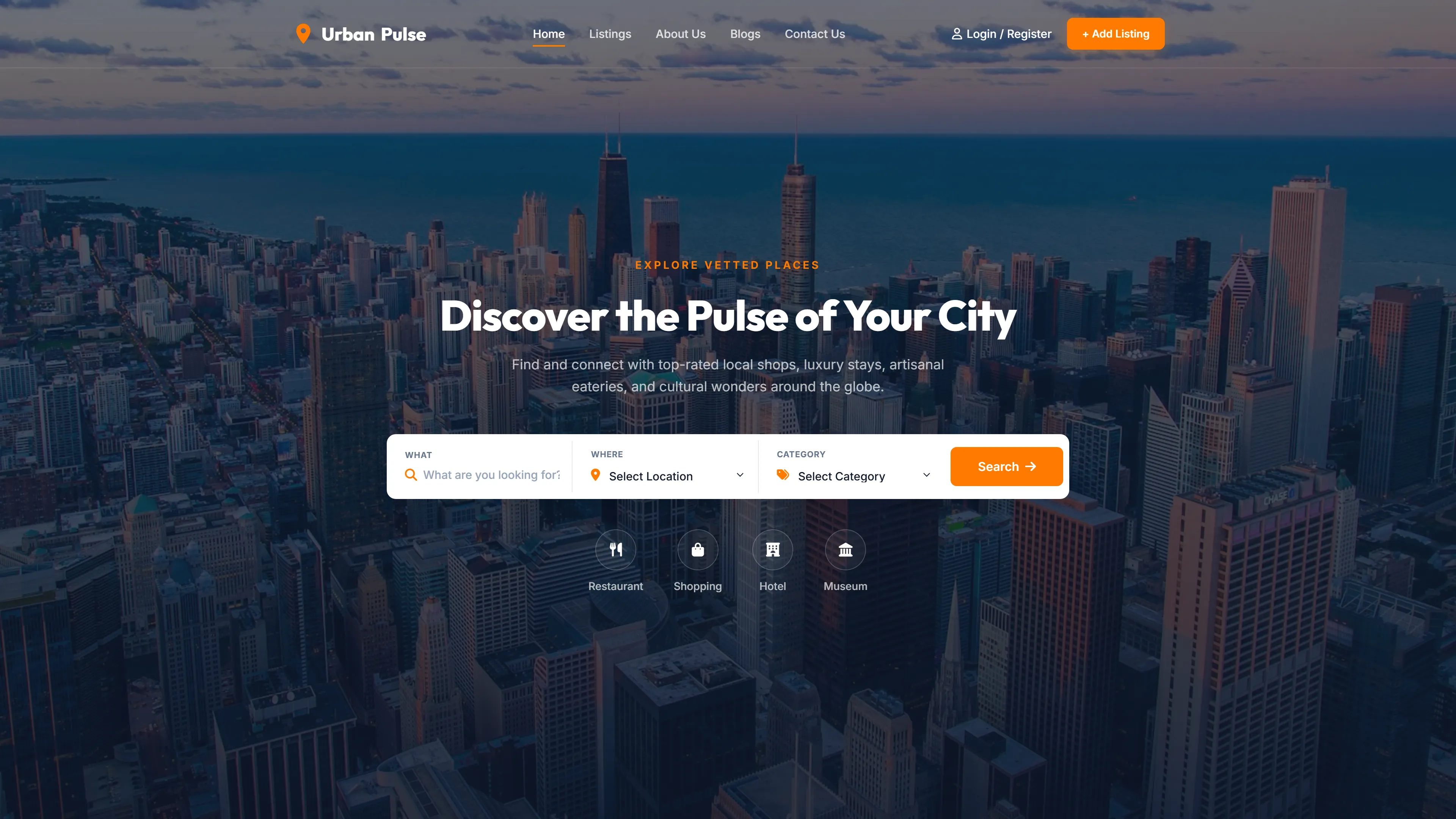
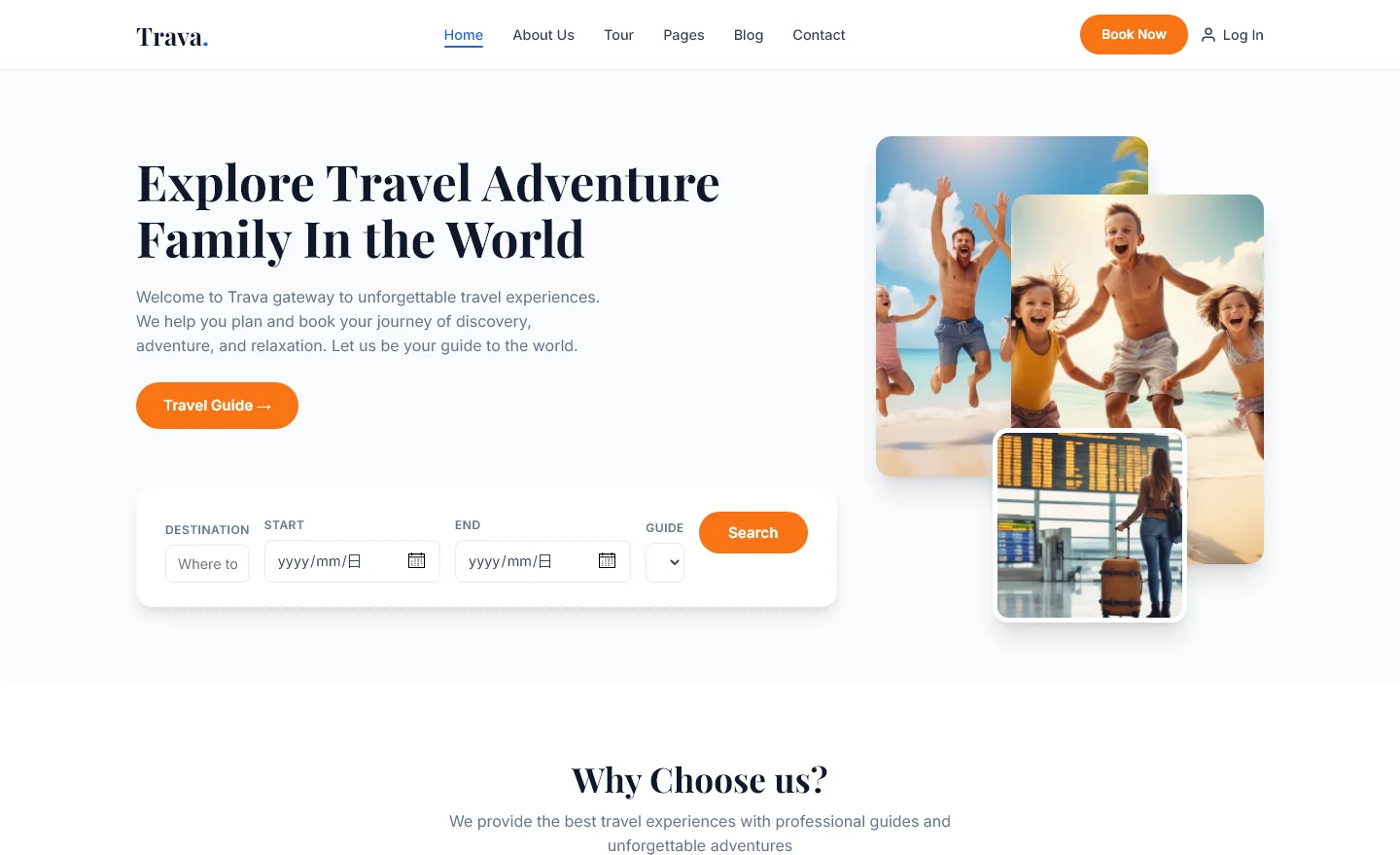
WanderGo is a free HTML5 travel and tourism template built with Tailwind CSS and JavaScript. The package contains nine pre-styled pages — including destination landing pages for Bali, Dubai, Maldives, and Paris, plus a blog detail layout, an about page, and a main homepage. Navigation is supported throughout with consistent structure across all sections.
The design uses hand-written CSS layered alongside Tailwind's utility-first classes, Google Fonts for typography, and includes an embedded contact or newsletter form. Local images number 18 across the bundle. The layout is fully responsive down to 320px width with touch-friendly buttons and swipeable gallery components suited for mobile travel browsing.
Key Features
- Travel Packages Showcase
- Curated Itineraries Display
- Tour Booking Integration
- Adventure Travel Highlights
| Tech Stack | HTML5, Tailwind CSS, JavaScript |
| Release Date | 2026-07-05 |
| License | Free (Must keep footer backlink) |
Suitable For & Use Cases
Marketing managers at boutique tour operators, travel bloggers scaling to e-commerce, agencies pitching clients with live demos, and freelance designers needing polished client deliverables. Not suited for large-scale enterprise booking platforms requiring multi-language support or complex inventory management systems.
Page Sections Included
The template covers a homepage landing section, individual destination showcase pages for Bali, Dubai, Maldives, and Paris, an about section, and three blog detail layouts. Each destination page features location-specific imagery and itinerary content blocks. The blog pages support article formatting with images and text. A contact and newsletter form provides a simple email capture component. Footer and navigation elements are shared across all pages using consistent layout patterns throughout the nine-page set.
Why We Recommend
This template provides a complete, ready-to-deploy foundation for any travel or tourism project. The nine-page structure covers destination showcases, blog content, and lead-capture forms out of the box. Tailwind CSS makes color and breakpoint adjustments straightforward through a single config file. The clean code structure supports easy customization for tour operators, agencies, or adventure-blog publishers without requiring complex overrides.
Technical Specifications
Node.js v16+ and npm are required. Build using the Tailwind CLI with watch mode for local development. Customize colors and breakpoints through tailwind.config.js. Use PurgeCSS to tree-shake unused utility classes before production. Works best with VS Code and the Tailwind IntelliSense extension. Avoid adding custom CSS rules that conflict with existing utility classes.
Ideal Use Case
A regional adventure-tour operator could deploy WanderGo to showcase multiple destinations — pairing each location page with a contact form and newsletter signup. Blog detail pages support trip reports or travel guides, while the consistent navigation and mobile-responsive layout ensure visitors on any device can explore itineraries and submit inquiries without friction.