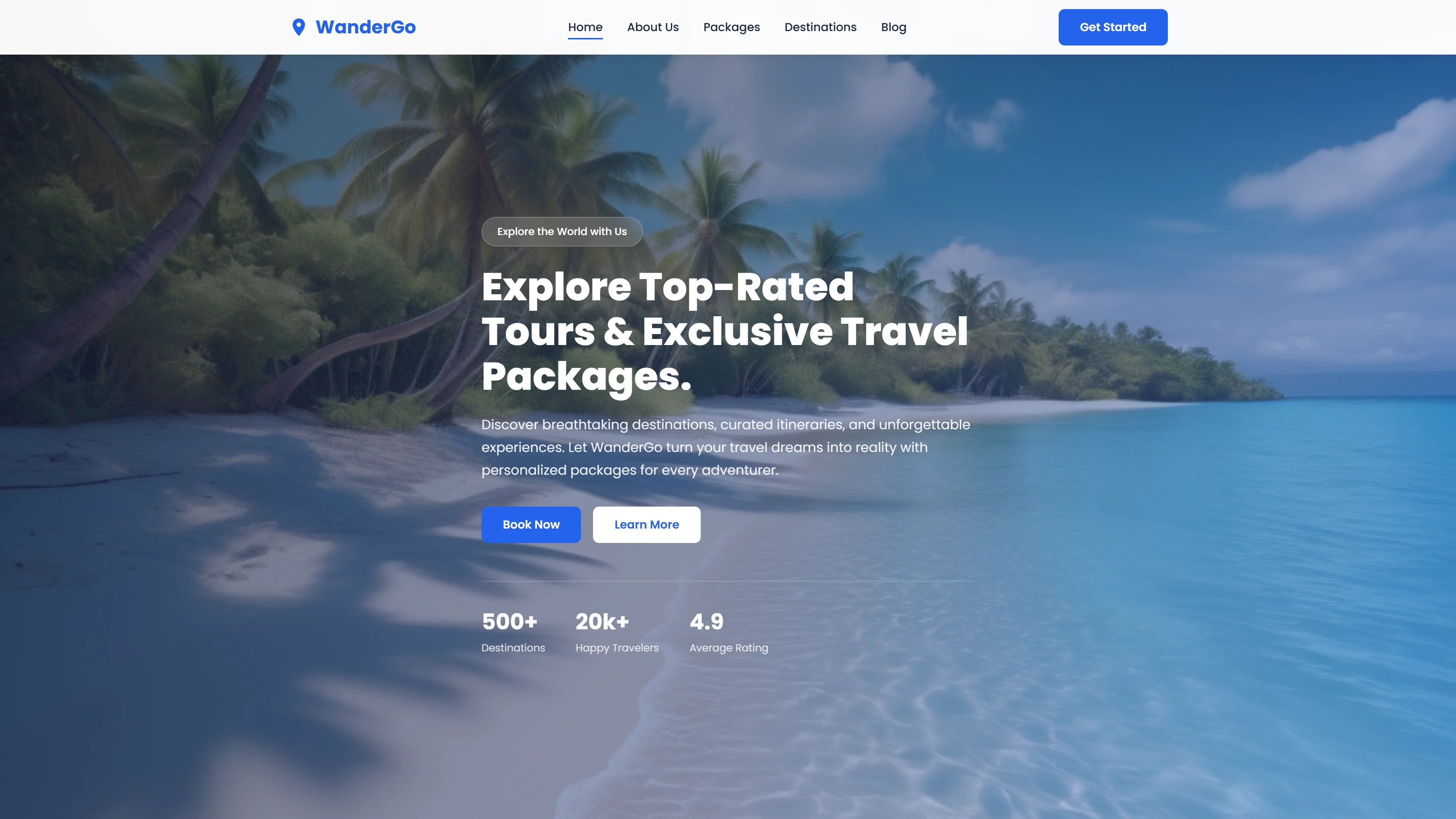
Smart Holidays — Free Travel & Tourism Website Template
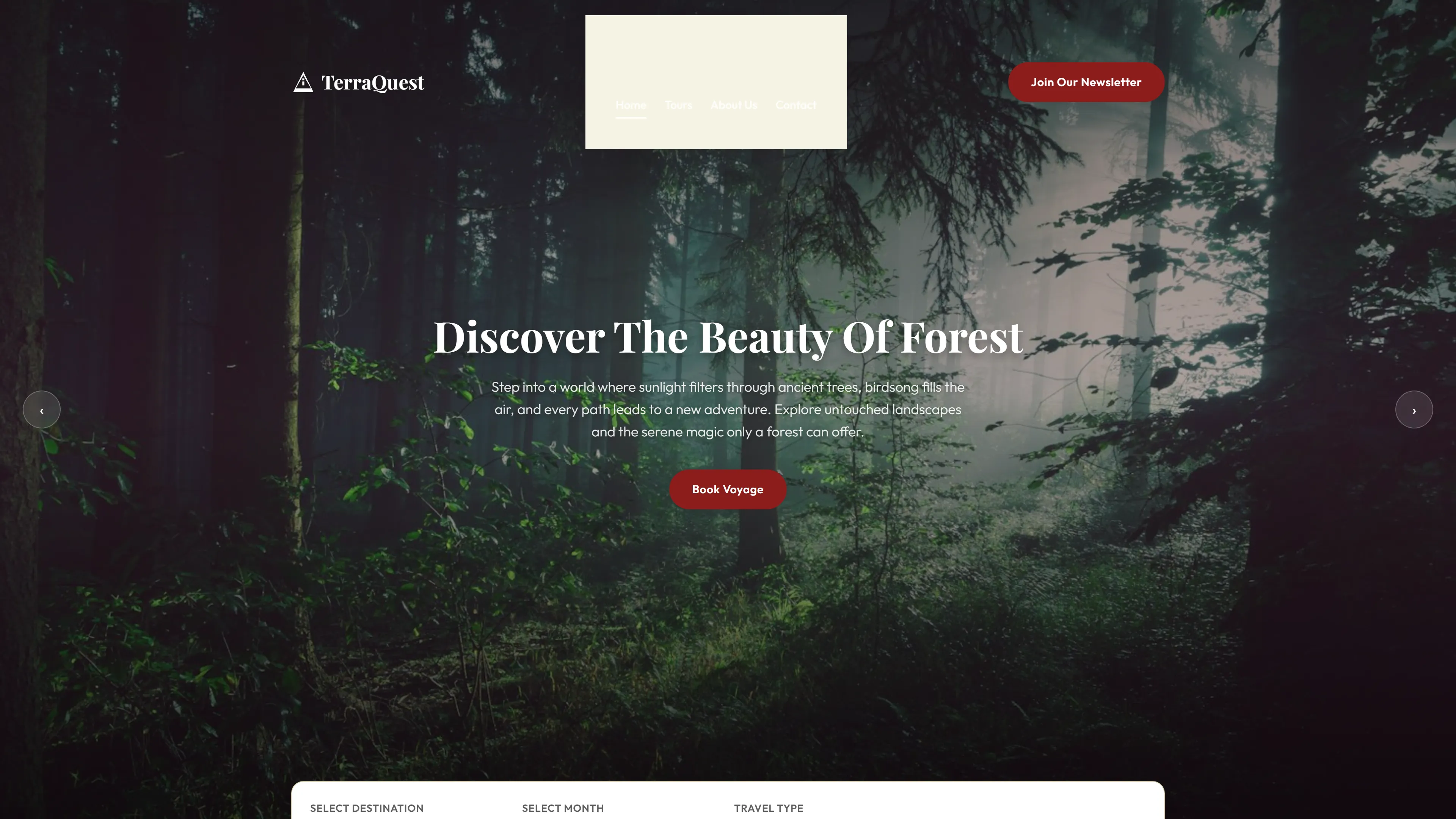
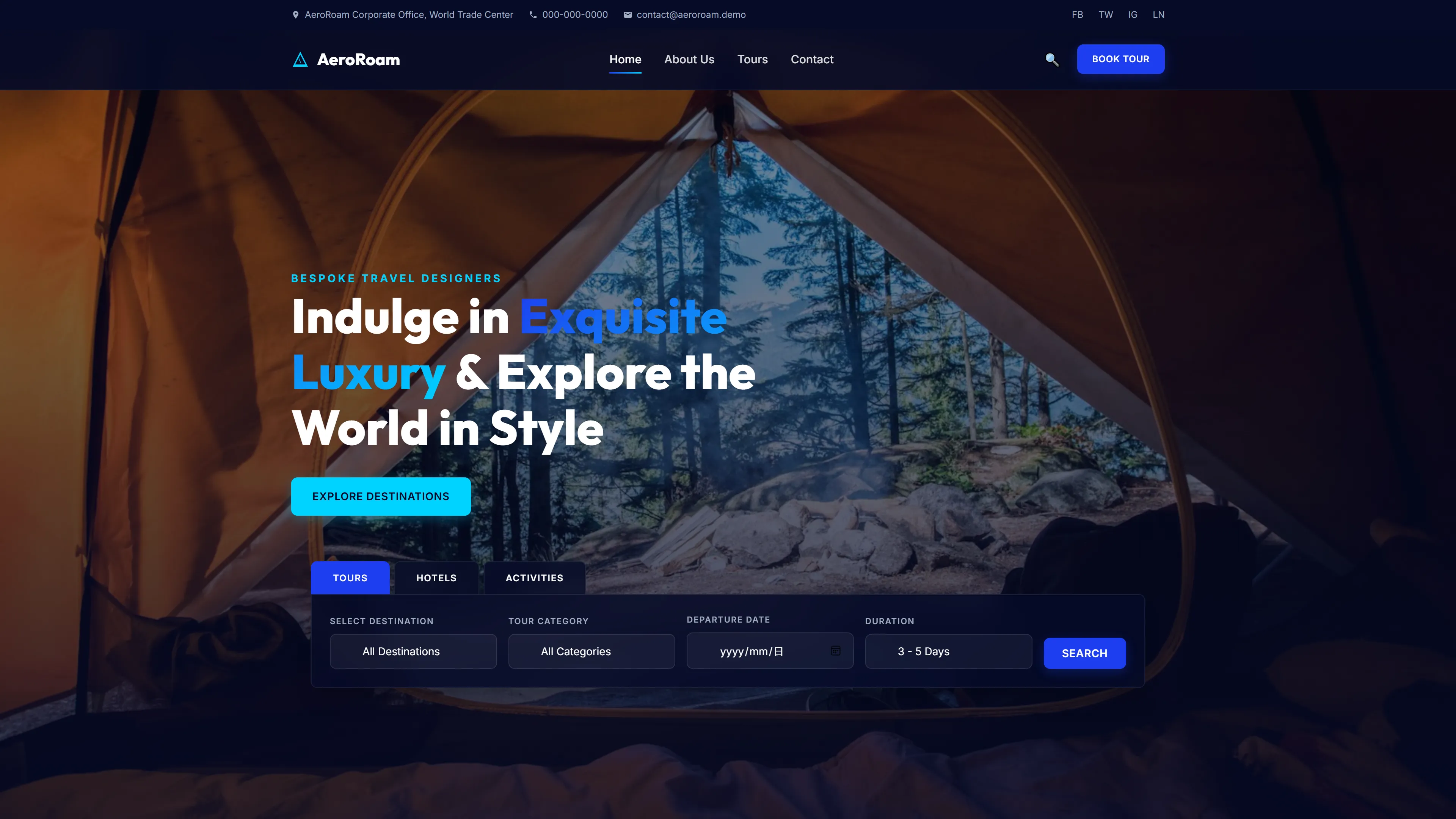
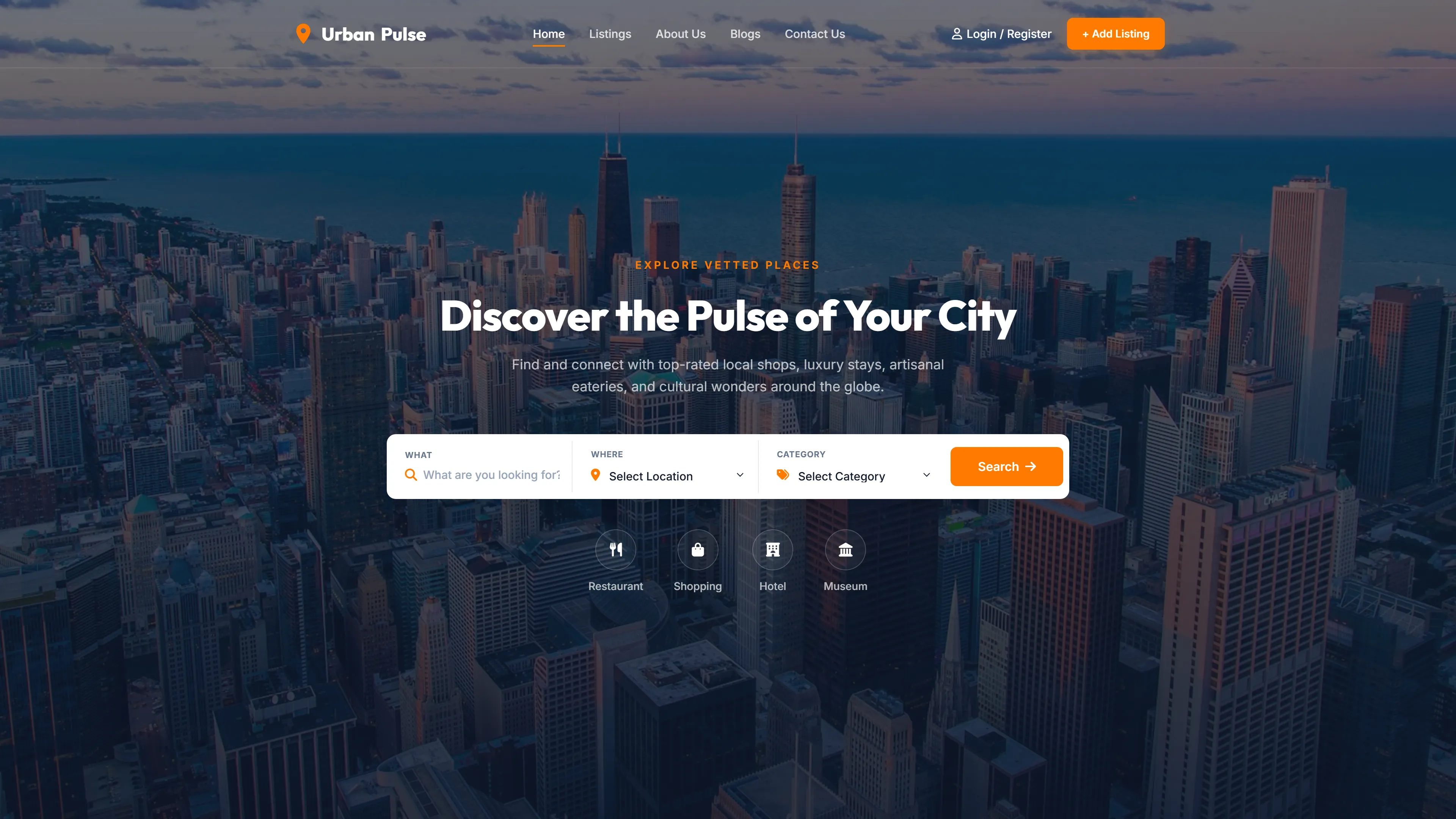
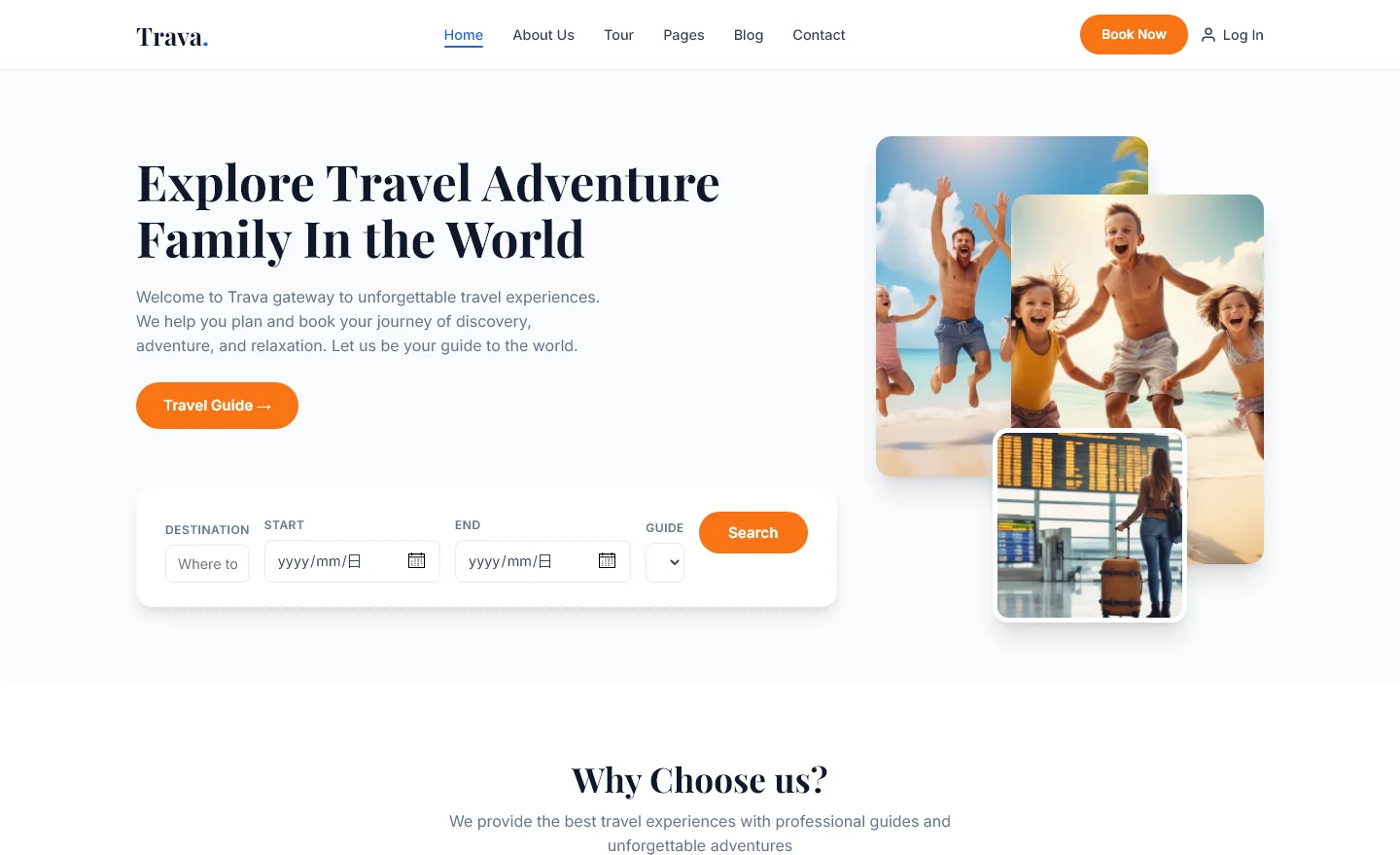
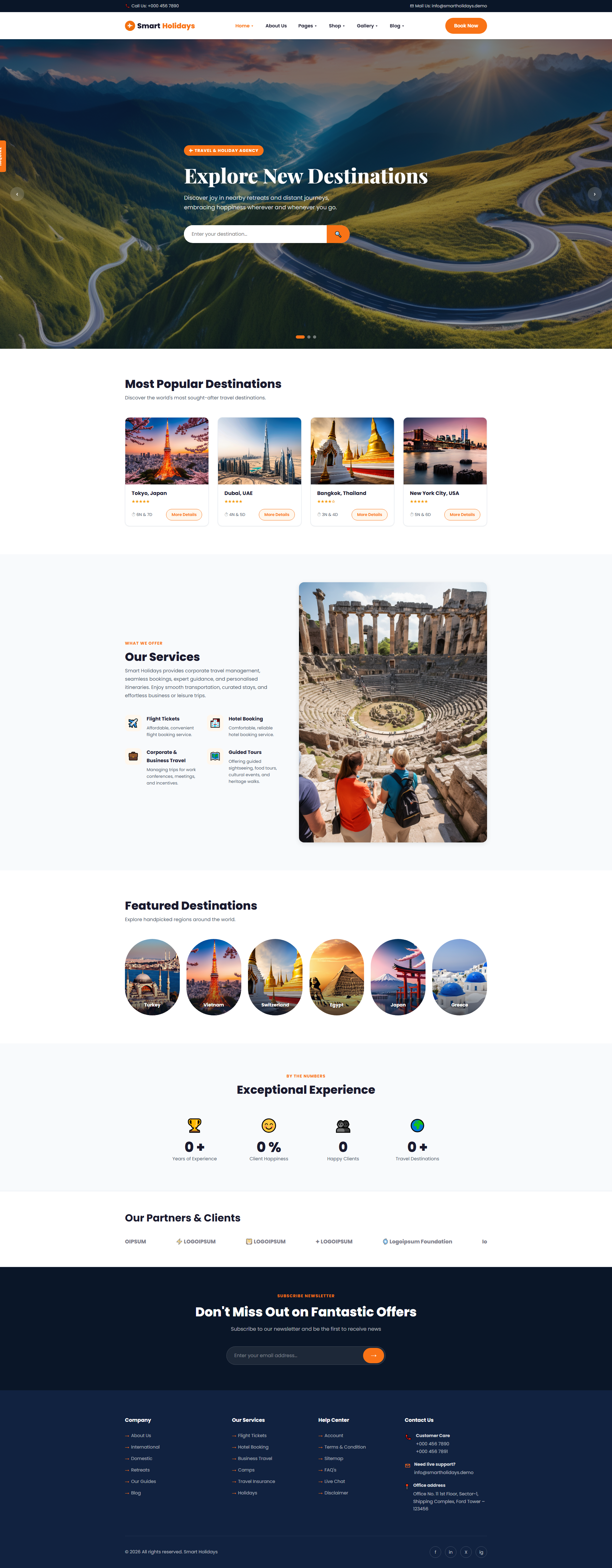
Smart Holidays is a travel and tourism website template featuring four HTML pages: index, destinations, gallery, and contact. Built with Tailwind CSS and hand-written CSS, it provides a lightweight foundation without heavy animation libraries. The package includes 14 local images and sections covering destination showcases, services, featured locations, partner highlights, and promotional offers. A contact/newsletter form is integrated for lead capture. The template uses a responsive grid layout optimized for travel businesses needing a professional online presence. Code is structured for easy customization with standard HTML5 and CSS techniques, allowing developers to modify colors, layouts, and content without complex build processes. The design emphasizes visual storytelling for destinations while maintaining clean, semantic markup suitable for SEO.
Key Features
- Curated Travel Packages Grid
- Guided Tours Booking Form
- Flight Ticket Search Widget
- Hotel Availability Calendar
| Tech Stack | HTML5, Tailwind CSS, JavaScript |
| Release Date | 2026-07-05 |
| License | Free (Must keep footer backlink) |
Suitable For & Use Cases
Freelance web designers, solo travel agents, small tour operators, and digital marketers building client sites quickly. Ideal for landing pages, affiliate review sites, or local tour booking pages. Not suited for enterprise e-commerce platforms requiring inventory management or multi-user dashboards.
Page Sections Included
The index.html page contains the following section headings: Explore New Destinations, Most Popular Destinations, Our Services, Featured Destinations, Exceptional Experience, Our Partners & Clients, and Don't Miss Out on Fantastic Offers. The template also includes destinations.html for browsing destinations, gallery.html for showcasing images, and contact.html for housing both the contact form and newsletter subscription form.
Why We Recommend
This template offers a practical starting point for travel agencies and tour operators. The utility-first CSS approach enables quick visual customization without fighting framework conventions. With only four well-structured pages and hand-written CSS, the codebase remains transparent and easy to extend. The included contact form and image galleries address common travel site requirements out of the box. Developers appreciate the absence of bloated dependencies, making deployment straightforward. The responsive design ensures good mobile experience for users browsing on various devices.
Technical Specifications
HTML5, Tailwind CSS, JavaScript, and hand-written CSS. Four HTML pages, 14 local images. No heavy animation libraries required. Customizable via standard CSS editing. Compatible with any static hosting platform. Basic web development knowledge needed for content and color modifications.
Ideal Use Case
A regional tour operator could use this template to showcase destination packages across multiple pages, embed a contact form for booking inquiries, and display partner accommodations in a gallery format. The clean structure supports integration with third-party booking widgets or payment processors. The lightweight design ensures fast load times, critical for travelers researching trips on mobile devices while traveling.