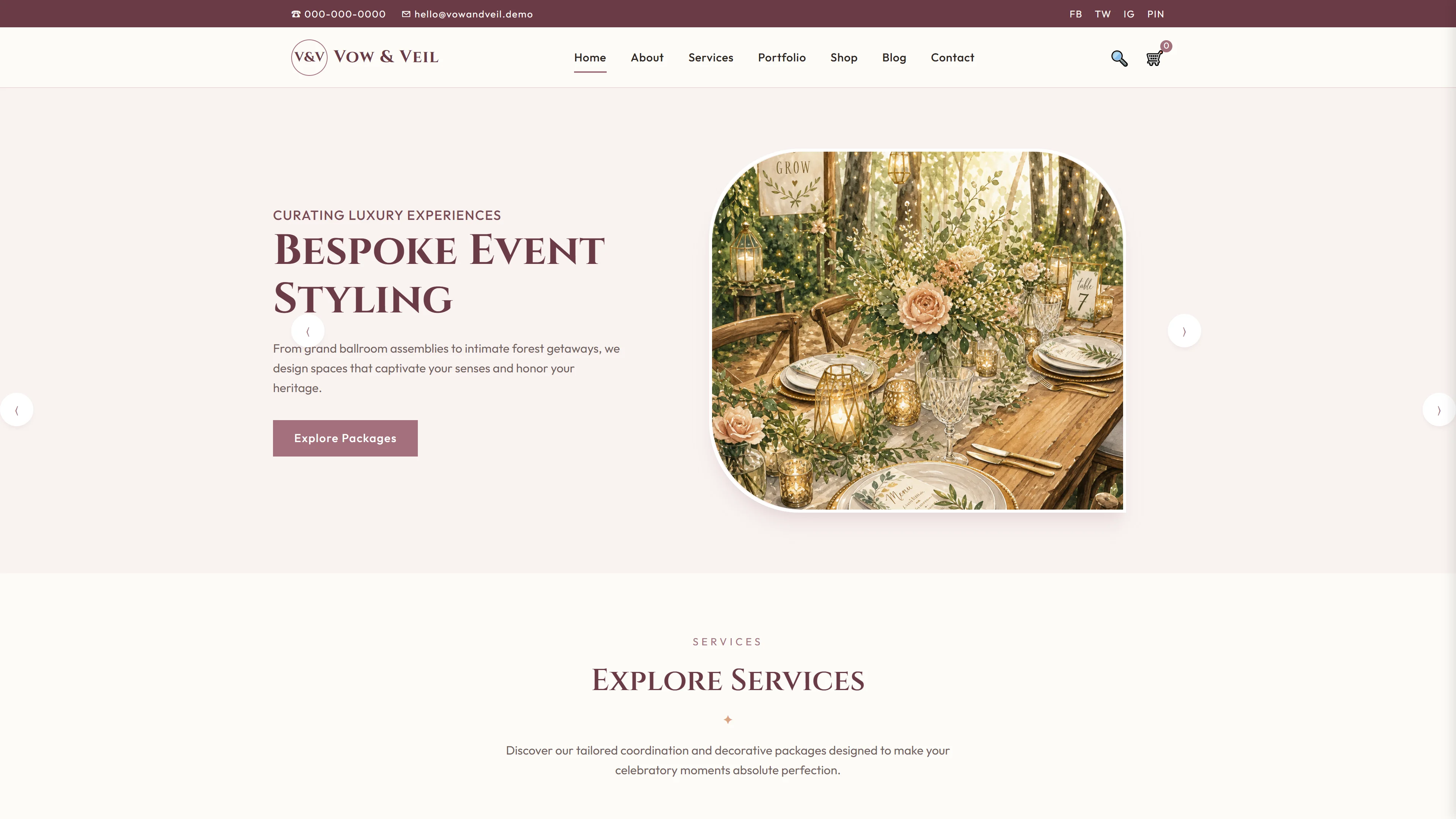
EventPlanner — Free Events & Wedding Website Template
EventPlanner is a free HTML5 template built with Tailwind CSS and vanilla JavaScript for events, weddings, and corporate occasion websites. The package contains 7 static HTML pages (index.html, about.html, services.html, events.html, gallery.html, contact.html, eventplanner.html) plus 22 local images. The template uses hand‑written CSS (not the Tailwind JIT build), loads Google Fonts, and includes a contact/newsletter form with HTML5 validation. Section headings on the index page highlight upcoming events, team, and occasion‑specific services.
Key Features
- Responsive event grid with dynamic filtering
- Built-in booking form with validation
- Dark mode toggle for evening events
- Lazy-loaded image gallery for performance
| Tech Stack | HTML5, Tailwind CSS, JavaScript |
| Release Date | 2026-07-05 |
| License | Free (Must keep footer backlink) |
Suitable For & Use Cases
Frontend developers, wedding planners, event agencies, and small business owners managing seasonal festivals. Ideal if you need a clean, fast foundation to build custom booking flows or client portals. Not suited for users expecting WordPress plugins or drag-and-drop builders out of the box.
Page Sections Included
The template contains seven HTML pages covering index, about, services, events, gallery, contact, and eventplanner. The index page includes sections for upcoming events, company history since 2010, services overview, wedding offerings, corporate events, life celebrations, team introduction, and occasion coverage. Styling uses hand-written CSS with Google Fonts and Tailwind utility classes. A contact and newsletter HTML form is included, along with 22 local images distributed across the pages.
Why We Recommend
It provides a complete, mobile‑first structure for event‑focused sites without heavy JS dependencies. The 7‑page layout covers the full content flow, the form is ready for Netlify/Google Forms integration, and the responsive CSS Grid layout keeps component positioning predictable. Because the CSS is hand‑written, developers can modify styles directly without a build step.
Technical Specifications
Requires only a static‑site server or drag‑and‑drop hosting. Tailwind CLI or a build step is not mandatory because the CSS is hand‑written; still, you may use Tailwind directives if you prefer. Optimize images to WebP. Replace placeholder links and form actions with your own endpoints (Netlify Forms, Google Forms, or custom backend).
Ideal Use Case
Ideal for independent event planners, wedding coordinators, and small venue operators who need a fast, self‑hosted site. The pre‑built pages and form enable quick deployment of a booking/contact flow without a CMS. Use it for event showcases, service listings, gallery displays, and team/about sections—then swap the local images and update the contact form action.