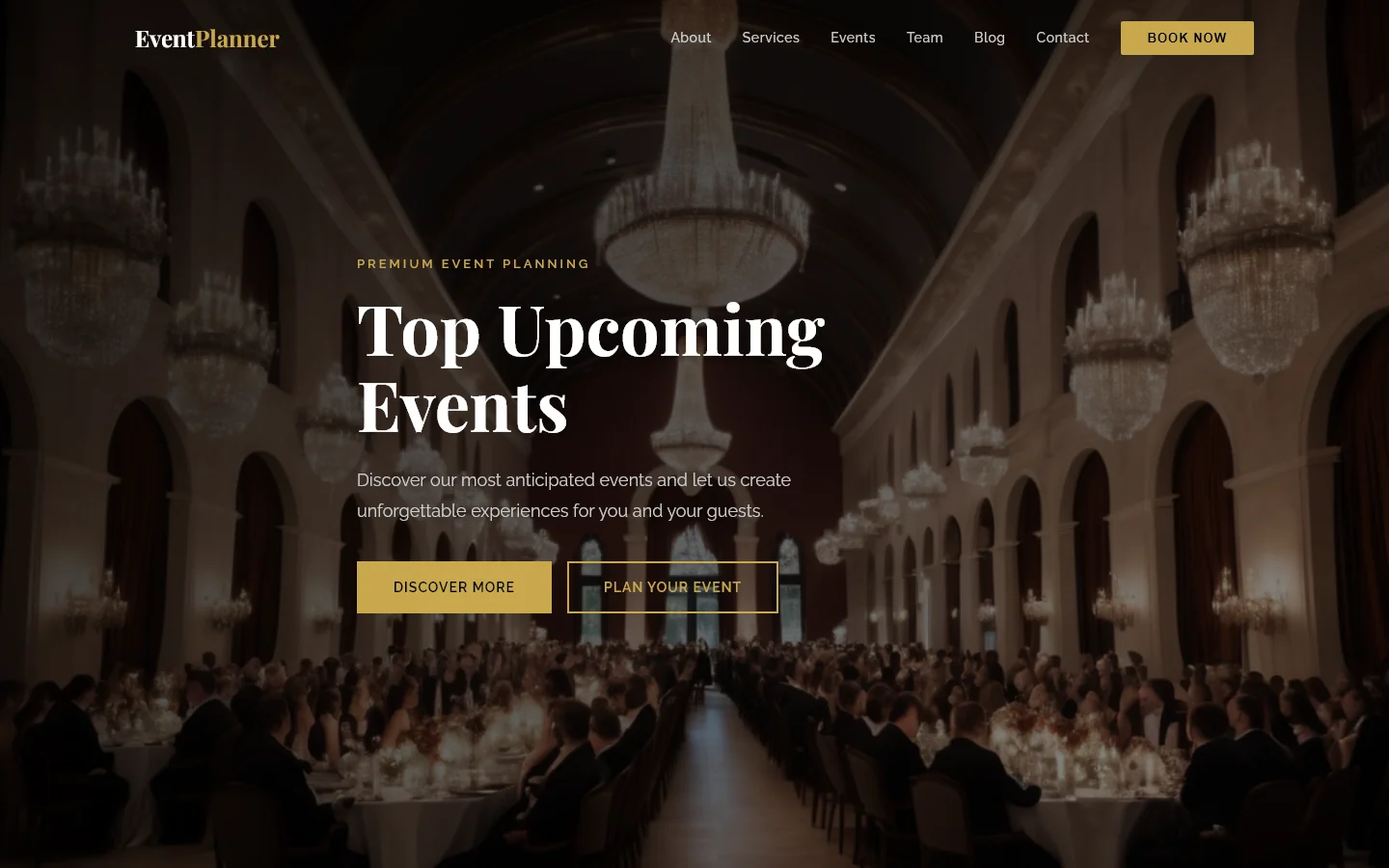
Vow & Veil — Free Events & Wedding Website Template
This Vow & Veil template is a free HTML5 and Tailwind CSS website kit designed for events and wedding planning businesses. It includes nine complete pages covering key sections such as about, services, portfolio, shop, blog, and contact forms. The design uses hand‑written CSS without dependency on heavy animation libraries, ensuring a lightweight and customizable codebase. The template features local image assets and structured content sections including event styling, service showcases, client testimonials, and package selection layouts. Section headings cover topics like ‘Wedding & Event Planner’, ‘Bespoke Event Styling’, ‘Explore Services’, ‘Our Amazing Work’, ‘Honoring Your Love Story’, ‘Happy Endings’, ‘Choose Your Perfect Package’, and ‘Join The Wedding Journal’. With a total package size of 5.3 MB, it provides a solid foundation for developers seeking a clean, mobile‑responsive starting point that can be tailored to specific brand needs.
Key Features
- Bespoke Wedding Design
- Full Event Coordination
- Custom Floral Arrangements
- Venue Selection
| Tech Stack | HTML5, Tailwind CSS, JavaScript |
| Release Date | 2026-07-05 |
| License | Free (Must keep footer backlink) |
Suitable For & Use Cases
Ideal for independent wedding planners, small event agencies, boutique florists, and venue owners looking to book consultations online. Also great for photographers and decorators building portfolios with clear client contact paths. Not suited for large corporate event firms needing multi-site management or enterprise-grade CRM integration.
Page Sections Included
The template features a hero section titled Wedding & Event Planner with calls to action, a portfolio gallery labeled Our Amazing Work with filtering capability, service cards under Explore Services with package tiers, testimonial sections called Happy Endings, an about area honoring your love story, a shop page for product listings and bundles, a blog section called The Wedding Journal with individual post templates, and a contact page with form validation and newsletter signup alongside footer social links.
Why We Recommend
This template stands out for its straightforward hand‑written CSS and absence of heavy JavaScript animation dependencies, which keeps the codebase manageable and easy to customize. The nine‑page structure covers essential business areas—portfolio, services, blog, and contact forms—providing a complete foundation without requiring additional layout work. Its utility‑first Tailwind approach ensures responsive design across devices, while the inclusion of local image assets allows quick replacement with your own visuals. For developers building wedding or event planning sites, this kit offers a practical starting point that balances structure with flexibility.
Technical Specifications
Built with HTML5, Tailwind CSS, and vanilla JavaScript, the template uses hand‑written CSS for styling and contains no heavy animation libraries. The 5.3 MB package includes nine ready‑to‑use HTML pages and local image assets. To customize, open the files in any code editor and adjust the Tailwind utility classes directly. No build process is required, though using a local server for testing is recommended. All assets are static, making it straightforward to deploy to any web hosting service.
Ideal Use Case
Ideal for independent wedding planners and boutique event studios that need a professional online presence without complex backend requirements. The template’s mix of service showcases, portfolio gallery, and contact forms supports lead capture and client inquiries. Small venues can use the blog and shop pages to publish updates and sell digital products or gift cards. Its static HTML structure makes it suitable for hosting on platforms like GitHub Pages or Netlify, where low overhead and fast load times are priorities.