Venuva — Free Spa & Wellness Website Template
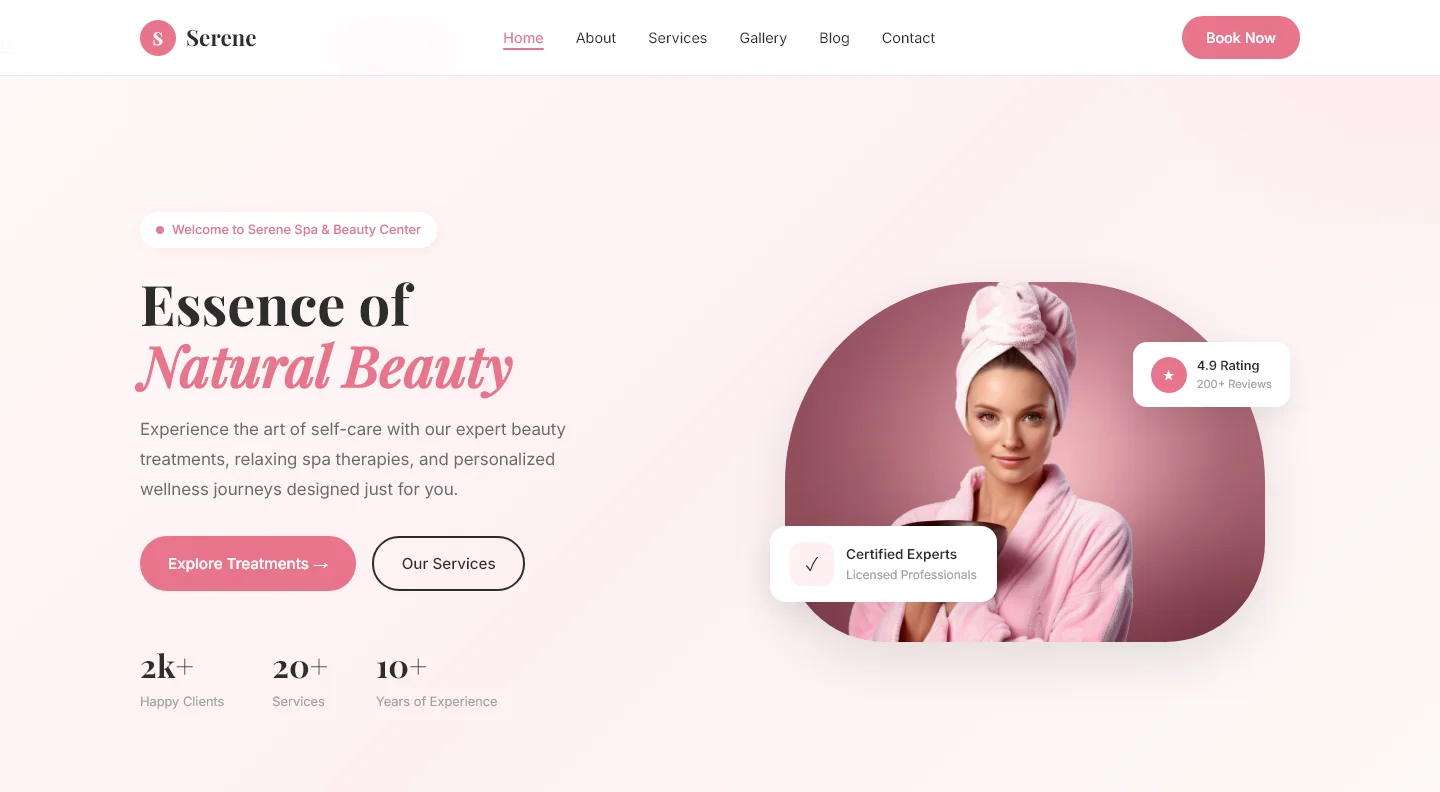
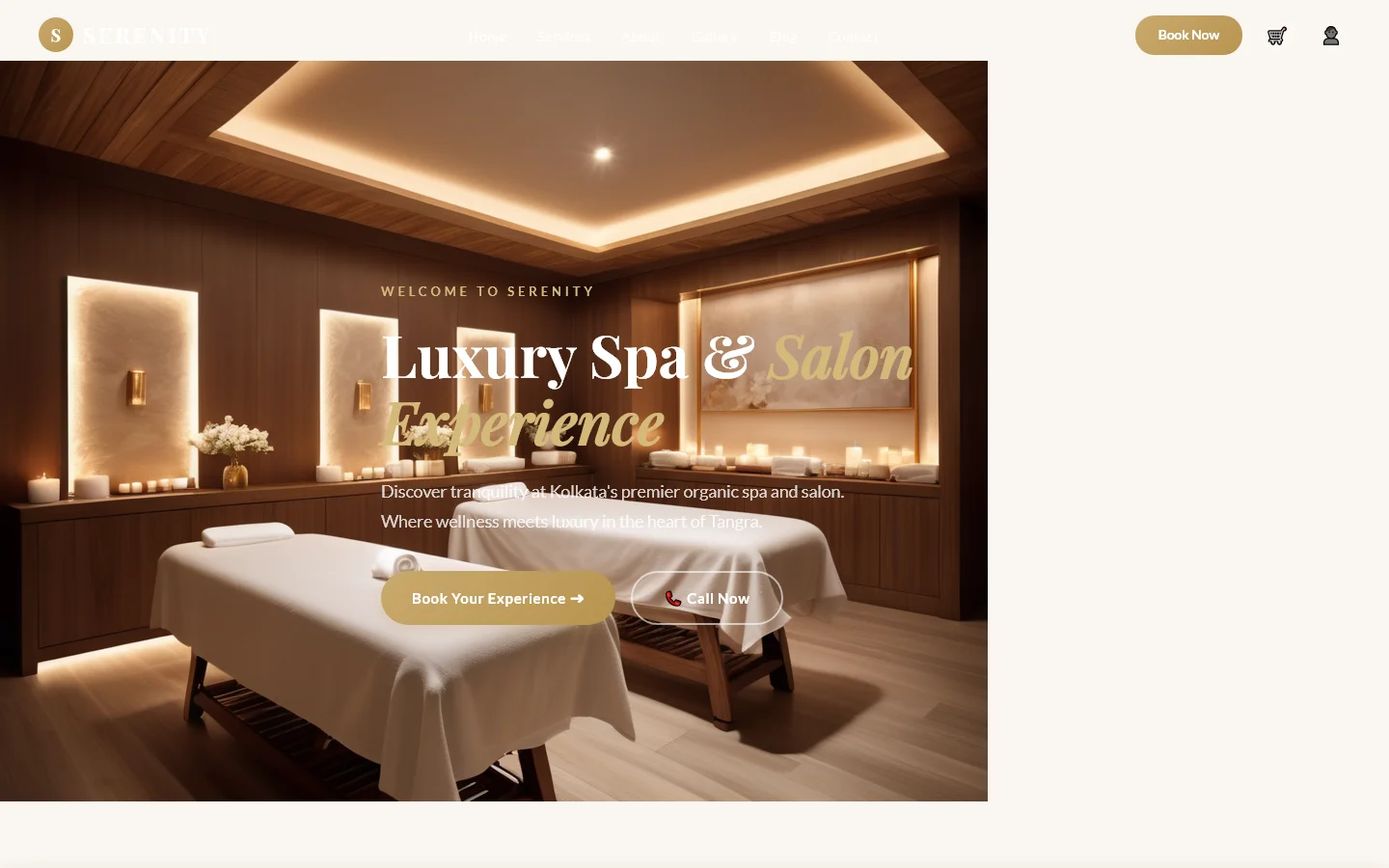
Venuva is a free HTML website template tailored for spa and wellness businesses. Built with HTML5 and Tailwind CSS, it provides a foundation for service-oriented sites. The package includes seven HTML pages: index.html, about.html, services.html, blog.html, contact.html, gallery.html, and venuva.html. It features hand-written CSS for precise styling and contains an HTML form suitable for contact or newsletter subscriptions.
The template incorporates 33 local images and includes predefined section headings such as "In-House Massage," "Beauty & Wellness," "Empowering Your Skin with Expert Care & Solutions," and "Frequently Asked Questions?" Designed for developers, it avoids heavy animation libraries, relying instead on vanilla JavaScript for interactivity.
Key Features
- Massage Therapy Booking Flow
- Beauty Service Grid Layout
- Therapist Profile Cards
- Mobile-First Contact Forms
| Tech Stack | HTML5, Tailwind CSS, JavaScript |
| Release Date | 2026-07-05 |
| License | Free (Must keep footer backlink) |
Suitable For & Use Cases
Spa owners, wellness center managers, massage therapy studio operators, and digital marketers managing local beauty businesses. Ideal for clinics using Google Workspace or Shopify for backend operations. Not suited for e-commerce product stores or SaaS dashboards requiring complex user authentication flows. Wellness studios and beauty salons that need online appointment booking.
Page Sections Included
The Venuva template includes seven HTML pages: index.html, about.html, services.html, venuva.html, gallery.html, blog.html, and contact.html. The main page features sections for In-House Massage, Beauty and Wellness services, Skincare Procedures, Before and After galleries, and an FAQ area. Each page is designed with hand-written CSS and contains local images for visual content.
Why We Recommend
Venuva offers a clean, utility-first architecture that minimizes custom CSS overhead. The Tailwind CSS setup allows rapid customization via configuration files, while hand-written CSS ensures predictable styling. The inclusion of a contact form with inline validation supports lead capture without external dependencies. The multi-page structure accommodates content-rich marketing needs, and the absence of heavy JS libraries keeps the bundle lightweight. Developers can quickly adapt the template for diverse wellness service providers.
Technical Specifications
Requires Node.js v18+ and npm for Tailwind CSS compilation. Customize colors and spacing via tailwind.config.js. Uses vanilla JavaScript for form validation and mobile navigation. Optimize local images to WebP format. Deploy on static hosting platforms like Netlify or Vercel with automatic TLS. Avoid adding large animation libraries to maintain performance.
Ideal Use Case
Realistic deployment scenarios include independent massage therapists creating a service catalog with pricing, wellness studios publishing blog content alongside appointment booking, and beauty salons showcasing before-and-after gallery with treatment descriptions. The template's FAQ section supports common customer inquiries, reducing support load. It fits small business websites that require a professional presence without complex backend integrations.