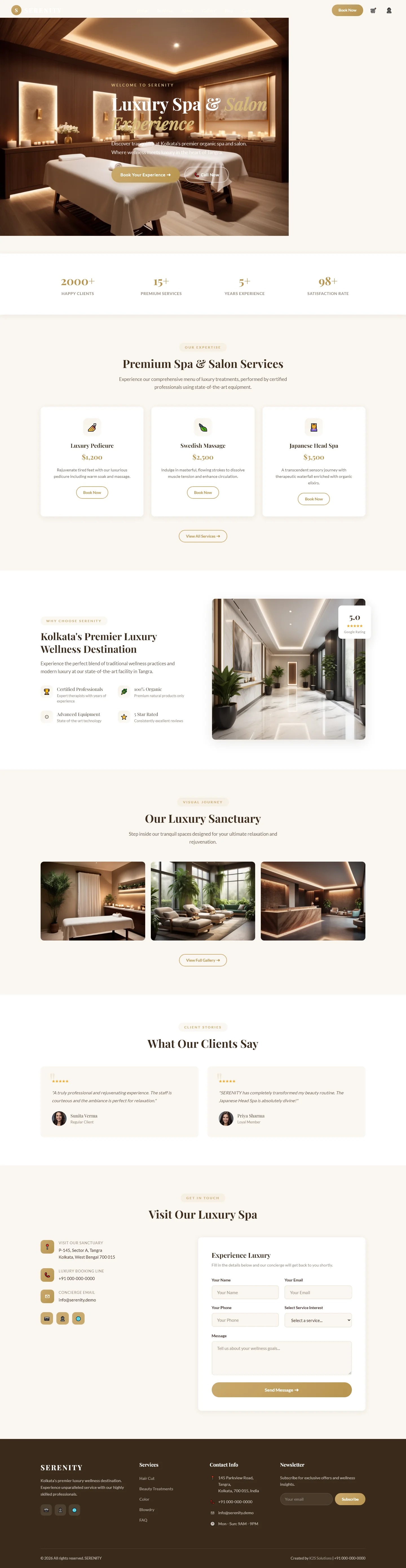
Serenity — Free Spa & Wellness Website Template
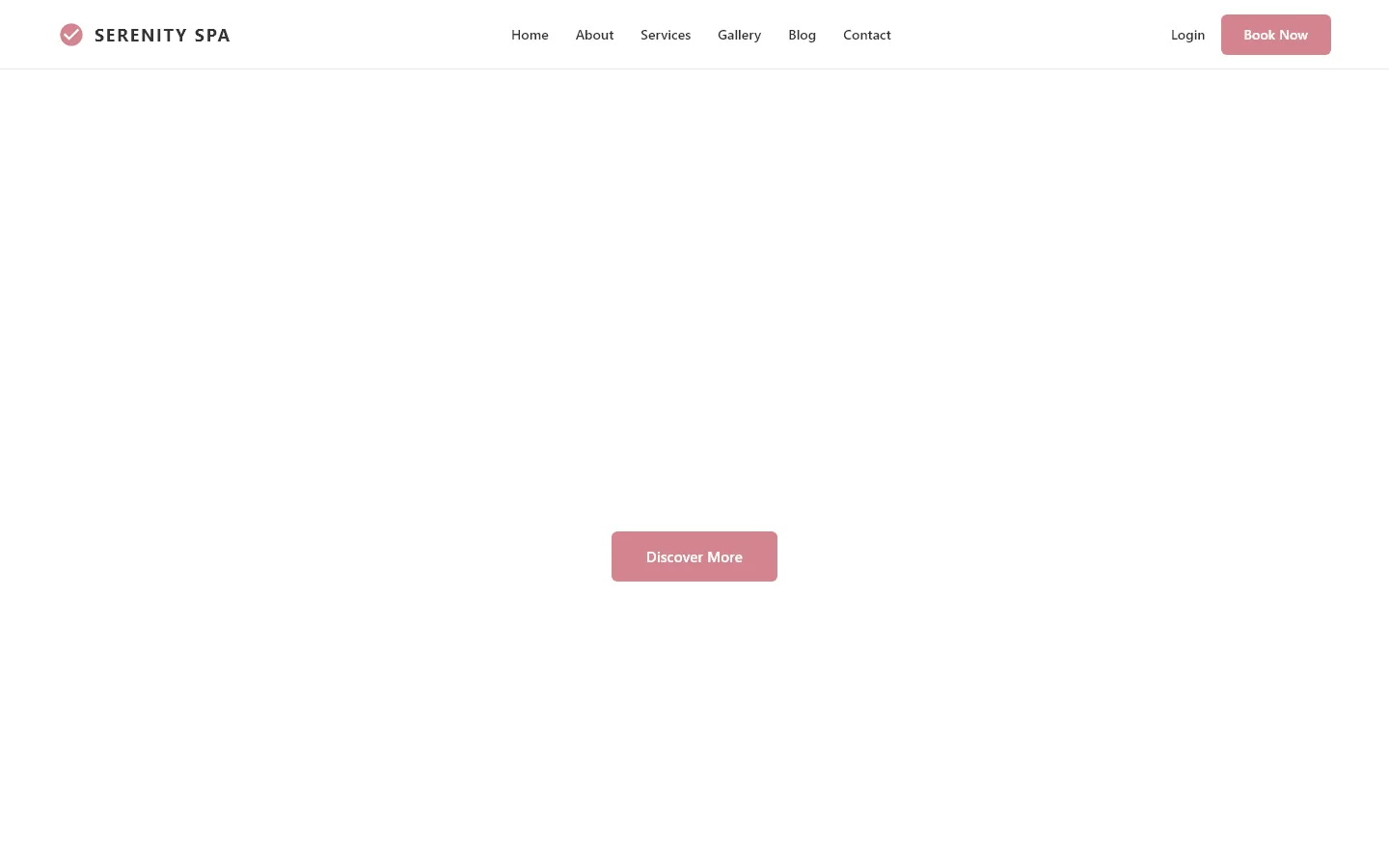
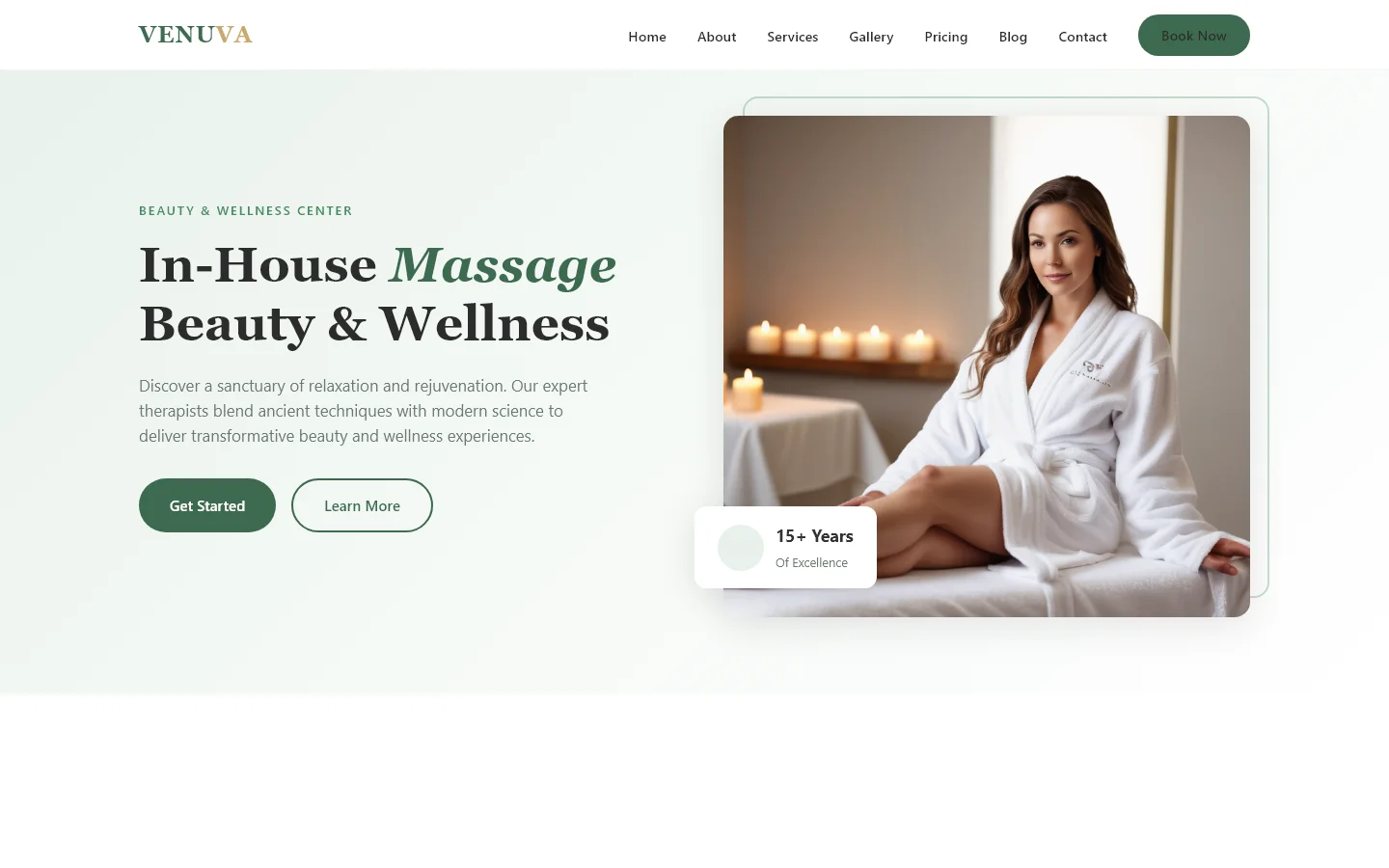
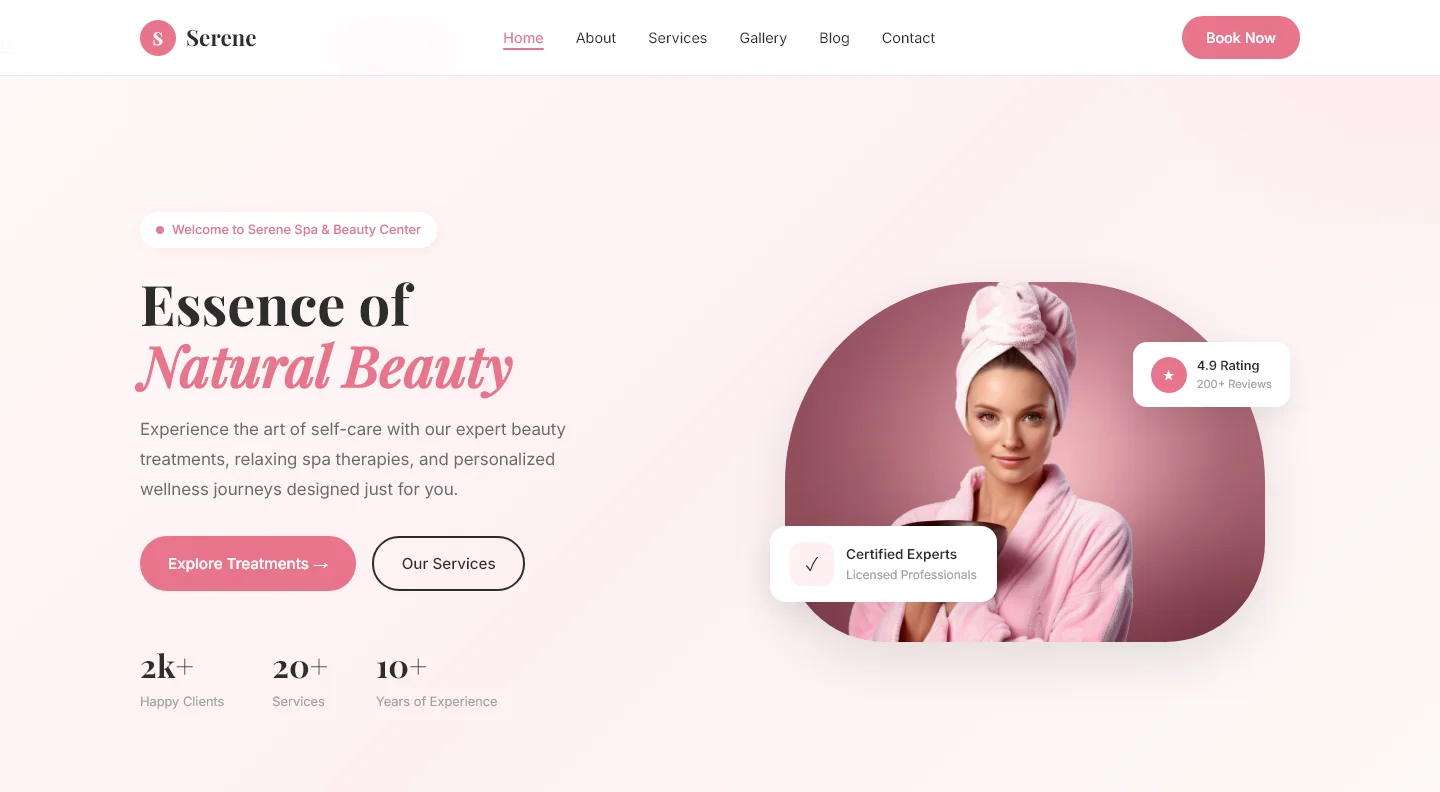
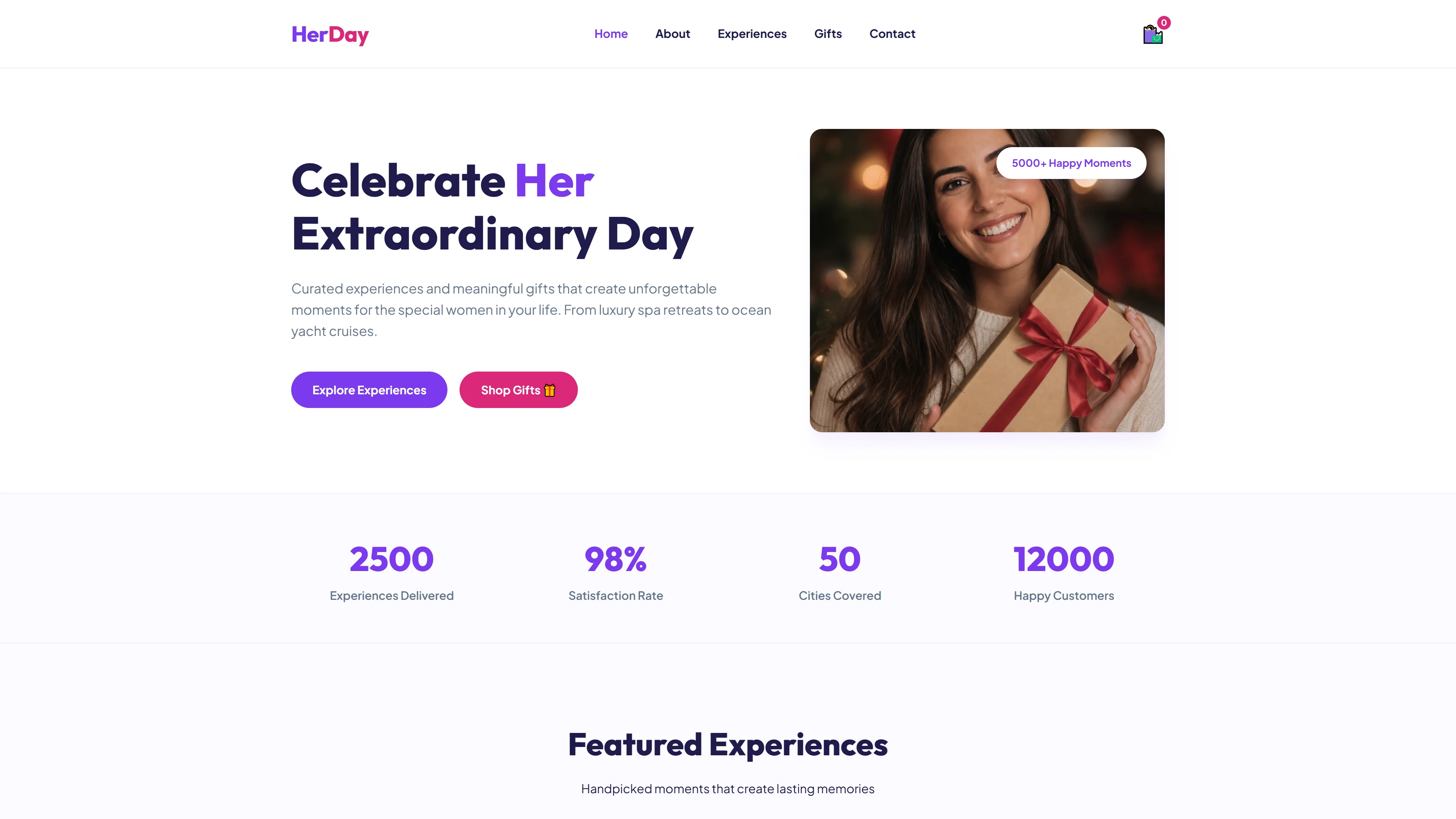
Serenity is a free spa and wellness HTML template built with HTML5, Tailwind CSS, and JavaScript. The package includes seven fully structured pages—index, about, services, gallery, blog, contact, and a dedicated spa landing page—each crafted to showcase premium wellness services. The template uses hand-written CSS rather than component libraries, paired with Google Fonts for elegant typography, and includes a contact/newsletter HTML form for lead capture. Twenty-three local images are bundled with the template.
Key sections on the homepage highlight luxury spa and salon experience, premium services, client testimonials, and a sanctuary-style layout—ideal for wellness businesses seeking a professional, high-end online presence without paid frameworks.
Key Features
- Luxury Spa Layout
- Beauty Treatments Section
- Wellness Therapies Showcase
- Self-Care Booking Module
| Tech Stack | HTML5, Tailwind CSS, JavaScript |
| Release Date | 2026-07-05 |
| License | Free (Must keep footer backlink) |
Suitable For & Use Cases
Spa managers, wellness brand marketers, and digital agencies managing boutique retreats. Ideal for single-location spas offering massage, facials, and meditation sessions. Not suited for e-commerce stores selling physical products or multi-service clinics requiring complex scheduling integrations. Premium beauty salons and spa centers requiring a booking system.
Page Sections Included
The template features sections for Luxury Spa and Salon Experience, Premium Spa and Salon Services, Kolkata Premier Luxury Wellness Destination, Our Luxury Sanctuary, Client Testimonials, and Visit Our Luxury Spa. Additional pages include a blog, gallery, contact form, and service listings across seven total HTML pages built with hand-written CSS and Google Fonts.
Why We Recommend
Serenity strips away unnecessary bloat by using hand-written CSS alongside Tailwind utilities, giving developers full control over styling without dependency overhead. The seven-page structure covers common spa website needs out of the box, and the included contact form supports direct client inquiries. Its semantic HTML5 markup and clean layout are well-suited for local SEO and fast page loading.
Technical Specifications
Requires Node.js v18+ and npm for building. Customize the color palette in tailwind.config.json and override component styles in src/components. Use Vite as the development server. The template is primarily static with minimal JavaScript; avoid adding custom scripts unless needed. Deploy on Netlify or Vercel for optimal performance.
Ideal Use Case
Ideal for independent massage therapists, facial studios, and boutique wellness centers launching their first website or migrating from a hosted builder. The gallery and services pages work well for spas showcasing treatment rooms and packages, while the blog page supports content marketing for organic search growth.