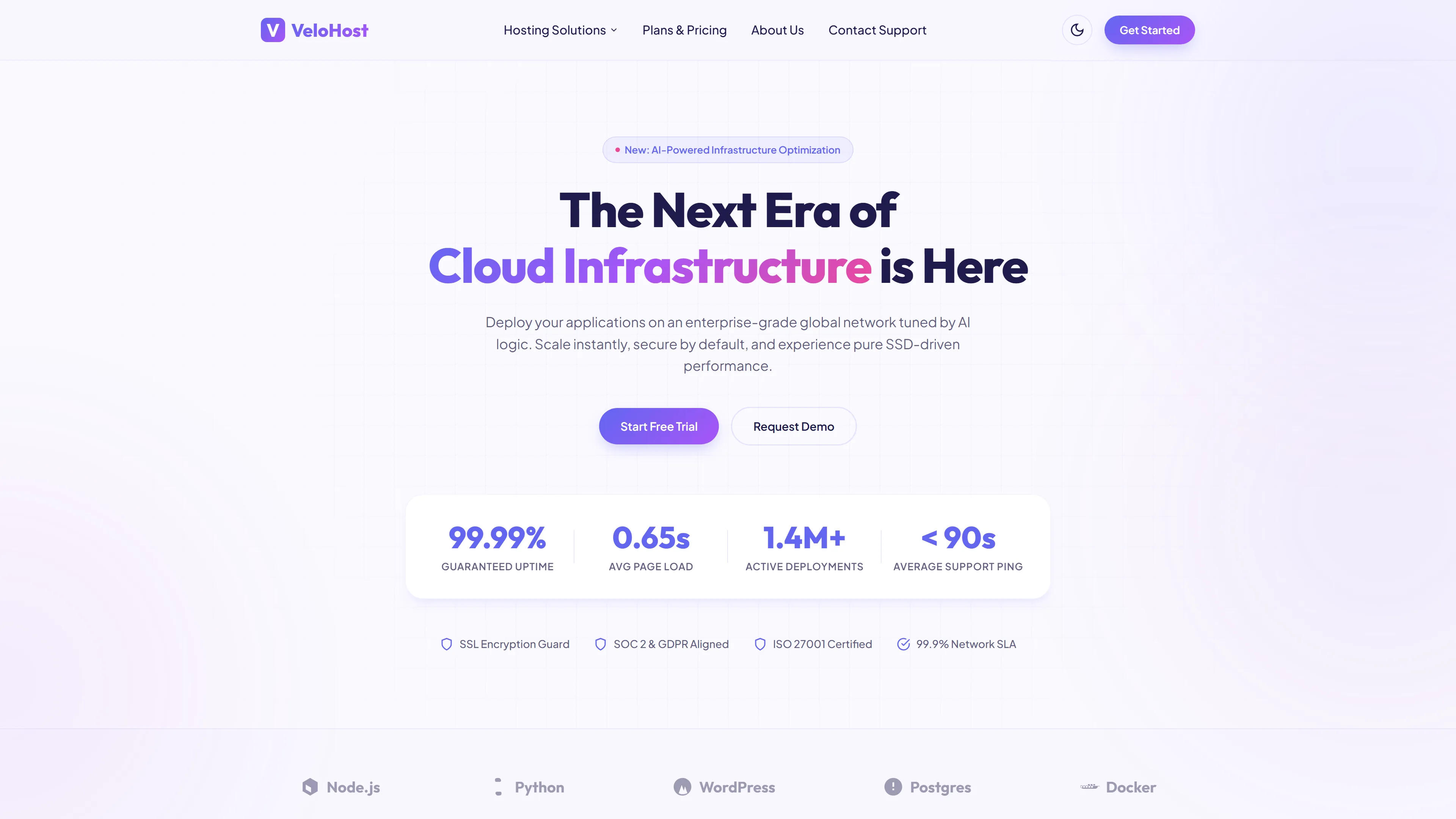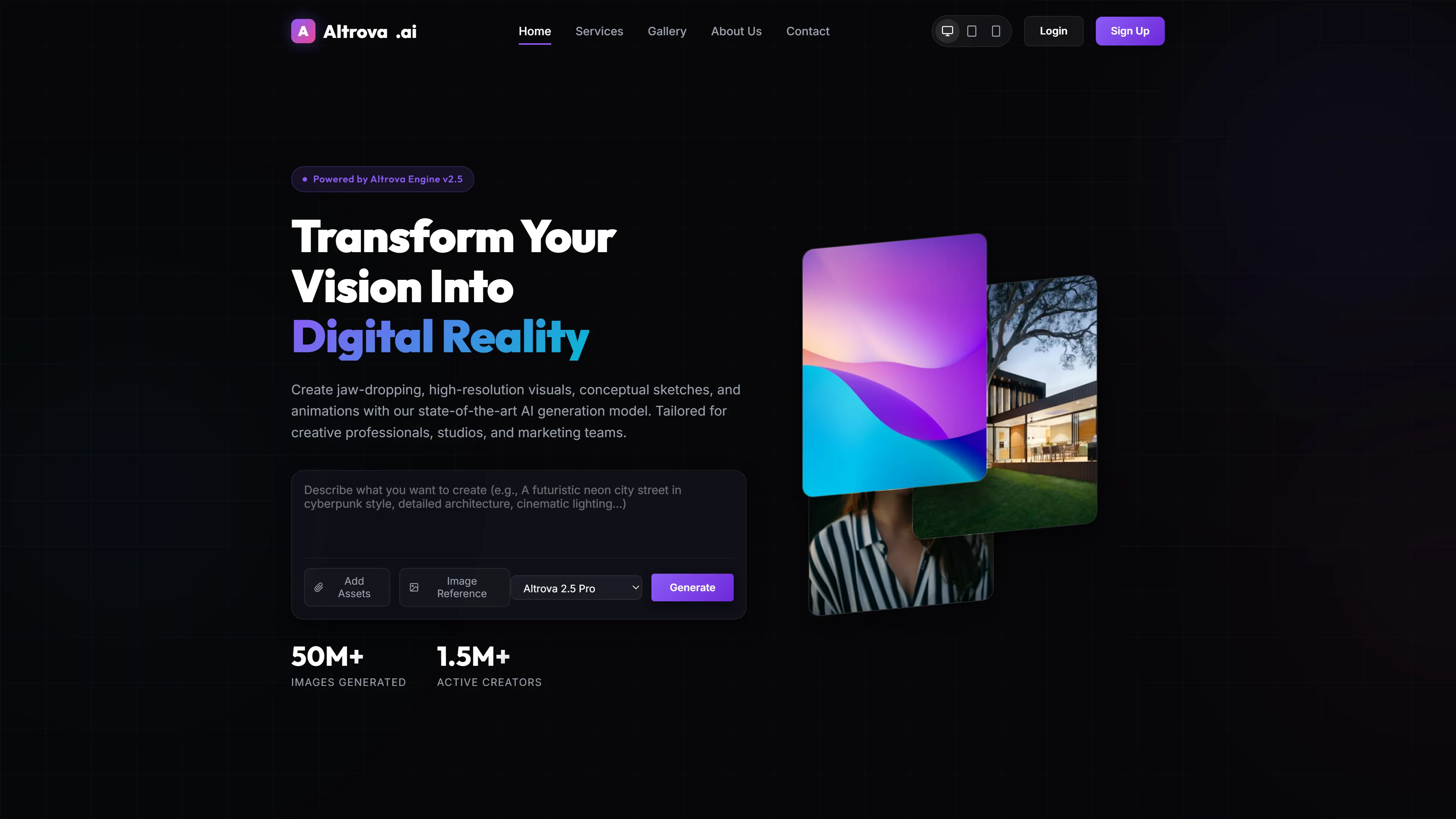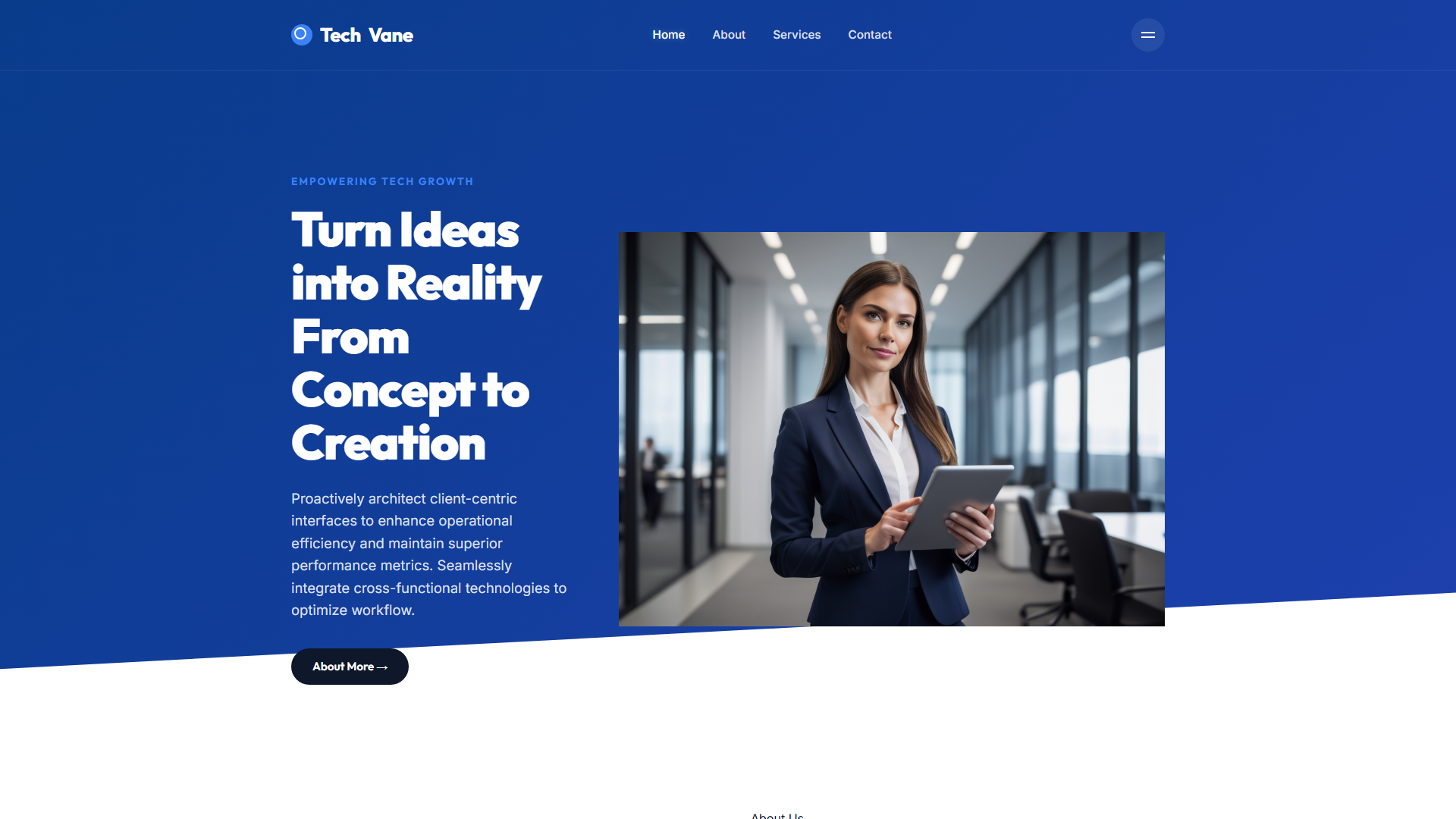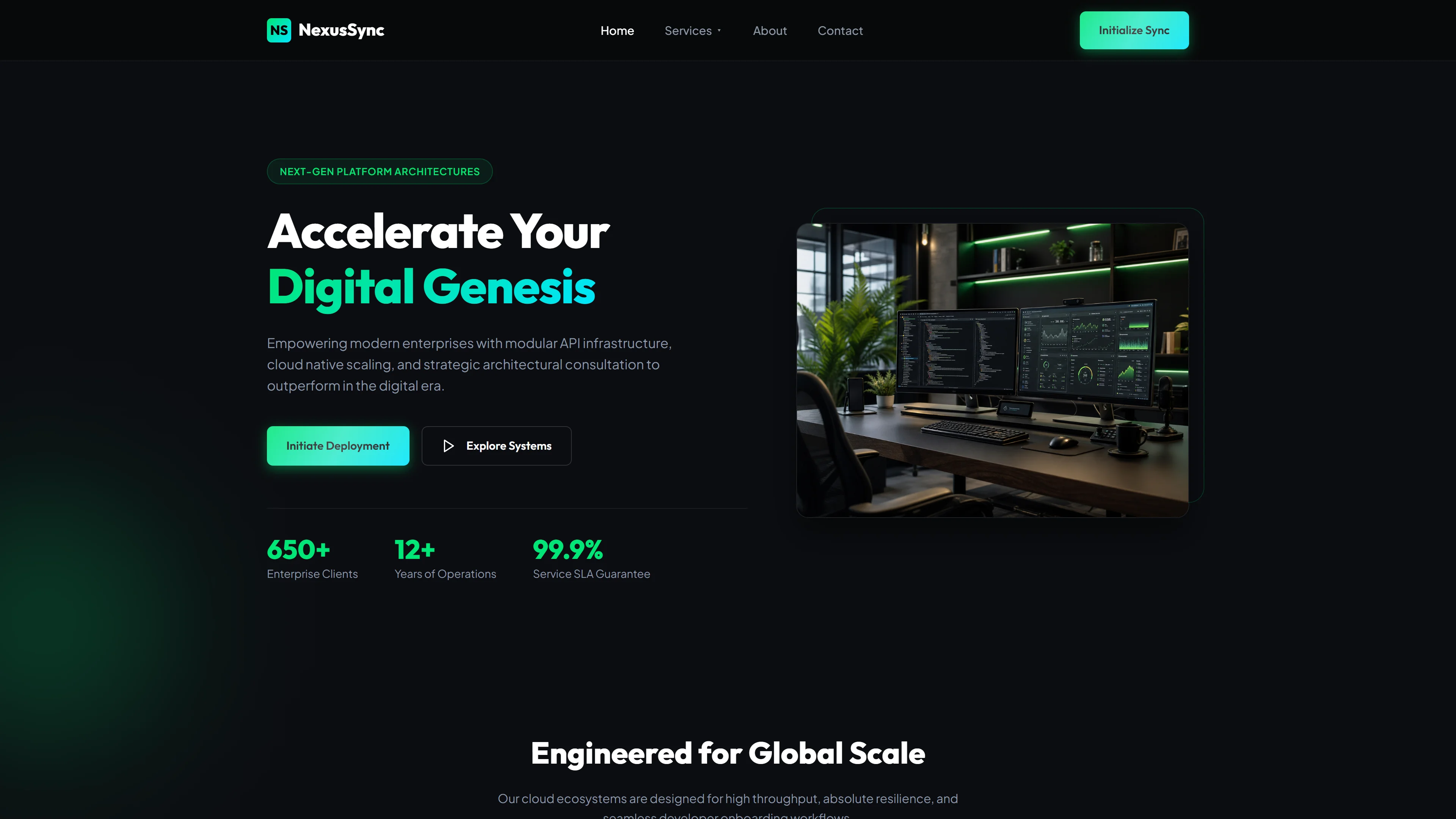
Digicom — Free IT & Software Website Template
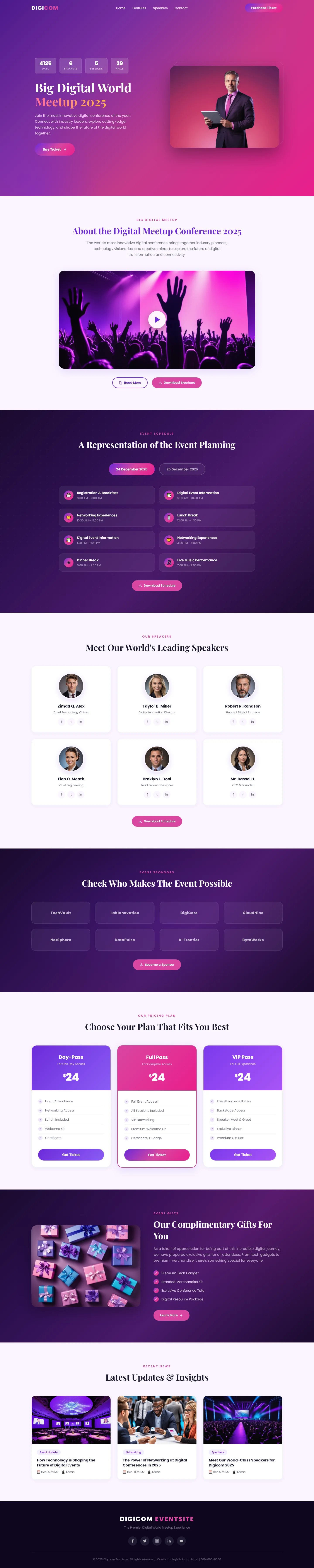
Digicom is a free HTML5 website template built with Tailwind CSS and vanilla JavaScript, designed for IT, software, and tech conference websites. The package includes 7 pre-built HTML pages — index, about, contact, schedule, speakers, sponsors, and a dedicated digicom landing page — giving event organizers a complete multi-page site right out of the box.
The template uses a mobile-first utility-first approach with Tailwind v3.4, plus Google Fonts for typography. It features hand-written CSS for custom styling, 30 local images, and includes an HTML contact/newsletter form ready for integration. The index page is structured around clear section headings covering the event overview, speaker lineup, sponsor recognition, pricing plans, and latest updates.
Key Features
- Responsive Speaker Grids
- Session Scheduling Widget
- Live Attendee Counter
- Dark Mode Toggle
| Tech Stack | HTML5, Tailwind CSS, JavaScript |
| Release Date | 2026-07-05 |
| License | Free (Must keep footer backlink) |
Suitable For & Use Cases
Freelance web developers, startup CTOs, event organizers, and solo creators who need to pitch clients quickly without bloated codebases. Ideal for hackathons, meetups, or product launches where you want a polished look in under an hour. Not suited for enterprise-scale e-commerce platforms or complex dashboards requiring state management libraries like Redux.
Page Sections Included
The Digicom template comprises seven HTML pages: an index with hero banner, about section, agenda overview, speaker showcase, sponsor listings, pricing plans, gifts area, and latest updates feed. Additional standalone pages cover detailed scheduling, individual speaker profiles, and sponsor information. A contact form supports user inquiries. The design employs hand-written CSS with Google Fonts integration and includes thirty local images for easy customization.
Why We Recommend
This template gives you a complete 7-page conference website structure without needing to wire individual pages together. The hand-written CSS and Tailwind setup keep customization straightforward, and the included contact form plus speaker and sponsor sections cover the core pages most event sites require.
Technical Specifications
Requires a static hosting environment — no server-side processing needed. Tailwind CSS can be customized through tailwind.config.js. Google Fonts are loaded via CDN. Vanilla JavaScript handles interactivity; no build tool required for basic deployment, though Vite or esbuild can provide hot reload during local development.
Ideal Use Case
Tech meetup organizers, software companies hosting user conferences, and conference agencies can deploy this template to stand up a full event site quickly — using the speakers page to showcase keynote presenters, the sponsors page to display partner logos, the schedule page to publish session timelines, and the contact form to capture attendee inquiries and newsletter signups.