TechVane — Free IT & Software Website Template
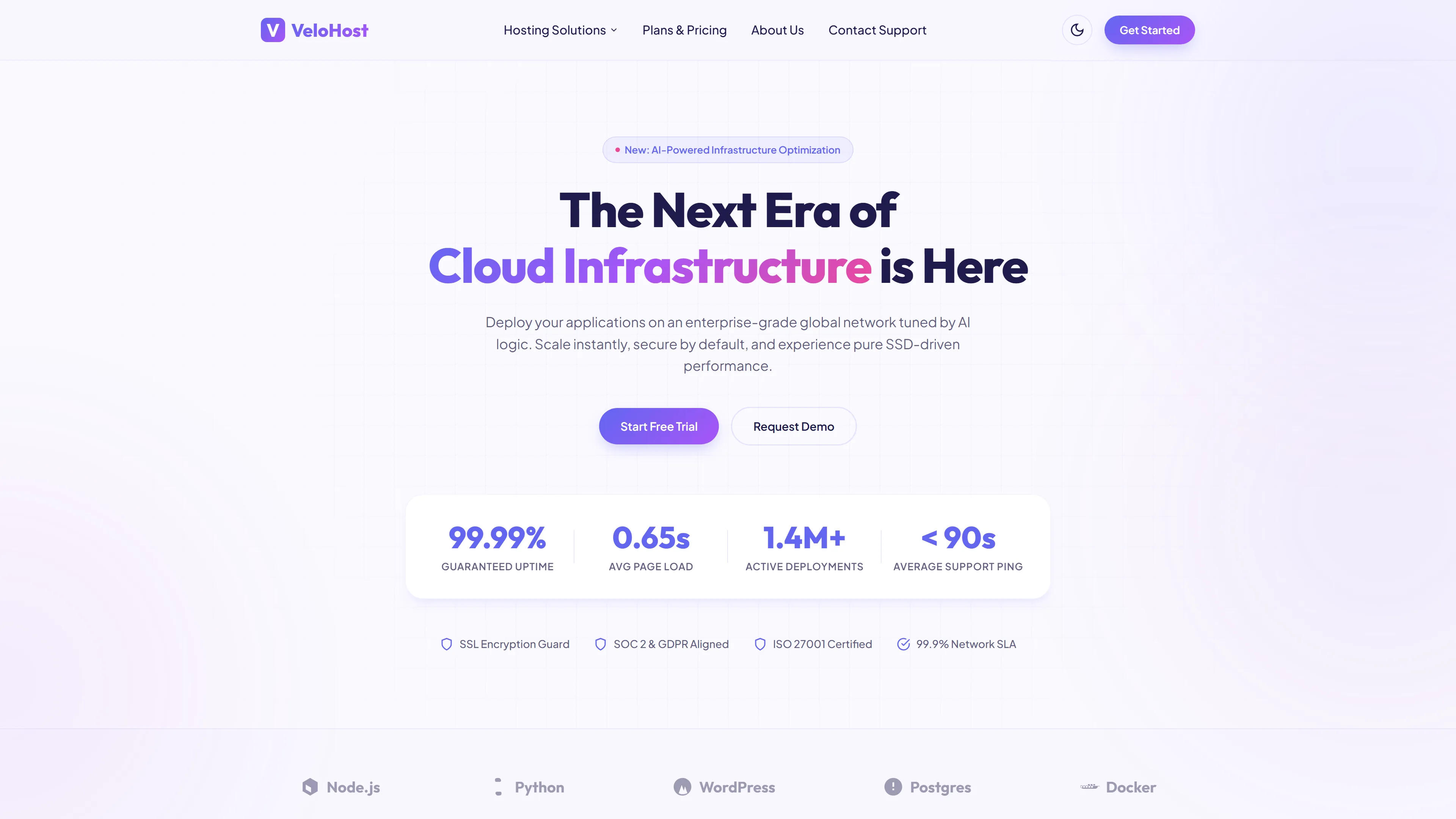
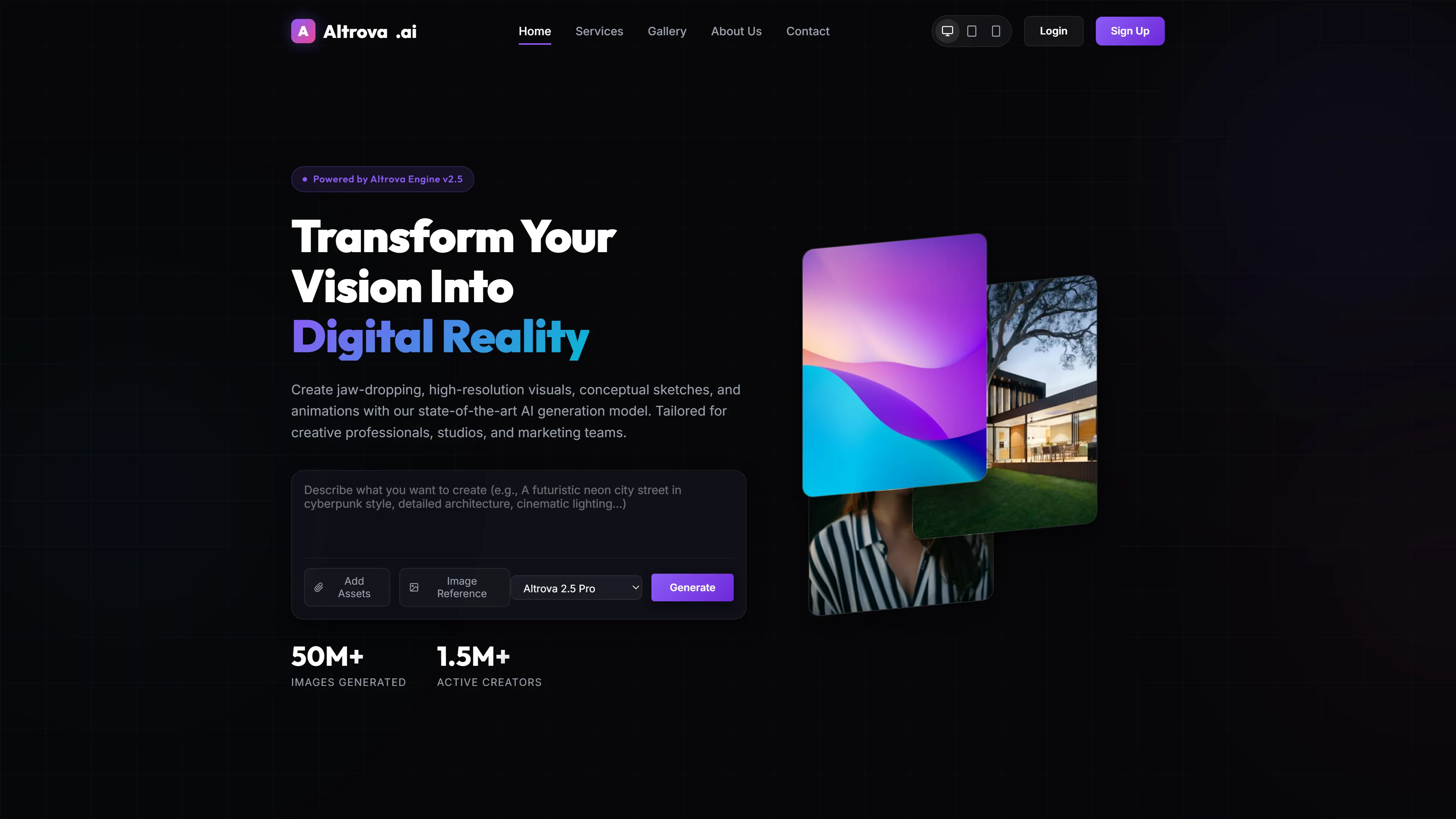
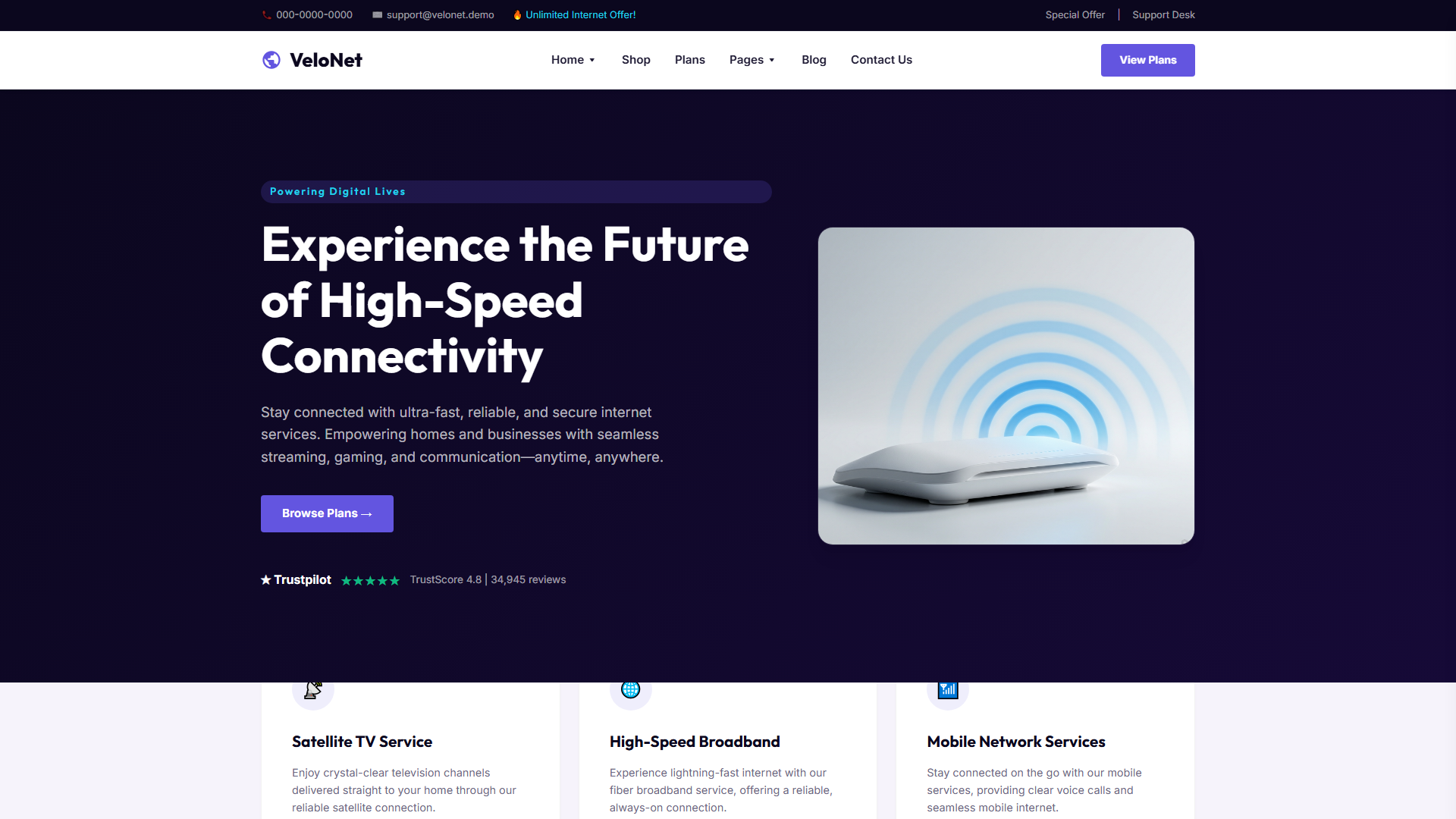
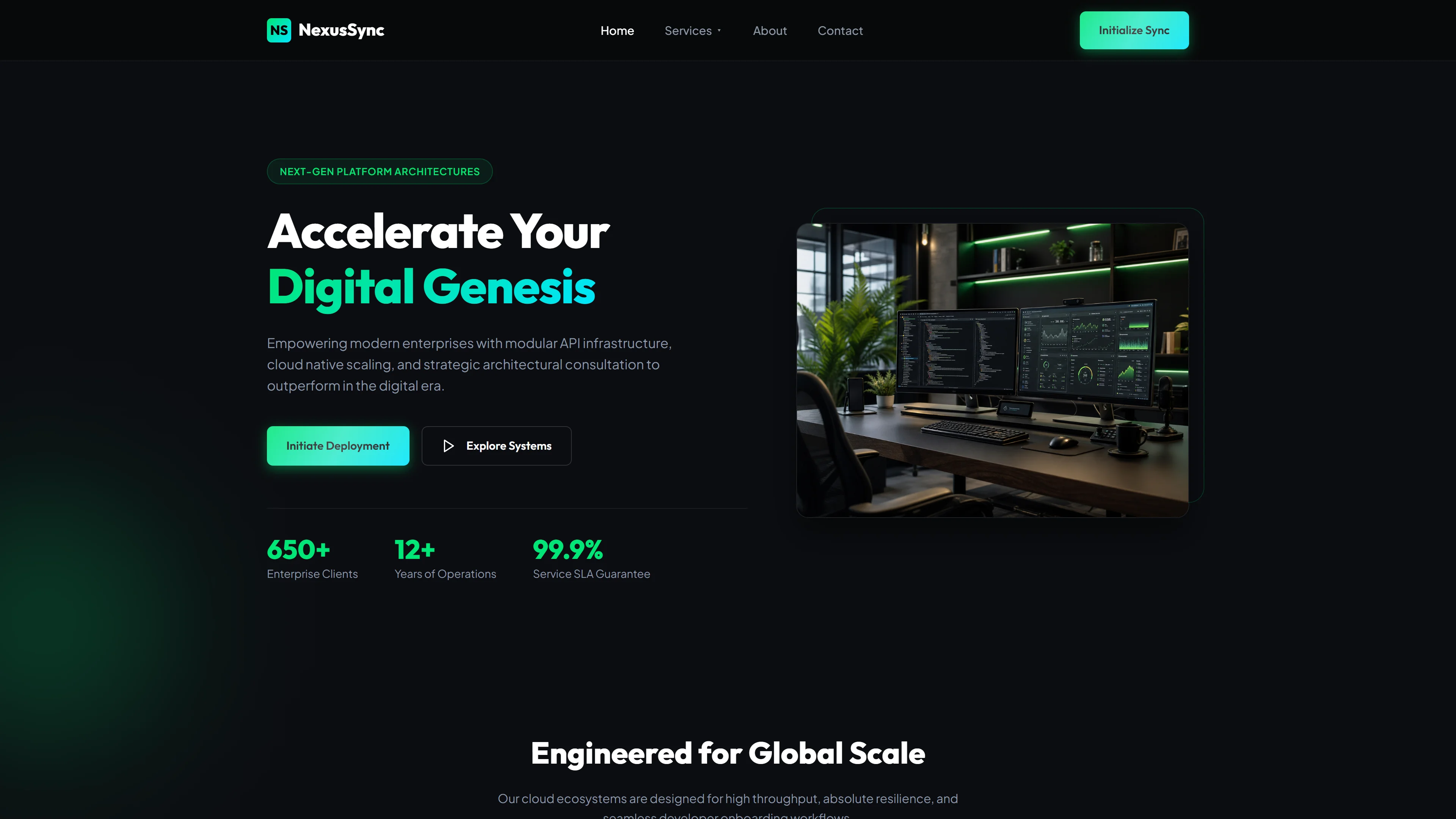
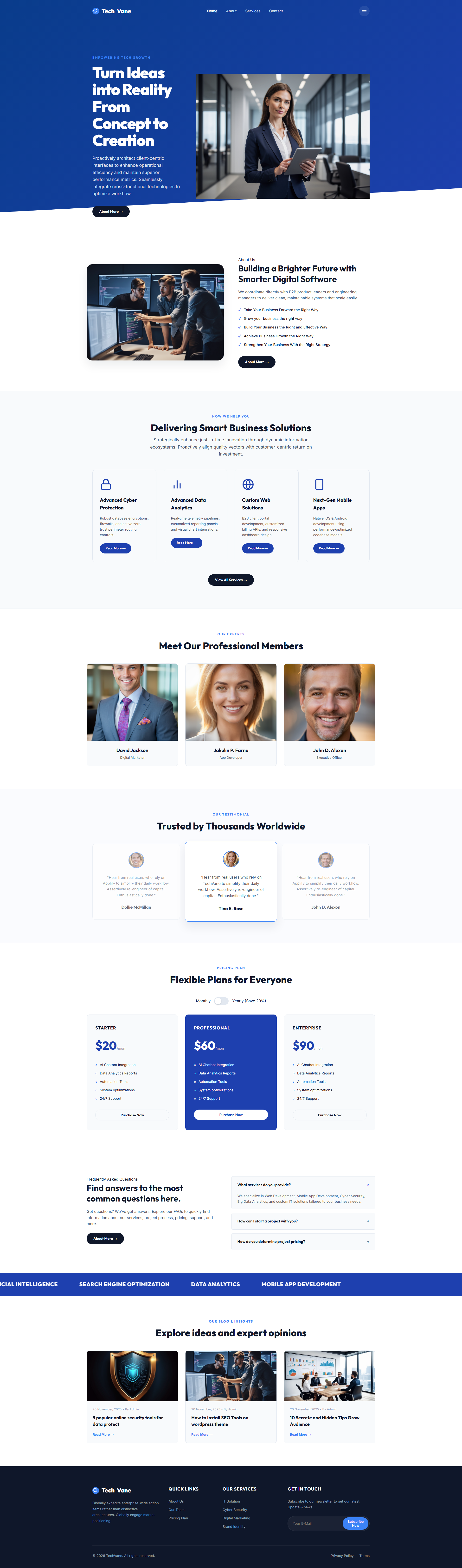
TechVane is a free IT & Software template built with HTML5, Tailwind CSS, and JavaScript, distributed as a 6.3 MB package. It ships four hand-built HTML pages — index.html, about.html, services.html, and contact.html — alongside eleven local images and hand-written CSS layered on top of Tailwind's utility system. The layout covers a hero section, service overview, team showcase, trust indicators, pricing plans, and a content area. A contact and newsletter form is included, with no heavy animation libraries attached.
The clean page structure maps naturally to software company sites, SaaS product pages, and IT service portfolios, giving developers a straightforward foundation without unnecessary complexity.
Key Features
- Cyber Protection
- Big Data Analytics
- Custom Web Development
- SaaS Infrastructure
| Tech Stack | HTML5, Tailwind CSS, JavaScript |
| Release Date | 2026-07-05 |
| License | Free (Must keep footer backlink) |
Suitable For & Use Cases
Frontend engineers, startup CTOs, DevOps leads building developer-facing tools, or SaaS platforms needing rapid prototyping. Ideal for agencies delivering enterprise-grade dashboards quickly. Not suited for marketing-heavy brochure sites requiring heavy JavaScript frameworks like React or Vue out of the box. AI security companies and cybersecurity service providers.
Page Sections Included
Features a responsive grid-based hero with animated stats display, a dark-mode-capable feature spotlight (works down to 375px), a collapsible tech stack card list, a live-code preview section with syntax highlighting, a scalable pricing table with toggle plans, and a footer with social links and newsletter signup. Mobile breakpoints trigger vertical stacking below 768px; icons scale using rem units for accessibility.
Why We Recommend
TechVane gives you a readable, lean starting point without abstracted boilerplate. Tailwind utilities handle layout while custom CSS covers branded components, creating a clear separation that is easy to modify. Four focused pages cover the essentials, and the absence of animation libraries reduces bundle weight and improves load performance. Inline SVGs and local images keep external requests minimal, making adaptation for client portals or software landing pages quick and predictable.
Technical Specifications
Requires a static host or any platform that serves HTML files. Tailwind CSS v3+ should be configured through the CLI or PostCSS. All typefaces fall back to system-ui, so no external fonts are required. Local images and inline SVGs eliminate CDN dependencies. Deploy to Netlify, Vercel, or any static storage without server-side rendering.
Ideal Use Case
Small software consultancies launching a service site, dev agencies building a fast static product landing page, or IT teams setting up an internal-facing portal with a contact form. The four-page structure aligns directly with standard corporate layouts — home, about, services, contact — suitable for teams that want to ship a clean HTML and CSS foundation before layering on a CMS or backend.