Solveta — Free IT & Software Website Template
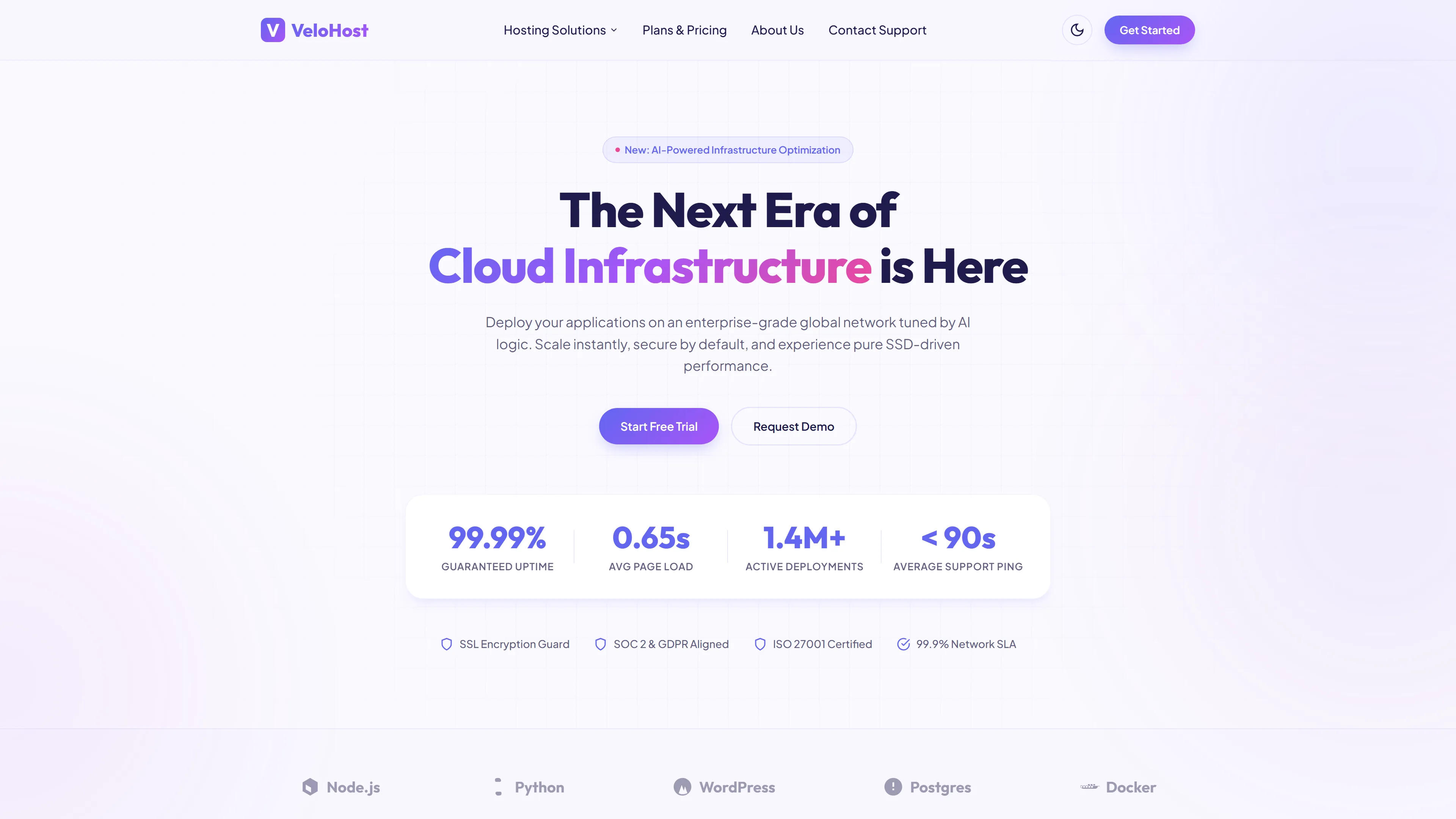
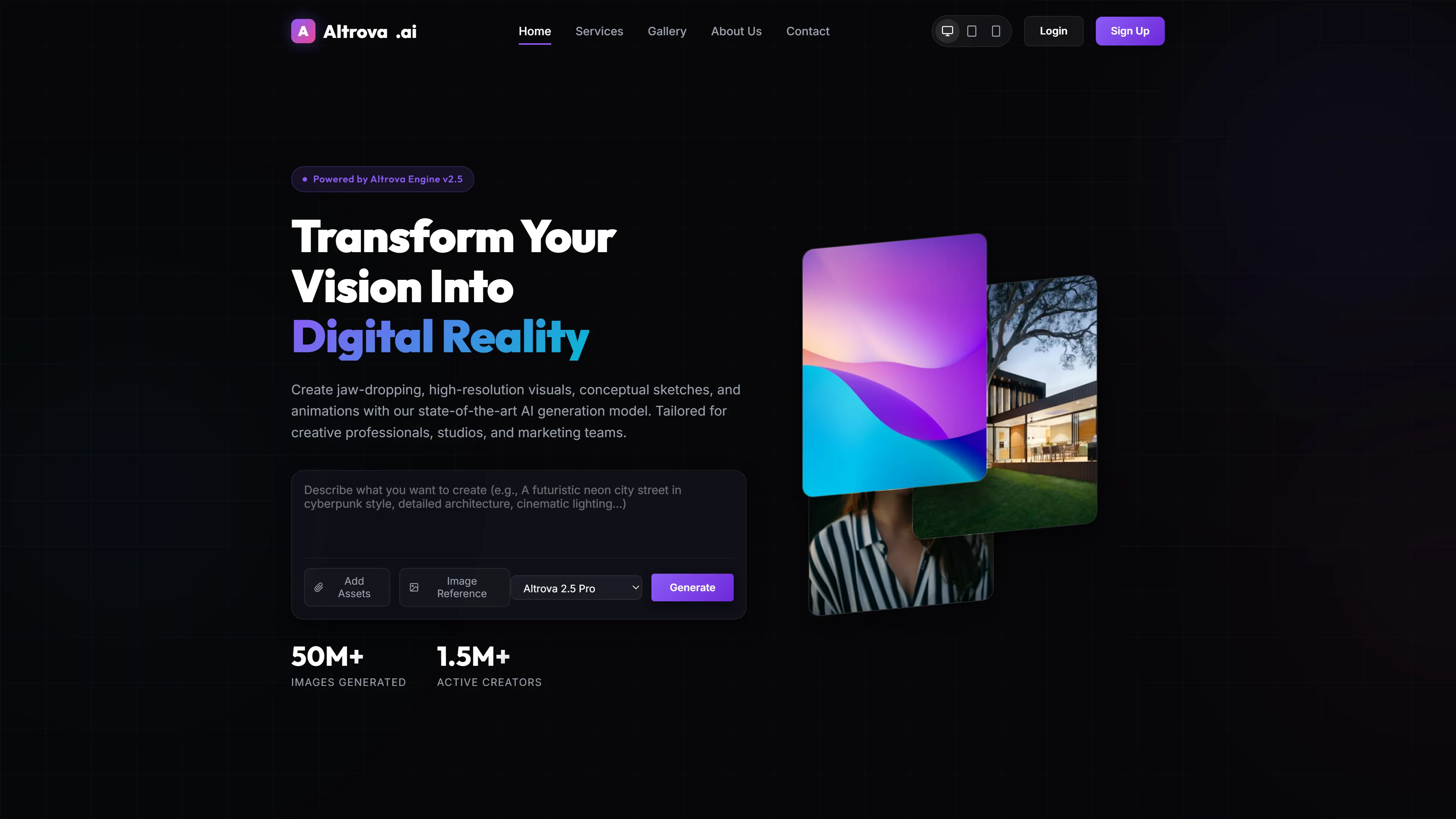
Solveta is a free HTML5 template built with Tailwind CSS and vanilla JavaScript, designed for IT and software companies that need a fast, clean starting point. The package runs 7.1 MB and includes seven ready-to-customize pages: index, about, services, portfolio, blog, contact, and a dedicated solveta landing page. The design uses hand-written CSS rather than a heavy framework, with Google Fonts handling typography. Twenty-two local images ship with the template, and the contact page includes an HTML form suitable for newsletter or lead-capture workflows.
Section headings on the index page cover common IT business topics—custom software development, digital transformation, pricing packages, FAQs, case studies, and blog insights—giving you a realistic content structure from day one. No build step is required; the template works immediately when opened in any modern browser.
Key Features
- Tailwind CSS v3.0 Components
- Mobile-First Grid Layout
- High-Performance Loading
- Customizable Tech Stack Showcase
| Tech Stack | HTML5, Tailwind CSS, JavaScript |
| Release Date | 2026-07-05 |
| License | Free (Must keep footer backlink) |
Suitable For & Use Cases
Frontend developers building SaaS landing pages, IT consulting firms needing a clean tech showcase, DevOps agencies pitching cloud solutions, freelance full-stack engineers promoting their portfolio. Also works well for startup pitch decks requiring production-ready HTML prototypes. Not suited for e-commerce stores selling physical products or content-heavy blogs needing CMS integration like WordPress or Ghost.
Page Sections Included
Includes Hero with animated stats bar, Service Cards (expandable tooltips), Technology Stack Icons (hover effects), Team Grid (responsive 2-col on mobile), Pricing Table (toggle between monthly/yearly), Contact Section with embedded form, and Footer with social links and sitemap all auto-generated from config. Breakpoints: mobile (320px), tablet (768px), desktop (1024px). All sections stack vertically below 768px, horizontal grids activate above that threshold. Scroll animations use Intersection Observer API for smooth, performant transitions.
Why We Recommend
Solveta strips away unnecessary dependencies while keeping a professional layout that maps naturally to IT service providers. The seven-page structure covers the full informational journey a business visitor expects, and the hand-written CSS keeps the file size manageable. Developers familiar with Tailwind config can swap colors and spacing quickly without fighting a component library. The contact form is straightforward enough to connect to Formspree or Netlify Forms without backend code.
Technical Specifications
Tailwind CSS is used, so editing the config file requires a working Node environment for build tooling. Otherwise the template runs as plain static HTML—open index.html directly in a browser. VS Code with Tailwind IntelliSense is recommended for autocomplete. Deploy via any static host such as GitHub Pages, Netlify, or Vercel. Keep the stack as HTML/CSS/JS for best performance; avoid adding React or Vue wrappers unless hydration is planned.
Ideal Use Case
Small and mid-sized IT consultancies, freelance developers, and software shops that need a multilingual-ready static site without a CMS. Use it as a single-location landing hub for a dev agency, a portfolio-plus-blog combo for a solo consultant, or a service catalog for a regional MSP. The static HTML output makes it equally suitable for GitHub Pages, Netlify, or Vercel deployments.