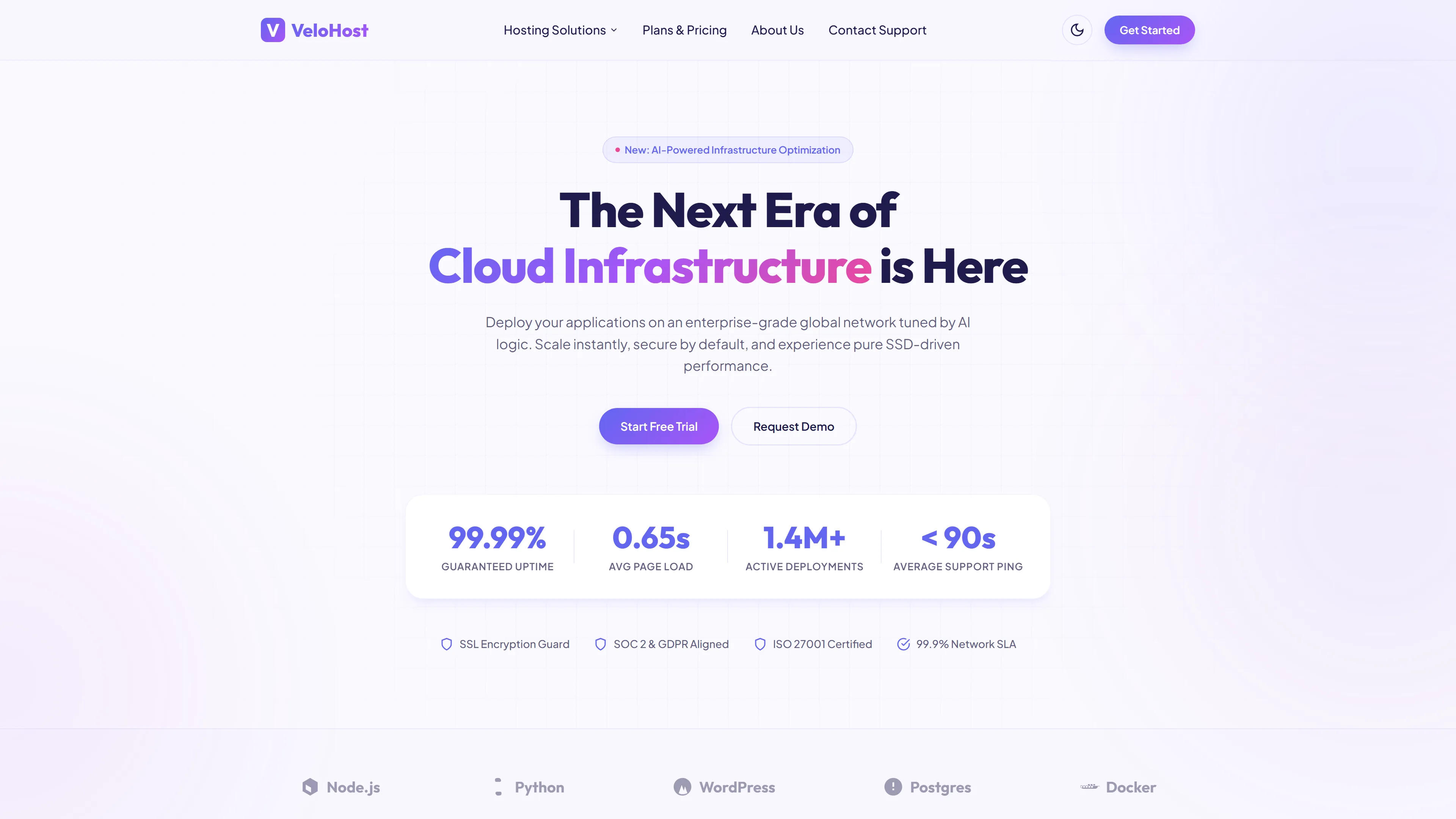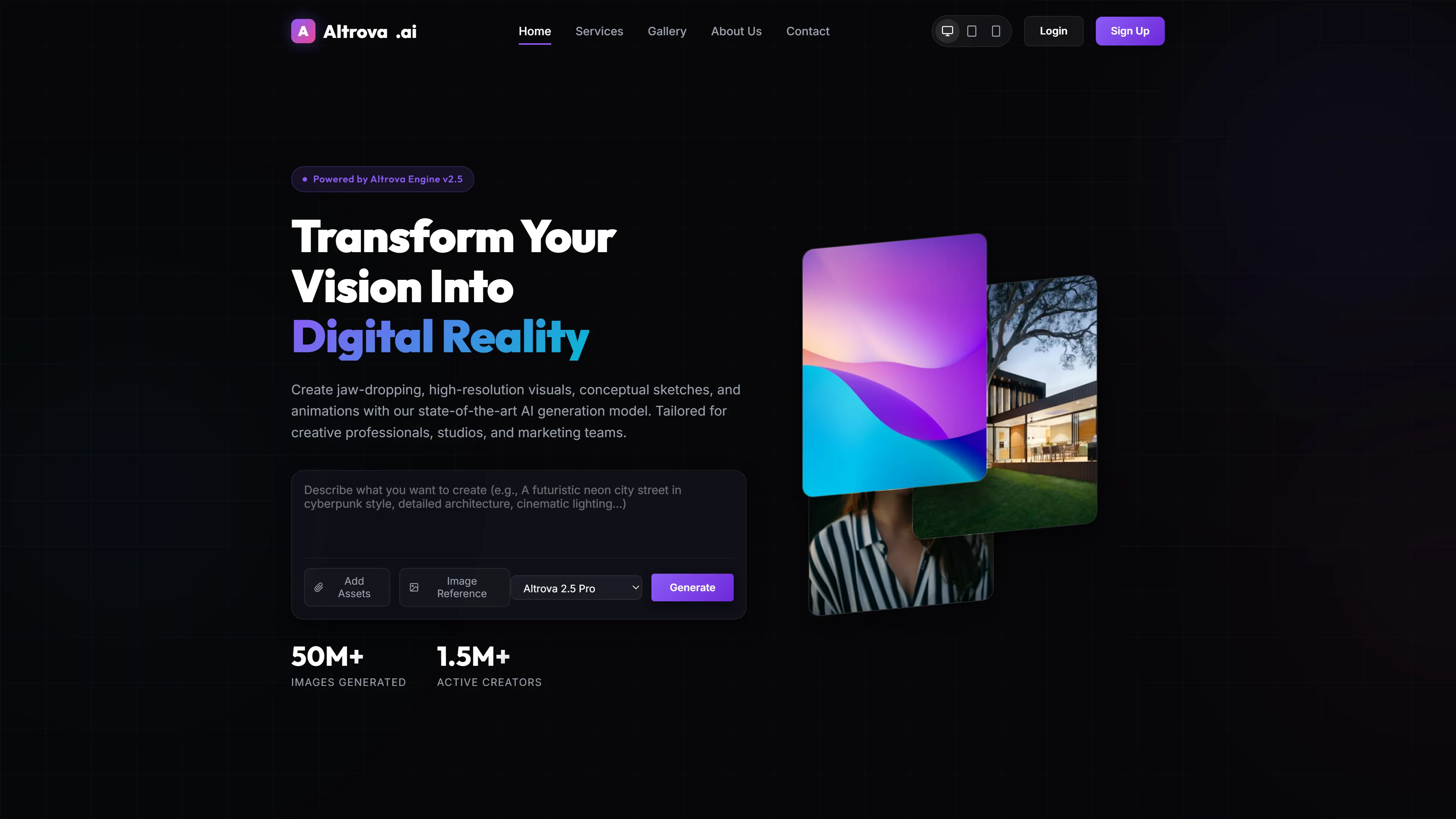
TechLuno — Free IT & Software Website Template
TechLuno is an IT & Software template built for fast, professional site launches without bloated code. It uses hand-written CSS with Tailwind CSS v3 and a 12-column grid system featuring mobile-first breakpoints at 768px, 1024px, and 1440px, ensuring sharp display from 320px screens to 4K monitors. The 4.8 MB package includes 7 HTML pages—about, blog, contact, index, portfolio, services, and techluno—and integrates Google Fonts with local image support (10 files). All components use utility-first CSS with pre-styled form elements for contact and newsletter captures already configured.
Key Features
- End-to-End UI Components
- Mobile-First Grid System
- Tailwind CSS v3 Integration
- Pre-built Lead Capture Forms
| Tech Stack | HTML5, Tailwind CSS, JavaScript |
| Release Date | 2026-07-05 |
| License | Free (Must keep footer backlink) |
Suitable For & Use Cases
Ideal for SaaS founders, solo devs, early-stage startup teams, and freelance agencies needing a polished landing page quickly. Not suited for large enterprise systems requiring complex state management or third-party auth integrations out of the box.
Page Sections Included
The TechLuno template delivers a complete seven-page website structure including index, about, blog, contact, portfolio, services, and a dedicated techluno landing page. Each page is built with HTML5, Tailwind CSS, and vanilla JavaScript, featuring hand-written CSS for full customization. The package includes an HTML contact or newsletter form, ten optimized local images, and integrated Google Fonts for flexible typography. This straightforward stack supports rapid deployment, easy navigation, and clean code organization for IT and software projects.
Why We Recommend
The hand-written CSS approach keeps the codebase clean and avoids conflicting styles, while the utility-first structure makes content tweaks straightforward during development. The mobile-first grid and pre-configured responsive breakpoints mean fewer adjustments across devices, and the neutral color palette allows quick branding without extensive customization time.
Technical Specifications
Requires Node.js and npm. Install Tailwind CSS via `npm install -D tailwindcss postcss autoprefixer`. Run `npx tailwindcss init` to generate config. Include project paths in `tailwind.config.js`. Add `@tailwind base; @tailwind components; @tailwind utilities;` to main CSS. Build with `npx tailwindcss -i input.css -o output.css --watch` during development.
Ideal Use Case
A freelance developer can use TechLuno to build a portfolio site rapidly with pre-styled sections and form elements. An agency can deploy client sites using the 12-column grid and mobile-first breakpoints across multiple projects. A startup can launch an MVP landing page quickly with the included HTML templates and Google Fonts integration.