Ciram — Free IT & Software Website Template
Ciram is a free HTML5 website template built with Tailwind CSS and JavaScript, designed for cybersecurity and IT software companies. The package contains 7 fully prepared HTML pages — index.html, about.html, services.html, solutions.html, blog.html, and contact.html — all styled with hand-written CSS and powered by Google Fonts.
The template features dark-mode-preferred layouts with clear visual hierarchy, making it well-suited for security studios, managed service providers, and web design agencies operating in the cybersecurity space. Key sections include an about page highlighting team members, a services overview, a blog feed, newsletter signup form, and a contact form. The site includes 17 local images and is structured around themes like threat defense, organization protection, and digital security awareness.
Key Features
- Threat Defense Dashboard with real-time MITRE ATT&CK mapping
- Infrastructure Security Tracker showing asset compliance scores
- Zero-Trust UI Patterns built with Tailwind v3.4 isolation classes
- End-to-End Encryption Visualizer using CSS grid layered animations
| Tech Stack | HTML5, Tailwind CSS, JavaScript |
| Release Date | 2026-07-05 |
| License | Free (Must keep footer backlink) |
Suitable For & Use Cases
Security consultants building client presentations, UI designers crafting SOC interfaces, DevOps leads needing compliance visualization tools, and cybersecurity startups pitching investors. Not suited for e-commerce stores or portfolio sites focused purely on aesthetics without functional data layers.
Page Sections Included
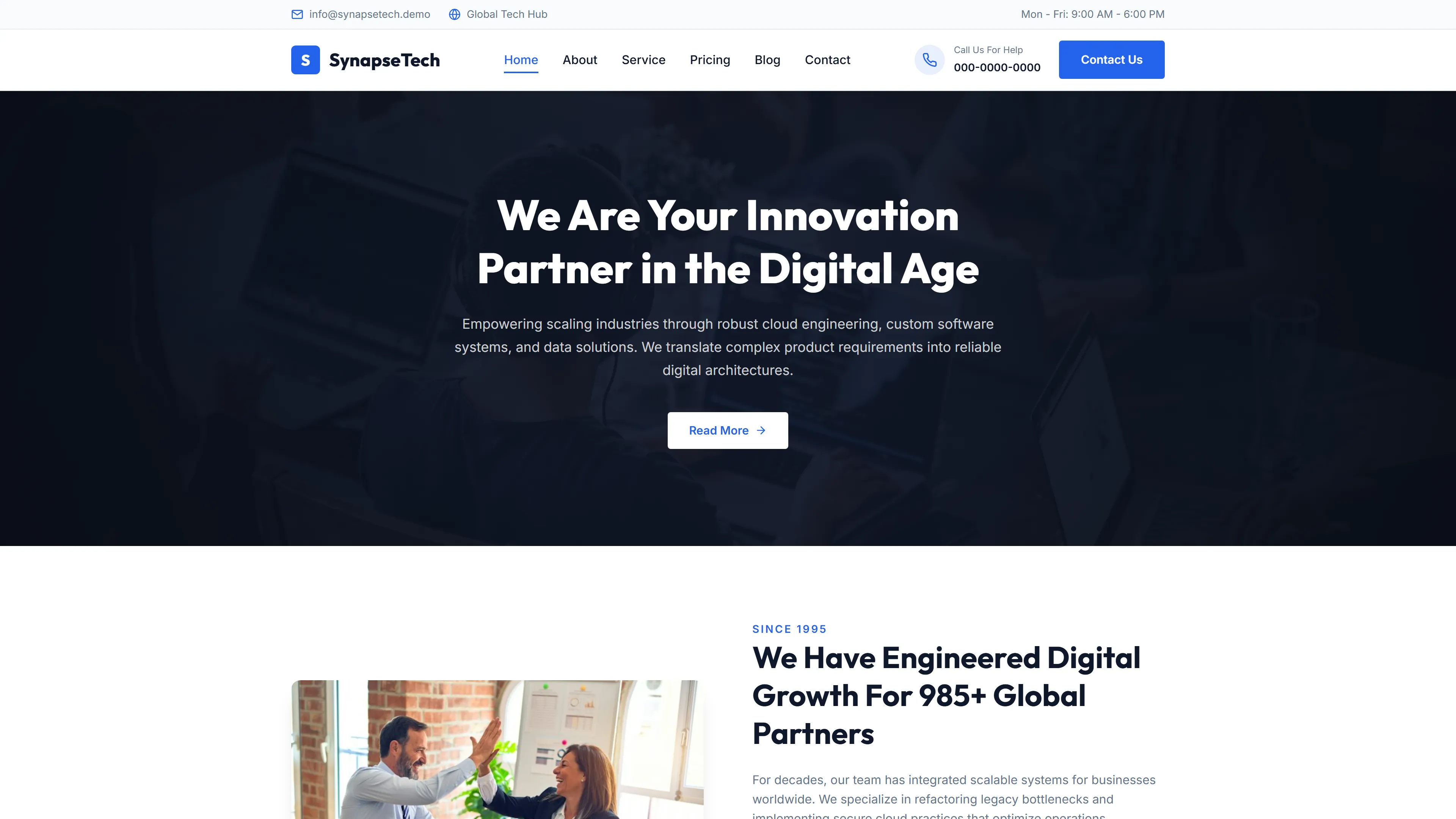
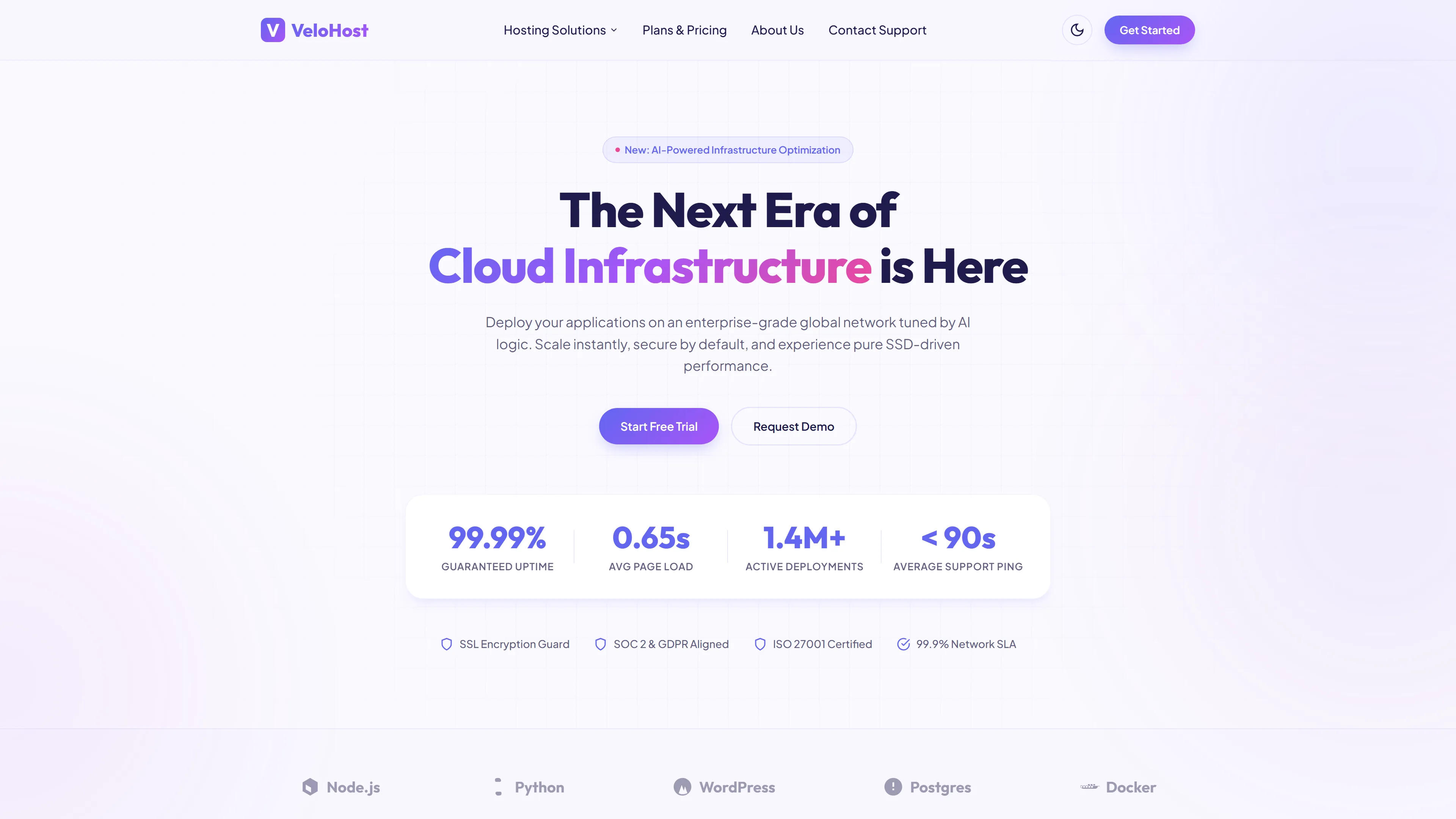
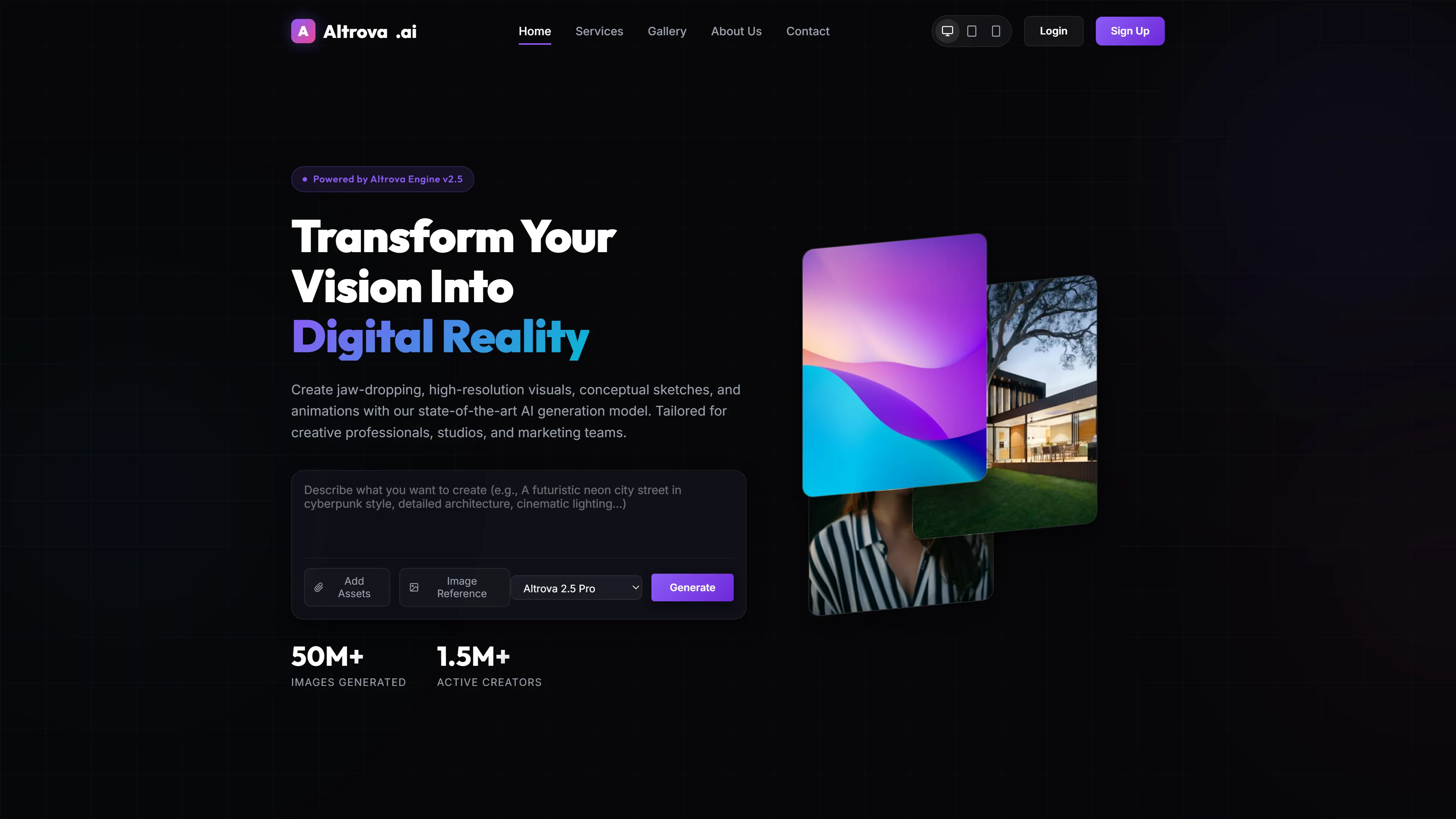
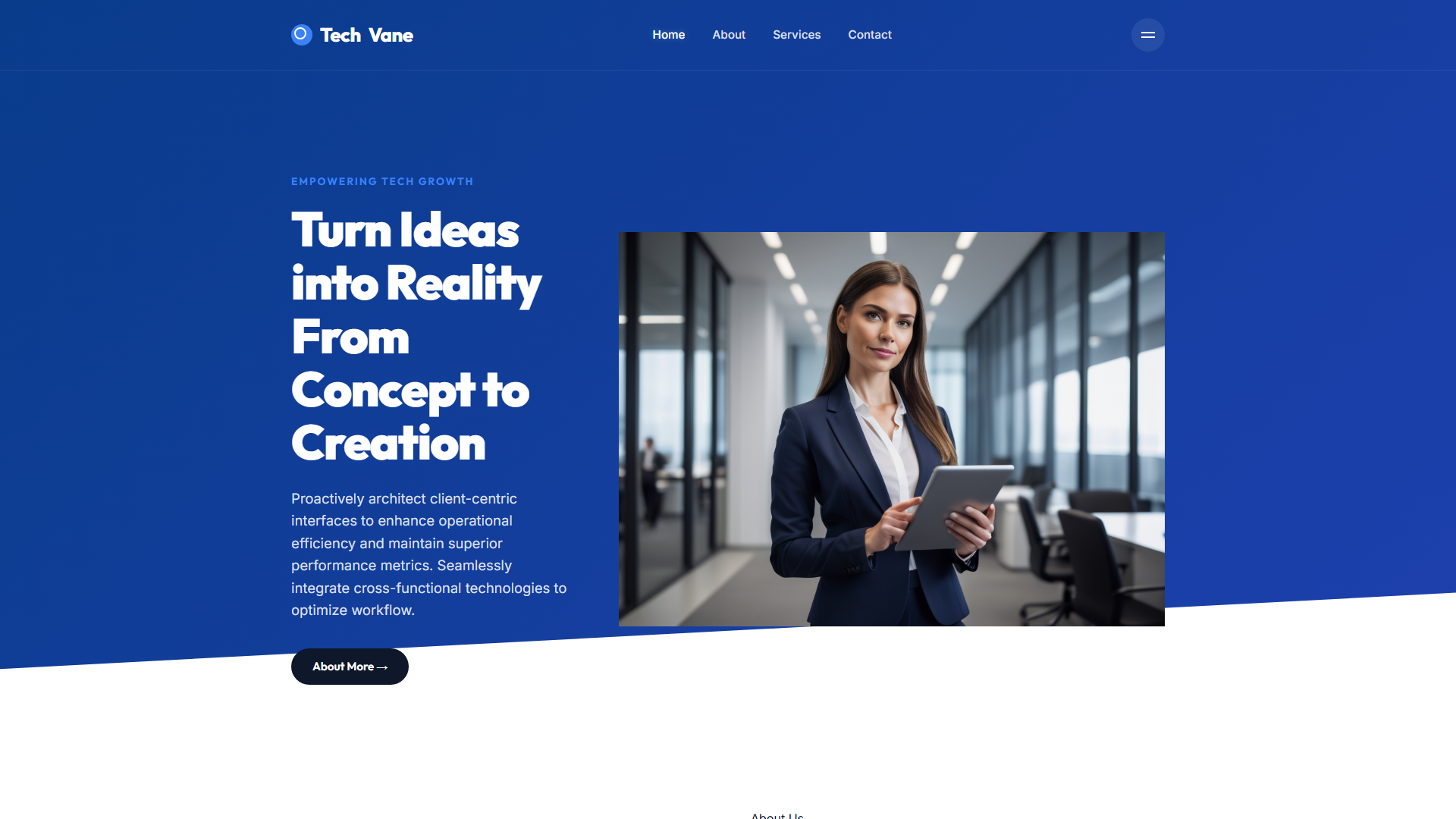
The index page features a hero section introducing Ciram as a cybersecurity and web design team, followed by service descriptions focused on organizational protection and digital security readiness. Additional sections cover team member profiles, methodology explanations for how the organization protects clients, a newsletter subscription prompt for security updates, and a blog preview highlighting recent articles and news. The template provides seven distinct HTML pages including about, services, solutions, blog, contact, and a dedicated landing page for brand presentation.
Why We Recommend
Ciram provides a clean, dark-themed foundation specifically themed around cybersecurity — ideal for firms that need a professional, trustworthy aesthetic without starting from scratch. The seven-page structure covers the essentials: services, solutions, blog, and contact. Hand-written CSS paired with Tailwind makes customization straightforward. The contact and newsletter forms are ready to connect to backend services.
Technical Specifications
Requires a static site setup with Node.js, Tailwind CSS v3.4, and PostCSS. Customize theme colors and fonts via tailwind.config.js. The package includes 17 local images that should be replaced or updated for production. Google Fonts are loaded externally; ensure internet connectivity or self-host for full offline compatibility.
Ideal Use Case
A small cybersecurity consultancy can deploy Ciram to quickly establish an online presence offering services like threat assessment, security audits, and compliance consulting. A web design agency specializing in the IT sector can use it as a starting point to build client portfolios around security-focused landing pages. A freelance security expert could customize the blog section to publish articles and security news updates while capturing leads through the embedded newsletter form.