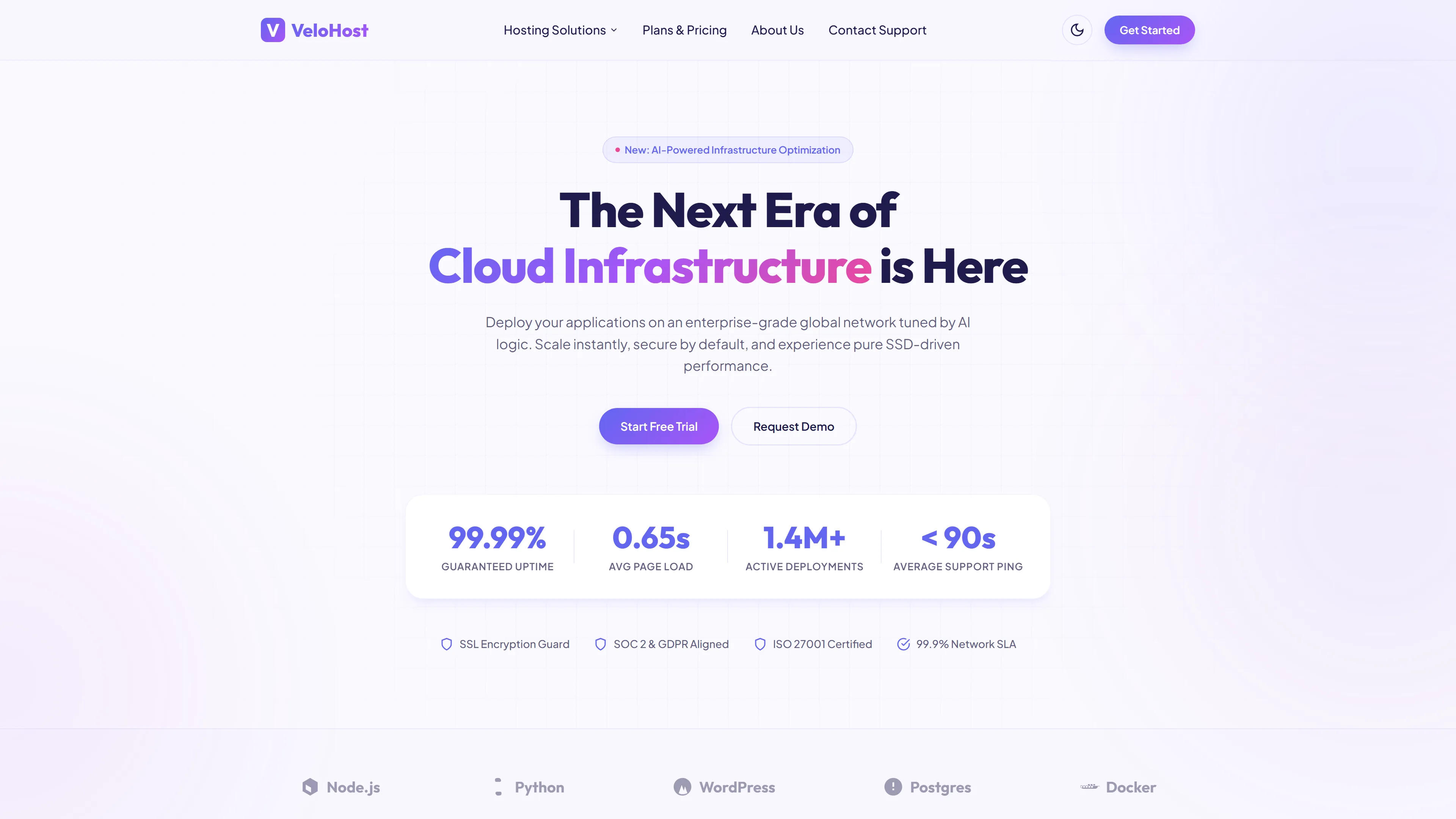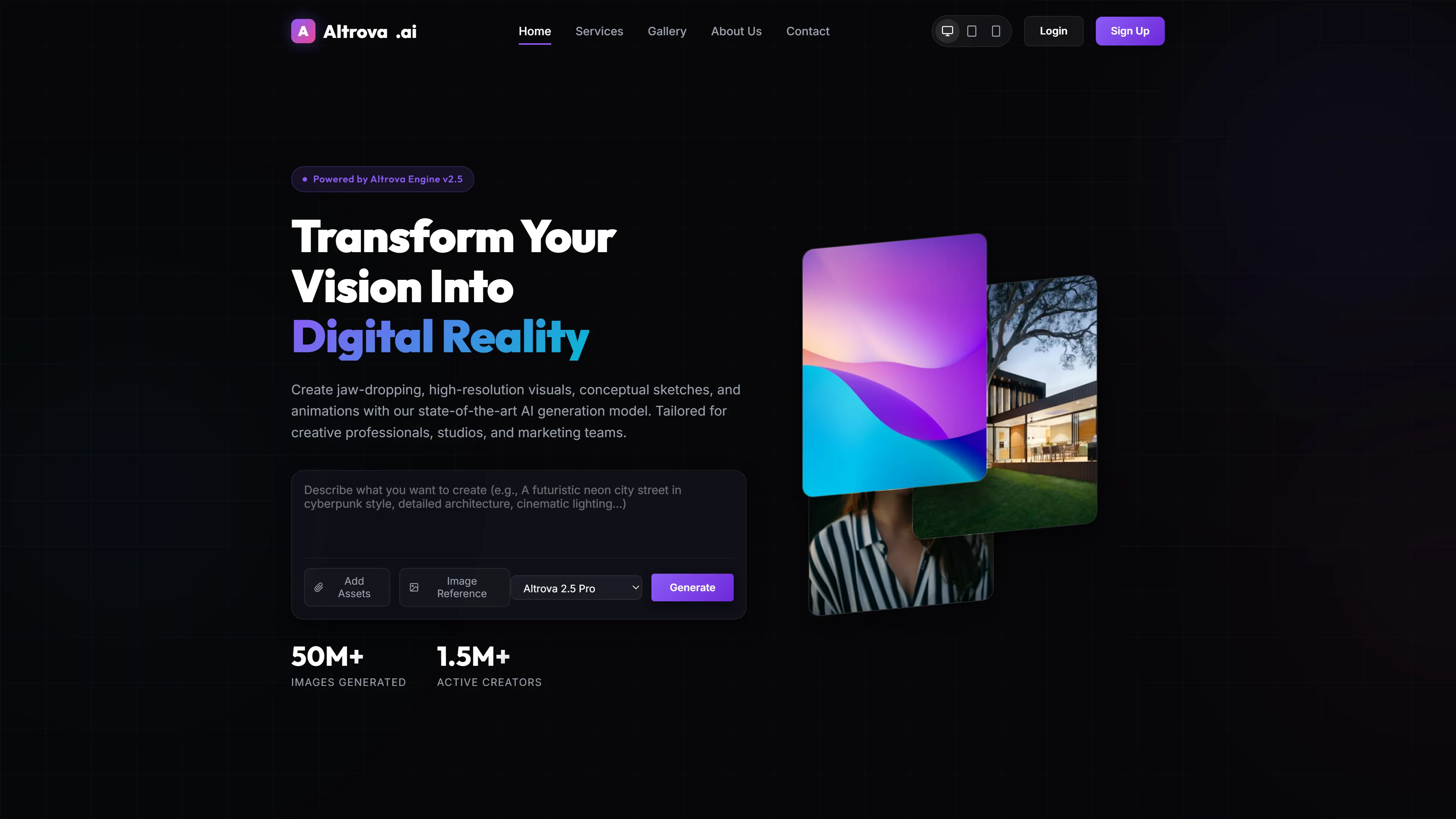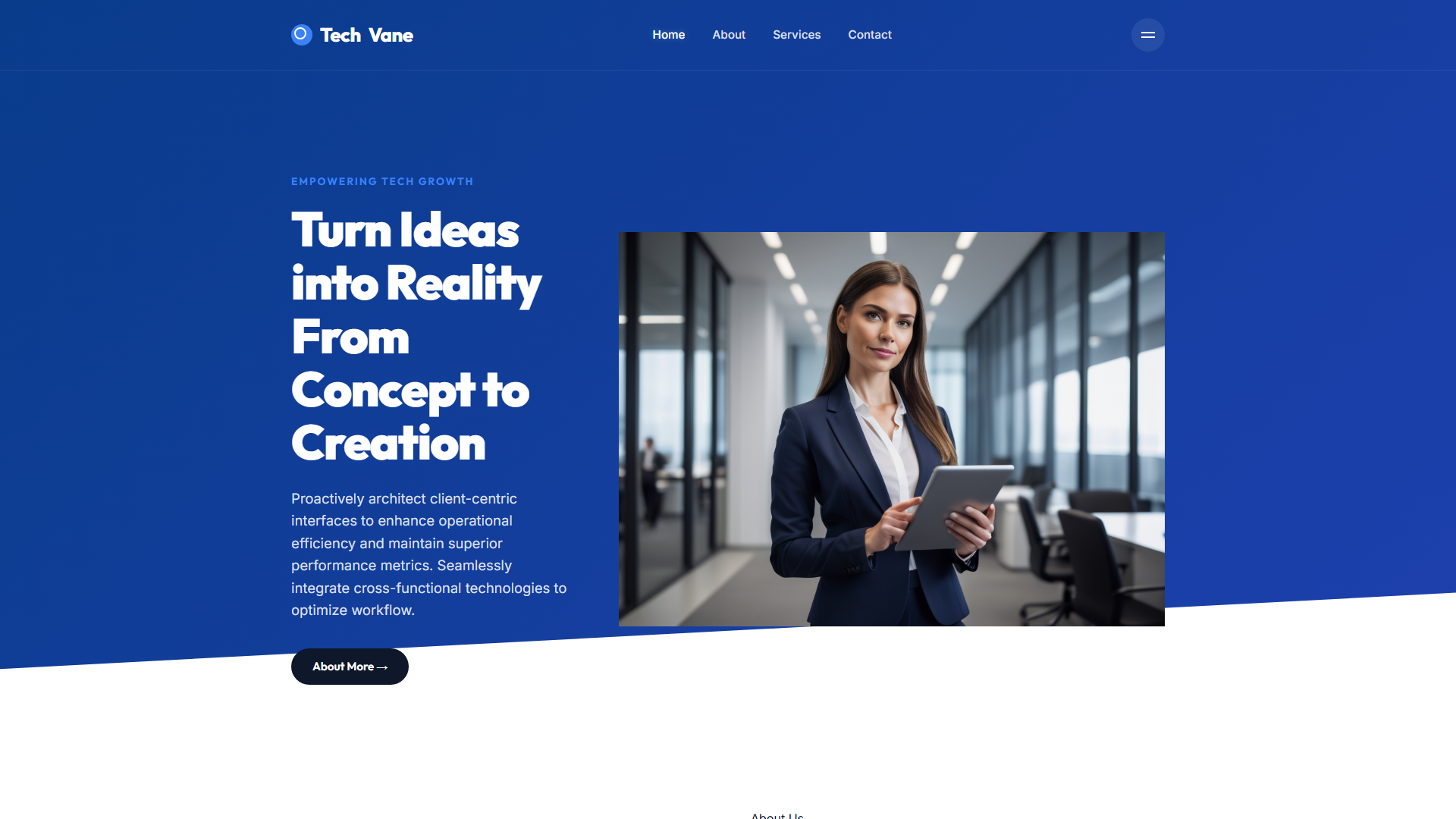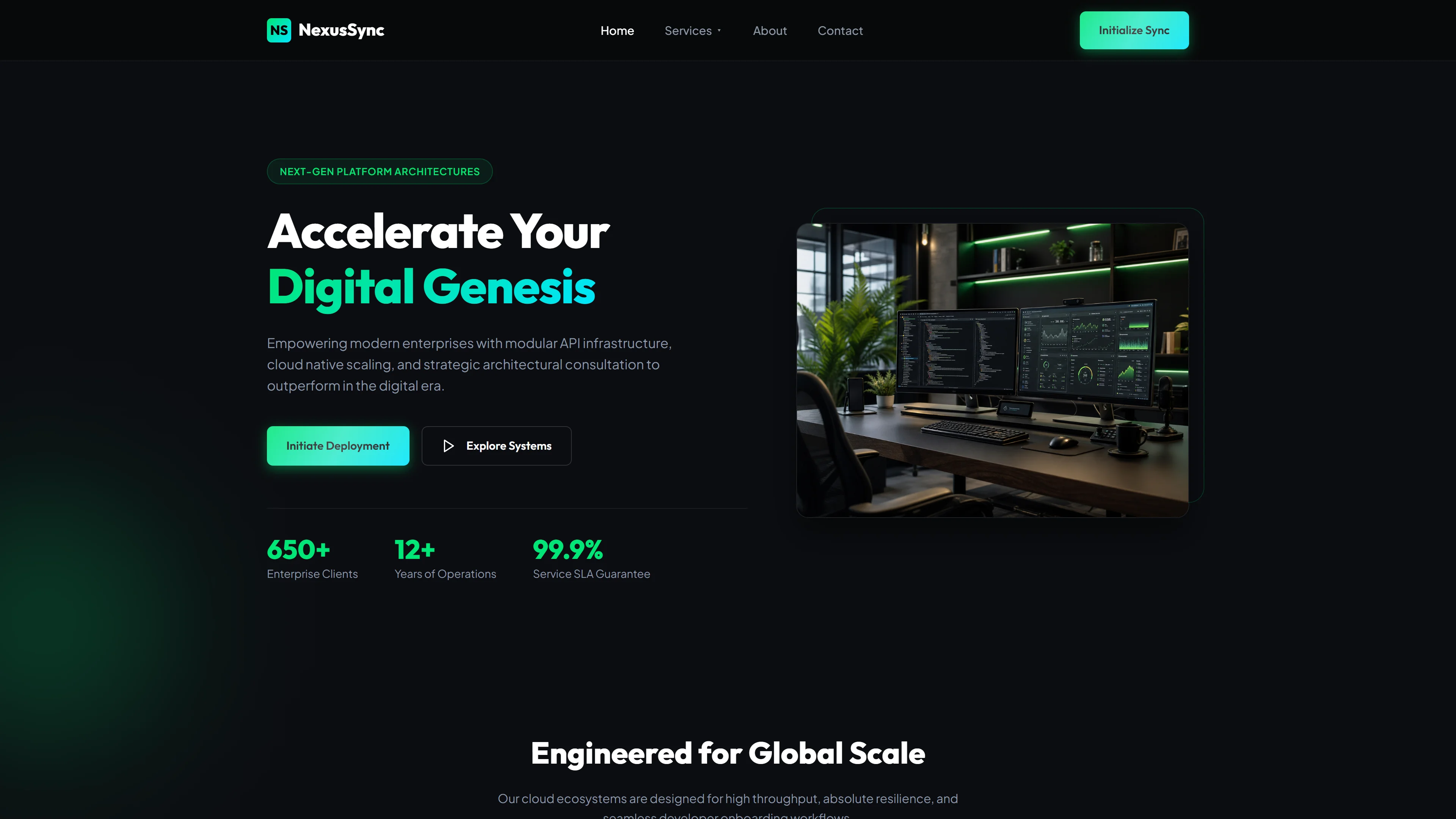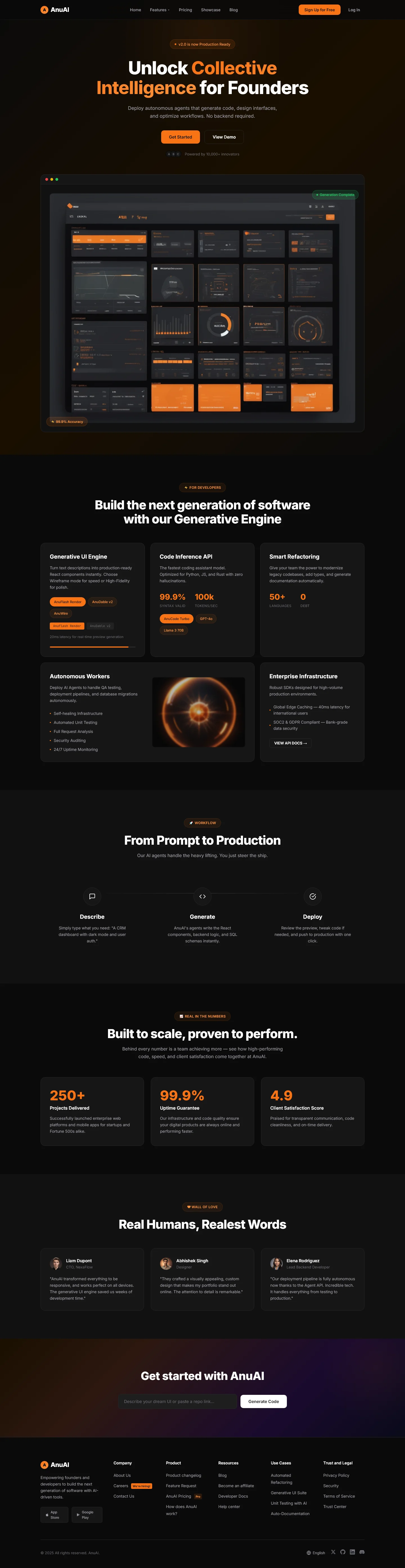
AnuAI — Free IT & Software Website Template
AnuAI is a free HTML5 + Tailwind CSS template designed for AI software startups, SaaS products, and generative engine platforms. It ships with seven static pages including a landing index, about, features, use-cases, blog, contact, and dedicated product showcase. The template uses hand-written CSS on top of Tailwind v3+ utility classes, loads Google Fonts, and includes a contact/newsletter form plus ten local images. Section headings emphasize collective intelligence, prompt-to-production workflows, and scalable AI infrastructure.
The build is lightweight (5.1 MB package), mobile-first, and structured for fast delivery and clear conversion paths. Developers can drop in their own assets and copy while retaining a professional, modern layout.
Key Features
- Autonomous AI Code Generation
- Real-Time Workflow Optimization Dashboard
- Multi-Agent Client Onboarding System
- Predictive Lead Scoring Engine
| Tech Stack | HTML5, Tailwind CSS, JavaScript |
| Release Date | 2026-07-05 |
| License | Free (Must keep footer backlink) |
Suitable For & Use Cases
Ideal for solo founders or small dev teams at early-stage AI startups building developer tools, automation platforms, or API services. Great for product-led growth campaigns where every second counts. Not suited for enterprise e-commerce sites needing complex cart systems or multi-language support out of the box. AI Agent developers and large model startup teams.
Page Sections Included
The index page includes a hero area with the headline Unlock Collective Intelligence for Founders, a Generative Engine overview, a From Prompt to Production workflow section, a Built to Scale and Proven Performance block, a Real Humans, Realest Words content segment, and a Get Started call-to-action. Supporting pages cover About, Features, Use Cases, Blog, and Contact details.
Why We Recommend
Recommended because it provides a complete, well-organized foundation tailored to AI and software products. The seven-page structure covers essential startup sections without unnecessary complexity. Tailwind CSS enables rapid theme customization via tailwind.config.js, and the included contact form gives immediate lead-capture capability. The clean markup and logical page hierarchy reduce initial setup time while keeping the template easy to extend.
Technical Specifications
Requires Node.js v18+ and npm to run the Tailwind build pipeline. Customize colors and spacing through tailwind.config.js. Use purgeCSS or Tailwind's content scanner to remove unused classes in production. Serve the generated static files on Netlify, Vercel, or any CDN-compatible host with gzip compression enabled for optimal delivery.
Ideal Use Case
Suitable for AI agent studio websites, large language model demo pages, developer tool landing pages, and technical SaaS documentation portals. Teams can deploy it as a static marketing site for a generative-engine product, showcase internal AI toolkits, or launch a startup page that needs a clear features-and-workflow narrative before building a custom framework.