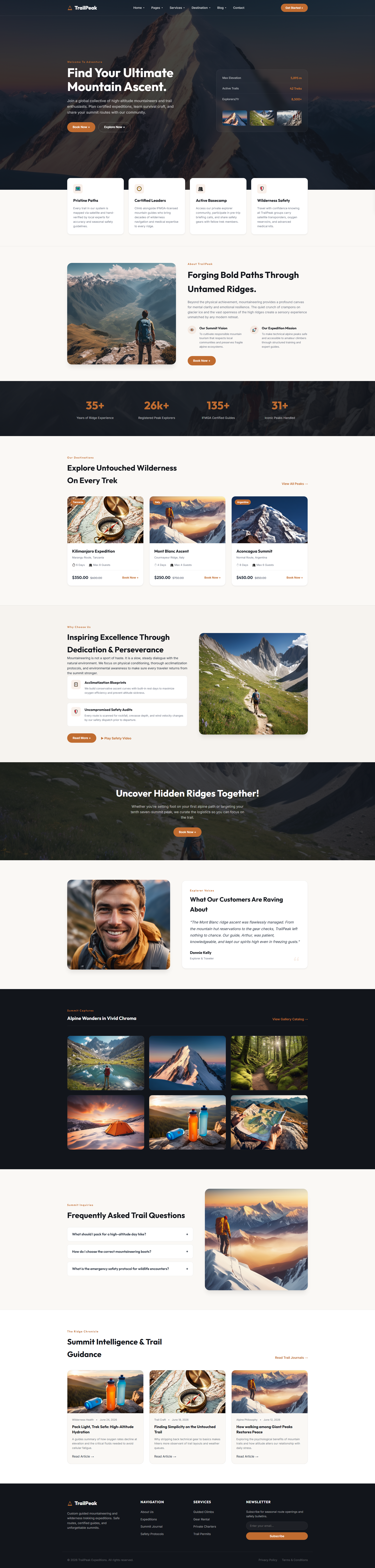
TrailPeak — Free Fitness & Sports Website Template
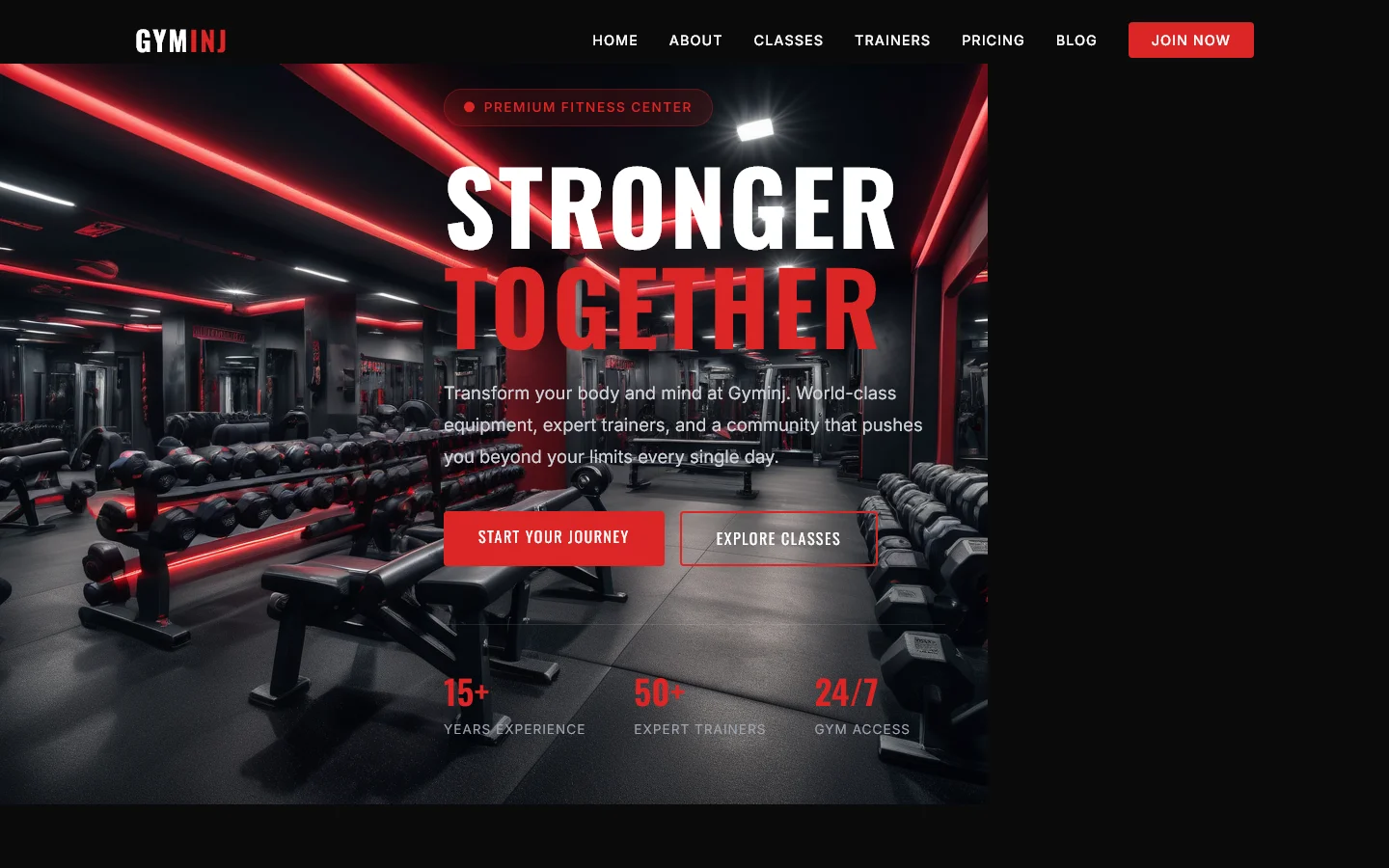
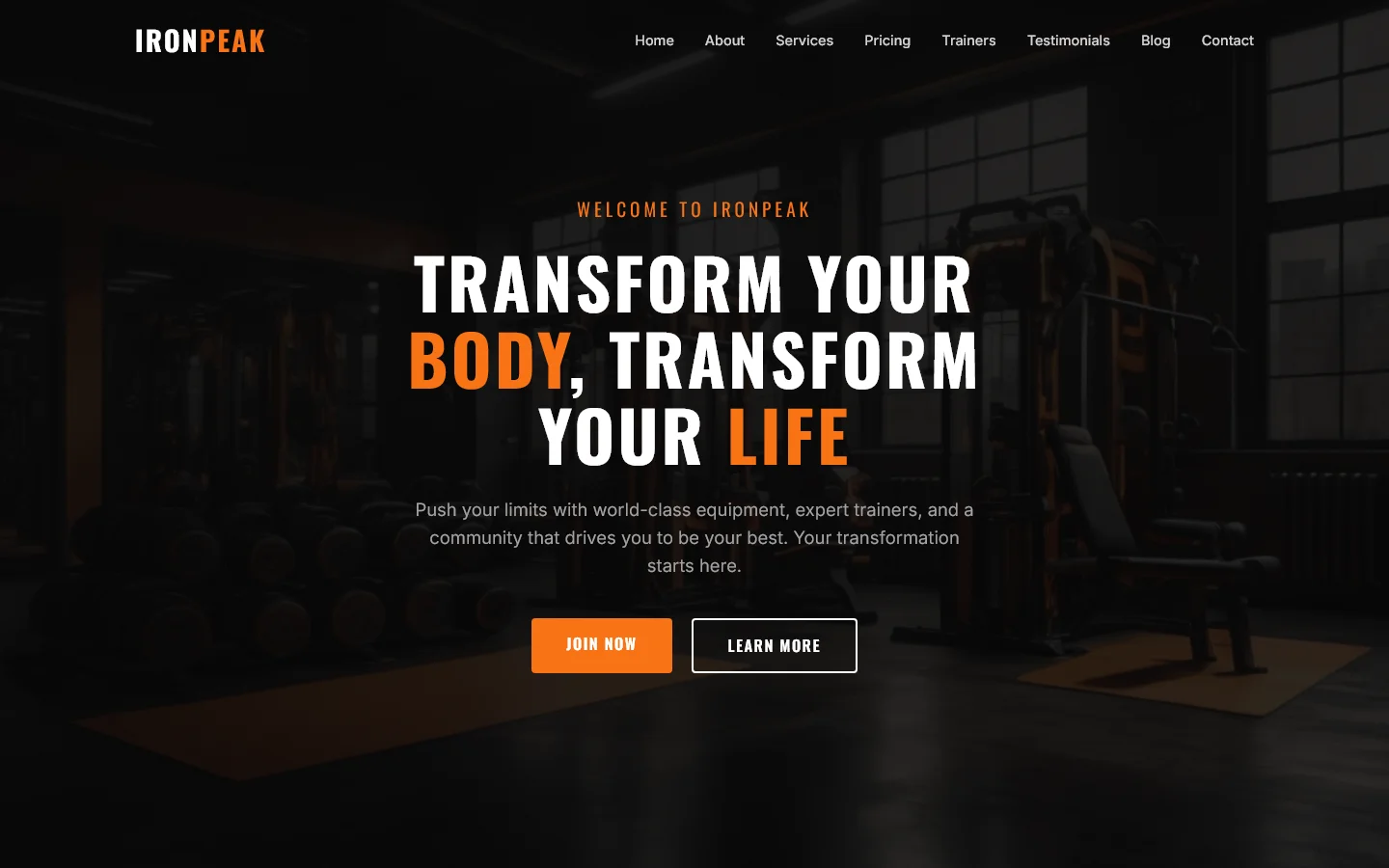
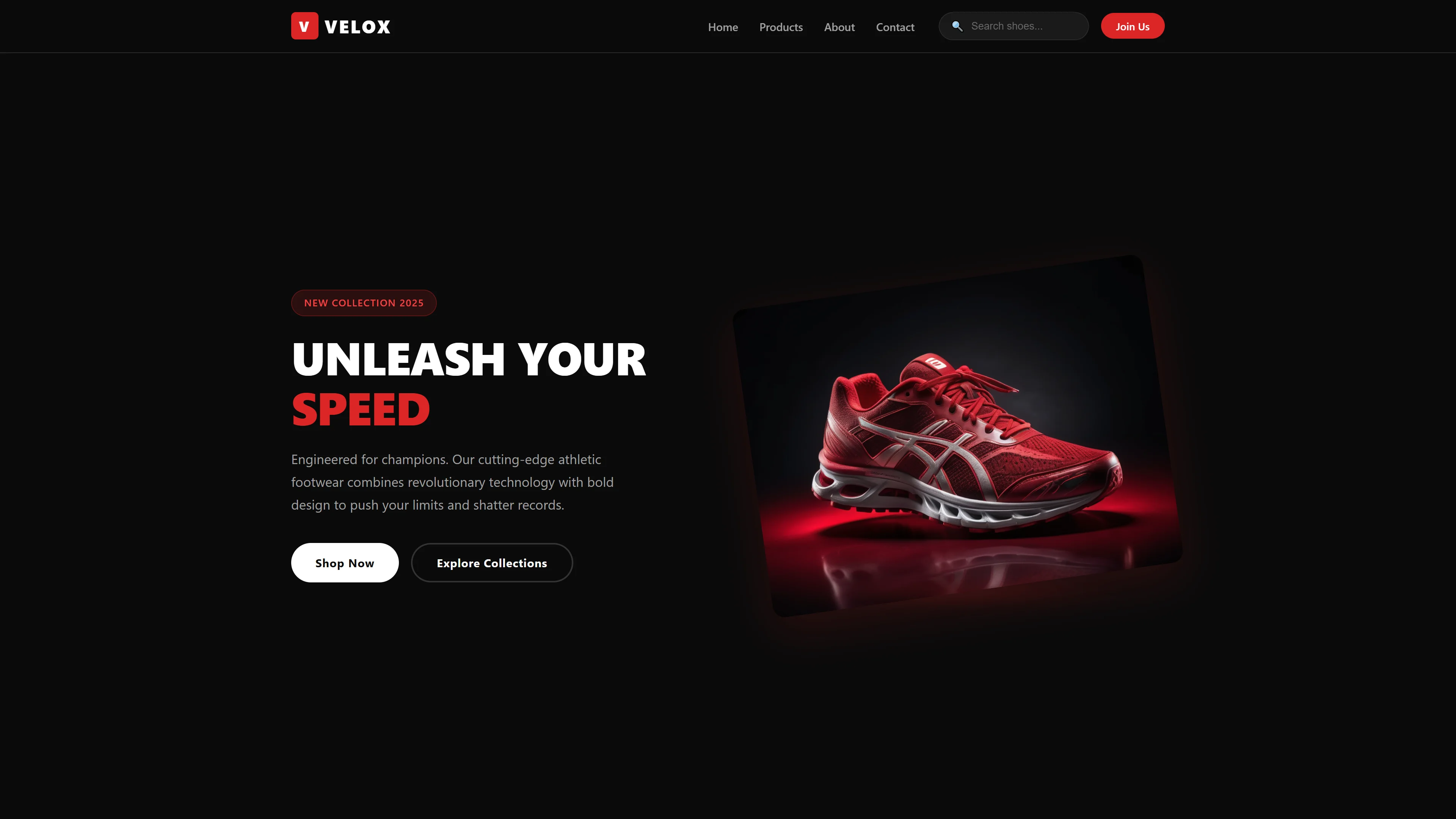
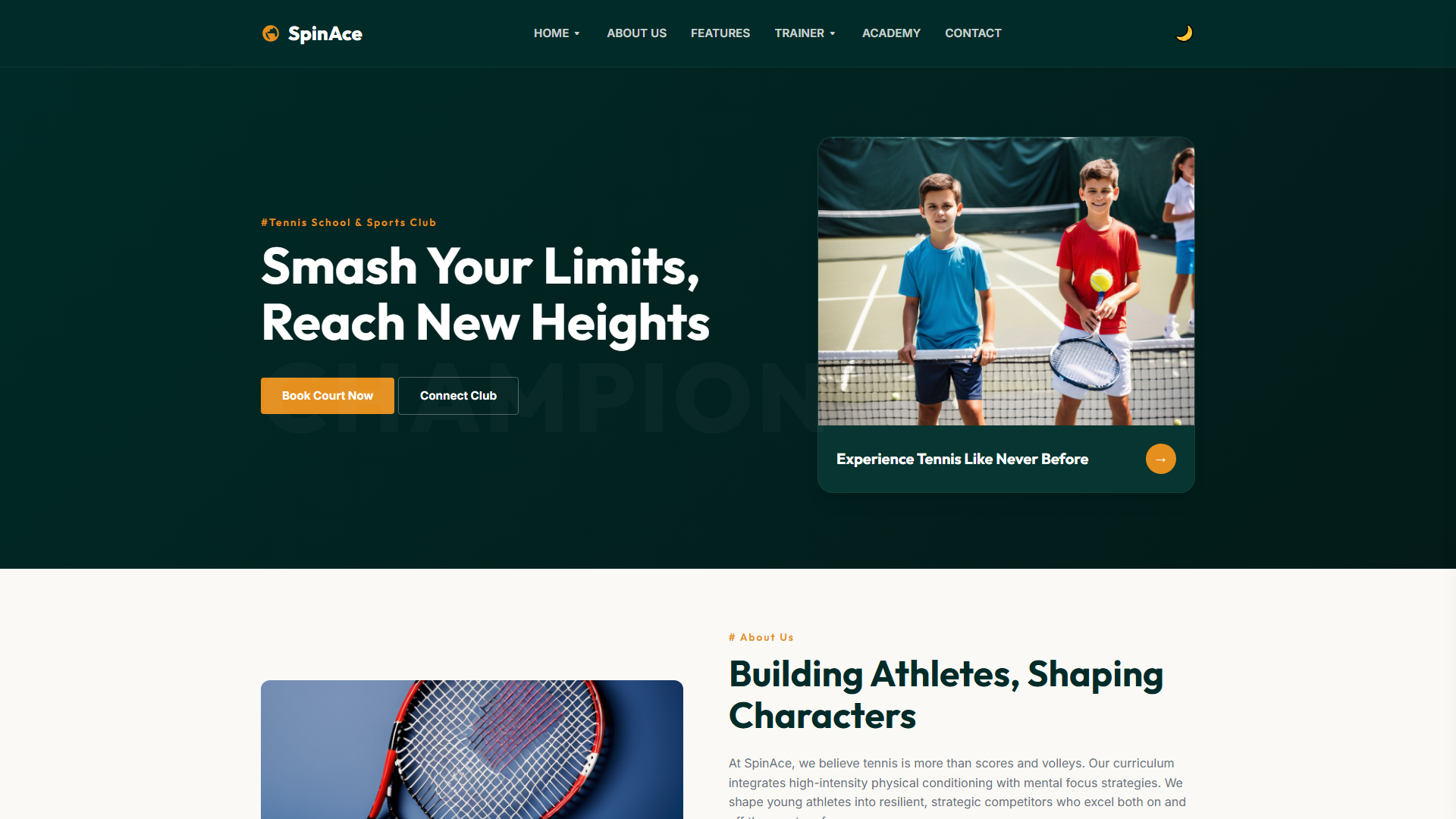
TrailPeak is a free HTML5 template built with Tailwind CSS and vanilla JavaScript, purpose-built for fitness, sports, and outdoor adventure brands. It ships with six ready-to-use pages: index.html, blog.html, blog-detail.html, contact.html, product-detail.html, and shop.html. The design relies on hand-written CSS and contains no heavy animation libraries, keeping the codebase lean and maintainable. The index page features six clearly defined sections covering hero messaging, trail exploration, community building, product highlights, FAQ content, and imagery — all structured for easy customization.
The package includes an HTML contact/newsletter form and 18 local images that can be swapped out without breaking layout. Tailwind v3.4 with JIT mode ensures styles are tree-shaken automatically, so you're not carrying unused CSS. The overall file size sits at 8.0 MB, which remains practical for straightforward editing workflows without unnecessary bloat.
Key Features
- Guided Mountaineering Program Display
- Certified Wilderness Leaders Showcase
- Custom Expedition Booking Widget
- Safety Guarantee Badge System
| Tech Stack | HTML5, Tailwind CSS, JavaScript |
| Release Date | 2026-07-05 |
| License | Free (Must keep footer backlink) |
Suitable For & Use Cases
Freelance adventure coaches, small outdoor gear shops, guided tour operators, and solo expedition organizers who need a professional online presence fast. Perfect for photographers, instructors, or content creators selling experiences rather than products. Not suited for e-commerce stores needing inventory management or multi-vendor marketplaces.
Page Sections Included
The template features a hero banner titled Find Your Ultimate Mountain Ascent, followed by a section for Forging Bold Paths Through Untamed Ridges. It includes an exploration area for Untouched Wilderness, a dedication block, and a community ridge showcase. Additional sections cover Alpine Wonders, a FAQ area for Trail Questions, and Summit Intelligence guidance, supporting a full hiking and climbing website structure.
Why We Recommend
TrailPeak avoids common template pitfalls — no bloated animation libraries, no fake metrics, no confusing file structures. The section layout on the index page follows a natural progression from hero to community to products to FAQs, which maps directly to how outdoor and fitness businesses communicate value. Form integration is straightforward since it's a basic HTML form you can route through any serverless backend. Clean, practical, and fast to customize.
Technical Specifications
Tailwind CSS v3.4+ via CDN or CLI build. Requires Node.js v18+ for local customization. Use PostCSS if you want to tweak colors or fonts easily. No backend — forms connect via EmailJS or Netlify Functions for submissions. Works best with Vercel or Netlify hosting for instant deployment.
Ideal Use Case
Ideal for mountain guide services launching a booking-focused site, adventure sports studios needing a blog plus event listing structure, outdoor equipment retailers who want a product and shop page alongside editorial content, and fitness communities that need a FAQ section paired with member-oriented CTAs.