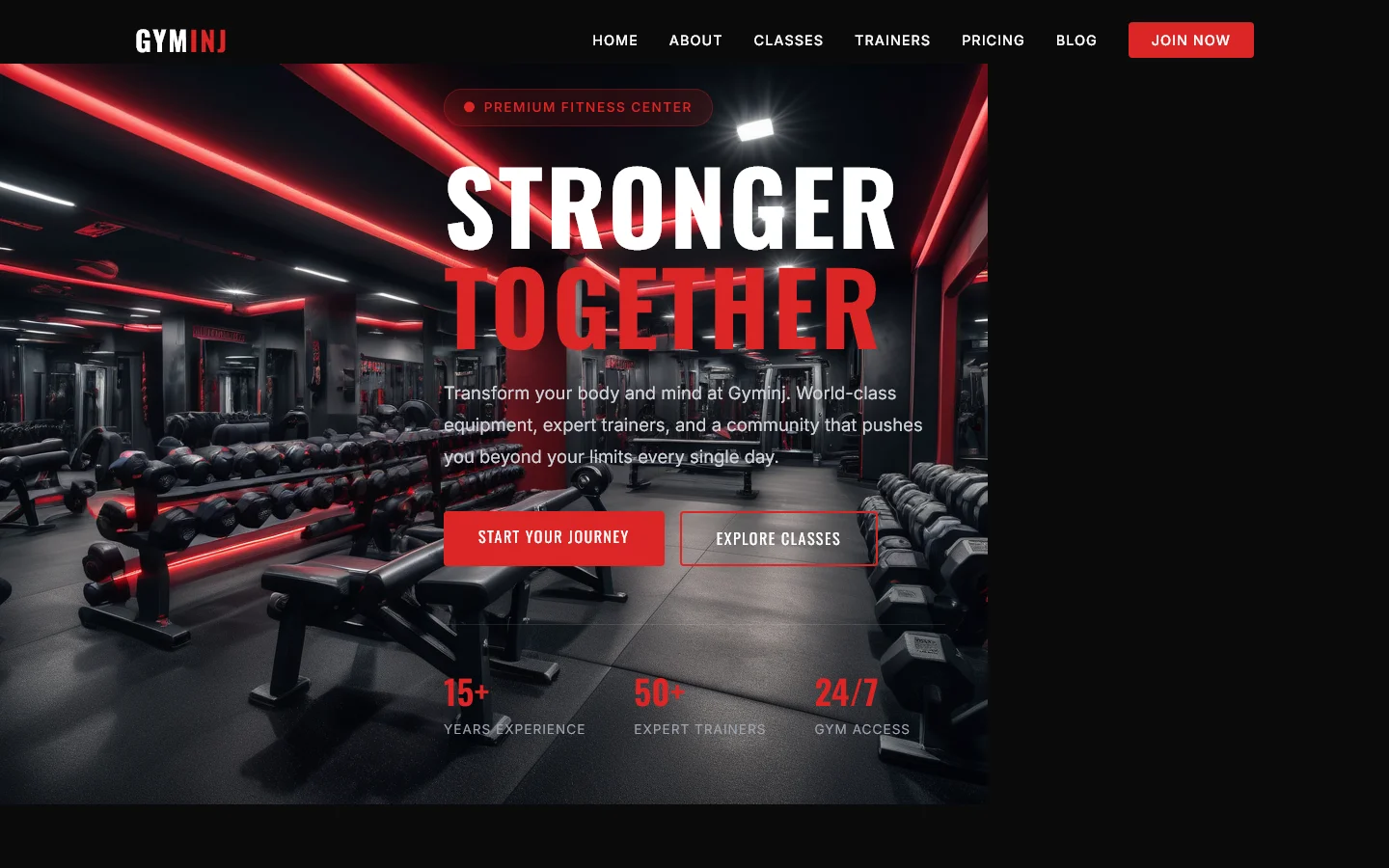
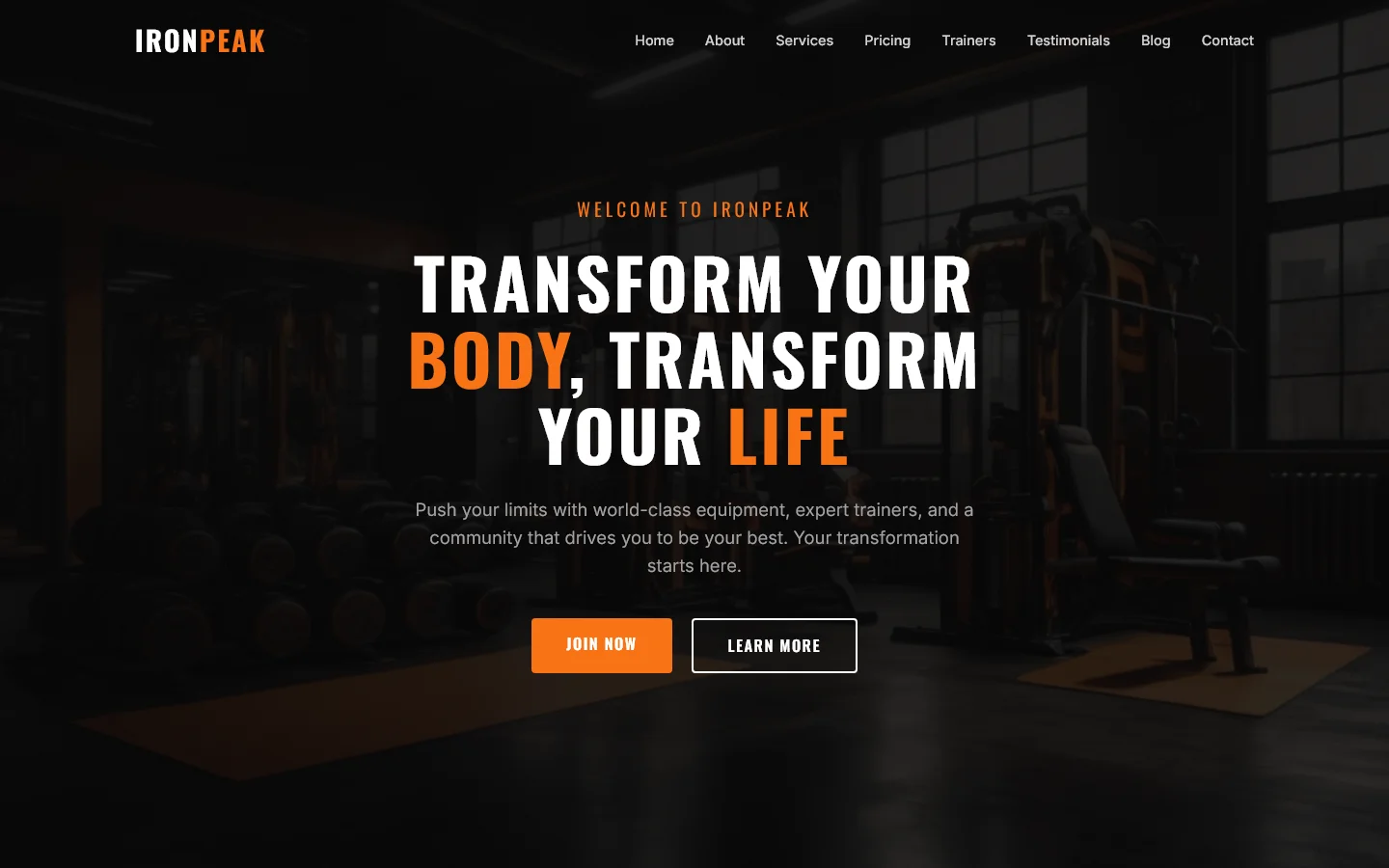
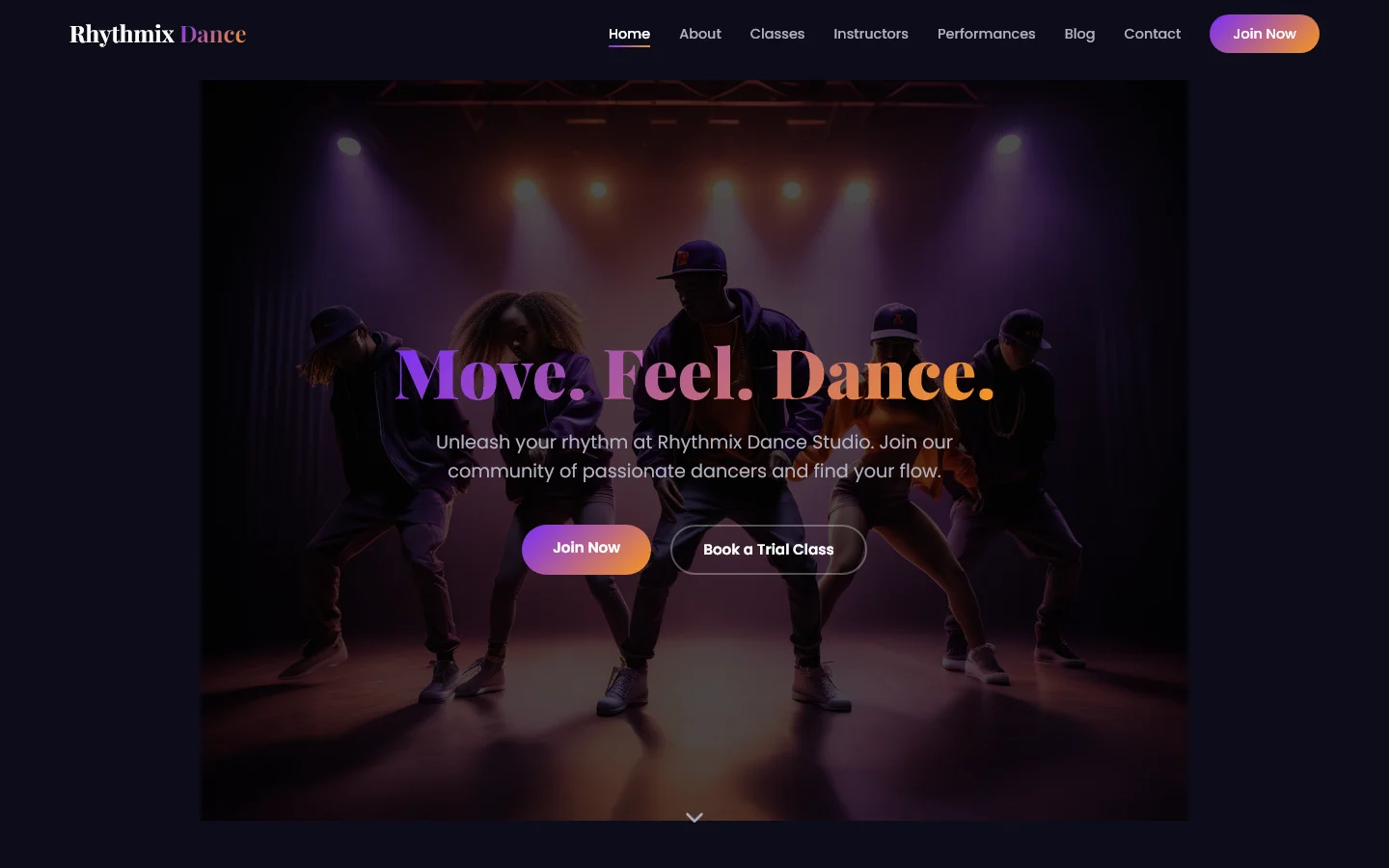
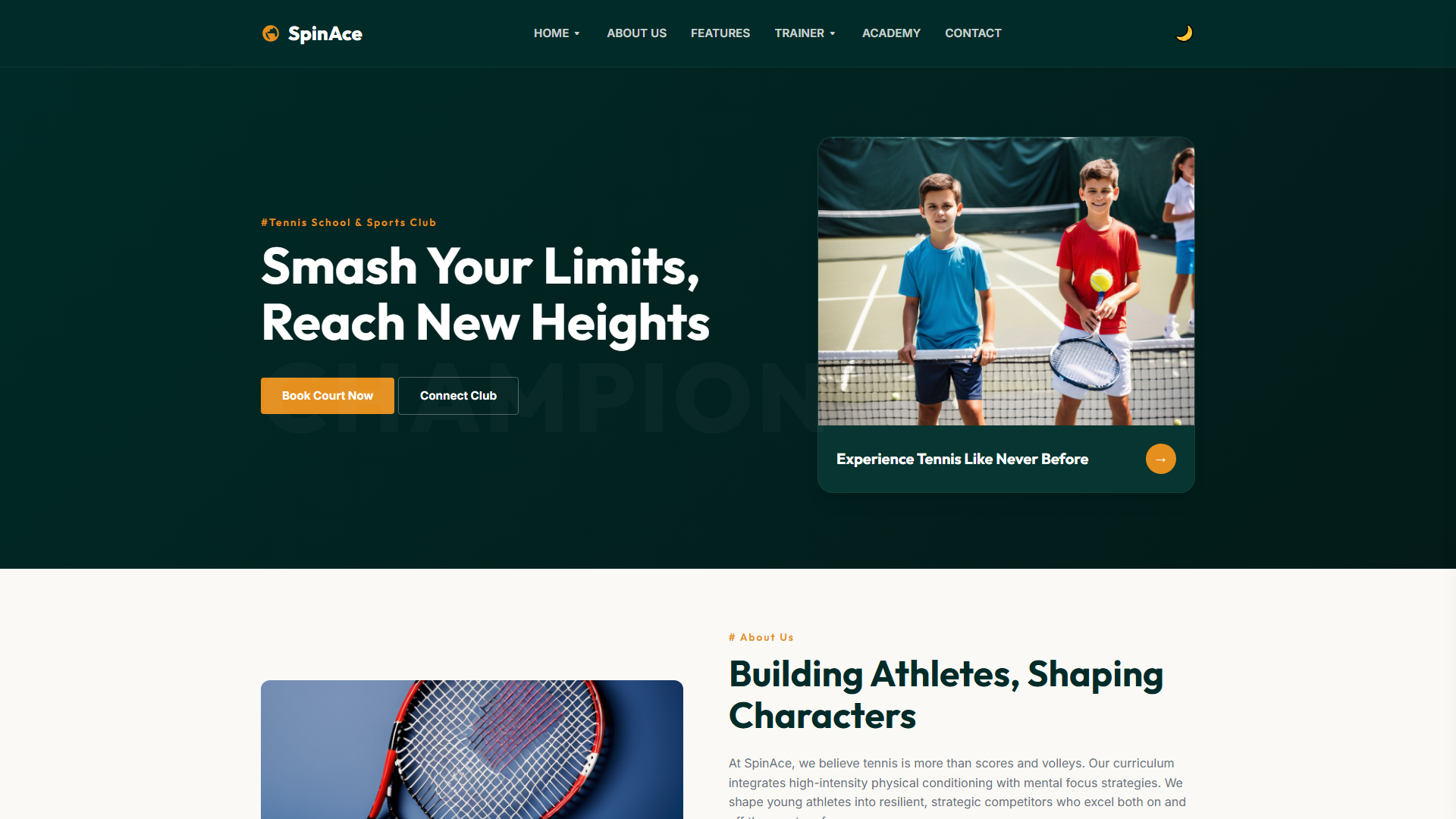
CHESS Club — Free Fitness & Sports Website Template
The Chess Club template provides a complete seven-page foundation built with HTML5, Tailwind CSS, and JavaScript, ideal for chess businesses seeking a professional online presence without unnecessary bloat.
The site includes dedicated pages for about, events, learning resources, members, and contact functionality, supported by an HTML form for inquiries or newsletters. Hand-written CSS alongside Google Fonts ensures lightweight styling, while 30 local images allow quick visual customization. Section headings such as 'Your Next Move Begins Here' and 'Coaching for Every Player' guide users through key content areas.
Key Features
- Chess Coaching Booking
- Tournament Scheduler
- Strategy Training Modules
- Community Discussion Forum
| Tech Stack | HTML5, Tailwind CSS, JavaScript |
| Release Date | 2026-07-05 |
| License | Free (Must keep footer backlink) |
Suitable For & Use Cases
Chess academy owners, sports center managers, private coaching studios, and local club administrators who want to book clients online without hiring a developer. Not suited for e-commerce stores selling physical products or membership platforms requiring Stripe subscriptions.
Page Sections Included
Home Hero with CTA, About Section with Team Grid, Services List with Icons, Calendar Widget for Tournaments, Testimonials Slider, Newsletter Signup, and Footer with Social Links. On mobile, the hero image scales to full width, services stack vertically below 768px, and the calendar collapses into a dropdown at 320px breakpoints. All sections reflow cleanly across 3 device classes: desktop (1024+), tablet (768–1023), and mobile (<768).
Why We Recommend
This template offers a clean, predictable class structure that simplifies maintenance and reduces debugging time compared to heavier alternatives. The hand-written CSS and vanilla JavaScript ensure fast load times without bloated dependencies. The consistent grid system allows new sections to be added without layout breaks, making it straightforward for developers to extend.
Technical Specifications
Requires a static HTML setup with no server-side dependencies. Customize styles via Tailwind CSS utilities and modify the hand-written CSS file directly. Integrate Google Fonts through the provided imports. Use the included contact form structure for basic data collection without external services. Ensure image assets are placed in the designated folder structure for optimal loading.
Ideal Use Case
Designed for independent chess instructors, local clubs, and coaching programs, this template suits deployment scenarios where fast performance and straightforward customization are priorities. It works well for event-driven sites requiring clear scheduling pages or membership areas. The minimal dependency footprint also makes it appropriate for shared hosting environments without server-side processing needs.