VeloMix — Libreng Template ng Website Fashion at Tindahan
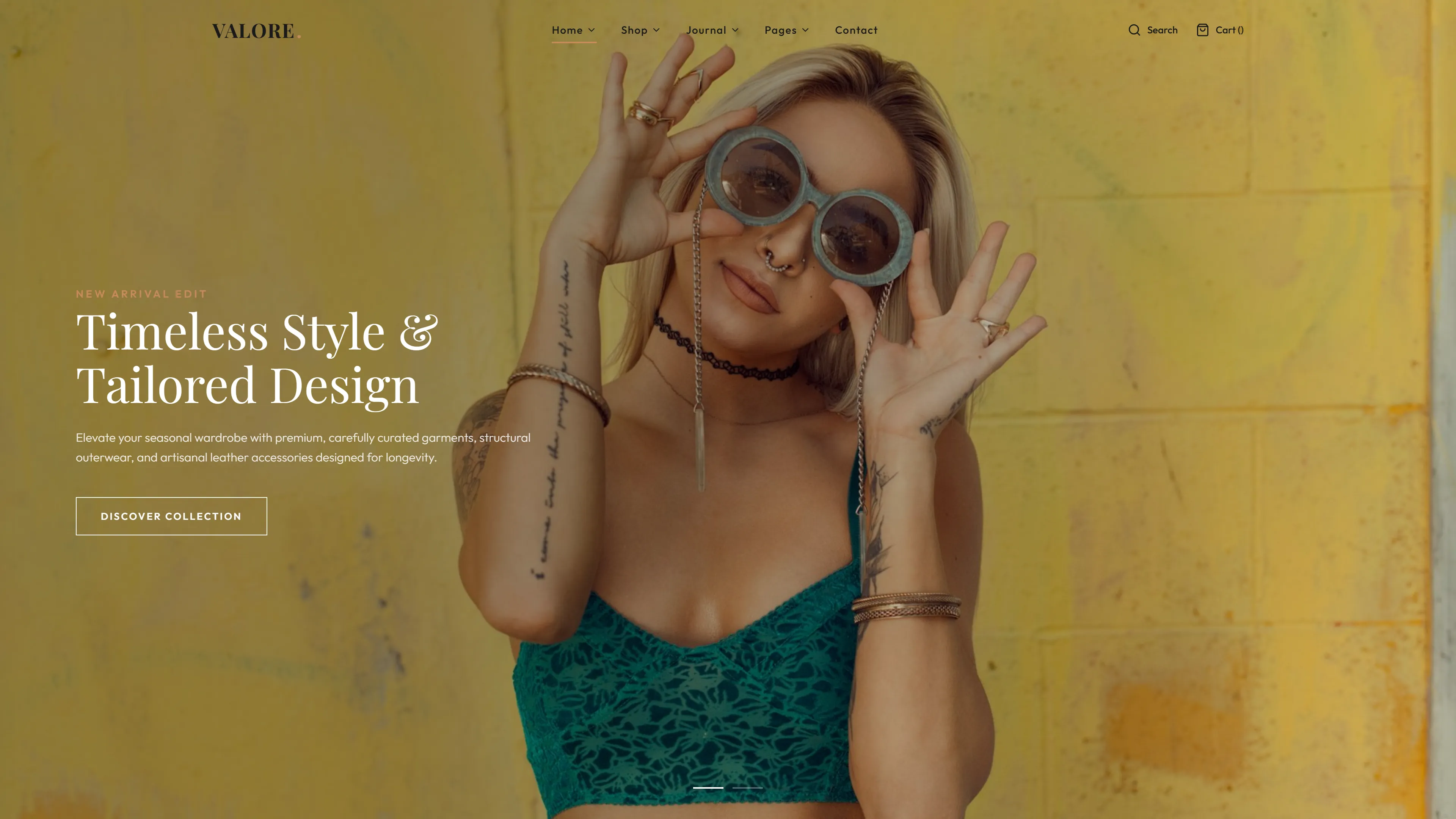
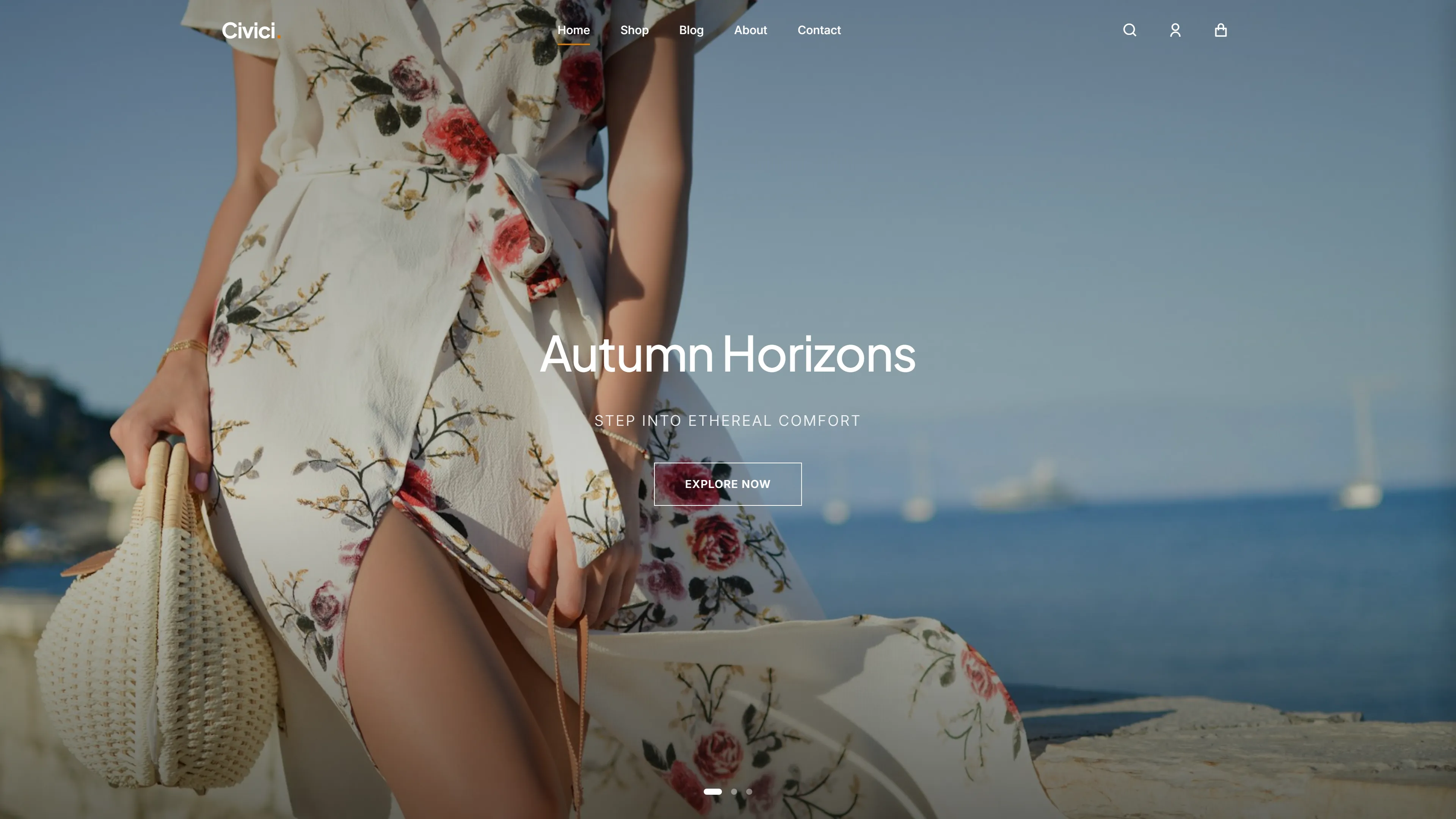
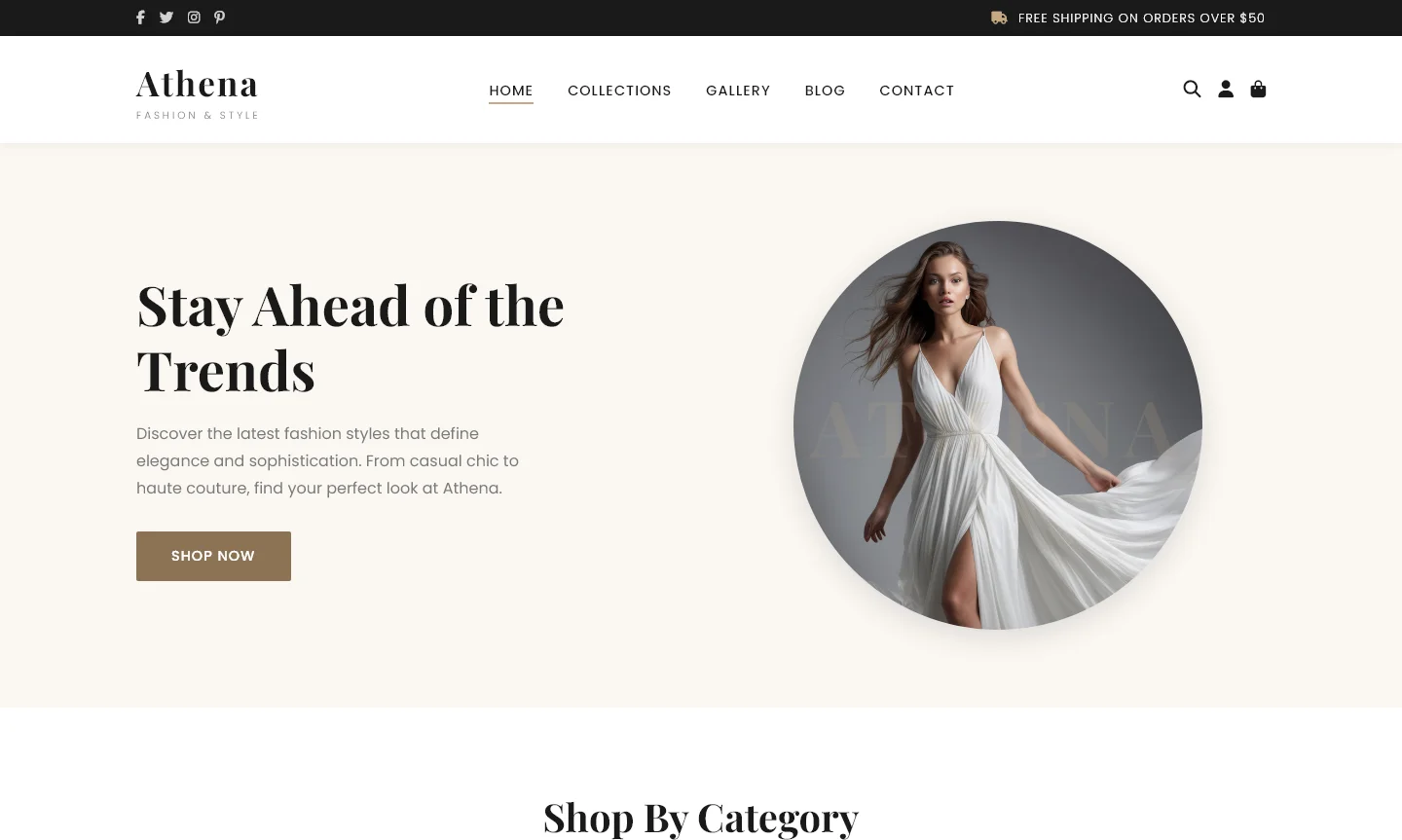
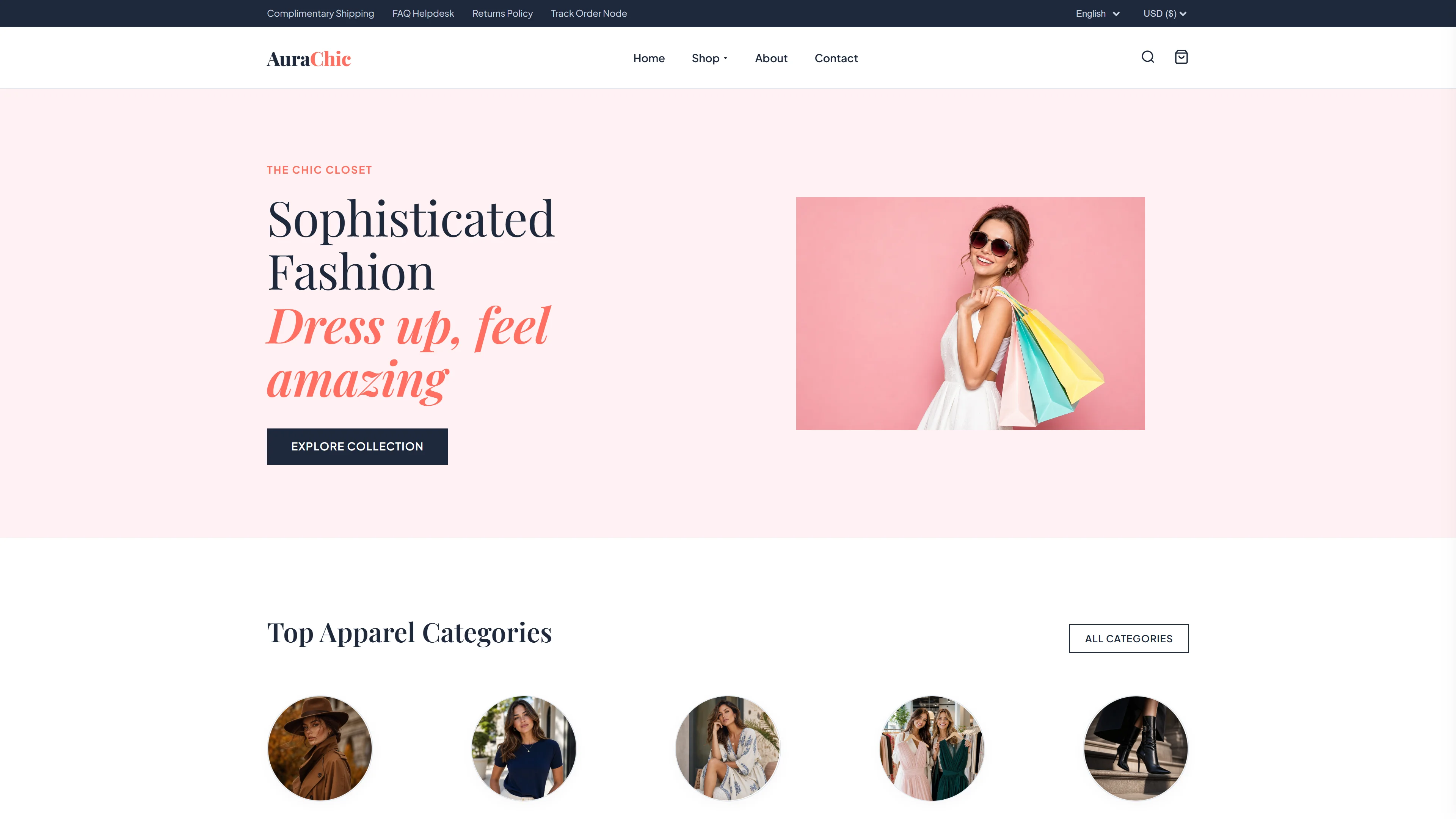
Ang VeloMix ay isang libreng HTML template na idinisenyo para sa mga tindahan ng fashion at streetwear, gawa gamit ang Tailwind CSS at modernong grid at flexbox techniques. Ang package ay may kasamang anim na HTML na pahina na sakop ang homepage, shop, product detail, blog, blog detail, at contact sections — nagbibigay ng kumpletong storefront structure agad-agad. Ginagamit ng template ang hand-written CSS nang walang mabigat na animation libraries, nananatiling malinis at madaling baguhin ang codebase.
Ang homepage ay may malinaw na nahahating mga seksyon kabilang ang product highlights, fan favorites, fresh drops, at weekly picks. Isang 768px mobile breakpoint ang tinitiyak na responsive na navigation, at may kasamang 34 local images plus embedded contact at newsletter forms. Sa 5.0 MB na kabuuang sukat, madali itong i-customize at i-deploy para sa mga fashion brands.
Pangunahing Tampok
- Kuradong Street Style
- Eksklusyon na Seasonal Drops
- Bold Fashion Collections
- Premium Quality Fabrics
| Tech Stack | HTML5, Tailwind CSS, JavaScript |
| Petsa ng Paglabas | 2026-07-05 |
| Lisensya | Libre (Kailangang panatilihin ang footer backlink) |
Angkop Para sa & Paggagamitan
Ang template na ito ay ideal para sa mga freelance fashion designer, mall-based boutique owners, at social media sellers sa Shopee PH at TikTok Shop. Mga nasa phase ng scaling business at gustong magkaroon ng professional site na hindi mahaba ang setup time. Madali itong i-upload sa Netlify o Vercel, at may pre-built Hero Section na tumutulong na ma-hook ang bisita sa unang 3 segundo. Hindi ito angkop para sa mga kumpanyang naghahanap ng full e-commerce functionality tulad ng inventory management o payment gateway integration like PayPal or Stripe — dito kailangan pa ng extra customization. Mainam din para sa mga cross-border e-commerce fashion brand owners na gustong magbenta internationally gamit ang premium online storefront.
Mga Kasamang Seksyon ng Pahina
Ang template ay may buong-index page na may walong hiwalay na seksyon: DefineYour Edge, Explore Styles, Fan Favorites, Worn & Loved, Unlock Your First Drop Discount, Own thePavement, Fresh Drops, at This Week's Picks. Bukod dito, mayroon itong mga dedicated na HTML na pahina para sa shop listings (shop.html), indibidwal na detalye ng produkto (product-detail.html), blog content (blog.html, blog-detail.html), at isang contact form (contact.html). Ang disenyo ay gumagamit ng hand-written CSS at lokal na mga larawan nang hindi umaasa sa panlabas na animation libraries.
Bakit Namin Inirerekomenda
Nag-aalok ang VeloMix ng maayos na multi-page structure na angkop para sa fashion retail, na may mahahalagang pahina tulad ng product detail, shop, at blog na handa na. Ang Tailwind CSS setup ay nagpapadali sa pagbabago ng brand color, habang ang hand-written CSS at minimal na JavaScript ay pinapanatiling magaan at madaling maintain ang template. Ang pagiging may dedicated na blog at contact pages ay nagpaparaan sa mga brand na gusto ng nilalaman kasabay ng komersyo.
Teknikal na Pagtukoy
Kailangan ng Node.js v18+ at npm para sa Tailwind build tooling. I-initialize gamit ang 'npx tailwindcss init -p' at i-customize ang color palette sa tailwind.config.js, na may suporta para sa dark mode nang default. I-optimize ang kasamang mga imahe bago i-upload sa production. I-deploy bilang static site sa Vercel o Netlify para sa mabilis na paghahatid.
Ideal na Gamit
Mga streetwear label na naglulunsad ng seasonal drops ay maaaring gamitin ang VeloMix para ipakita ang mga bagong darating kasama ang archival pieces sa Fan Favorites at Worn & Loved na mga seksyon. Mga independent na fashion boutique na may aktibong social media following ay maaaring mag-embed ng newsletter sign-ups direktang sa collection pages upang makakuha ng emails ng mga mamimili. Mga fashion photographer at visual creator din ay maaari ring gamitin ang blog-detail layout para sa lookbook publishing.
Mga Iskor ng Pagganap
Gabay sa Pagpapatupad at Pag-deploy ng Developer
Binuo gamit ang malinis na semantikong HTML5 at modernong CSS. Walang kumplikadong hakbang sa pag-build.
<header class="header" id="mainHeader">
    <div class="container header-inner">
        <a href="index.html" class="logo">Velo<span>Mix</span></a>

        <nav class="nav-links">
            <a href="index.html" class="nav-link active">Home</a>
            <a href="shop.html" class="nav-link">Shop</a>
            <a href="blog.html" class="nav-link">Journal</a>
            <a href="contact.html" class="nav-link">Contact</a>
        </nav>

        <div class="nav-actions">
            <a href="shop.html" class="nav-icon-btn" aria-label="Search">
                <svg xmlns="http://www.w3.org/2000/svg" width="20" height="20" fill="none" stroke="currentColor" stroke-width="2.5" stroke-linecap="round" stroke-linejoin="round" viewBox="0 0 24 24"><circle cx="11" cy="11" r="8"/><path d="m21 21-4.35-4.35"/></svg>
            </a>
            <a href="shop.html" class="nav-icon-btn" aria-label="Wishlist">
                <svg xmlns="http://www.w3.org/2000/svg" width="20" height="20" fill="none" stroke="currentColor" stroke-width="2.5" stroke-linecap="round" stroke-linejoin="round" viewBox="0 0 24 24"><path d="M20.84 4.61a5.5 5.5 0 0 0-7.78 0L12 5.67l-1.06-1.06a5.5 5.5 0 0 0-7.78 7.78l1.06 1.06L12 21.23l7.78-7.78 1.06-1.06a5.5 5.5 0 0 0 0-7.78z"/></svg>
            </a>
            <a href="shop.html" class="nav-icon-btn" aria-label="Cart" style="position:relative;">
                <svg xmlns="http://www.w3.org/2000/svg" width="20" height="20" fill="none" stroke="currentColor" stroke-width="2.5" stroke-linecap="round" stroke-linejoin="round" viewBox="0 0 24 24"><circle cx="9" cy="21" r="1"/><circle cx="20" cy="21" r="1"/><path d="M1 1h4l2.68 13.39a2 2 0 0 0 2 1.61h9.72a2 2 0 0 0 2-1.61L23 6H6"/></svg>
                <span class="cart-count">0</span>
            </a>
            <button class="mobile-menu-btn" aria-label="Menu">
                <svg xmlns="http://www.w3.org/2000/svg" width="22" height="22" fill="none" stroke="currentColor" stroke-width="2.5" stroke-linecap="round" stroke-linejoin="round" viewBox="0 0 24 24"><line x1="3" y1="12" x2="21" y2="12"/><line x1="3" y1="6" x2="21" y2="6"/><line x1="3" y1="18" x2="21" y2="18"/></svg>
            </button>
        </div>
    </div>
</header>
├── assets/
│ ├── assets/
│ │ ├── hero_girl.webp (33.3 KB)
│ │ ├── product_bag.webp (59.8 KB)
│ │ ├── product_croptop.webp (87.8 KB)
│ │ ├── product_denim_jacket.webp (28.6 KB)
│ │ ├── product_hoodie.webp (18.6 KB)
│ │ ├── product_offshoulder_black.webp (19.1 KB)
│ │ ├── product_pattern_shirt.webp (40.0 KB)
│ │ ├── product_shoes.webp (90.1 KB)
│ │ ├── product_tshirt.webp (21.3 KB)
│ │ ├── product_white_jacket.webp (30.5 KB)
│ │ ├── promo_fashion.webp (74.9 KB)
│ │ ├── street_style.webp (119.5 KB)
│ │ ├── testi_girl_1.webp (133.7 KB)
│ │ ├── testi_girl_2.webp (77.6 KB)
│ │ ├── trend_girl_1.webp (28.5 KB)
│ │ ├── trend_girl_2.webp (70.2 KB)
│ │ ├── trend_girl_3.webp (115.2 KB)
│ ├── hero_girl.webp (33.3 KB)
│ ├── product_bag.webp (59.8 KB)
│ ├── product_croptop.webp (87.8 KB)
│ ├── product_denim_jacket.webp (28.6 KB)
│ ├── product_hoodie.webp (18.6 KB)
│ ├── product_offshoulder_black.webp (19.1 KB)
│ ├── product_pattern_shirt.webp (40.0 KB)
│ ├── product_shoes.webp (90.1 KB)
│ ├── product_tshirt.webp (21.3 KB)
│ ├── product_white_jacket.webp (30.5 KB)
│ ├── promo_fashion.webp (74.9 KB)
│ ├── street_style.webp (119.5 KB)
│ ├── testi_girl_1.webp (133.7 KB)
│ ├── testi_girl_2.webp (77.6 KB)
│ ├── trend_girl_1.webp (28.5 KB)
│ ├── trend_girl_2.webp (70.2 KB)
│ ├── trend_girl_3.webp (115.2 KB)
├── blog-detail.html (15.0 KB)
├── blog.html (12.9 KB)
├── contact.html (15.7 KB)
├── index.html (39.2 KB)
├── LICENSE.txt (0.5 KB)
├── main.js (5.6 KB)
├── product-detail.html (16.2 KB)
├── shop.html (18.2 KB)
├── styles.css (21.7 KB)1. I-download at I-unzip
I-download ang kumpletong ZIP package at i-extract sa iyong computer.
2. I-customize ang Brand at Nilalaman
Buksan ang folder sa VS Code. I-update ang mga kulay sa CSS at palitan ang teksto at mga larawan.
3. 1-Click Libreng Hosting
I-drag at i-drop ang folder sa Cloudflare Pages o Netlify para sa agarang pandaigdigang CDN.