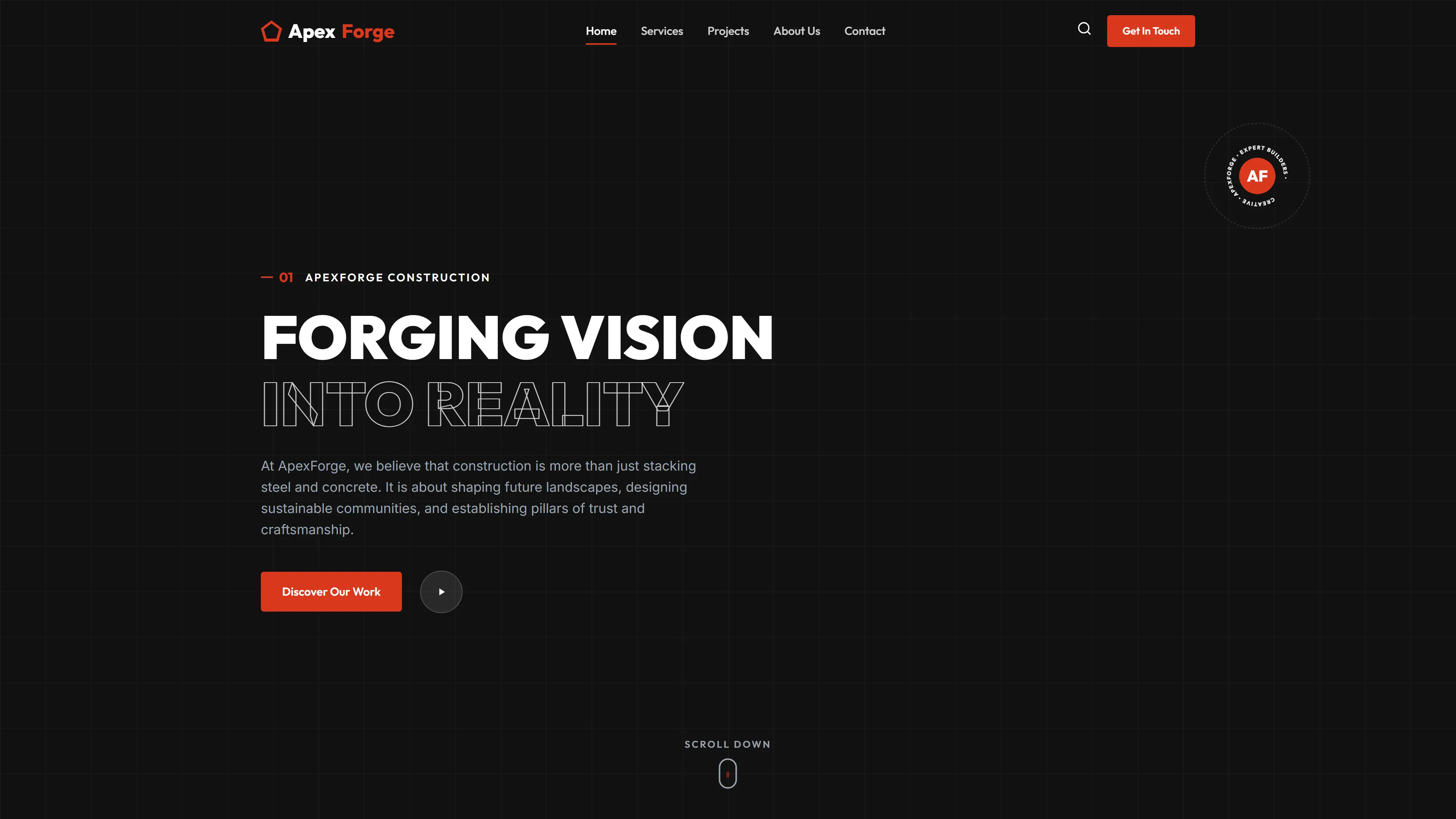
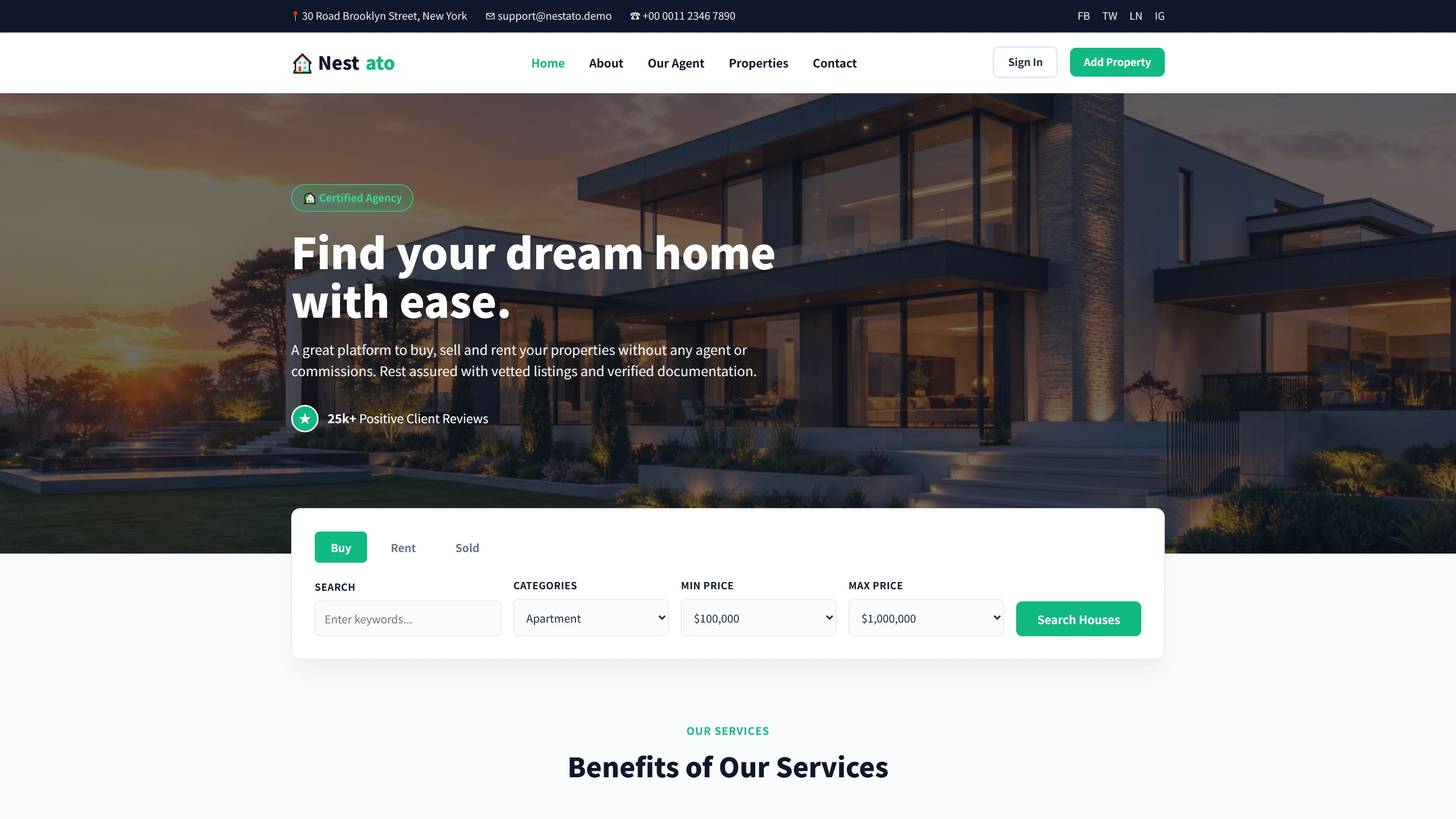
RoofMate — Free Real Estate & Construction Website Template
RoofMate is a free HTML5 website template built for real estate and construction professionals, with a focus on roofing contractors. It ships with seven ready-to-use pages—including index, about, services, service-detail, blog-detail, contact, and a roofmate landing page—powered by Tailwind CSS v3 and hand-written custom CSS.
The template is fully responsive down to 320px mobile breakpoints and includes a contact or newsletter-style HTML form. It comes bundled with 15 local images and avoids heavy animation libraries for a lightweight setup. Homepage sections cover roofing solutions, services, metal roofing installation, team profiles, materials, and client testimonials. A contact form is embedded for lead generation, and the clean utility-first structure makes it straightforward to adapt for professional contractor use.
Key Features
- Installation Planning Module
- Repair Cost Calculator
- Certified Contractor Directory
- Home Value Estimator
| Tech Stack | HTML5, Tailwind CSS, JavaScript |
| Release Date | 2026-07-05 |
| License | Free (Must keep footer backlink) |
Suitable For & Use Cases
Small to mid-sized roofing companies, independent contractors, local construction firms, renovation agencies, and home improvement service providers looking to upgrade their digital presence quickly. Ideal for frontend developers who need a clean codebase to customize or deploy fast. Not suited for enterprise-scale platforms requiring complex CMS integration or heavy e-commerce functionality. Renovation companies and home improvement studios showcasing completed projects.
Page Sections Included
The index page features sections for Innovative & Quality Roofing Solutions, a dedication statement, Our Services, Metal Roofing Installation, Why Choose RoofMate?, Our Team, Roofing Materials, and Clients Testimonials. Additional pages—about, blog-detail, contact (with HTML form), roofmate, service-detail, and services—cover team profiles, service breakdowns, and contact details.
Why We Recommend
RoofMate gives roofing contractors a complete, professional starting point without requiring custom development from scratch. The seven-page structure covers essential business sections, the responsive layout handles all screen sizes, and Tailwind CSS makes visual customization straightforward. No heavy animation libraries keep the template lean and easy to maintain.
Technical Specifications
Requires Node.js v18+ and npm for Tailwind CLI customization. Configure via tailwind.config.js with brand colors and dark mode support using dark: variants. Components are modular and CSS-based with no heavy animation libraries. Hand-written CSS handles custom styling alongside Tailwind utilities.
Ideal Use Case
Independent roofing contractors and small construction firms can deploy this template to launch a professional website quickly without hiring developers. It suits businesses that need service pages, a blog, and a contact form to capture leads. The modular HTML structure allows local contractors to add regional targeting and integrate with their preferred booking or CRM systems.