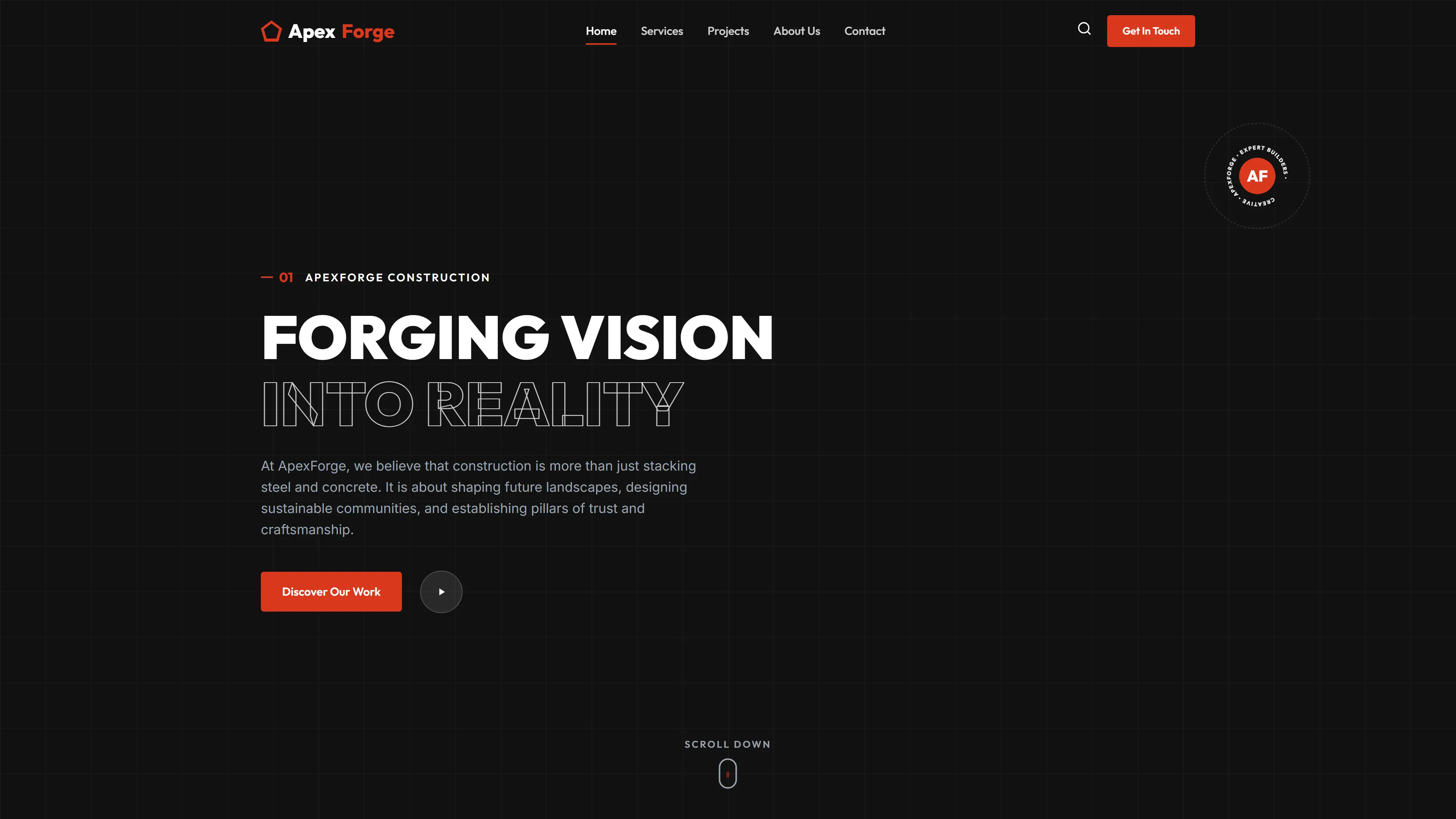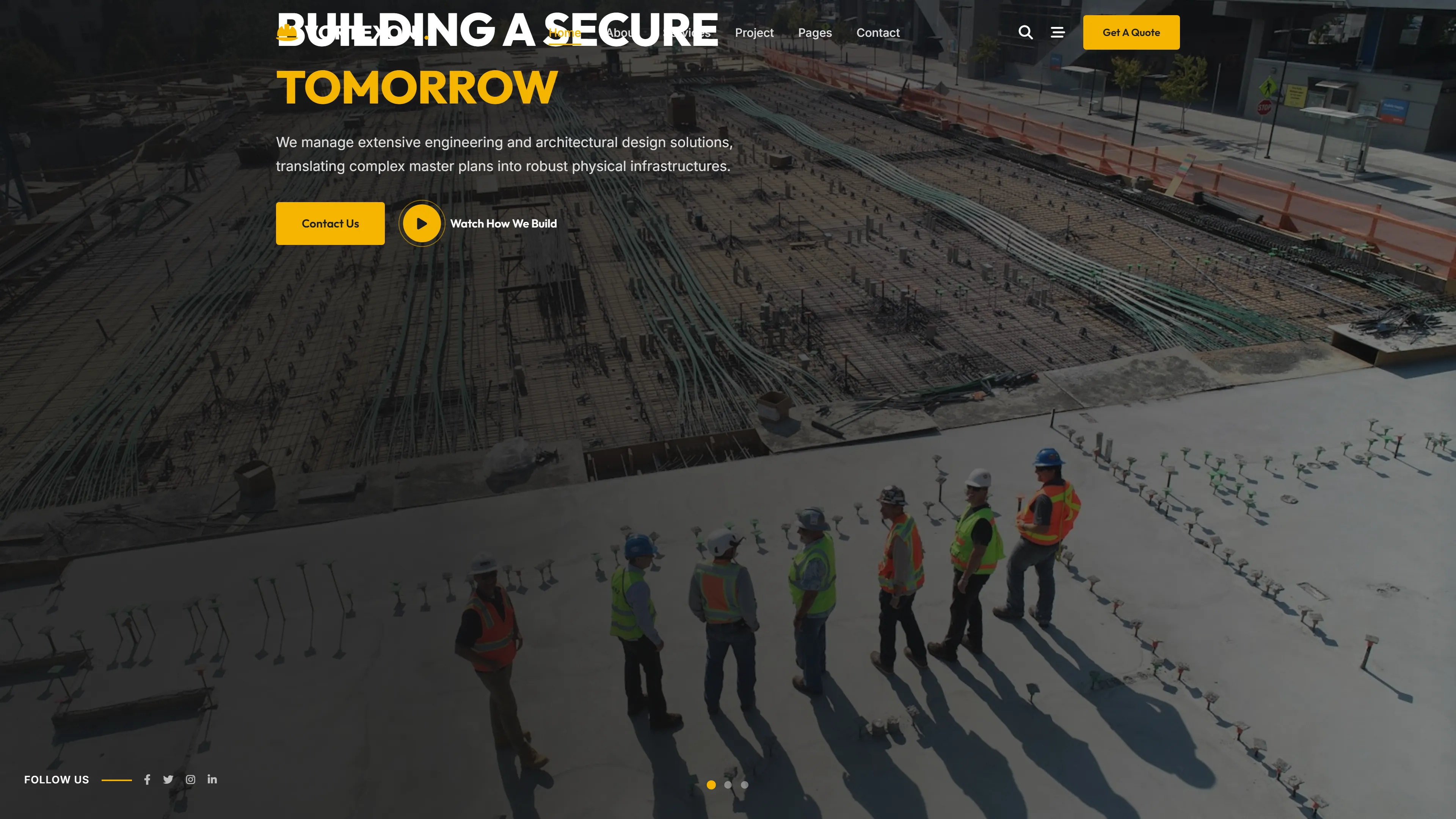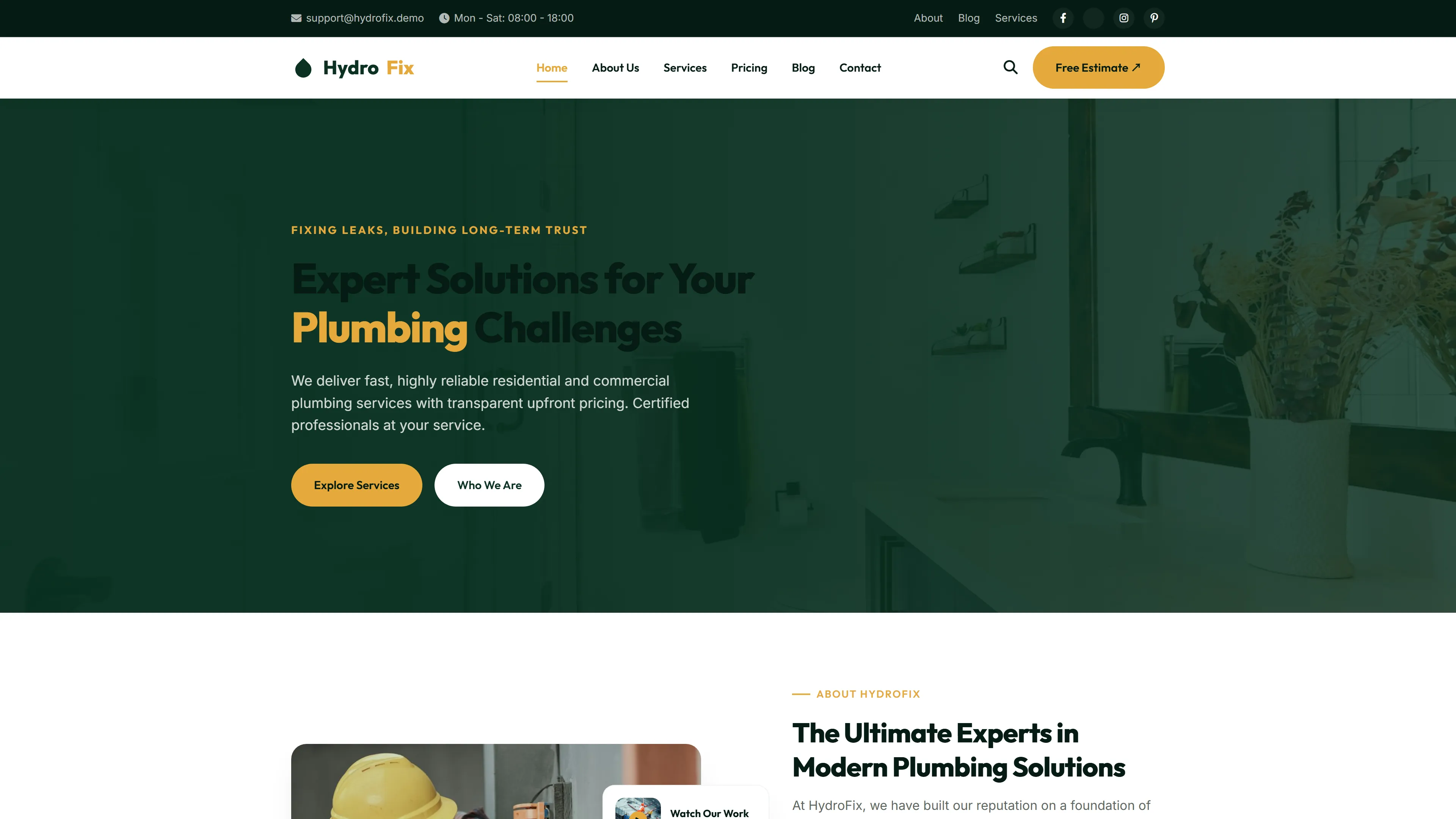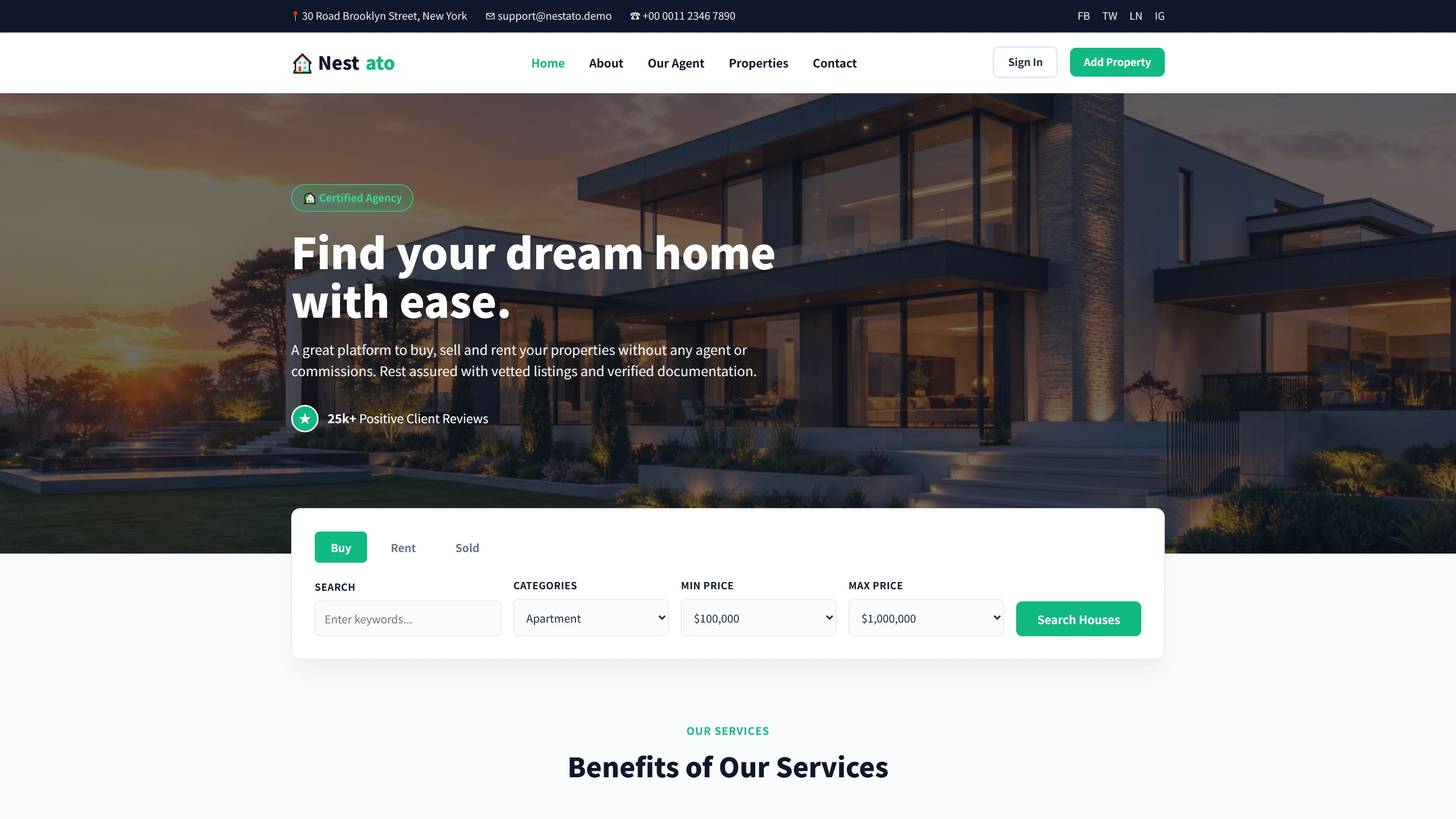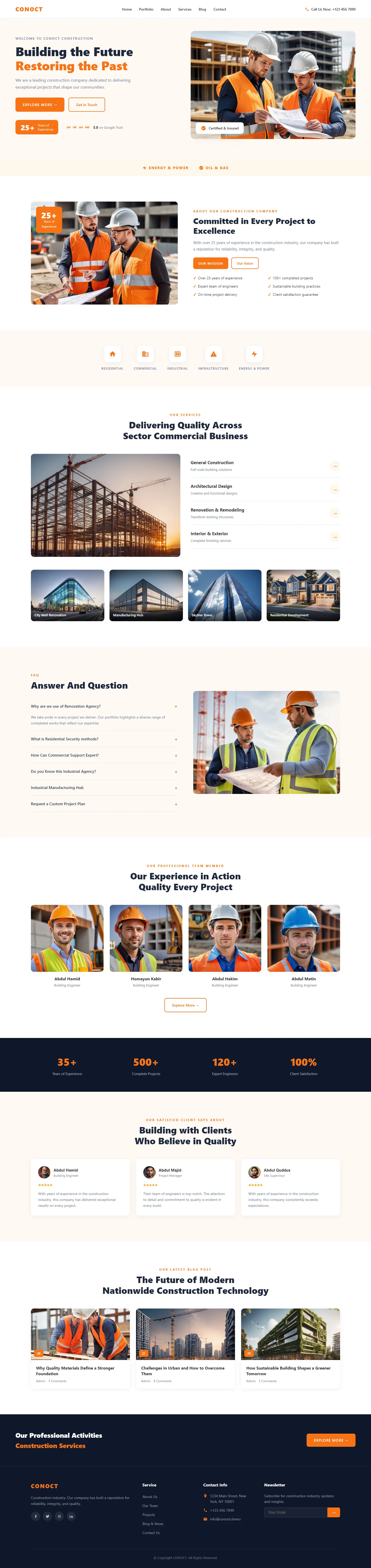
CONOCT — Free Real Estate & Construction Website Template
CONOCT is a free HTML template designed for construction studios and real estate professionals who need a clean, functional site without bloat. It includes seven standalone HTML pages — index, about, services, portfolio, blog, and contact — each built with hand-written CSS and vanilla JavaScript. No heavy animation libraries are used, keeping the codebase straightforward and easy to maintain. The homepage features clear section headings covering project showcases, service comparisons, and client testimonials.
A contact and newsletter form is included for lead capture, and all assets are local files (23 images). The layout is built to scale across typical construction business pages while remaining simple enough to edit directly. This makes it a practical starting point for firms that want a professional presence without a complex build pipeline.
Key Features
- Project Timeline Visualization
- Client Portfolio Grid
- Service Comparison Cards
- Integrated Contact Form with Validation
| Tech Stack | HTML5, Tailwind CSS, JavaScript |
| Release Date | 2026-07-05 |
| License | Free (Must keep footer backlink) |
Suitable For & Use Cases
Ideal for construction business owners, project managers, and studio leads in residential/commercial building sectors. Best used for firms offering end-to-end services from design to handover. Not suited for large-scale enterprise portfolios needing custom CMS integrations or multilingual support.
Page Sections Included
The template features sections including a hero area with Building the Future and Restoring the Past messaging, a services grid covering commercial and sector business offerings, an FAQ section titled Answer And Question, a portfolio showcase called Our Experience in Action, a quality statement section, a client-focused testimonial area, a nationwide construction technology segment, and a professional activities services overview. The package also includes dedicated about, blog, portfolio, and contact pages.
Why We Recommend
Construction and real estate sites often default to generic layouts. CONOCT takes a different approach — it prioritizes clarity over decoration. The seven-page structure covers the essentials without unnecessary complexity, and the hand-written CSS means there are no dependency surprises. The contact form works out of the box, and the page organization maps directly to how these businesses actually present their work.
Technical Specifications
Built with HTML5, hand-written CSS, and vanilla JavaScript. No framework build step is required — edit the HTML directly. Local images are included as static assets. Deployment is straightforward on any static hosting provider such as GitHub Pages, Netlify, or Vercel.
Ideal Use Case
A small-to-mid-sized construction firm looking to launch a new project portfolio page. A real estate developer needing a services and about section without a full CMS. A contractor who wants a lightweight contact form for quote requests. A local infrastructure company that needs a fast, dependency-free template they can deploy on any static host without configuration.