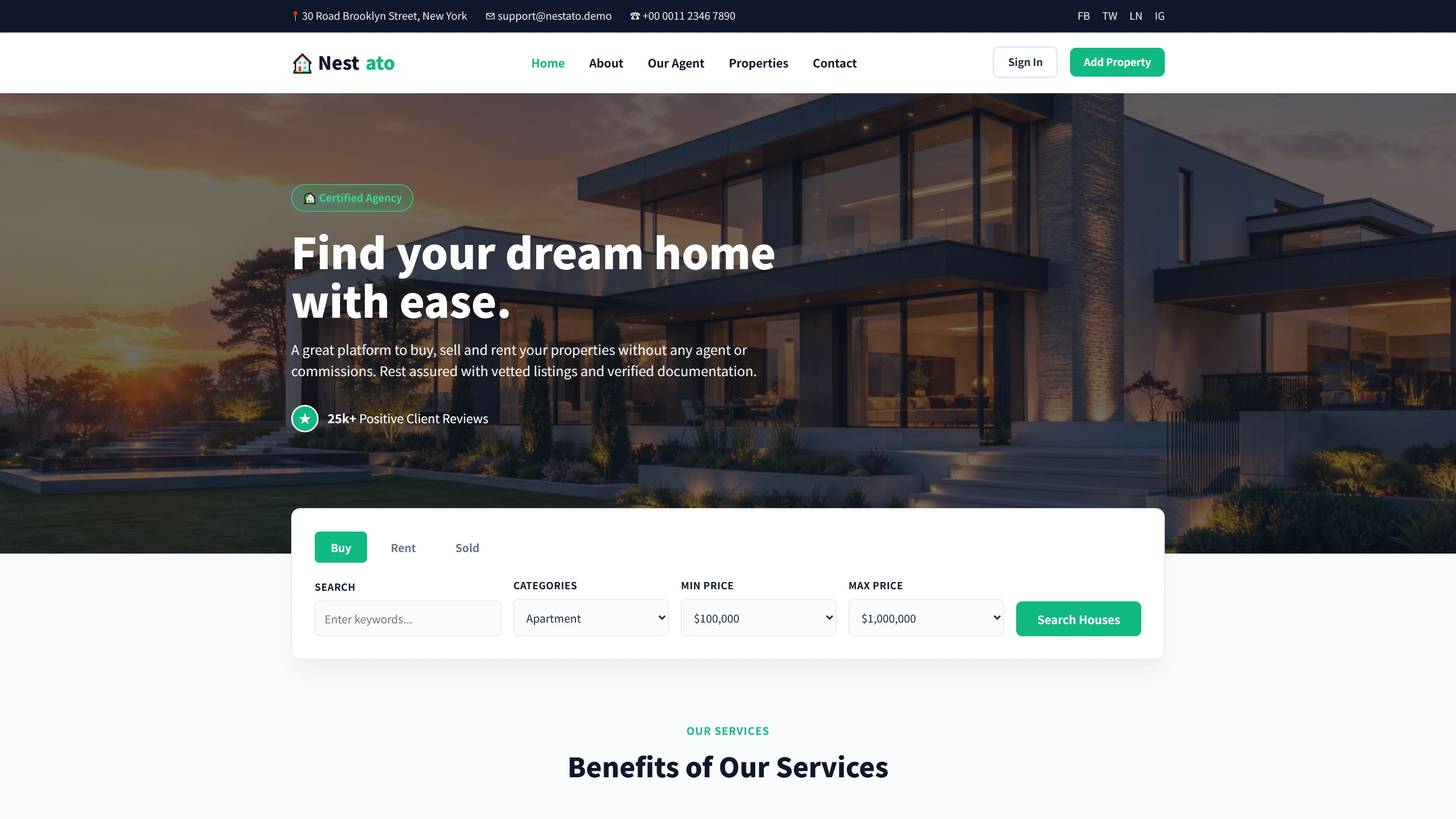
Figtree — Free Real Estate & Construction Website Template
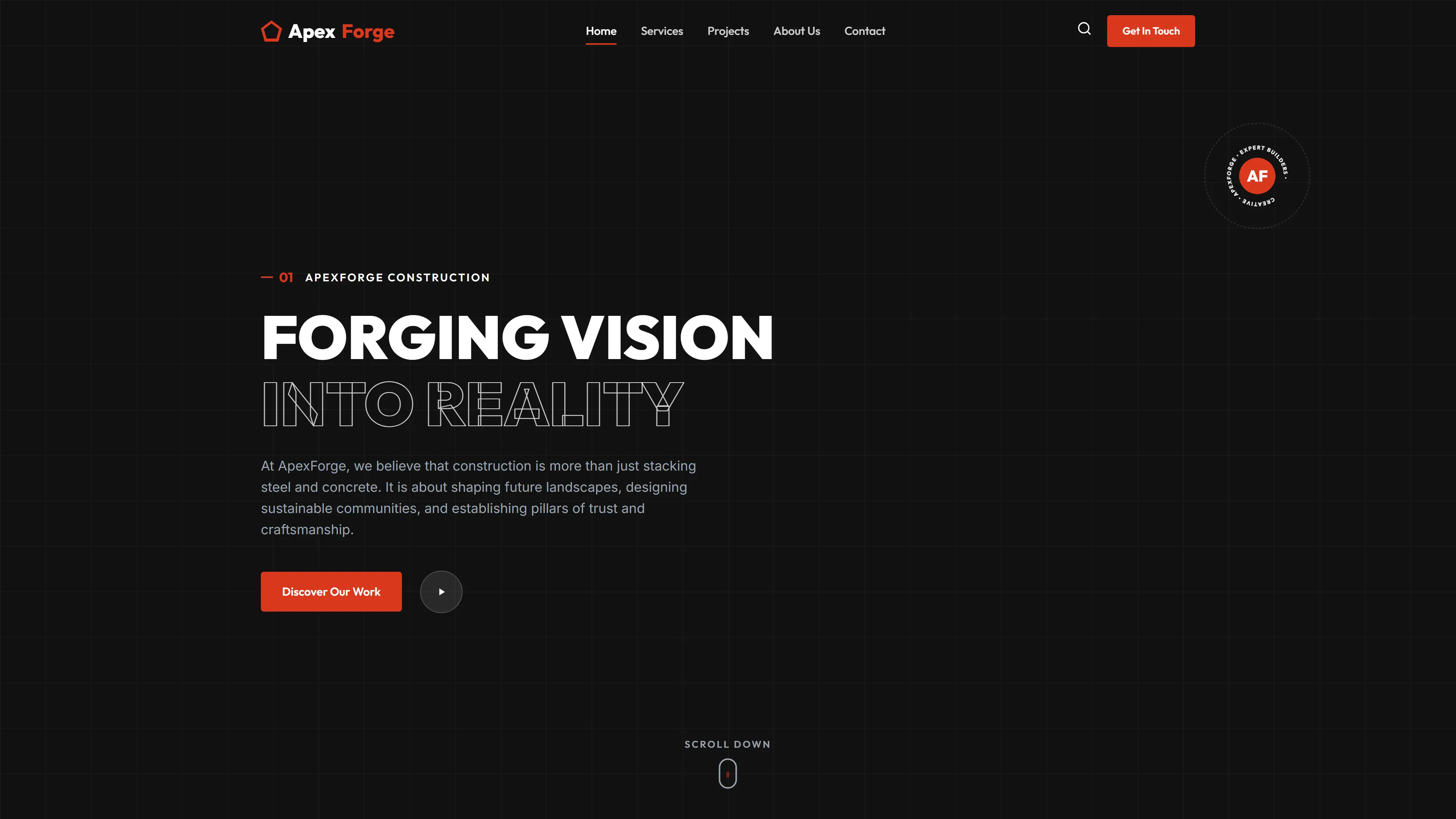
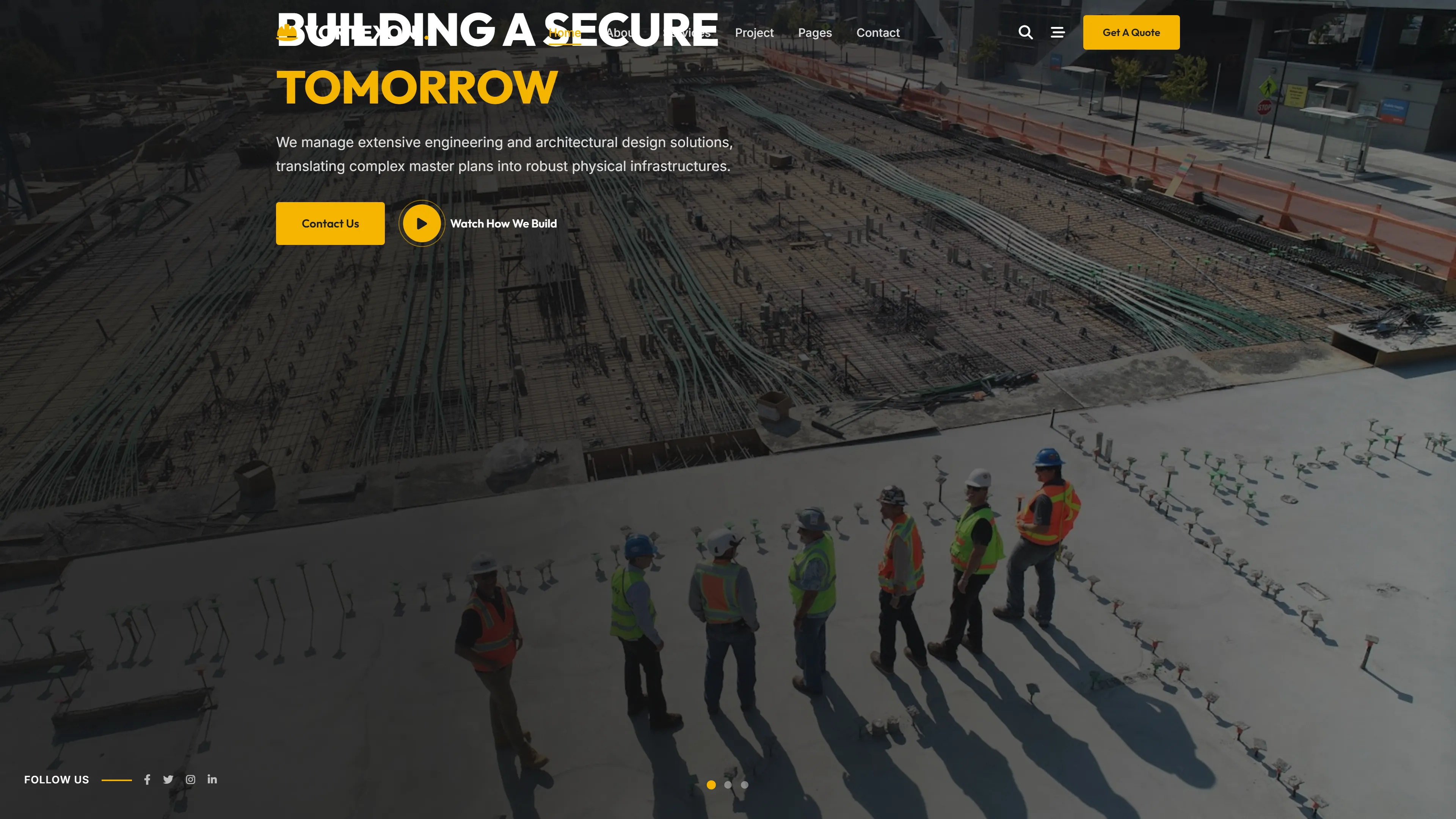
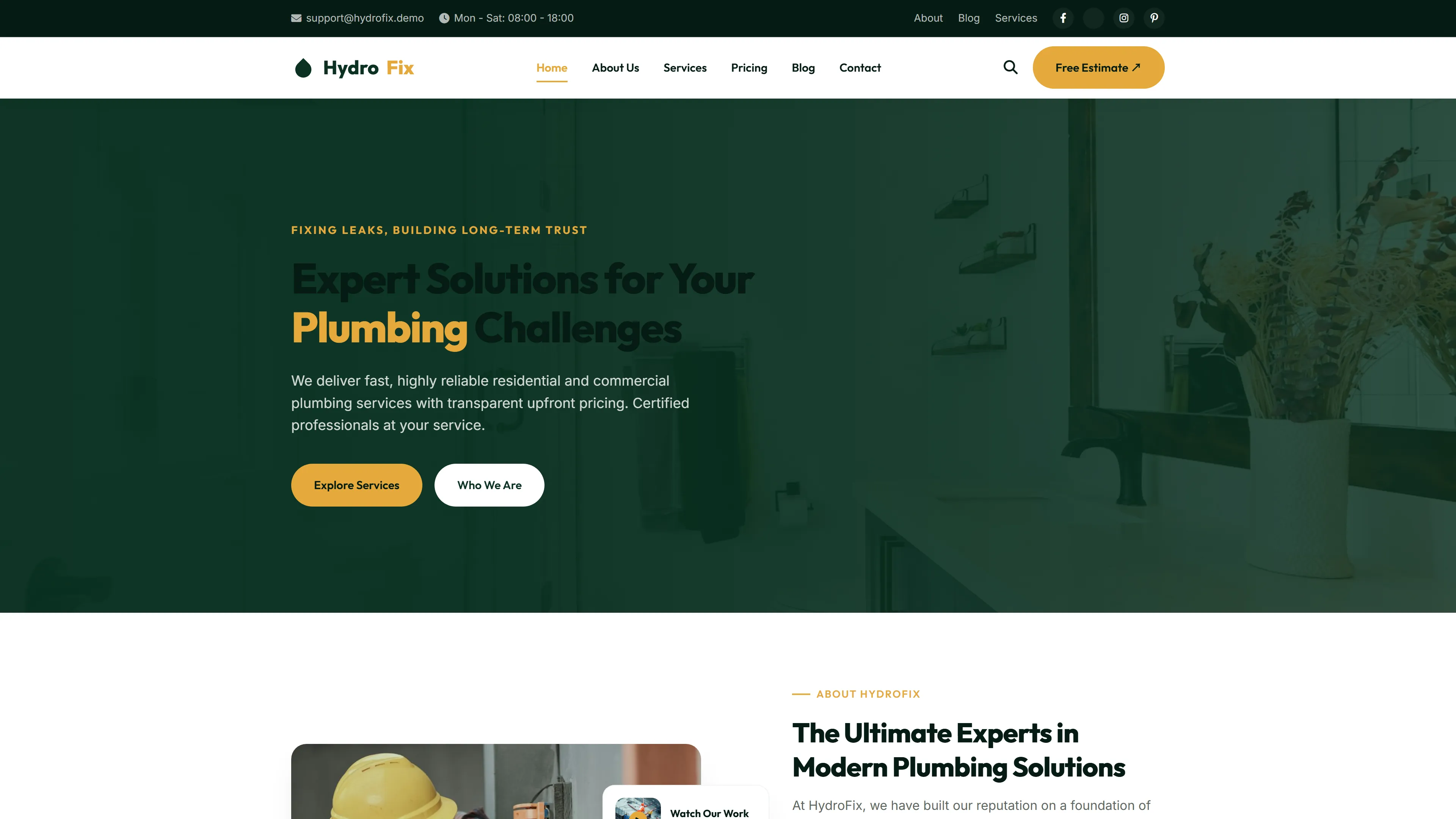
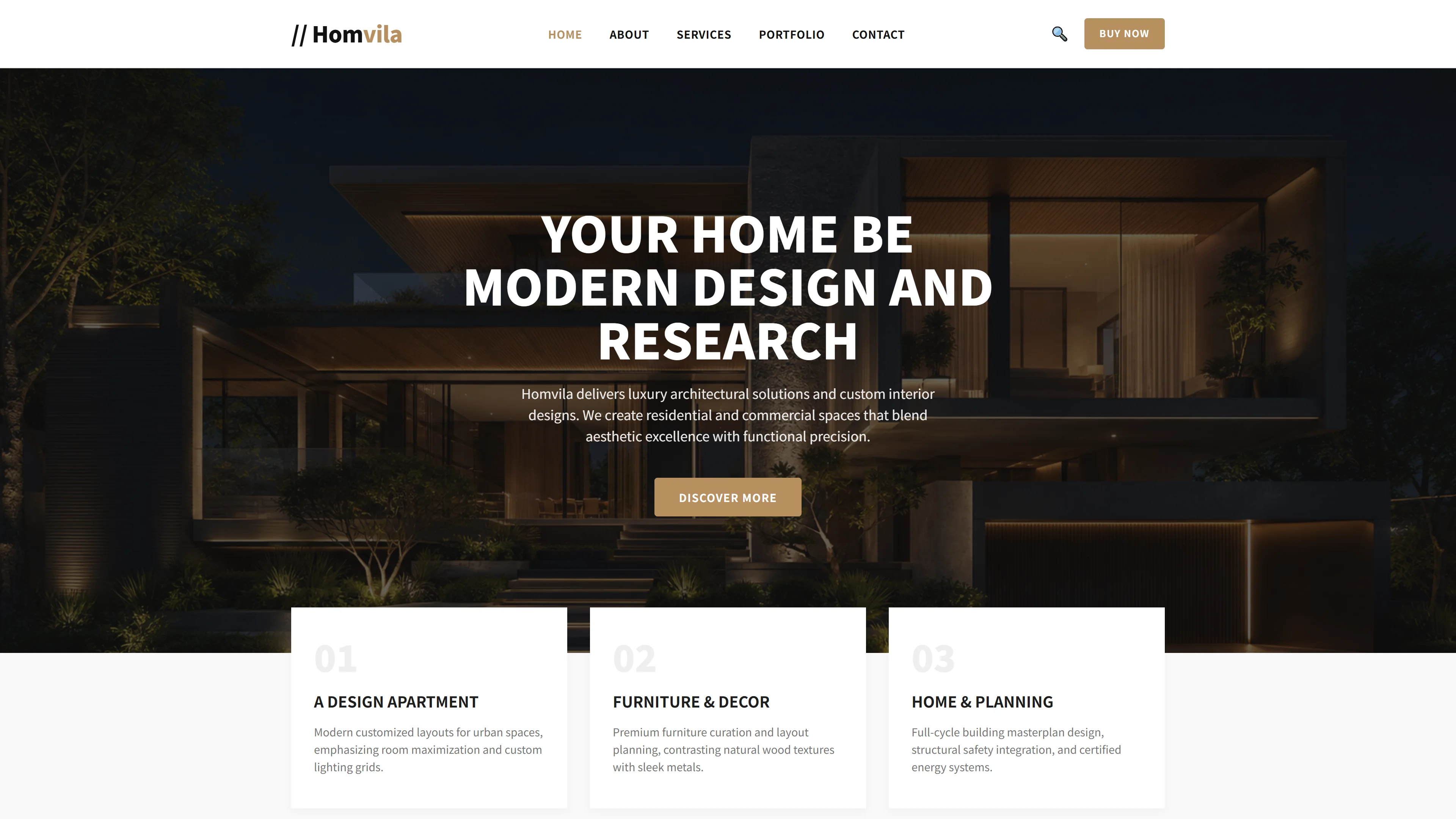
Figtree is a free HTML5 Tailwind CSS template designed for real estate and construction companies. It includes seven pages covering about, blog, contact, projects, services, and a dedicated figtree landing page. The template uses hand-written CSS alongside Font Awesome icons and Google Fonts, with 34 local images included. A contact and newsletter HTML form is built into the template for lead capture.
The index page features section headings around architectural design philosophy, core services, featured projects, the design process, and architect profiles. The layout is responsive and mobile-friendly. Built with Tailwind CSS utilities, the template is easy to customize without deep CSS knowledge. It is static-site ready and requires no build tools to run.
Key Features
- Responsive Grid Layouts
- Sustainable Design Showcase
- Interior Detail Galleries
- Space Planning Visualizer
| Tech Stack | HTML5, Tailwind CSS, JavaScript |
| Release Date | 2026-07-05 |
| License | Free (Must keep footer backlink) |
Suitable For & Use Cases
Architecture leads, interior design studios, sustainable building consultants, and real estate development teams managing digital portfolios. Also fits freelance designers needing a fast, clean site for client pitches. Not suited for e-commerce platforms selling physical products without major extension work.
Page Sections Included
The Figtree template includes an index page featuring hero and call-to-action sections, About Firm details, a Project Gallery with masonry layout, Architectural Innovation highlights, Global Inspiration and Local Craft positioning, Our Core Services overview, Architecture That Speaks to the Human Spirit messaging, Featured Projects showcase, Our Design Process walkthrough, and Meet Our Architects team profiles. Additional dedicated pages cover Blog, Contact, and Services content.
Why We Recommend
Figtree combines a professional real estate aesthetic with practical structure. The hand-written CSS approach keeps the template lightweight and avoids framework bloat. Font Awesome and Google Fonts are already integrated, saving setup time. The contact form works out of the box for lead generation. Its section structure maps directly to how construction firms present services and portfolios, making customization straightforward.
Technical Specifications
Requires no build tools. Open index.html in any browser to preview. Customize colors and spacing via Tailwind CSS configuration or by editing the hand-written CSS directly. Deploy as static files on Netlify, Vercel, or any web server. Font Awesome and Google Fonts load from CDN; local assets include 34 images.
Ideal Use Case
A small architectural practice can deploy Figtree as a static portfolio site using Netlify or Vercel. The seven-page structure covers the essential sections—projects, services, about, blog, and contact—without requiring a backend. Teams can replace the placeholder images with their own project photos and update the architect profiles directly in the HTML files.