Florallure — Free Home Services Website Template
Florallure is a home services template built with HTML5 and Tailwind CSS for florists and floral businesses. It includes four pages — index.html, about.html, flowers.html, and contact.html — with hand-written CSS and no JS animation libraries, keeping the 7.2 MB package lean.
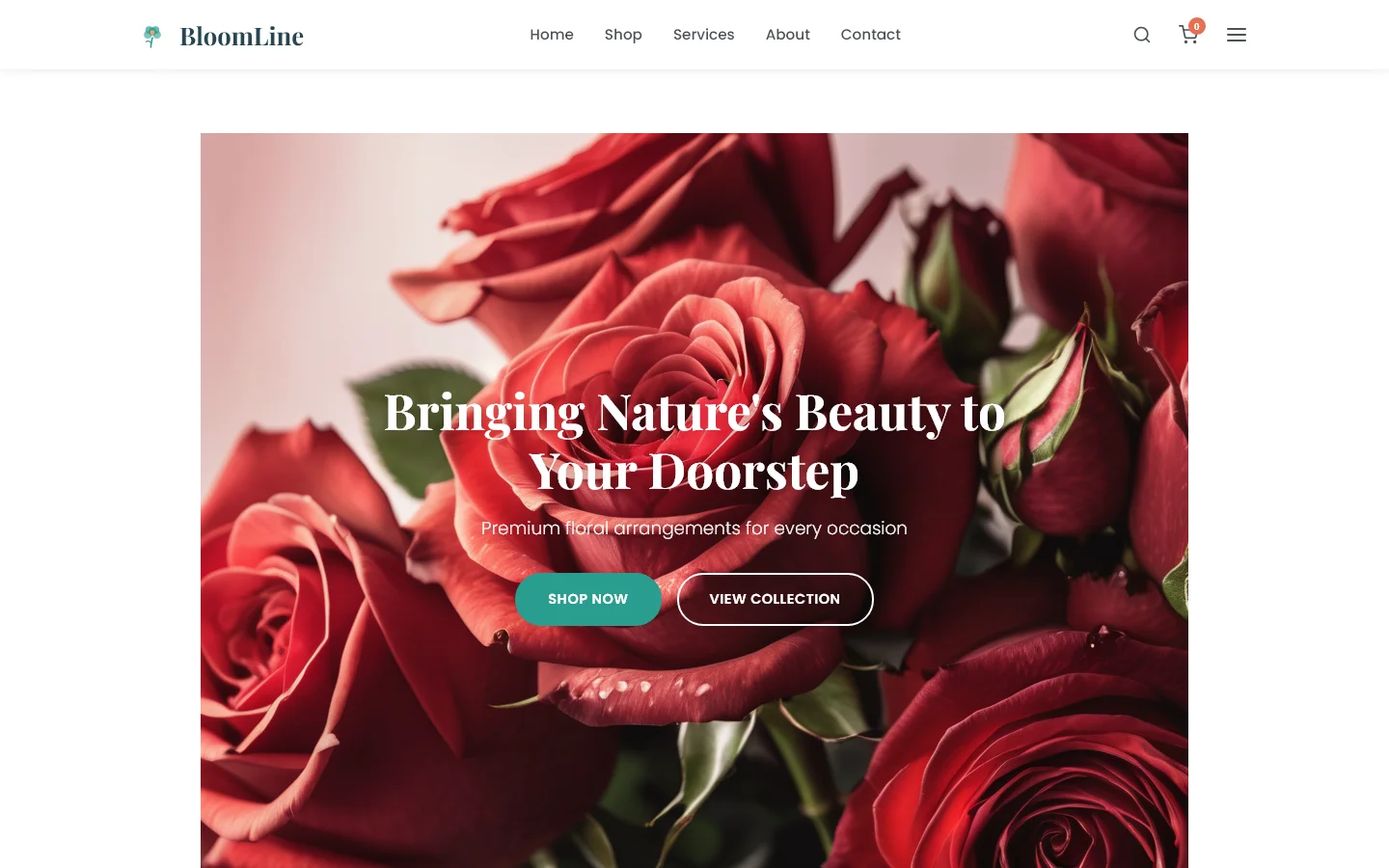
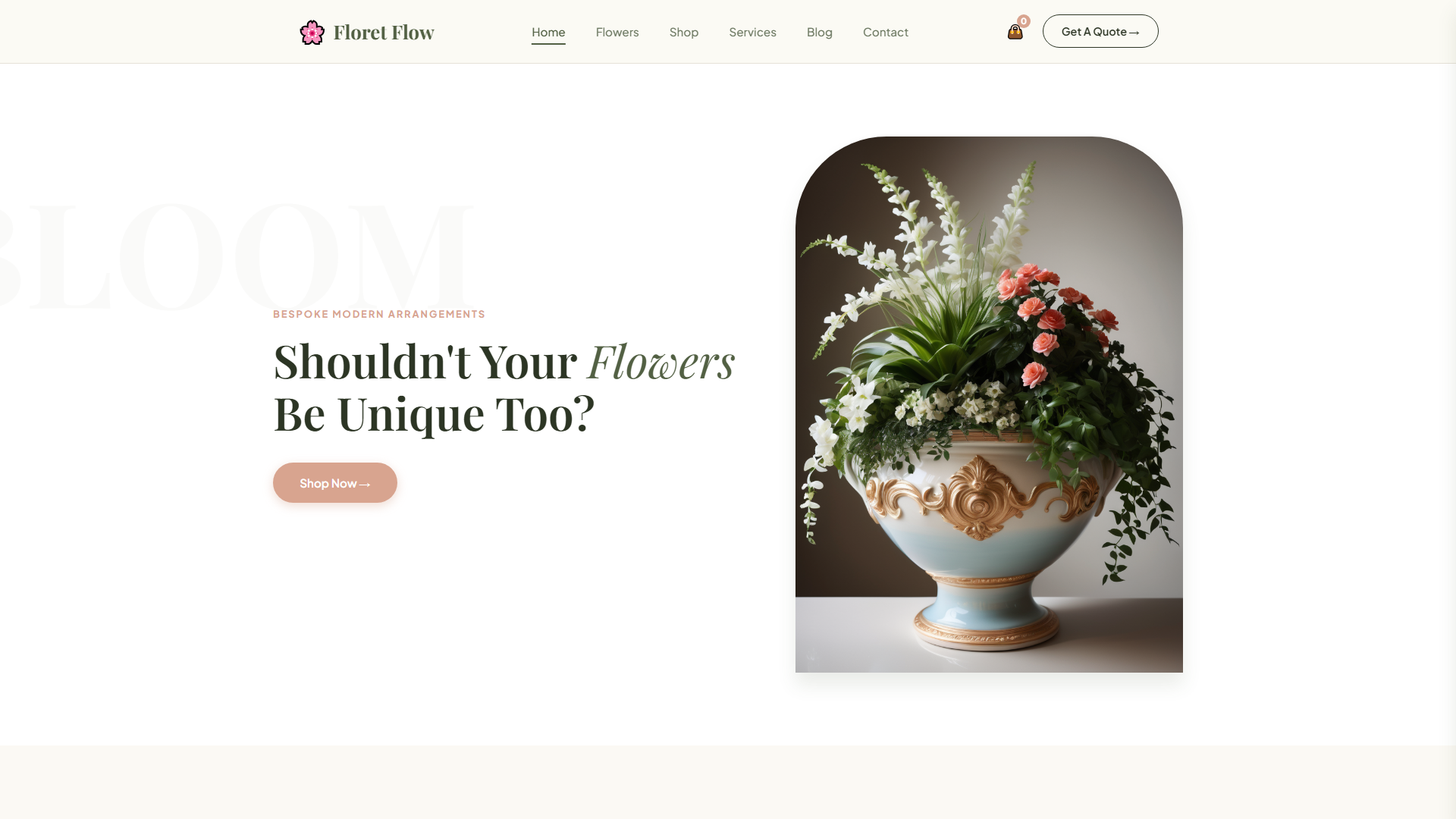
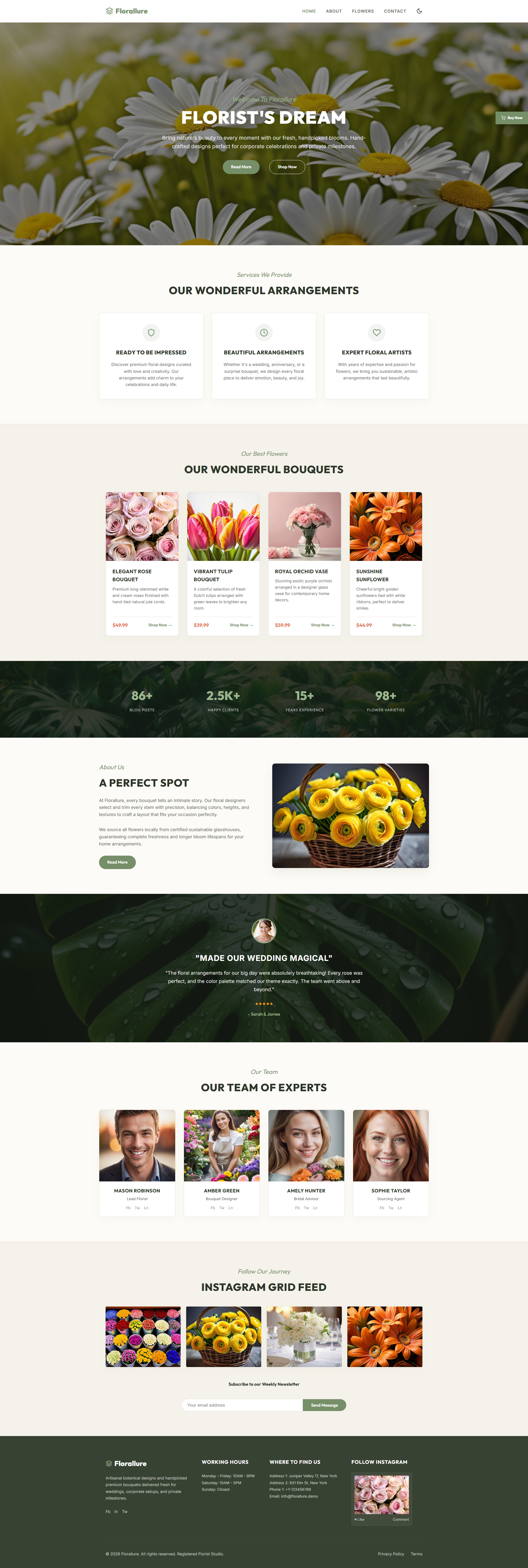
The index page is organized into six sections: Florist's Dream, Our Wonderful Arrangements, Our Wonderful Bouquets, A Perfect Spot, Our Team of Experts, and an Instagram Grid Feed. Twenty-one local images provide visual content throughout. The contact page features an HTML form suitable for newsletter signups or booking inquiries.
Key Features
- Bridal Arrangements Section
- Handpicked Bouquets Showcase
- Botanical Styling Grid
- Event Floral Booking Form
| Tech Stack | HTML5, Tailwind CSS, JavaScript |
| Release Date | 2026-07-05 |
| License | Free (Must keep footer backlink) |
Suitable For & Use Cases
Ideal for freelance floral stylists, boutique wedding planners, small studios in cities like Portland or Austin, and UI/UX designers building client sites quickly. It works best for businesses relying on visual storytelling and direct booking. Not suited for large-scale e-commerce florists needing inventory management or payment gateways beyond basic form submission.
Page Sections Included
The index page features a Florist's Dream hero introduction, Our Wonderful Arrangements and Our Wonderful Bouquets gallery sections, A Perfect Spot for venue or location details, Our Team of Experts highlighting staff profiles, and an Instagram Grid Feed showcasing social content. Navigation links lead to the about, contact, and flowers pages, with the contact page containing a newsletter or inquiry form.
Why We Recommend
Florallure works well because it avoids unnecessary dependencies while maintaining a clean, modular structure. The hand-written CSS and simple form handling make it easy to extend without wrestling with animation frameworks or build tooling. For small florist shops that need a professional presence without complexity, this template delivers a straightforward starting point.
Technical Specifications
Built with HTML5, Tailwind CSS, and vanilla JavaScript. Customize colors and layout through Tailwind's configuration. Edit the 21 local images via the assets directory. No build tooling required beyond standard static hosting.
Ideal Use Case
A local independent flower shop that sells arrangements through in-store pickup and seasonal subscription boxes. The template supports gallery-style bouquet display, staff bios, and a contact form for event inquiries — all without requiring e-commerce hosting or third-party booking platforms.