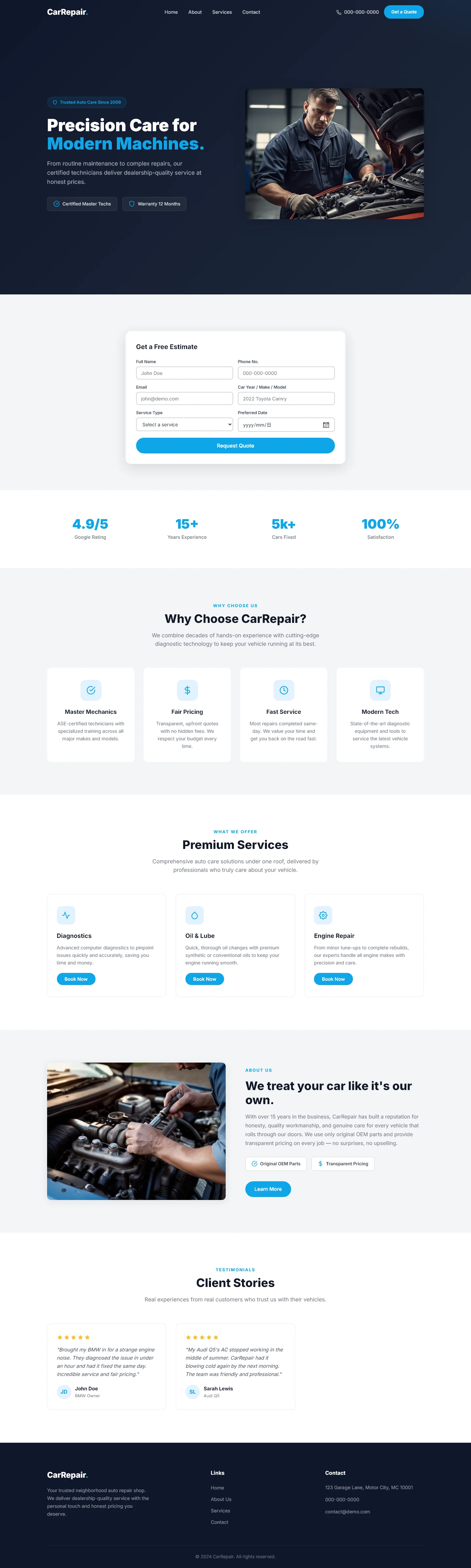
CarRepair — Free Automotive Website Template
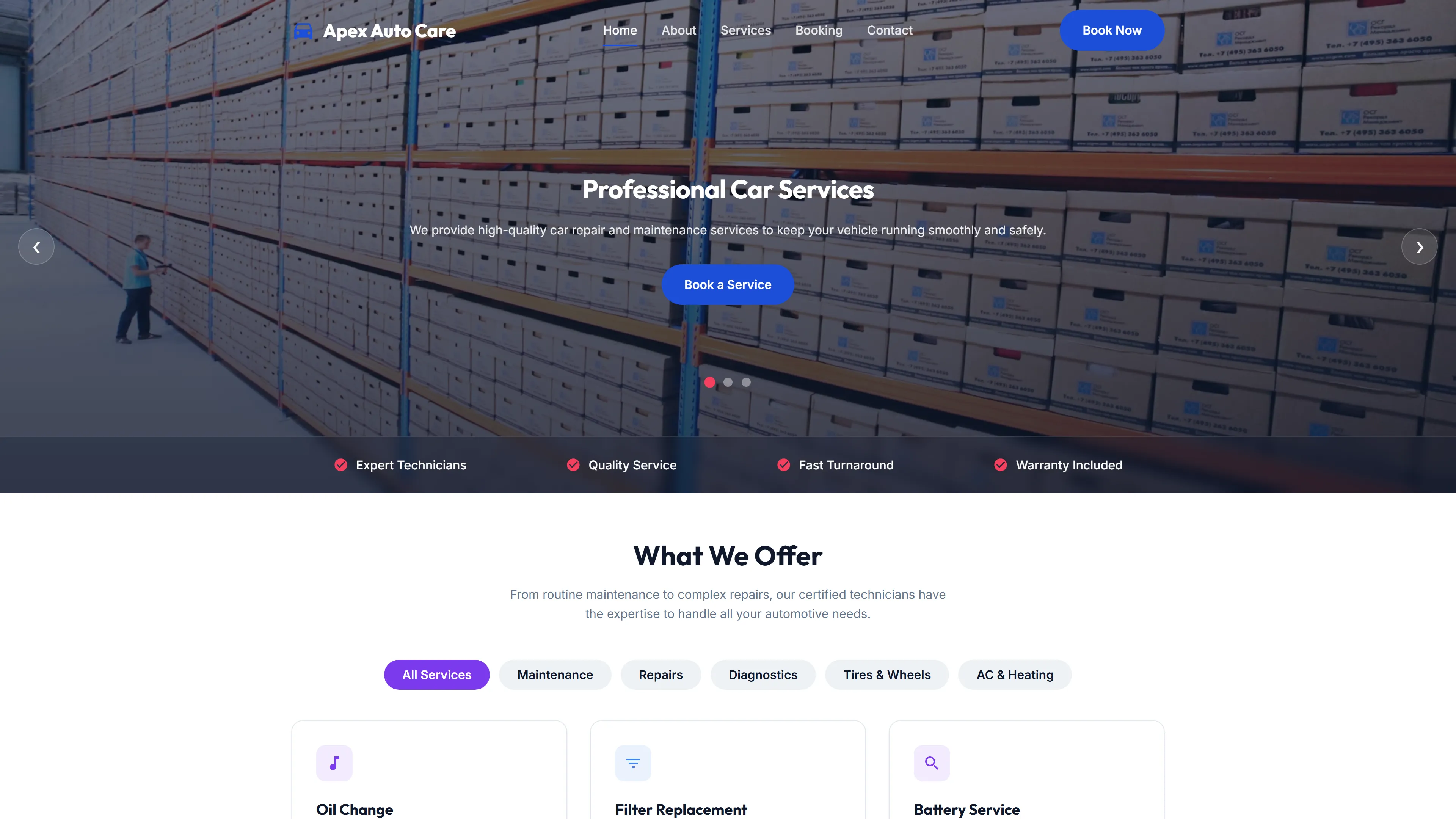
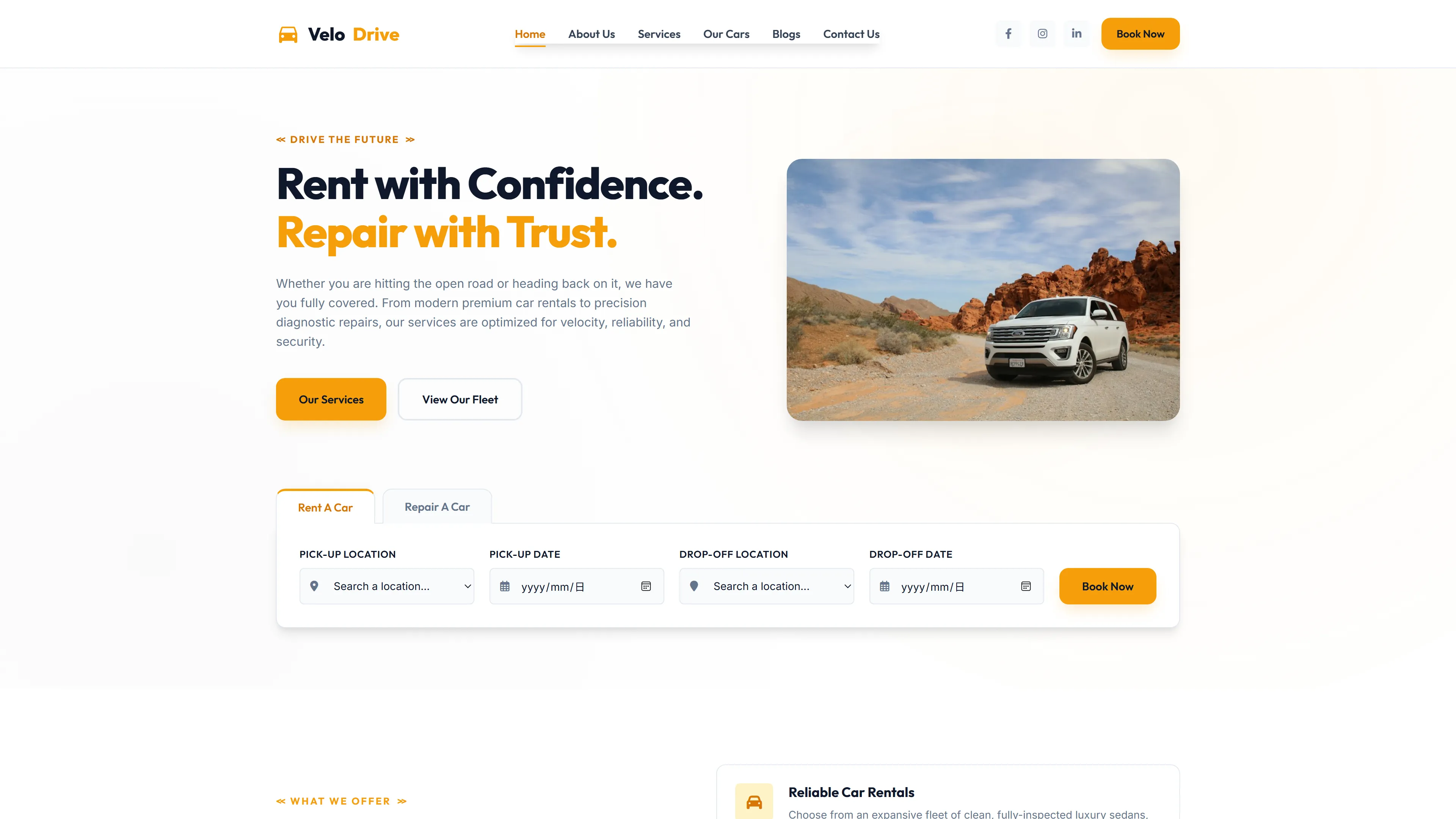
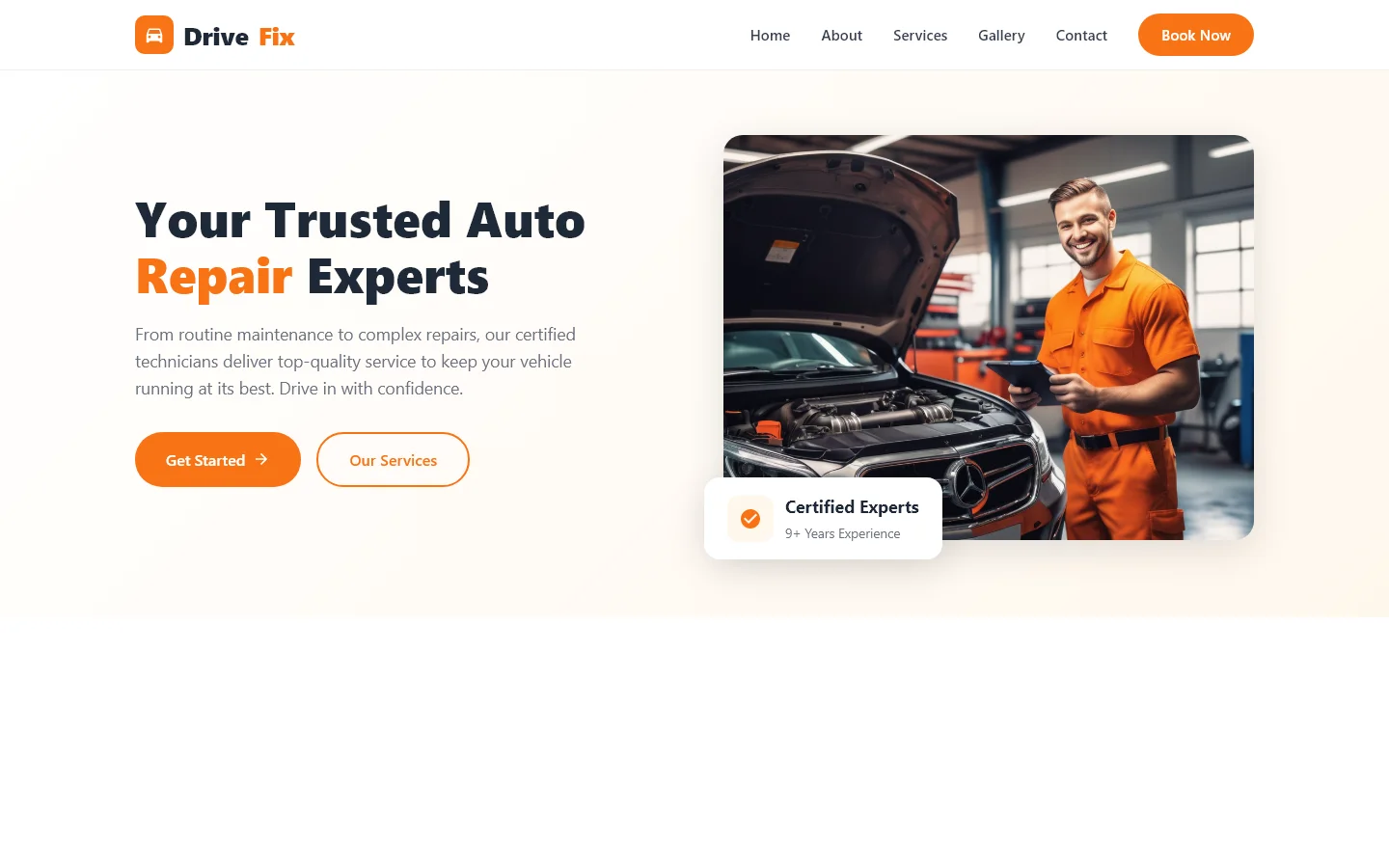
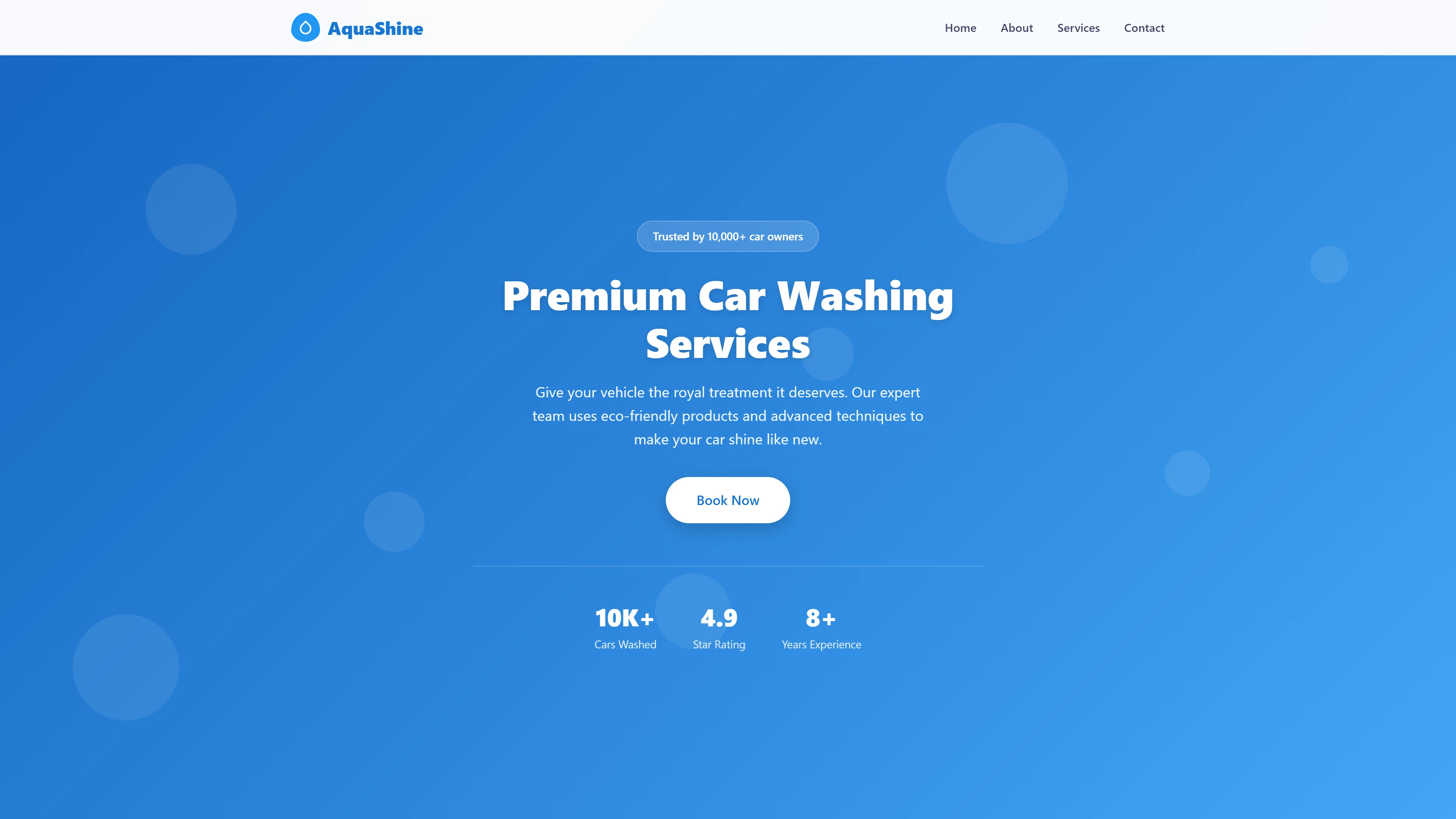
This template provides a structured foundation for automotive service websites using HTML5 and Tailwind CSS. The package includes six standalone pages covering core business sections. Developers will find hand-written CSS offering granular control over styling without framework overhead. Google Fonts integration ensures professional typography across all sections. The responsive layout adapts cleanly from mobile to desktop viewports. Components include navigation, content sections, and a contact form for user interactions. All assets are organized for straightforward customization and deployment. The template follows modern best practices for performance and maintainability. Local images integrate seamlessly into the design system.
Key Features
- Automated Booking System Integration
- Service Timeline Visualization Component
- Certified Technician Badge Module
- Transparent Pricing Table with Filter
| Tech Stack | HTML5, Tailwind CSS, JavaScript |
| Release Date | 2026-07-05 |
| License | Free (Must keep footer backlink) |
Suitable For & Use Cases
Front-end developers building auto shop websites, freelance web designers serving small businesses in automotive tech, startup founders launching local car repair apps. Also useful for agencies needing a solid starter kit for client projects. Not suited for enterprise fleet management systems or high-volume e-commerce parts stores requiring complex inventory tracking. Auto repair shops, car detailing studios and vehicle maintenance centers.
Page Sections Included
The template includes six HTML pages: an index page with section headings covering precision care messaging, service highlights, and client testimonials. Additional pages include about information, detailed service descriptions, a contact form for customer inquiries and newsletter subscriptions, and individual service detail views. Navigation provides access to all sections. Local images are included alongside Google Fonts integration. The hand-written CSS approach allows customization of visual styling throughout.
Why We Recommend
The CarRepair template delivers a complete, production-ready starting point for automotive businesses. Its six-page structure covers essential website requirements without unnecessary complexity. Hand-written CSS provides full customization control while Google Fonts ensure visual consistency. The responsive design maintains usability across all device sizes. Developers appreciate the clean architecture and documented component patterns. The contact form enables immediate customer engagement.
Technical Specifications
Requires Node.js and npm for dependency management. Tailwind CSS CLI or build tools needed for compilation. Google Fonts integration handles typography. Basic understanding of HTML, CSS, and JavaScript required for customization. The package includes source files ready for modification.
Ideal Use Case
Independent auto repair shops can deploy this template for their online presence. The six-page structure supports business information, service listings, and customer contact. The contact form captures leads directly from the website. Responsive design ensures accessibility on mobile devices where many customers search for local services.