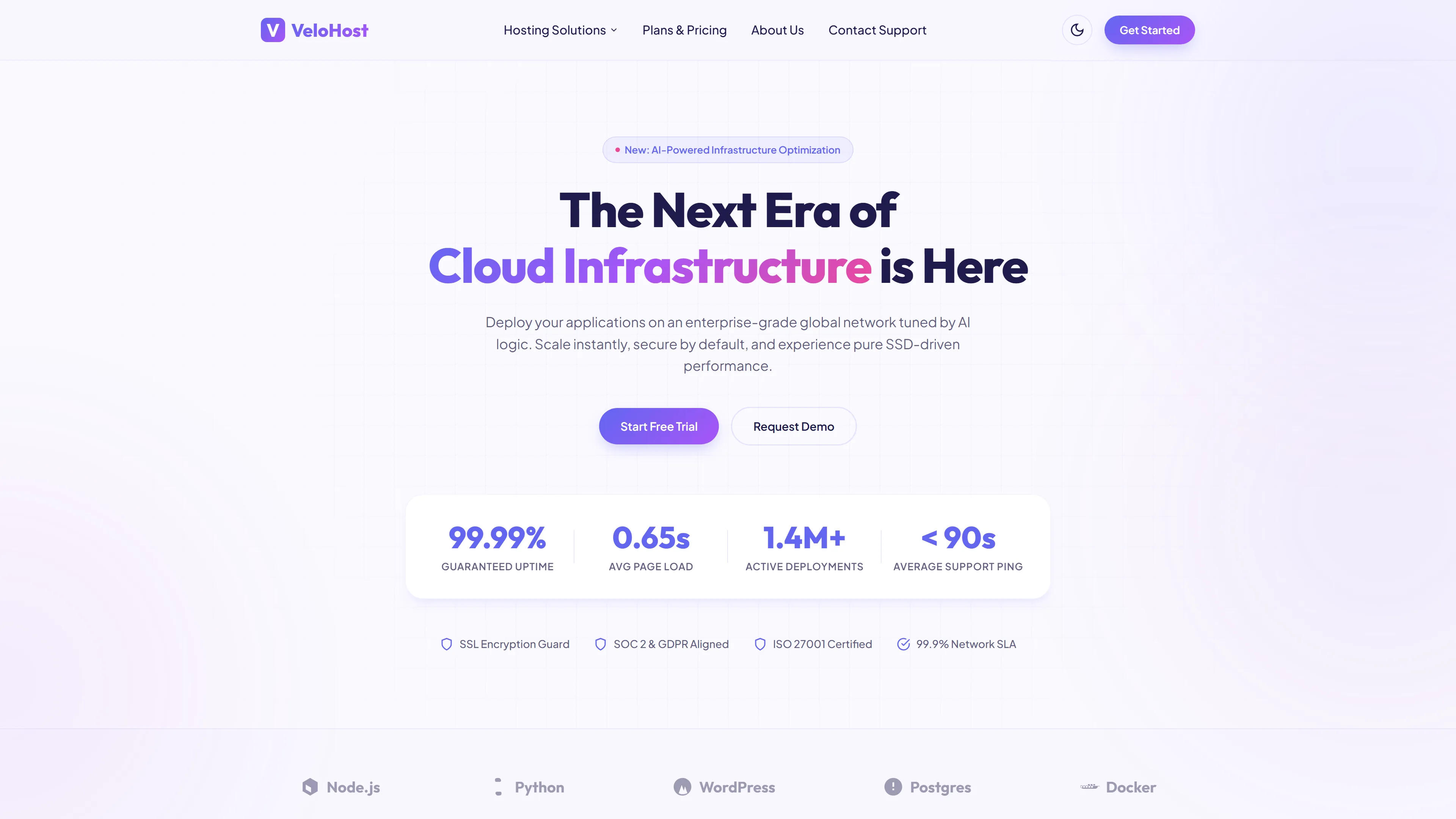
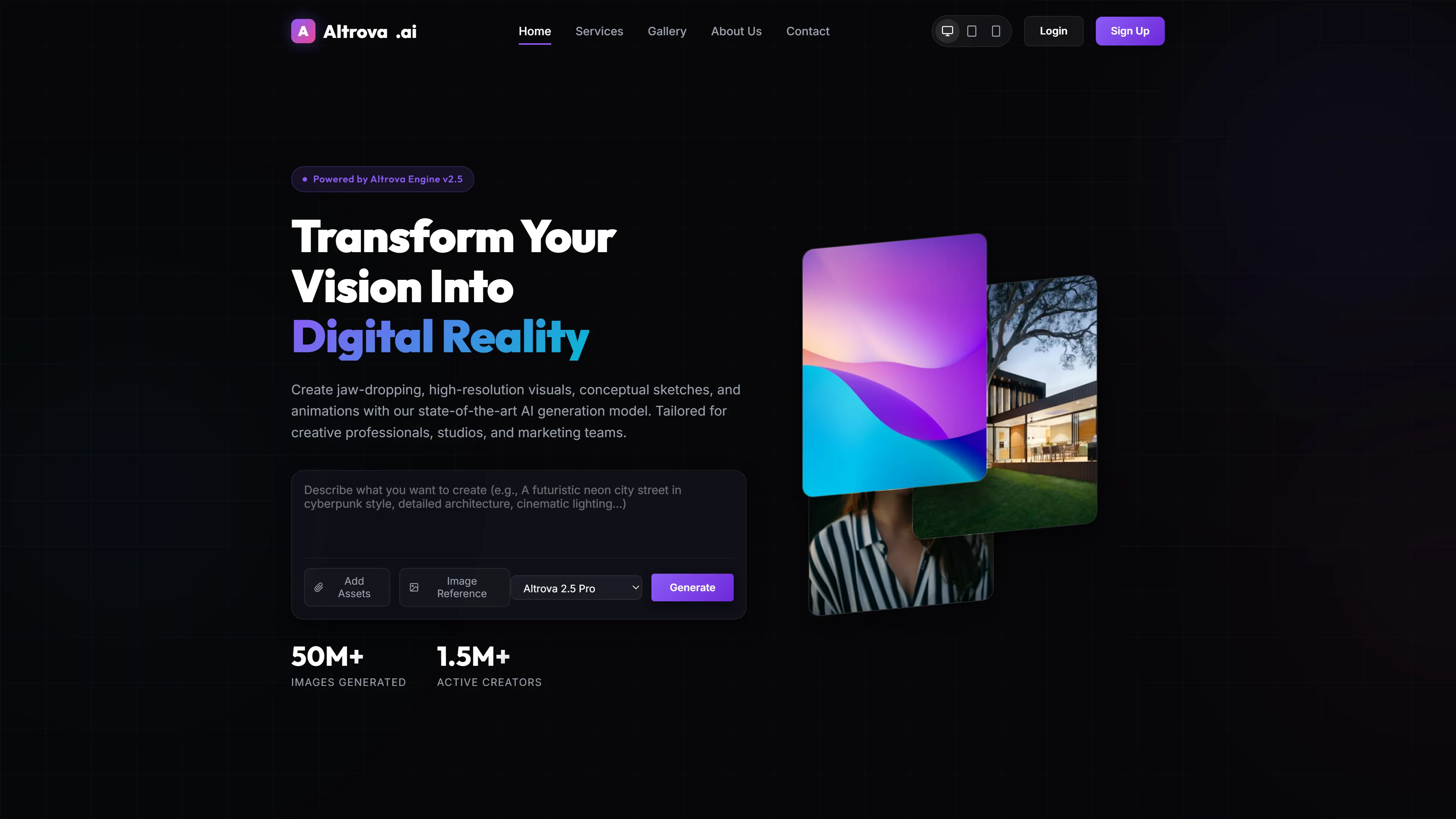
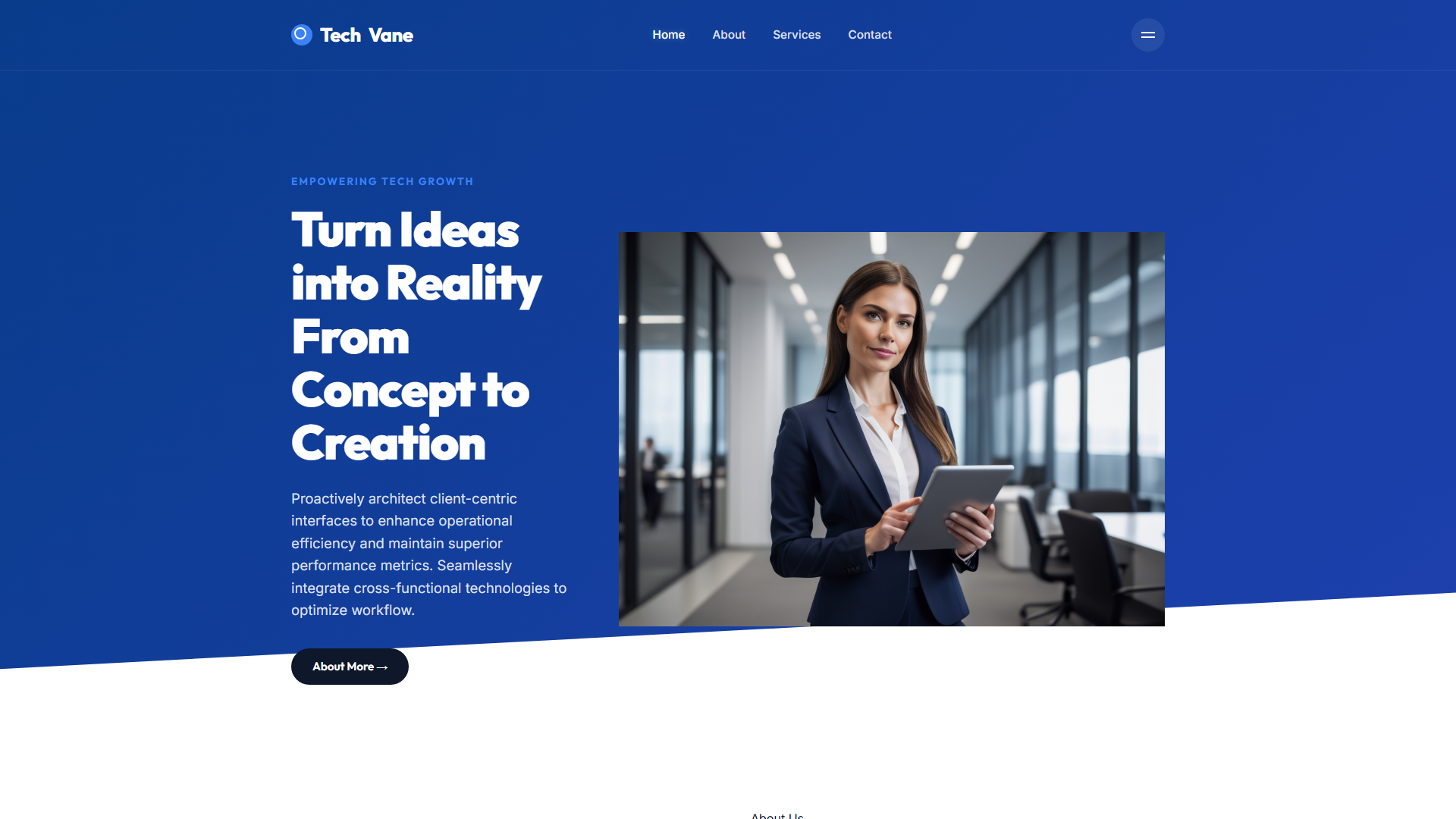
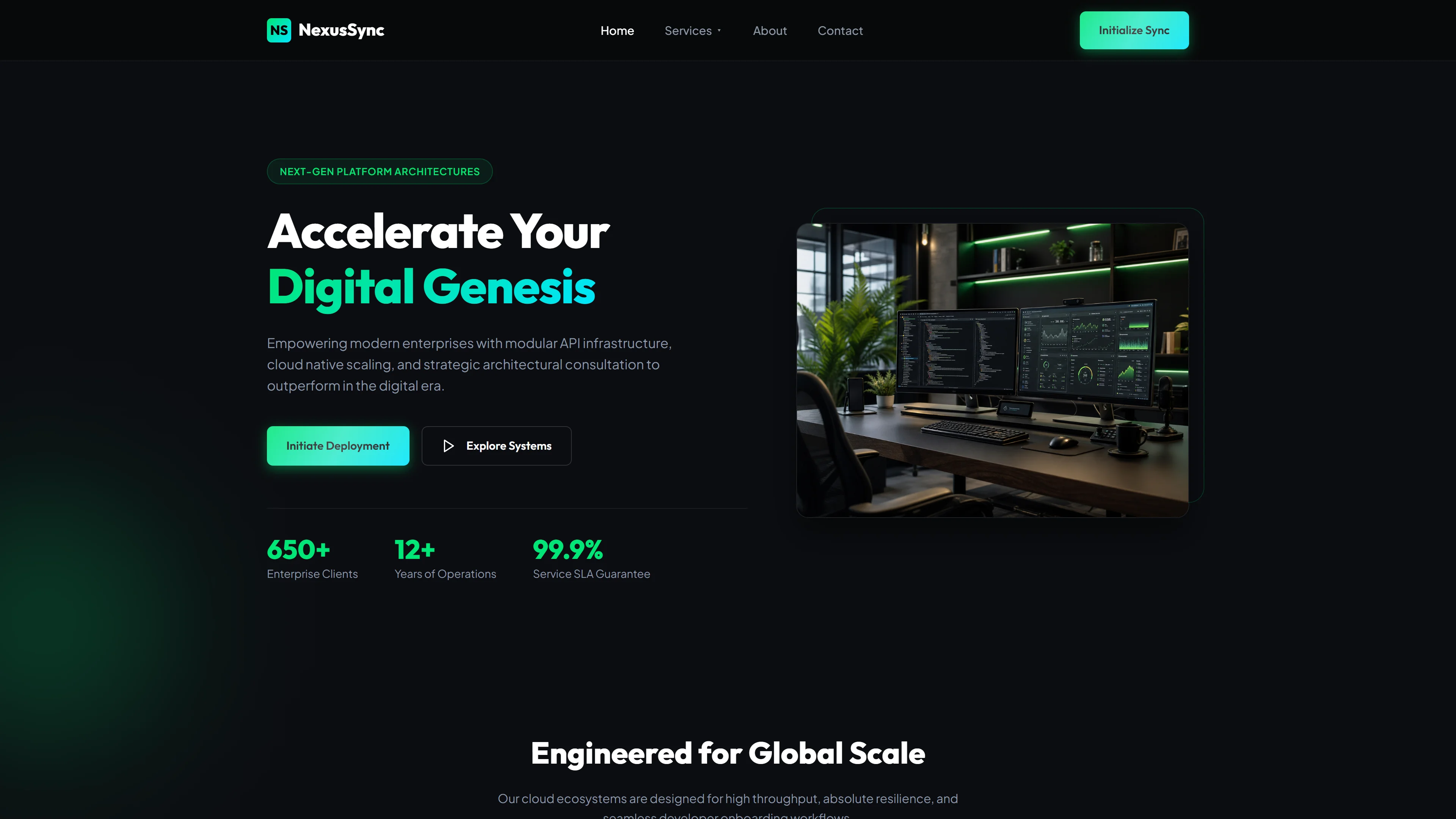
Nexonix - Confiable — Plantilla Web IT y Software Gratis
Nexonix es una plantilla gratuita de HTML5 y Tailwind CSS diseñada para empresas de TI y software que necesitan una presencia online profesional y de alto rendimiento. Incluye 7 páginas artesanales — index, about, services, portfolio, blog, contact y un índice secundario — todo impulsado por CSS escrito a mano y JavaScript vanilla. La plantilla incluye un formulario de contacto/newsletter, 25 imágenes locales e integración con Google Fonts, dando a los equipos control total sin bloat.
Los encabezados de sección en la página principal cubren mensajes de presencia digital, servicios, portafolios, planes de precios, testimonios, biografías del equipo y preguntas frecuentes. El modo oscuro es compatible mediante la estrategia basada en clases de Tailwind, y la arquitectura mantiene los paquetes ligeros evitando bibliotecas externas pesadas. La plantilla usa SVGs en línea para iconos, reduciendo solicitudes HTTP y mejorando las puntuaciones de Core Web Vitals.
Características Principales
- Soluciones Tecnológicas
- Innovación
- Empoderamiento Empresarial
- Soluciones Personalizadas
| Tecnología | HTML5, Tailwind CSS, JavaScript |
| Fecha de Lanzamiento | 2026-07-05 |
| Licencia | Gratis (Se debe mantener el enlace de crédito) |
Adecuado para y casos de uso
Marketing engineers at PyMEs building SaaS landing pages, indie devs launching MVP tools, or freelance tech agencies needing fast, SEO-optimized client sites. Perfect for CTOs who want to avoid drag-and-drop builders that kill page speed. Also great for freelancers who need to deliver production-ready frontends in under an hour. No es adecuado para tiendas de comercio electrónico que requieren funcionalidad de carrito de compras.
Secciones de página incluidas
Basado en los DATOS, Nexonix contiene 7 páginas HTML: index.html, about.html, services.html, portfolio.html, blog.html, contact.html y nexonix.html. La página principal incluye encabezados de sección como Hero, Nuestros Servicios, Por Qué Elegirnos, Nuestro Portafolio, Planes de Precios Flexibles, Lo Que Dicen Nuestros Clientes, Conoce a Nuestros Líderes y Preguntas Frecuentes. Los elementos adicionales de la plantilla incluyen un formulario HTML de contacto o boletín, 25 imágenes locales y una navegación móvil tipo hamburguesa construida con JavaScript nativo.
Por qué lo recomendamos
Nexonix ofrece una base limpia y orientada al rendimiento para sitios de TI y software sin requerir herramientas de construcción complejas más allá de Tailwind. El enfoque de CSS escrito a mano mantiene el paquete en solo 6.1 MB, y la implementación del modo oscuro respeta las preferencias del usuario mientras ahorra batería en pantallas OLED. Los equipos que necesitan lanzamientos rápidos con espacio para portafolios, listados de servicios y formularios de captura de leads encontrarán fácil de personalizar y desplegar.
Especificaciones técnicas
Requiere Node.js v18+ y npm. Inicializa Tailwind con `npx tailwindcss init -p`, configura el modo oscuro mediante la estrategia class en tailwind.config.js, y usa PostCSS para compilaciones de producción. Sirve a través de Netlify o Vercel después de ejecutar `npm run build`. Personaliza los colores bajo theme.extend.colors en el archivo de configuración.
Caso de uso ideal
Ideal para empresas SaaS lanzando un sitio de producto, consultoras de TI construyendo páginas de servicios y estudios de caso, agencias de software mostrando portafolios y startups tecnológicas que necesitan un sitio de marketing de carga rápida con modo oscuro. El blog y las páginas de contacto incluidos soportan marketing de contenido y generación de leads desde el principio.