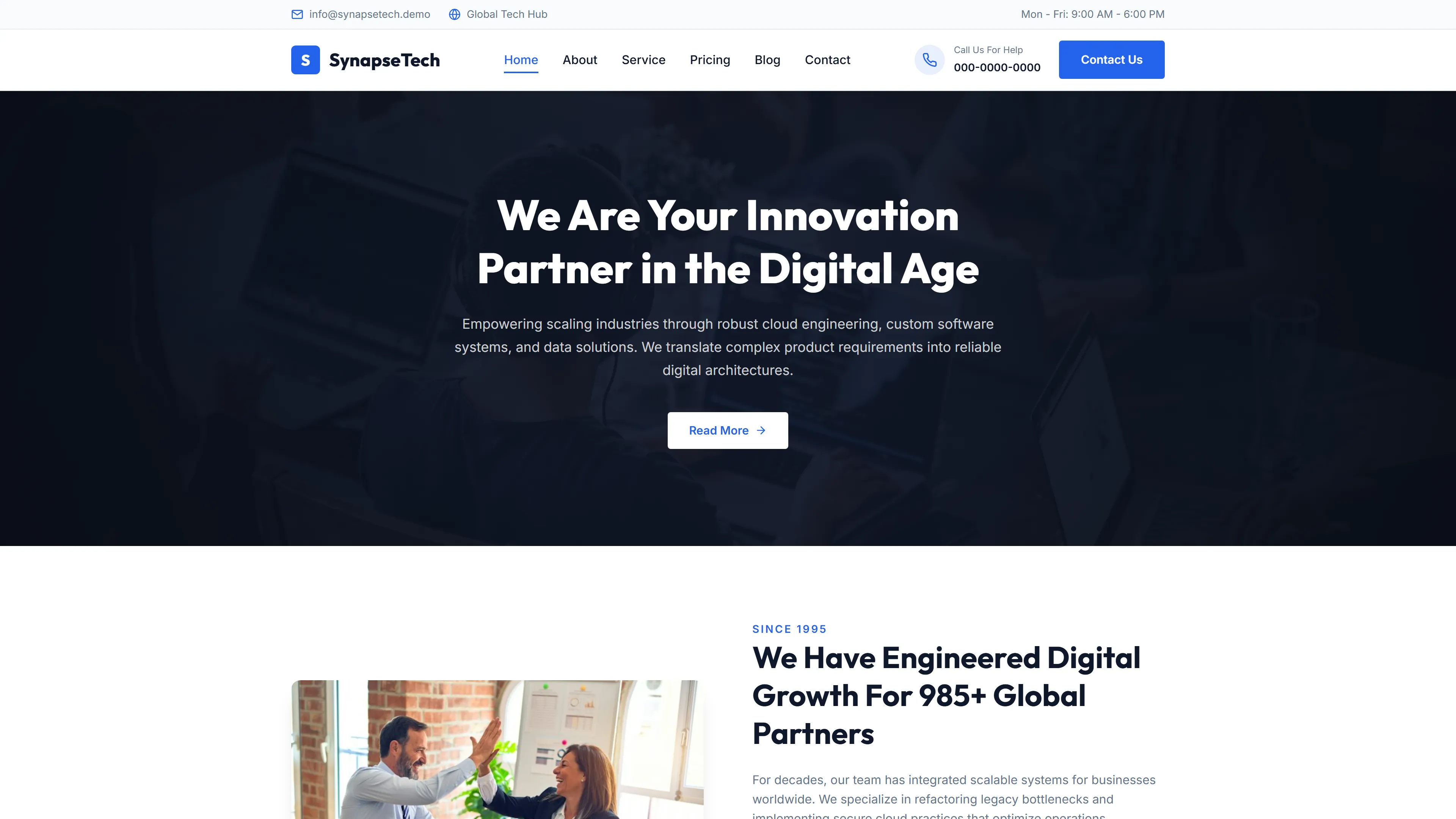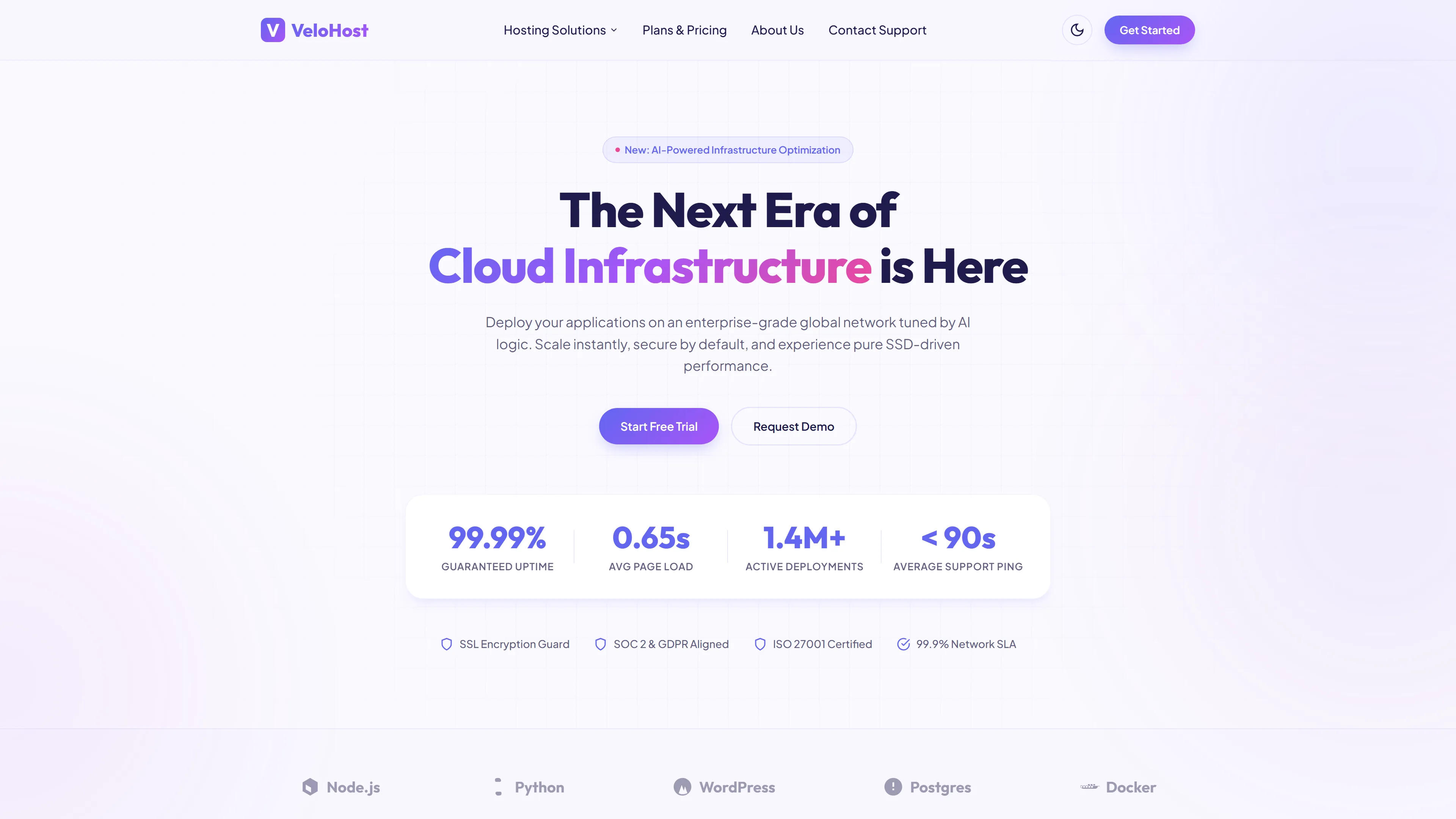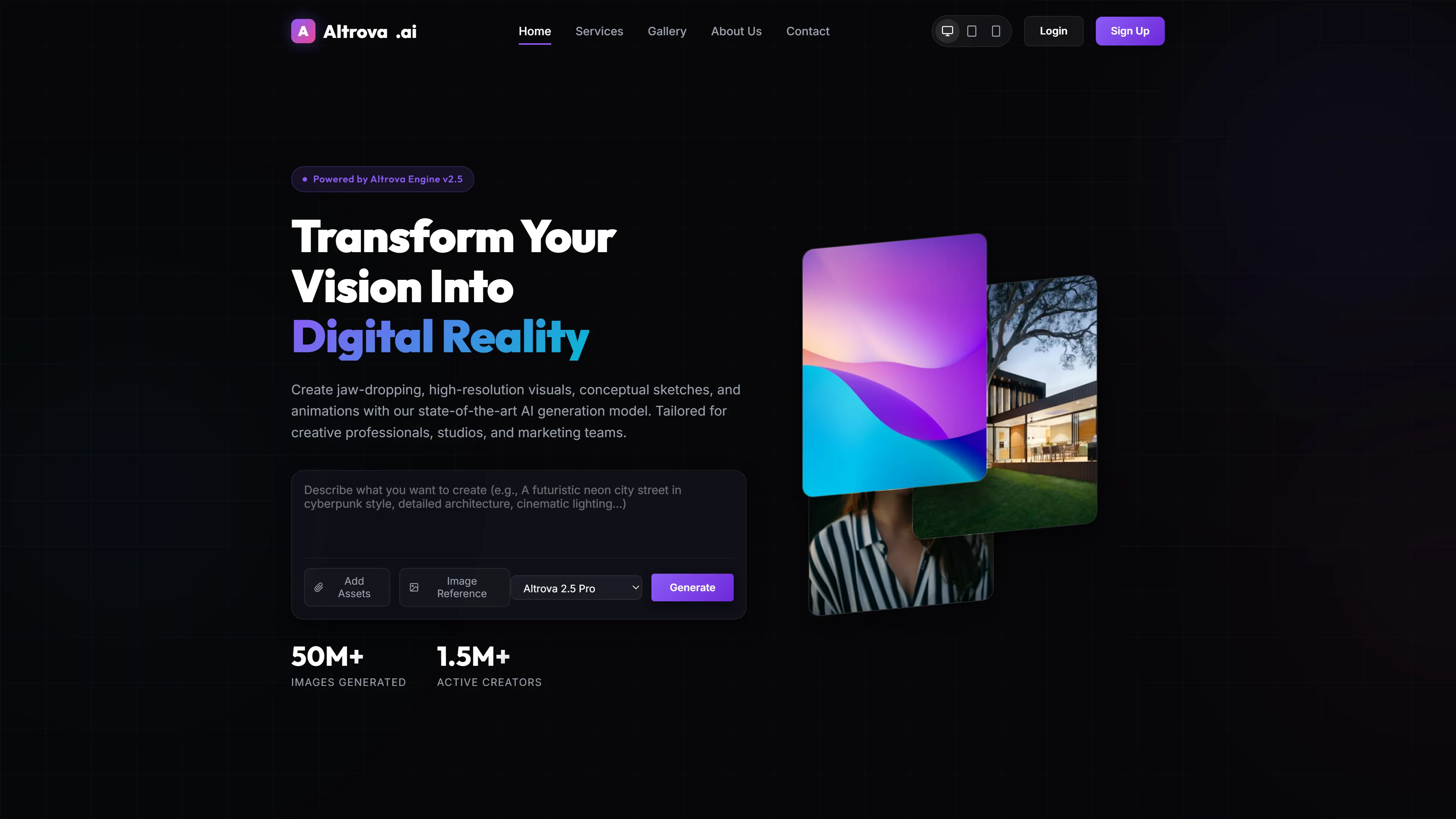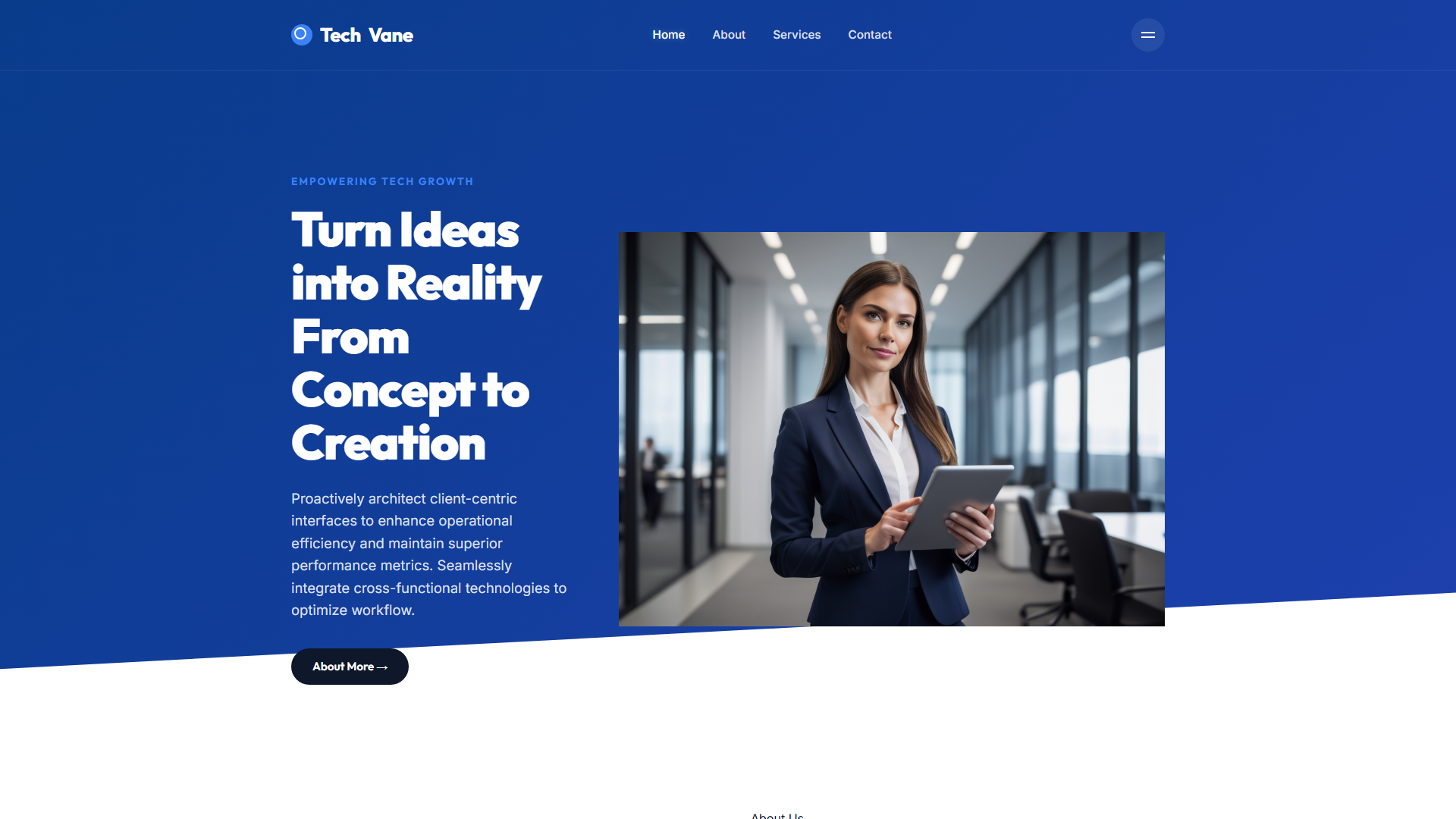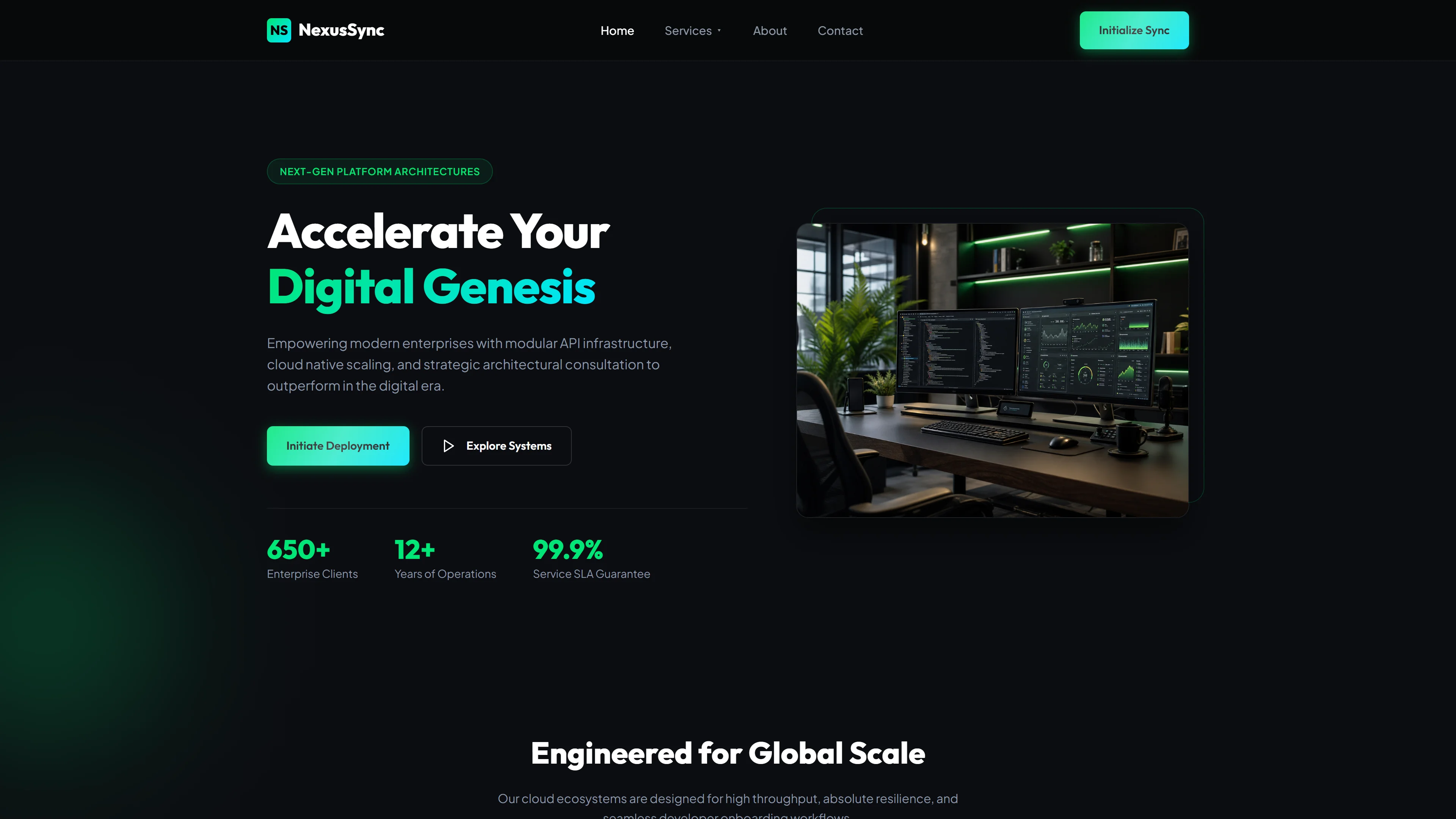
Aetheris Solutions — Plantilla Web IT y Software Gratis
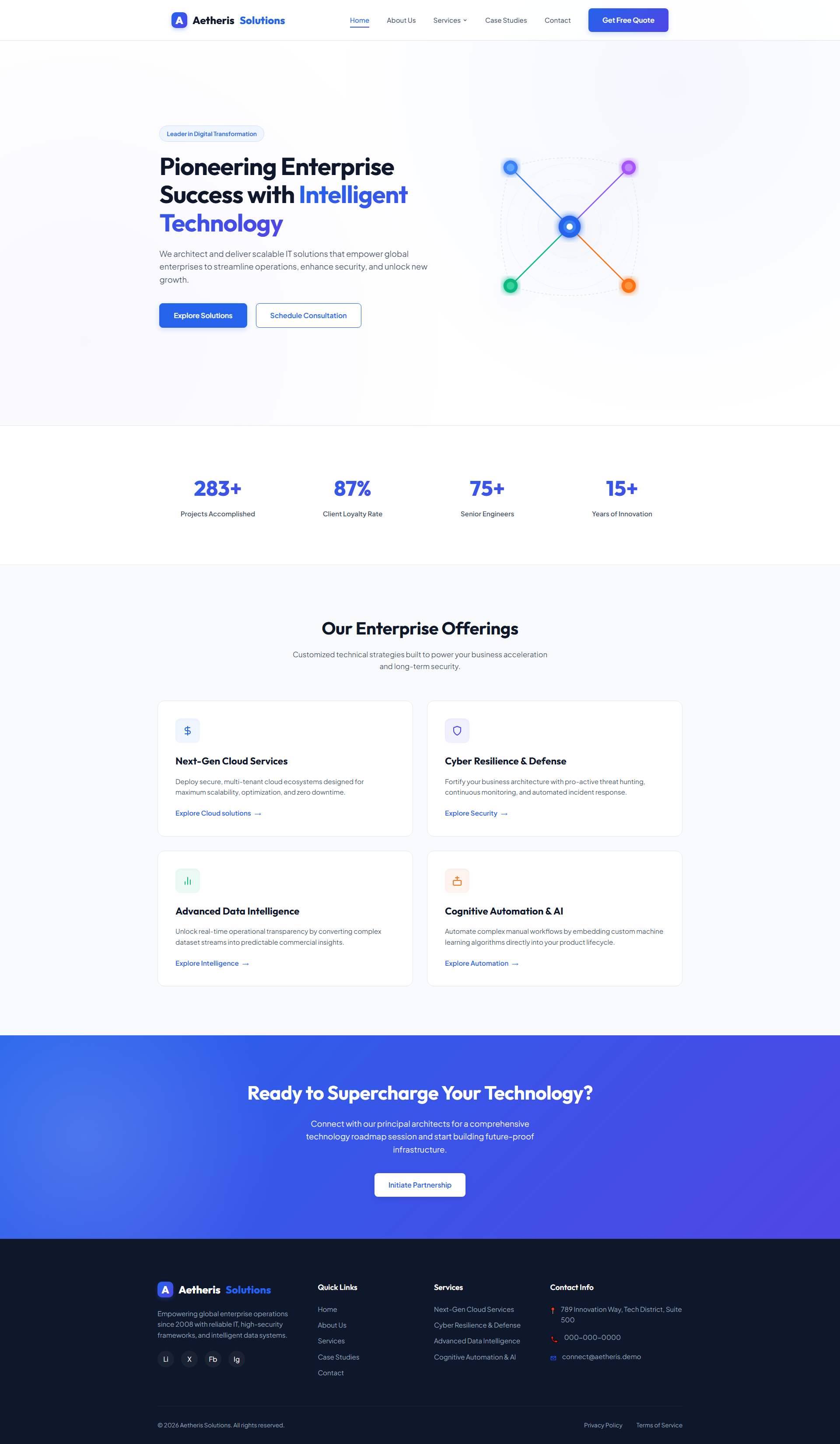
Aetheris Solutions es una plantilla web gratuita de TI y software construida con HTML5 y Tailwind CSS, que contiene 5 páginas artesanales: index, about, services, case studies y contact. El paquete incluye 15 imágenes locales y un formulario HTML de contacto/newsletter con validación nativa.
La plantilla presenta un diseño moderno basado en cuadrícula con CSS escrito a mano, un interruptor de modo oscuro funcional y sin bibliotecas de animación externas, manteniendo una huella ligera de 3,9 MB. Las secciones clave del index incluyen un encabezado hero sobre tecnología empresarial, una cuadrícula de ofertas y un panel de llamada a la acción con indicaciones de servicio claras.
Características Principales
- Servicios en la nube
- Defensa de ciberseguridad
- Inteligencia de datos
- Automatización con IA
| Tecnología | HTML5, Tailwind CSS, JavaScript |
| Fecha de Lanzamiento | 2026-07-05 |
| Licencia | Gratis (Se debe mantener el enlace de crédito) |
Adecuado para y casos de uso
IT agency owners setting up client-facing sites without dev help. DevOps leads needing a clean portfolio for cloud migration projects. Cybersecurity boutiques wanting to showcase compliance certifications clearly. SaaS startups explaining AI automation workflows to non-technical buyers. Marketing managers at mid-sized tech firms requiring SEO-structured templates that rank faster. Specifically useful when you need to translate complex service offerings into scannable formats for enterprise sales cycles. No es adecuado para tiendas de comercio electrónico que requieren funcionalidad de carrito de compras.
Secciones de página incluidas
Basándose en los encabezados de la página index, la plantilla presenta secciones sobre éxito empresarial con tecnología inteligente, ofertas empresariales y una llamada a la acción para potenciar la tecnología. La estructura de la página utiliza los 5 archivos HTML para el contenido de about, case studies, contact, index y services.
Por qué lo recomendamos
Aetheris Solutions proporciona una base estructural limpia adaptada para estudios de TI y software. El modo oscuro integrado ahorra tiempo de personalización, la disposición de cinco páginas cubre las necesidades empresariales estándar desde el principio, y el enfoque utility-first de Tailwind facilita los cambios de tema sin tocar las clases principales.
Especificaciones técnicas
Requiere Node.js v18+ y npm. Ejecuta `npx tailwindcss init -p` para generar la configuración. Personaliza los colores en `tailwind.config.js` con valores hexadecimales. Anula los breakpoints mediante `theme.extend.screens`. Optimiza las imágenes con `sharp` v4.0 o Squoosh antes del empaquetado.
Caso de uso ideal
Ideal para consultoras de TI, agencias de software y startups tecnológicas que buscan lanzar una presencia profesional rápidamente. Úsalo para portafolios de casos de estudio, páginas de servicios SaaS o sitios de productos tecnológicos internos donde se necesite una estructura orientada a la conversión sin un desarrollo front-end pesado.