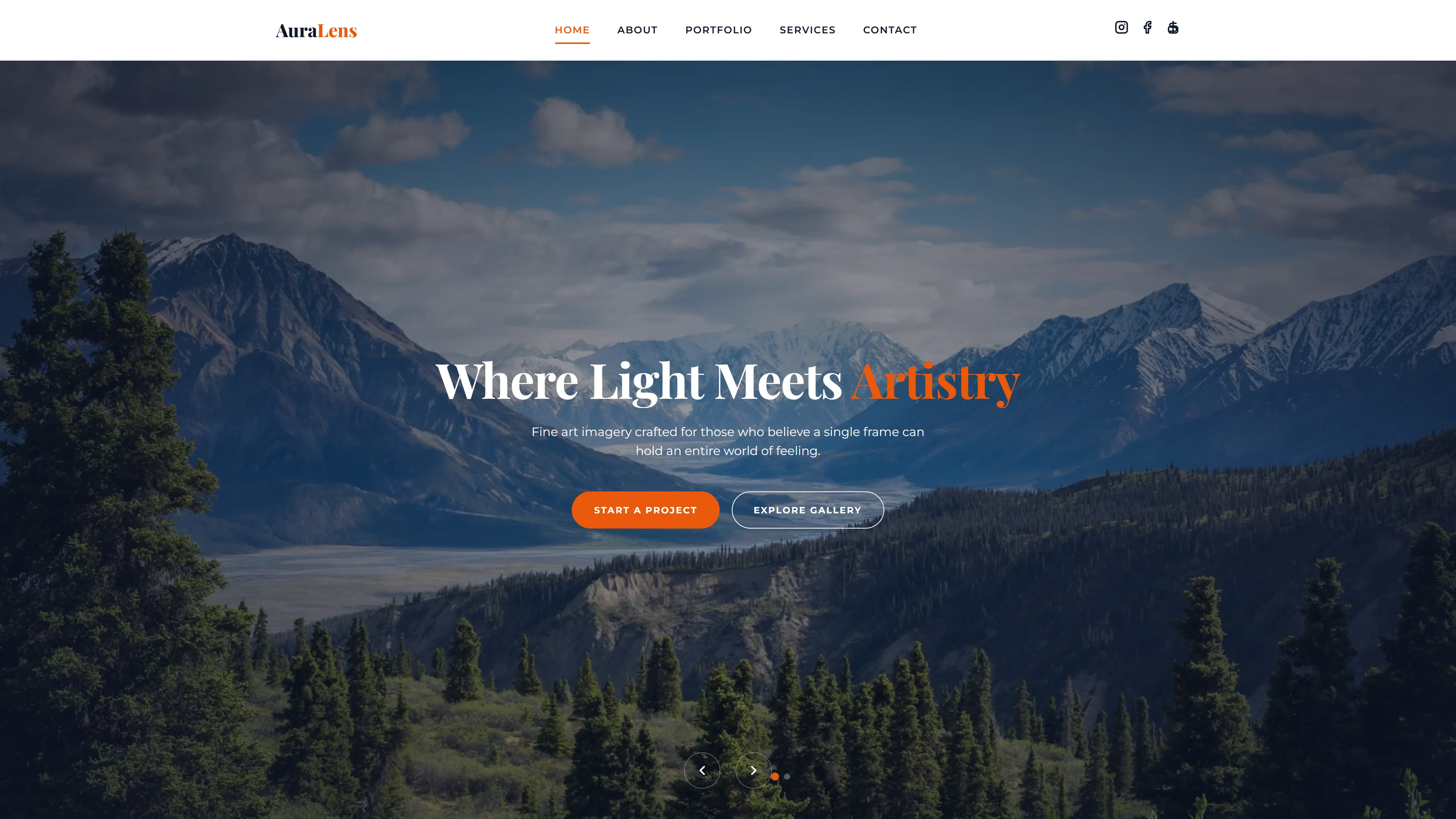
The $200/Year Habit Nobody Questions
Ask a small business owner how much their website costs, and you'll hear answers ranging from $15/month (Wix) to $300/year (WordPress hosting + premium theme). Multiply that across millions of businesses, and an entire industry has normalized bleeding money on websites that could cost almost nothing.
This article isn't about cutting corners. It's about understanding what you're actually paying for — and discovering that the expensive path often delivers worse results than the free one.
The Uncomfortable Truth About Website Builders
Website builders like Wix, Squarespace, and Shopify have one brilliant feature: they make building a website feel easy. The drag-and-drop interface is addictive. But here's what they don't advertise:
- Vendor lock-in: Your site only lives on their platform. Leave, and you lose everything.
- Slow pages: Builder-generated sites are bloated with JavaScript. Google notices. Visitors leave.
- Monthly rent: You never own your website. Stop paying, and it disappears.
- Template sameness: Thousands of sites look identical. Your brand becomes forgettable.
I'm not saying builders are useless. For complex e-commerce with 500+ products, they're great. But for a restaurant, freelancer, portfolio, or small business? You're paying a monthly subscription for something that should be a one-time 30-minute setup.
The $10/Year Website: A Complete Breakdown
Here's what a professional website actually costs when you stop overpaying:
- Website template: $0 (FreeTemplateGo — 140+ professional designs, free for commercial use)
- Hosting: $0 (Cloudflare Pages, Netlify, or GitHub Pages — all free, forever)
- Domain name: ~$10/year (.com from Cloudflare at wholesale price, or Namecheap)
- SSL certificate: $0 (included free with Cloudflare/Let's Encrypt)
- CDN: $0 (Cloudflare's global network, free tier)
- Email: $0 (forward from your domain to Gmail, or use Zoho Mail free tier)
Total: ~$10/year. That's it. Your website costs less than a Netflix subscription.
Step-by-Step: From Template to Live Website in 20 Minutes
Here's the exact process I recommend to anyone who asks "how do I make a website?":
Step 1: Choose your template. Browse FreeTemplateGo and find a design that matches your industry. Restaurant? We have 8+ restaurant templates. Student portfolio? Got that too. Download the ZIP.
Step 2: Edit locally. Open the files in VS Code (free). Change the text, swap images, update colors. Our templates use Tailwind CSS — you modify styles by editing class names directly in the HTML. No separate CSS files to manage.
Step 3: Push to GitHub. Create a free GitHub repository and push your files. This gives you version control (you can always undo mistakes) and a backup.
Step 4: Deploy to Cloudflare Pages. Connect your GitHub repo to Cloudflare Pages (free). Every time you push changes, your site auto-updates. Global CDN means your site loads fast everywhere — Jakarta, Manila, São Paulo, Madrid.
Step 5: Connect your domain. Buy a domain for ~$10/year. Point it to Cloudflare. Done. You now have a professional website with HTTPS, global CDN, and auto-deployment.
Why This Approach Is Actually Better
This isn't just cheaper — it's superior in almost every measurable way:
- Speed: Static HTML templates score 95-100 on Google PageSpeed. WordPress sites with builders typically score 30-60. Google rewards speed in rankings.
- Security: No database to hack. No plugins to update. No vulnerabilities. Static sites are virtually unhackable.
- Ownership: Your files live in your Git repo. No platform can delete your site or change their pricing.
- Performance: No server-side processing means your site handles traffic spikes without breaking a sweat.
Who Is This For?
This approach works perfectly for:
- Restaurant owners: Menu, location, hours, reservation form — everything you need, nothing you don't.
- Students: Portfolio for job applications, graduation project showcase, personal blog.
- Freelancers: Photography, design, writing, consulting — showcase your work professionally.
- Small businesses: Local service providers, consultants, tutors, trainers — establish online credibility.
- Side project founders: Landing page for your app, product launch, waitlist collection.
The One Thing You Should Actually Spend Money On
If you have a budget, don't spend it on hosting or builders. Spend it on:
- Professional photography: A $200 photoshoot for your restaurant/portfolio elevates a free template to look like a $5,000 website.
- Copywriting: Words sell. A good headline is worth more than any premium template.
- A memorable domain: Short, brandable, easy to spell. This is your one worthwhile annual expense.
Stop Renting. Start Owning.
The website industry has convinced millions of people that building a website requires monthly payments. It doesn't. With free templates from FreeTemplateGo, free hosting from Cloudflare Pages, and a $10 domain, you can own a professional website for less than the cost of a cup of coffee per month.
The best time to launch your website was yesterday. The second best time is today — for almost free.



